
Key Takeaways
- CRM platforms that rely on manual data entry slow down sales teams and often produce incomplete or inconsistent data.
- HubSpot offers a broad, established CRM and marketing suite, yet still depends heavily on human input and admin work from reps.
- Coffee acts as an AI CRM agent that captures, enriches, and structures data automatically from email, calendars, and calls.
- Coffee can operate as a standalone CRM for small to mid-sized businesses or as a companion layer that automates data inside HubSpot or Salesforce.
- Sales teams can reduce admin time and improve data quality by implementing Coffee’s AI CRM agent, available at Coffee pricing.
The Critical Choice: Why Your CRM Platform Matters More Than Ever
Manual data entry, fragmented workflows, and low CRM adoption limit sales performance. Your CRM choice sets the baseline for how efficiently your team can work and how reliable your revenue data becomes.
Traditional CRMs expect sales professionals to enter and maintain records. Modern AI agents handle this work autonomously, so reps can focus on conversations, relationships, and closing deals.
You can see how an AI CRM agent improves your sales process. Get started with Coffee to experience automated data capture in practice.
Evaluation Criteria: What to Look for in a Modern CRM
A clear set of criteria helps you compare systems and avoid tools that create more work than they remove.
Efficiency and Automation
Modern CRMs should limit manual clicks and typing. Strong platforms automate data capture, contact creation, and activity logging from existing workflows, such as email and calendar.
Data Quality and Insights
Accurate forecasting and reporting depend on complete, consistent records. Systems that lean on manual entry often produce gaps, while AI-led tools can standardize and enrich data at the source.
Integration Capabilities
Robust integrations connect the CRM with tools like email, calendar, calling, and revenue platforms. This connectivity prevents data silos and reduces copy-paste work.
User Adoption and Experience
Teams adopt CRMs that feel helpful, fast, and relevant to daily work. Platforms that resemble admin portals instead of assistants see lower engagement and less reliable data.
Total Value of Ownership
Subscription fees tell only part of the story. Training time, ongoing maintenance, and the hidden cost of manual data entry all affect the real cost of ownership.
HubSpot: Strengths and Limits for Modern Sales Teams
Where HubSpot Performs Well
HubSpot provides a full marketing, sales, and service platform. Marketing teams value its campaign tools, dashboards, and large integration marketplace. Companies that want one vendor for many functions often view HubSpot as a logical starting point.
Operational Cost of Manual Processes
HubSpot still leans on manual input for accurate data. Reps often update fields, log activities, and maintain contact records themselves. This work consumes selling time and can result in partial or outdated information when reps fall behind.
A Passive System That Waits on Reps
HubSpot functions as a database that waits for humans to keep it current. When sales professionals must constantly maintain records, the CRM can feel more like an obligation than a partner in revenue generation.
Coffee: The AI-Powered CRM Agent for Modern Sales
Turn Your CRM Into an Active Sales Partner
Coffee shifts the CRM from passive software to an active AI agent. Instead of simply storing data, Coffee captures, structures, and updates it in the background.
The platform reduces manual data entry, connects scattered information, and guides workflows so reps spend more time with prospects and less time on screens.

Key Features That Reshape Sales Workflows
Coffee’s AI agent automatically creates and enriches contacts, companies, and activities from email, calendar, and calls. This approach sends clean data into the system without constant rep input.
Meeting workflows become easier with AI-powered prep and follow-up. Coffee prepares briefings, joins calls to record and transcribe, then drafts summaries, action items, and follow-up emails for review. Reps capture context and commitments without extra note-taking.

Pipeline reviews also become faster. Coffee analyzes changes each week and surfaces deals that moved forward, stalled, or need attention. Leaders can skip exports and spreadsheets and move directly to decision-making.
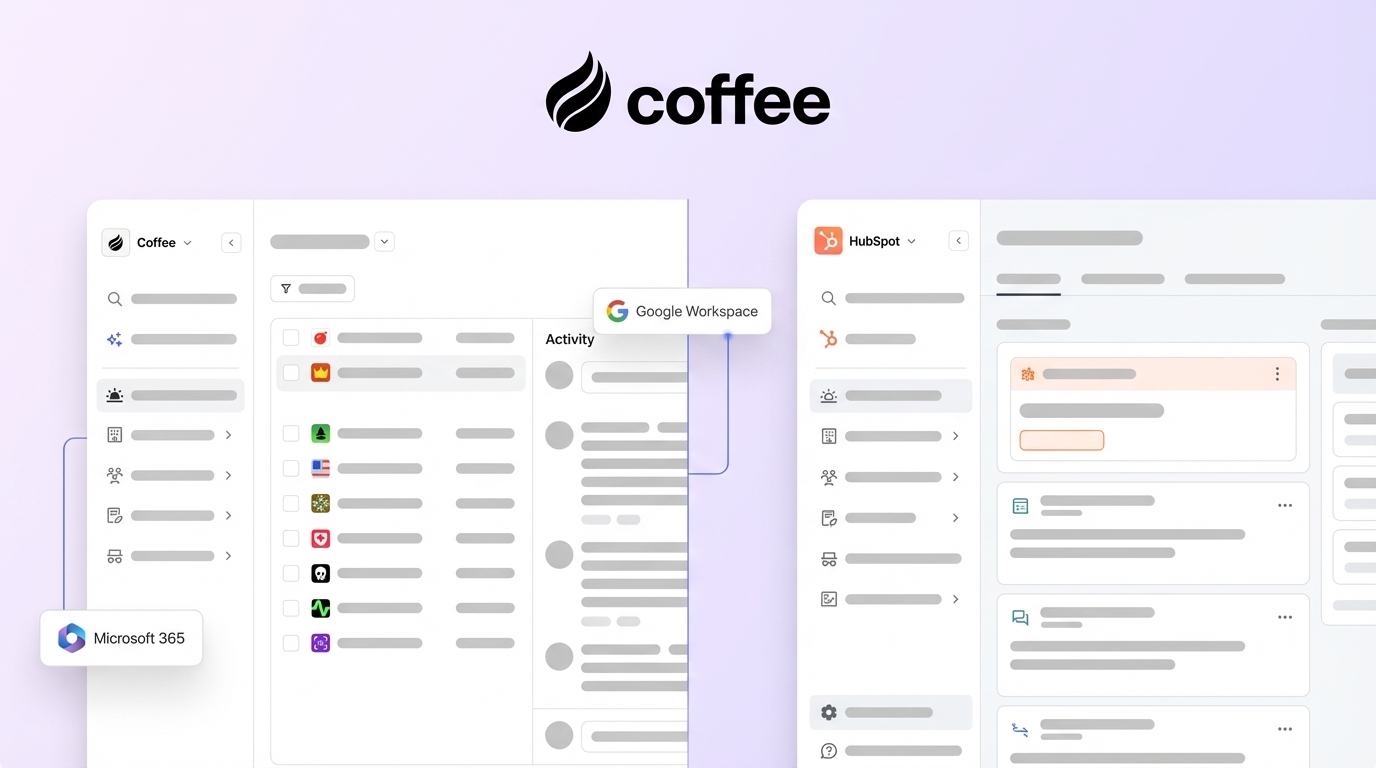
Coffee often replaces multiple point tools. Teams can use it as a standalone CRM for small to mid-sized businesses or as a companion over existing HubSpot or Salesforce setups, where it automates data processes without forcing a full migration.
Head-to-Head: Coffee vs. HubSpot for Optimizing Sales Processes
Feature Comparison Table
|
Feature / Criteria |
HubSpot (Traditional CRM) |
Coffee (AI CRM Agent) |
|
Core Approach |
Data container that relies on manual input for accuracy |
Autonomous agent that automates data input and workflows |
|
Data Entry |
Primarily manual, workflows reduce but rarely remove admin work |
AI-driven automation from email, calendars, and calls |
|
Data Quality |
Strong tools but data consistency depends on rep discipline |
Agent enforces consistent structure and enrichment from every source |
|
Sales Productivity |
Reps often spend meaningful time on admin tasks |
Agent handles admin so reps focus on selling and follow-up |
Real-World Application Scenarios
Sales teams at small to mid-sized companies that feel burdened by updates in traditional CRMs can adopt Coffee as a standalone system. This gives them an AI-first environment that scales with headcount without multiplying admin tasks.
Organizations invested in HubSpot that struggle with adoption and data quality can use Coffee as a companion app. The AI agent automates data capture and maintenance inside the existing HubSpot instance, so teams keep current workflows while removing manual entry.
You can implement AI-driven automation in your CRM today. Get started with Coffee to support your reps with an always-on assistant.
Maximizing Value: Coffee’s Advantage in Total Ownership
Implementation and Training Efficiency
Coffee’s agent-led design reduces the amount of configuration and training required. Teams interact with a system that works for them from day one, instead of learning complex page layouts and manual workflows.
Lower Operational Costs and Maintenance
Traditional CRMs often require admins to maintain fields, workflows, and reports. Coffee automates data handling and reduces reliance on separate enrichment, note-taking, and meeting tools, which can lower total software and labor costs.
Reliable Data Quality as You Scale
Growing teams introduce more variability in how reps use a CRM. Coffee standardizes data capture at the agent level, so companies can add sellers without sacrificing data quality or creating inconsistent pipelines.
A CRM Reps Actually Want to Use
Coffee turns routine CRM work into background tasks handled by the AI agent. Reps see value in helpful notes, follow-up drafts, and accurate records, rather than feeling forced to complete forms.

Conclusion: Make Your CRM Work for You
Traditional CRMs such as HubSpot often demand significant manual effort and can turn skilled sales professionals into part-time data entry staff. Coffee shifts that balance so the CRM behaves more like a co-pilot than a database.
Teams facing heavy data entry, scattered workflows, and low adoption can use Coffee as either a full CRM replacement or an automation layer on top of HubSpot. In both scenarios, the AI agent does the repetitive work.
You can streamline data entry and improve sales execution with an AI CRM agent. Get started with Coffee to see the impact of automation on your pipeline.
Frequently Asked Questions (FAQ) about Coffee and HubSpot
How does Coffee handle data security compared to HubSpot?
Coffee is SOC 2 Type 2 and GDPR compliant and does not use customer data to train public models. The platform focuses on confidentiality and strong access controls.
Can Coffee integrate with tools beyond a CRM?
Coffee supports integrations through Zapier, with deeper native integrations planned. The agent-led approach often reduces the need for extra tools while keeping essential connections in place.
Is Coffee only for small businesses, or can it support mid-market companies using HubSpot?
Coffee supports both. Small to mid-sized businesses can use the standalone AI-first CRM, while mid-market companies can deploy Coffee as a companion app over HubSpot or Salesforce to automate data processes.
How does Coffee improve poor data quality in CRMs?
Coffee follows a “good data in, good data out” model. The agent automatically captures, structures, and enriches information from email, calendar, and calls, which strengthens forecasting and reporting.
What happens to my existing HubSpot data if I start using Coffee?
Companies that choose the companion app keep HubSpot as their system of record, while Coffee enriches and maintains the data. Teams that move to the standalone CRM can work with Coffee’s team on syncing and enriching historical records as part of a migration plan.