
Key Takeaways
- Manual CRM data entry slows sales teams and often creates inaccurate, incomplete records.
- An AI-driven CRM agent can automate data capture, meeting workflows, and pipeline tracking so reps spend more time selling.
- Better data quality enables more reliable pipeline reviews, forecasting, and targeted prospecting.
- Consolidating tools into a single CRM agent reduces software costs and improves adoption.
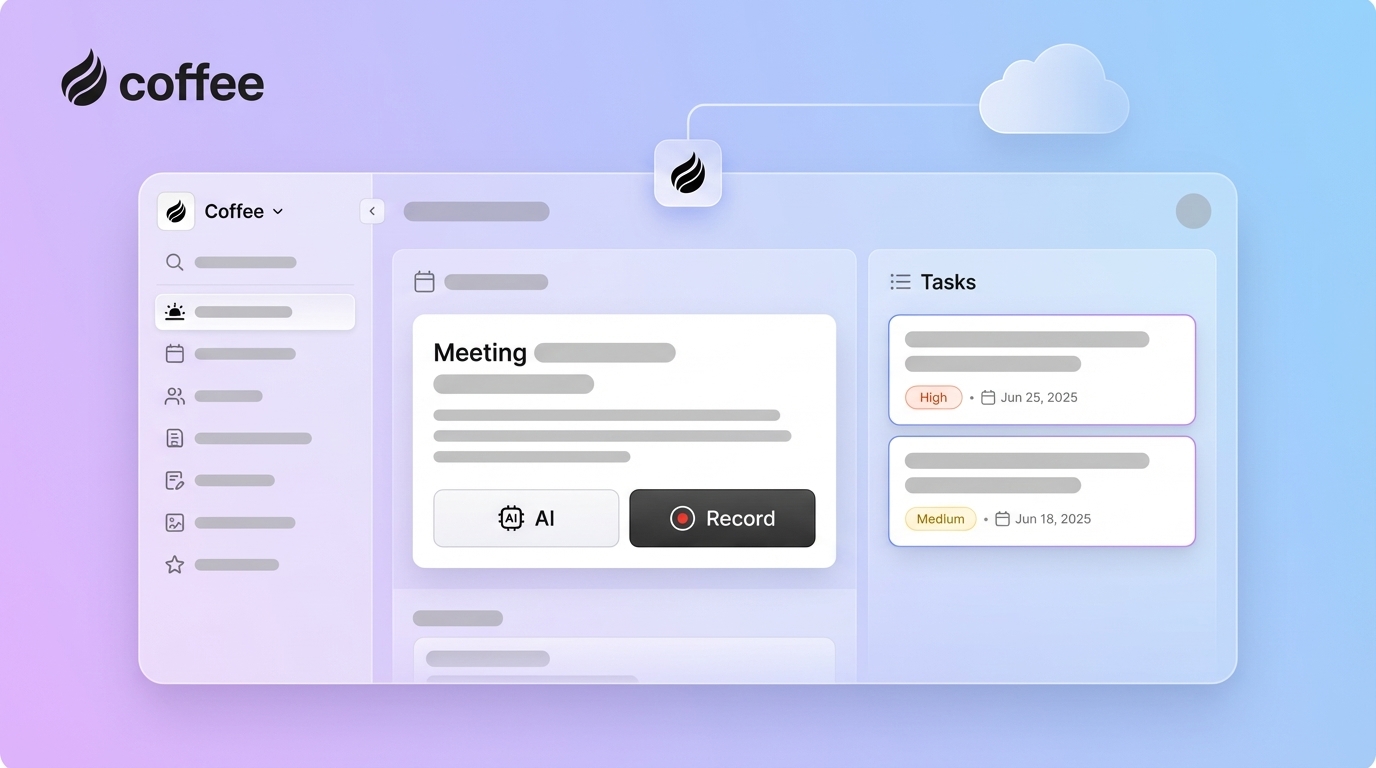
- Coffee provides an AI CRM agent that automates busywork and supports reps throughout the sales cycle. Request access to see it in action.
The Hidden Costs of Manual CRM: Why Your Business Needs a CRM Agent with AI Task Automation
Sales teams spend a large share of their week on admin instead of selling. Market data shared by Coffee shows that 71% of sales reps feel they spend too much time on data entry, leaving only 35% of their time for selling.
Legacy CRMs create several problems:
- Fragmented data across tools and tabs
- Manual entry that reduces data quality
- Architectures that struggle with unstructured data like email and calls
- Poor user experience and low adoption
Many teams end up in spreadsheets and notes tools as unofficial “shadow CRMs.” These workarounds weaken forecasts, hide opportunities, and drain productivity.
Sales leaders can avoid this pattern with a CRM agent that automates data capture and routine tasks. Request access to see how Coffee turns manual busywork into automated workflows.
1. Automated Data Entry and Enrichment: Free Reps from Manual Updates
AI CRM agents capture, create, and enrich records from daily activity instead of relying on reps to type everything in.
Key capabilities include:
- Scanning email and calendar activity to create and update people and company records
- Logging meetings, notes, and touchpoints to the right records automatically
- Enriching profiles with public data such as roles, funding, and social links
Coffee connects to Google Workspace or Microsoft 365 and keeps data current in the background. Sales teams often reclaim 8 to 12 hours each week that would otherwise go to manual data entry.

2. AI-Powered Meeting Management: Prepare, Capture, and Follow Up Faster
A CRM agent can act like a virtual assistant for meetings so reps arrive prepared and leave with clear next steps.
With Coffee, the agent can:
- Generate a “Today” page that outlines attendees, roles, and past context
- Join Zoom, Teams, and Google Meet calls to record and transcribe
- Summarize calls, capture action items, and structure notes using frameworks like BANT or MEDDIC
- Draft tailored follow-up emails inside Gmail for quick review and send
Reps shift from typing notes and updating fields to reviewing summaries and executing next steps.

3. Enhanced Pipeline Intelligence and Forecasting: Base Decisions on Real Data
Consistent, automated data capture gives leaders a more accurate view of the pipeline.
An AI CRM agent can:
- Track every change to deals and stages
- Highlight stalled opportunities and new additions
- Store a historical record of pipeline movements
Coffee’s Pipeline Compare feature shows week-over-week changes without manual reports or CSV exports. Managers use meetings to make decisions, not to reconstruct what happened in the pipeline.
4. Targeted Prospecting with List Builder: Focus Outbound on the Right Accounts
Outbound teams improve results when they work from precise, well-defined lists. A CRM agent can generate these lists on command.
With Coffee, a rep can ask for instructions such as “Find VPs of Sales in North America at companies with more than $10M in funding.” The agent searches, enriches, and compiles a list that matches the criteria.
This approach reduces time spent gathering data and helps teams concentrate outreach on the prospects most likely to convert.

5. Strategic Sales Assistance: Guide Reps with Timely Intelligence
AI CRM agents support reps with context and recommendations so they can prioritize the right actions.
Coffee keeps records current, highlights meaningful changes, and surfaces key details at the moment of need. Reps can:
- See current context before each meeting
- Spot at-risk deals based on recent activity
- Plan next steps based on complete interaction history
This guidance helps shift effort from reactive admin work to proactive selling. Request access to see how Coffee acts as a sales co-pilot.
6. Consolidate Your Tech Stack and Reduce Costs
Many sales teams rely on separate tools for enrichment, call intelligence, pipeline analytics, and CRM.
A capable CRM agent can handle several of these jobs in one place:
- Core CRM record management
- Data enrichment
- Call recording, transcription, and analysis
- Pipeline reporting and change tracking
Coffee combines these capabilities so teams manage fewer licenses and integrations. Training and onboarding also become simpler when reps learn a single system instead of a patchwork of tools.
7. Improved User Experience and CRM Adoption
Reps are more likely to use a system that feels helpful instead of burdensome. An AI CRM agent reduces the need for manual updates and creates more value from the data that already exists.
Coffee focuses on “good data in” so the CRM becomes a source of reliable insight rather than a chore. Higher adoption and better data quality support more accurate reporting and planning.
Coffee’s CRM Agent vs Legacy Systems
CRM agents shift systems from passive databases to active participants in sales workflows.
|
Feature |
Legacy CRMs |
Coffee Standalone |
Coffee Companion |
|
Data entry |
Manual and inconsistent |
Automatic and AI-driven |
Automatic enhancement of existing CRM |
|
Meeting management |
Manual notes, separate tools |
AI briefings, summaries, follow-ups |
AI briefings, summaries, follow-ups |
|
Pipeline visibility |
Static reports and exports |
Real-time Pipeline Compare |
Enhanced insights on top of current CRM |
|
User experience |
Viewed as admin overhead |
Sales co-pilot |
Improves current CRM experience |
Teams that want to keep Salesforce or HubSpot can use Coffee as a companion layer. Others can adopt Coffee as a standalone system with an embedded AI agent.
Request access to explore which model fits your team.
Frequently Asked Questions about CRM Agents with AI Task Automation
What administrative tasks can a CRM agent with AI task automation handle?
A CRM agent like Coffee can create and update contacts and companies from email and calendar activity, enrich records with details such as job titles and LinkedIn profiles, log activities and pipeline changes, prepare meeting briefings, generate summaries and action items, draft follow-up emails, and build prospect lists from natural language requests.
How much time can sales teams save with a CRM agent?
Coffee estimates that teams can reclaim 8 to 12 hours per rep each week by automating data entry, meeting notes, and routine updates. This time can shift to prospecting, relationship building, and closing deals.
Can a CRM agent with AI task automation work with existing CRMs like Salesforce or HubSpot?
Coffee can operate as an intelligent layer on top of Salesforce, HubSpot, and similar platforms. The agent improves data capture, logging, and enrichment without requiring a full migration away from your current CRM.
How does a CRM agent handle data security and compliance?
Coffee is built with enterprise security standards, including SOC 2 Type 2 and GDPR compliance. Data is processed in encrypted environments, and customer data is not used to train public AI models. Access controls limit who can view and change sensitive information.
How is a CRM agent different from traditional CRM automation?
Traditional automation focuses on rules and triggers, such as sending emails or updating a field when a condition is met. A CRM agent like Coffee can interpret unstructured data from emails and calls, keep records accurate without manual input, and surface insights that guide day-to-day sales work.
Conclusion: Equip Your Team with an Autonomous CRM Agent
Sales organizations in 2026 benefit from tools that reduce manual work and improve data quality. Manual CRMs alone do not meet that need.
An AI-powered CRM agent like Coffee automates data entry, meeting workflows, prospecting, and pipeline tracking so reps can focus on selling. Teams that adopt this approach gain clearer visibility, faster execution, and a CRM that supports their daily work.
Request access to Coffee to see how an autonomous CRM agent can support your business in 2026.