
Last updated: January 22, 2026
Key Takeaways for Salesforce and HubSpot Teams
- Salesforce-HubSpot native sync runs on 5-15 minute cycles and often struggles with duplicates, validation errors, and other data quality issues.
- Manual data entry persists because legacy integrations do not create or enrich data, so 71% of reps’ time goes to non-selling tasks.
- Common pitfalls include API limits, picklist mismatches, and shadow CRMs that block a single, reliable view of the customer.
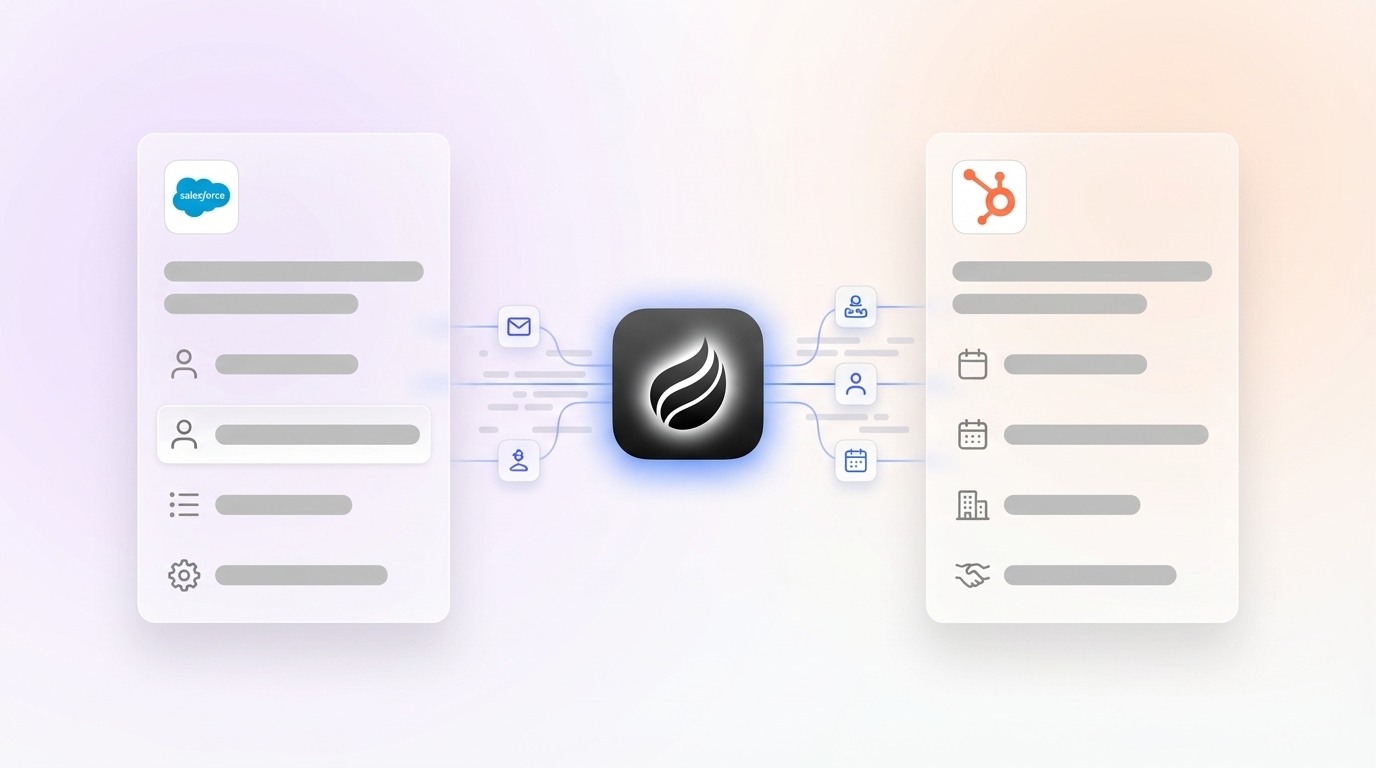
- Coffee’s Companion App uses AI agents for real-time data orchestration, automatic enrichment, activity logging, and pipeline intelligence.
- Eliminate integration headaches by getting started with Coffee and turning your CRM workflow into an autonomous revenue engine.

How Salesforce-HubSpot Bi-Directional Sync Works and Where It Breaks Down
HubSpot data sync supports bi-directional sync between HubSpot and Salesforce, and the initial sync indexes all existing records after activation. Large databases with millions of records can take several days to complete this first pass. Incremental sync scans HubSpot for changes every five minutes and uses webhooks from Salesforce’s API to detect updates.
Sync triggers include record creation, updates, deletions, and other events that start the bi-directional data exchange. The sync engine matches records, applies field mappings and filters, and checks sync history to decide whether to update records or log errors.
|
Feature |
Native Integration |
Coffee Companion App |
|
Sync Frequency |
5-15 mins, webhooks |
Agent actions |
|
Data Enrichment |
Manual or third-party tools |
Automatic for titles, funding, LinkedIn |
|
Error Handling |
Record-specific failures |
Agent handles |
Common pitfalls include picklist mismatches, property value length issues, validation rules, and Salesforce Flows that require manual intervention. Sync errors affect specific records while others continue syncing, but these failures accumulate and eventually create serious data quality problems.
2026 Integration Landscape: From Connectors to AI Orchestration
The Salesforce-HubSpot integration landscape still relies on native connectors supported by HubSpot Knowledge Base documentation and Salesforce Ben admin tutorials for basic setup. Third-party tools like Zapier add more connectivity options, yet the market is moving toward AI orchestration that delivers real-time intelligence instead of passive sync.
HubSpot Enterprise users gained bidirectional custom object sync in 2025, which allows Salesforce Campaigns to sync as custom objects in HubSpot. This feature expands native capabilities, but legacy APIs still struggle with unstructured data, such as email text and call transcripts that modern sales teams generate every day.
The 2026 shift toward autonomous agents replaces integration-dependent workflows with AI-powered data orchestration. Traditional integrations demand manual mapping and error resolution. AI agents instead process, enrich, and route data intelligently with minimal human involvement.
SMB Strategy: Costs, Complexity, and ROI with Salesforce and HubSpot
HubSpot excels in ease of use and lower initial investment compared to Salesforce’s higher complexity and total cost of ownership for SMBs. HubSpot fits small to mid-sized businesses with intuitive setup and fast adoption, while Salesforce targets mid-market to enterprise with steeper learning curves.
Key trade-offs for SMBs include:
- HubSpot advantages: Transparent pricing, faster implementation measured in weeks, and lower dependence on technical teams
- Salesforce advantages: Enterprise-grade customization, a large AppExchange ecosystem, and advanced reporting
- Integration costs: Both platforms need dedicated integration users, ongoing maintenance, and continuous error monitoring
Companies often use both platforms to combine HubSpot’s marketing strengths with Salesforce’s enterprise sales capabilities, yet this dual-platform setup increases complexity and pushes reps to spend 71% of their time on non-selling tasks.
Why Coffee’s Companion App Transforms Salesforce-HubSpot Workflows
Coffee’s Companion App acts as an autonomous AI agent that sits on top of existing Salesforce or HubSpot installations and removes the manual labor that slows traditional integrations. Unlike passive sync tools, Coffee’s agent actively unifies, enriches, and orchestrates data in real time.

Key capabilities include:
- Automatic contact and company creation: Scans emails and calendars and populates CRMs without human input
- Real-time data enrichment: Adds job titles, funding data, and LinkedIn profiles through licensed data partners
- Activity logging: Tracks “last activity” and “next activity” automatically so deal states stay accurate
- Meeting orchestration: Delivers briefings, joins calls for recording, and generates summaries and follow-ups
- Pipeline intelligence: Shows week-over-week changes with built-in data warehouse capabilities

Coffee uses simple authentication and maintains SOC 2 compliance, with seat-based pricing that includes unlimited agent labor. The system adapts to your stack and can operate as a standalone CRM or as an intelligent layer on top of existing platforms.
Get started with Coffee and turn your Salesforce-HubSpot workflow from manual drudgery into autonomous intelligence.
Implementation Readiness: Decision Matrix and Common Pitfalls
|
Factor |
Native Integration |
Coffee Agent |
How Coffee Fixes |
|
Data Staleness |
5-15 minute delays |
Agent processing |
Instant agent processing |
|
Adoption Rate |
35% selling time |
Improved efficiency |
Removes manual entry |
|
Error Resolution |
Manual intervention |
Agent handles |
The agent handles exceptions |
Common integration pitfalls include:
- Shadow CRMs: Teams abandon official systems for spreadsheets when data quality drops
- Lost historical context: Legacy architectures overwrite data and fail to preserve change history
- Over-reliance on passive sync: Workflows wait for humans to input quality data that never arrives
- Duplicate record proliferation: Misconfigured integration users and extra tools create unreliable syncing
HubSpot vs Salesforce for SMBs: When Dual CRM Makes Sense
HubSpot wins for simplicity and speed with minimal setup, while Salesforce excels in complexity and scale with highly customizable workflows. HubSpot addresses Salesforce complaints such as usability issues, high costs, and complexity for growing SMBs.
The dual-platform approach works when marketing teams rely on HubSpot’s inbound tools and sales teams depend on Salesforce’s enterprise depth. This structure still creates integration complexity, and Coffee’s agent removes that burden by providing unified intelligence across both systems without traditional sync limits or heavy manual maintenance.
Get started with Coffee to unify your HubSpot-Salesforce workflow with autonomous AI that runs seamlessly across both platforms.
Frequently Asked Questions
Is Salesforce-HubSpot sync bi-directional?
The native HubSpot-Salesforce connector supports bi-directional sync for contacts, companies, deals, and other standard objects. The sync runs through webhooks and incremental scans every five minutes, with triggers for record creation, updates, and deletions in both directions.
Why is manual data entry still needed with integration?
Legacy CRM architectures assume humans will reliably input quality data, and that assumption fails in real life. Sales reps spend 71% of their time on non-selling tasks, including 41% on administrative work such as data entry. Traditional integrations only move existing data between systems, and they do not create, enrich, or validate the data quality that drives outcomes.
How does Coffee integrate without replacing my CRM?
Coffee’s Companion App uses simple authentication to connect with existing Salesforce or HubSpot instances. The AI agent reads from email, calendar, and meeting sources and automatically creates contacts, companies, and activities, then writes enriched data back to your system of record. You keep your current CRM and gain autonomous data management.

What are the 2026 sync frequency limits?
Native Salesforce-HubSpot integration syncs incrementally every 5-15 minutes and uses webhook triggers for immediate updates on specific events. Sync errors affect individual records without stopping the entire integration, and API limits can create bottlenecks during high-volume periods that still need manual monitoring and resolution.
What are alternatives to native integration?
Coffee’s AI Agent offers a modern alternative by delivering real-time data orchestration instead of passive sync. Traditional integrations only move data between systems. Coffee’s agent actively creates, enriches, and manages data quality while also providing pipeline intelligence and meeting orchestration that removes manual CRM maintenance.

Conclusion: Replace Integration Friction with Coffee
Salesforce-HubSpot integration promises unified customer intelligence but often produces data silos, sync delays, and manual maintenance that hurt adoption. Traditional integrations fail because they assume humans will provide quality input, while sales reps spend 71% of their time on administrative tasks instead of selling.
Coffee’s Companion App solves this problem by deploying an autonomous AI agent that keeps data accurate from the start. The agent manages contact creation, data enrichment, activity logging, and pipeline intelligence in real time and turns your CRM from a demanding landlord into a reliable co-pilot.
Get started with Coffee today and automate your Salesforce-HubSpot workflow so your team can reclaim selling time.