
Key Takeaways
- High manual data entry in Salesforce reduces selling time, lowers data quality, and weakens forecasting accuracy.
- AI-driven Salesforce integrations can automate contact creation, activity logging, and enrichment while preserving your existing CRM setup.
- Unified data, automated pipeline tracking, and intelligent list building give sales teams a clearer context and more targeted prospecting.
- Consolidating sales tools around Salesforce with an AI agent reduces cost, complexity, and friction for reps and revenue leaders.
- Coffee’s AI CRM agent automates Salesforce workflows, improves data quality, and supports sales productivity. Get started to access Coffee and see it in action.
Why Your Salesforce Integration Needs an Upgrade: The Hidden Costs of Manual CRM
Salesforce delivers value when data is accurate, complete, and easy for reps to maintain. When teams rely on manual entry, that standard becomes difficult to sustain.
Low adoption leads to poor data quality, which then undermines forecasting and strategic planning. Market data from Coffee shows that 71% of sales reps spend too much time on data entry, while only 35% of their time goes to selling.
This reliance on human input often turns CRM into a burden and encourages side systems in spreadsheets or note apps. A modern integration approach focuses on automation so Salesforce stays reliable without extra effort from the team.
Teams that want to reduce manual work and improve Salesforce reliability can start by deploying an AI agent that manages routine CRM tasks. Get started to access Coffee to explore this approach.
Coffee: An AI Agent To Improve Your Salesforce Integration
Coffee works as an intelligent agent on top of your existing Salesforce instance. It focuses on the “data in” problem so Salesforce stays complete and accurate without extra administrative effort.
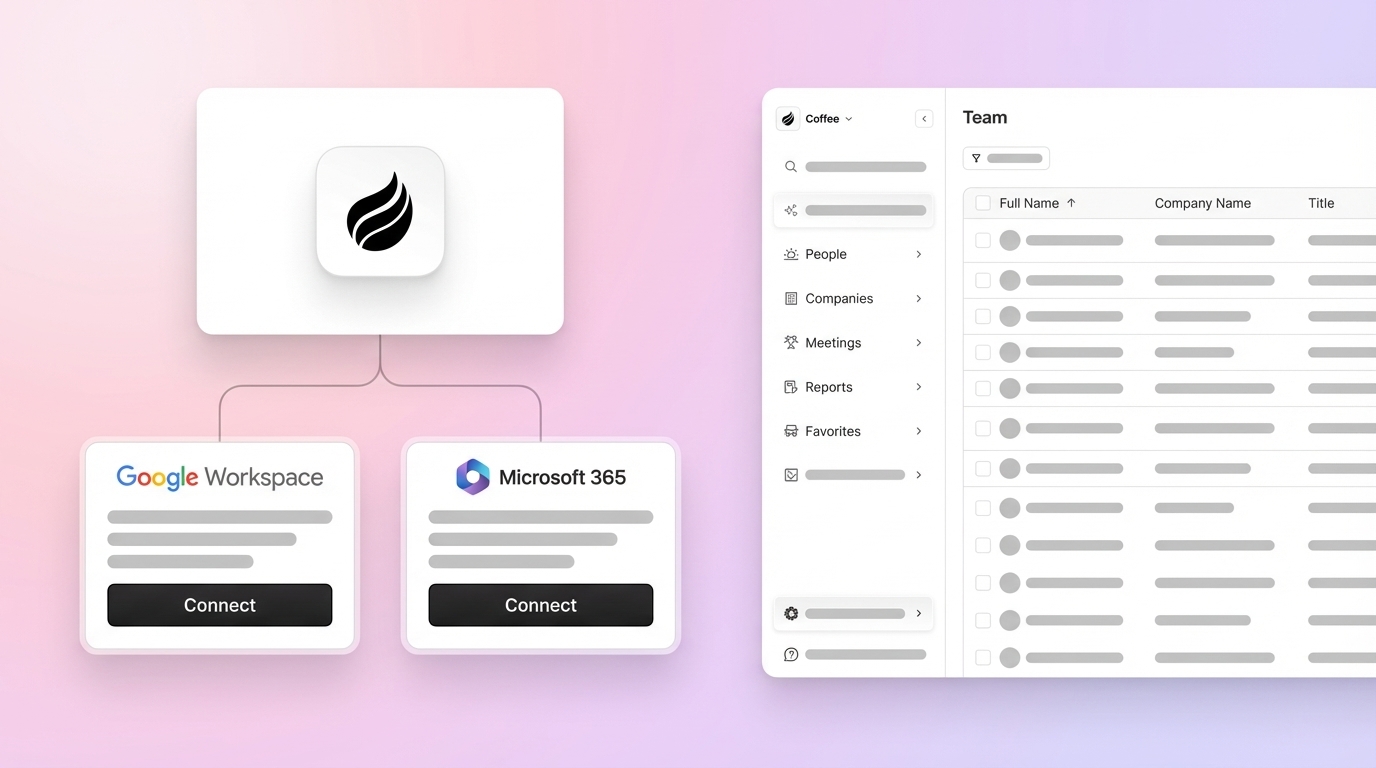
The agent connects to Google Workspace or Microsoft 365, then captures contacts, activities, and context from email and calendar data. It enriches records with licensed data partners and writes insights back into Salesforce, so your team keeps its current CRM while gaining AI-driven support.

1. Eliminate Manual Data Entry with Intelligent Automation in Salesforce CRM
Automated data capture frees reps from low-value tasks and keeps Salesforce current. Coffee’s agent scans email and calendar events to create and update contacts, companies, and activities in Salesforce.
The agent links each interaction to the right record and enriches fields like job title, funding details, and LinkedIn profiles through licensed partners. Teams can remove separate enrichment tools and reduce manual updates while improving data completeness.
2. Unify Fragmented Data to Power Your Salesforce Sales Team
Centralized context helps reps understand each account quickly. Coffee unifies structured data, such as contacts and deals, with unstructured data such as email content, meeting notes, and call transcripts.
The agent extracts key details from these interactions and writes relevant insights into Salesforce fields. Reps gain a single view of customer history, timelines, and next steps, which supports more informed conversations and faster decisions.
3. Use AI for Proactive Insight and Activity Logging in Salesforce
Systematic logging improves visibility for managers and sellers. Coffee joins Zoom, Teams, and Google Meet calls, records and transcribes conversations, then produces summaries, action items, and suggested follow-up emails.
Notes can align to frameworks like BANT, MEDDIC, or SPICED so qualification data remains consistent across the team. Better input allows more accurate reporting and coaching without asking reps to spend extra time on documentation.

4. Strengthen Pipeline Intelligence with Automated Tracking for Salesforce
Consistent pipeline tracking gives leaders a clear view of deal movement. Coffee’s Pipeline Compare feature records pipeline changes in a built-in data warehouse and highlights how opportunities progress over time.
Revenue leaders can review deals that moved forward, stalled, or appeared in a given period, along with the activities linked to those shifts. Pipeline reviews focus on strategy and risk management instead of manual spreadsheet reconciliation.
Teams that want automated pipeline insights can enable Pipeline Compare as part of their Coffee integration. Get started to access Coffee to see how this view supports more accurate reviews.
5. Personalize Sales Outreach with Intelligent List Building in Salesforce
Targeted lists improve response rates and reduce wasted outreach. Coffee’s List Builder feature lets reps describe their ideal prospects in natural language and receive lists that match those criteria.
A rep could say: “Find VPs of Sales in North America at companies with $10M+ funding that use Salesforce.” The agent uses integrated enrichment to assemble contacts with accurate details and adds them into Salesforce flows. Ongoing enrichment keeps these lists up to date for future campaigns.

6. Consolidate Your Sales Tech Stack Around Salesforce
Fewer tools reduce context switching and administrative overhead. Many teams use separate products for enrichment, call recording, transcription, and pipeline analysis, which adds cost and complexity.
Coffee combines these capabilities into one agent that connects directly with Salesforce. Reps and managers access enrichment, call notes, and pipeline intelligence in a single environment, which simplifies training and ongoing maintenance.
7. Improve Salesforce User Adoption by Reducing CRM Chores
Reps adopt Salesforce more readily when it supports their work instead of adding tasks. Coffee removes much of the manual entry and logging that often causes resistance.
Reps receive meeting briefings, summaries, and recommendations without needing to type notes into Salesforce. The value of CRM shifts from a place to submit information to a system that returns practical insights to each user.
How Coffee’s AI Agent Compares to Traditional Salesforce Integration
Integration approaches differ in how much work they expect from users. Many traditional integrations connect tools but still rely on reps to maintain data quality. Coffee focuses on the active management of Salesforce data through an autonomous agent.
|
Approach |
Traditional Integration |
Coffee AI Agent |
|
Data Entry |
Often needs manual input |
Automated from email and calendar |
|
Data Quality |
Depends on user discipline |
Maintained by the agent |
|
Tool Consolidation |
Spread across multiple tools |
Combined in a single agent |
|
User Experience |
It can feel like extra work |
Designed to reduce admin tasks |
This agent-based model shifts routine CRM tasks away from humans. Teams keep their Salesforce investment while assigning repetitive work to software that runs in the background.
Frequently Asked Questions About Salesforce Integration for Sales Teams
How long does it take to implement Coffee’s Salesforce integration?
Coffee uses simple authentication to connect with Salesforce and your Google Workspace or Microsoft 365 environment. After setup, the agent begins scanning emails and calendars, and most teams see new contacts, activities, and data improvements within hours rather than weeks.
Will Coffee’s AI agent replace existing Salesforce customizations?
Coffee works as a layer on top of your current Salesforce configuration. Custom objects, workflows, and integrations remain intact. The agent adds automation and intelligence to your existing design instead of replacing it.
How does Coffee manage data security and compliance within Salesforce?
Coffee holds SOC 2 Type 2 certification and aligns with GDPR requirements. The platform processes your data to improve your Salesforce environment without using it to train public models, and all handling runs through secure, auditable controls.
How does Coffee’s Salesforce integration affect forecasting accuracy?
Automated activity logging and Pipeline Compare provide a more complete view of deal health. When emails, meetings, and stage changes appear reliably in Salesforce, sales leaders can base forecasts on current, consistent data rather than partial updates.
Conclusion: Turn Your Salesforce Integration Into a Practical Asset
A Salesforce instance that depends on manual data entry can slow teams and limit visibility. An AI agent that automates contact creation, enrichment, activity logging, and pipeline tracking helps convert that same system into a reliable asset for reps and leaders.
Coffee supports this shift by pairing your existing Salesforce investment with an autonomous CRM agent. Teams gain higher-quality data, clearer pipeline insights, and fewer administrative tasks.
Teams that want a Salesforce environment that reps rely on and leaders trust can explore this approach today. Get started to access Coffee’s Salesforce integration and evaluate how automation fits your sales process.