
Key Takeaways
- Legacy CRMs often rely on manual data entry and disconnected tools, which slows down sales teams and reduce data accuracy.
- Agent-led automation centralizes customer data, reduces administrative work, and gives sales leaders a clearer view of the pipeline.
- Coffee’s agent handles data entry, meeting preparation, follow-up, and analysis, so reps spend more time selling and less time updating records.
- Companies can use Coffee as a standalone CRM or as a companion layer on top of Salesforce or HubSpot to improve data quality without rebuilding existing systems.
- Sales teams that want cleaner data and faster workflows can use Coffee’s agent-led CRM to streamline their process, increase adoption, and close more deals. They can start now by exploring Coffee pricing and plans.
Why Legacy CRMs Hold Sales Teams Back
Fragmented Data Creates Extra Work
Legacy CRMs often spread customer data across several tools. Reps move between platforms for records, outreach, enrichment, and call logging. This constant switching lowers focus and wastes time.
Most teams then add more point solutions to patch gaps, which increases cost and complexity. The result is a system that feels stitched together rather than designed for day-to-day selling.
Manual Data Entry Drains Selling Time
Traditional CRMs assume that reps will keep every field up to date. In practice, 71% of sales reps say they spend too much time on data entry, and only 35% of their time on actual selling. Required fields, admin tasks, and status updates all pull attention away from customers.
When data entry depends on memory and discipline, information goes missing, and trust in the CRM drops.
Outdated Architecture Limits Data Quality
Many older CRMs rely on structures that do not handle unstructured data well. Emails, call transcripts, and meeting notes often sit in different systems or get reduced to a few manual fields.
Simple relational databases can lose historical context when fields change. Managers then see a snapshot instead of a full story of each deal.
Low User Adoption Hurts Forecasting
Reps often view legacy CRMs as tools they must serve instead of tools that serve them. When the system feels like a chore, adoption falls, and data quality drops.
Leaders then receive incomplete reports and build forecasts on partial information. Many teams respond by keeping “shadow CRMs” in spreadsheets or note apps, which fragments data even further.
How Coffee’s Agent-Led CRM Improves Sales Productivity
Coffee introduces an intelligent agent that does the busywork inside the CRM. The agent captures data, connects workflows, and surfaces insights so the CRM becomes a useful partner instead of a static database.
Automated Data Entry and Enrichment
Coffee’s agent scans emails and calendars, then creates and updates contacts, companies, and deals. Every interaction links to the right record without extra clicks from the rep.
The agent enriches records with job titles, company details, funding information, and LinkedIn profiles through licensed data partners. Many teams recover 8 to 12 hours per rep each week and remove separate enrichment tools from their stack.
Smarter Meetings With AI Support
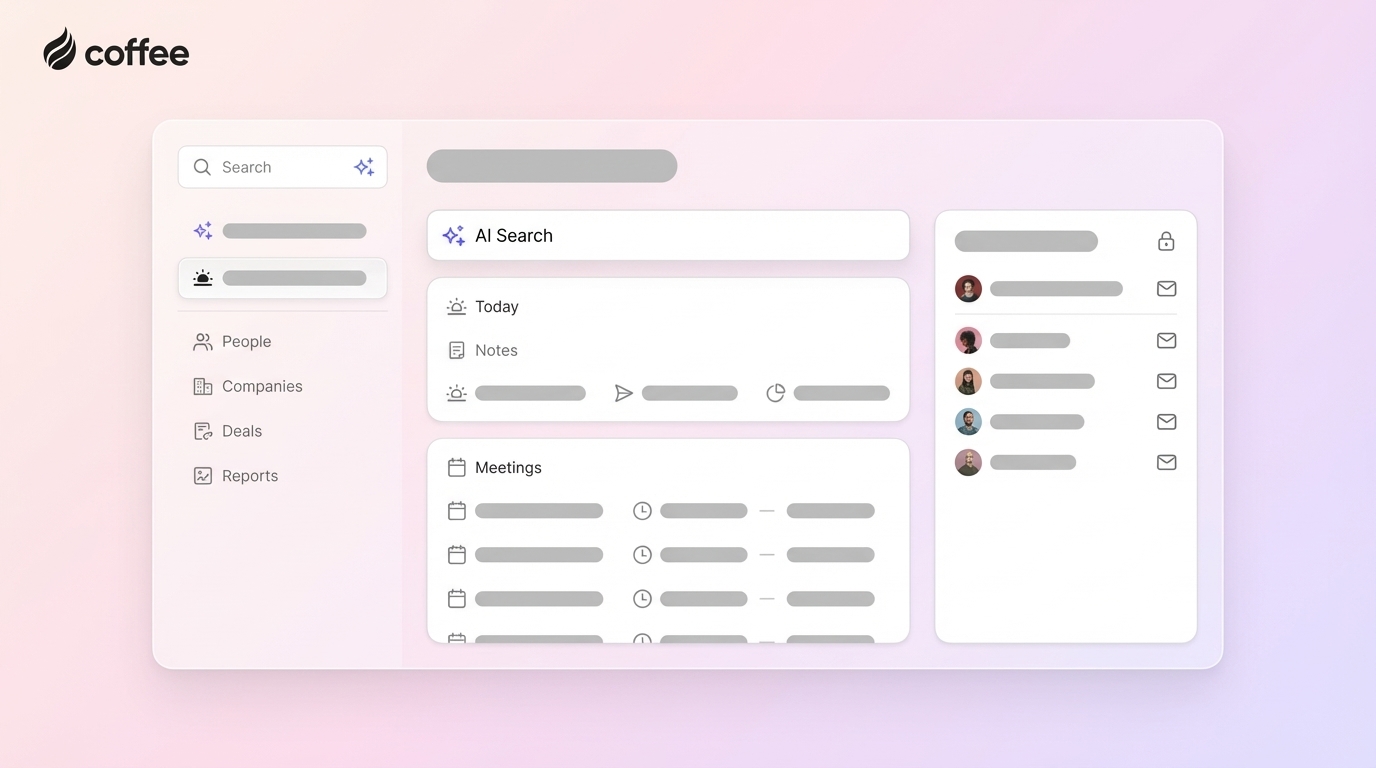
Coffee supports reps before and after every customer conversation. A Today page highlights upcoming meetings, key attendees, and recent activity so reps go in prepared.

Coffee’s meeting bot can join Zoom, Teams, or Google Meet to record and transcribe calls. After the call, the agent creates a summary, lists next steps, and drafts follow-up emails for review. Notes can align to frameworks such as BANT, MEDDIC, or SPICED so managers see consistent detail across opportunities.

Clearer Pipeline Intelligence and Analysis
Because the agent keeps data current, Coffee can provide a more accurate picture of the pipeline. The Pipeline Compare view shows week-over-week changes so leaders can see which deals moved forward, which stalled, and which appeared or dropped out.
This turns pipeline reviews into focused conversations about risk and next steps rather than status updates pulled from manual spreadsheets.
Companion App for Salesforce and HubSpot
Many teams want the benefits of an agent-led experience while keeping Salesforce or HubSpot in place. Coffee solves this with a Companion App that sits on top of existing CRMs.
After simple authentication, Coffee syncs with the primary CRM, enriches data, and writes structured updates back into core objects. Teams gain cleaner data and automation without re-implementing their system or disrupting existing processes.
A CRM That Fits How Reps Actually Work
Coffee removes much of the manual work that makes CRMs unpopular. Reps rely on the agent for logging, follow-ups, and reminders, so the system feels more like a partner.
Higher adoption improves data quality, which in turn gives leaders more confidence in reports and forecasts.
Sales leaders who want to reduce admin work and lift rep productivity can review Coffee’s pricing and deployment options.
Operational Benefits You Can Expect From Coffee
Less Administrative Overhead For Reps
Coffee’s agent captures activities, updates deal stages, and logs engagement details in the background. Reps spend less time filling out forms and more time on discovery, demos, and negotiation.
Leaders gain a more accurate, real-time view of the funnel without asking for extra manual updates.
A Leaner, More Focused Sales Tech Stack
Coffee can cover several functions that often require separate tools, including:
- Core CRM and activity tracking
- Data enrichment and list building
- Meeting recording and transcription
- Pipeline reporting and forecasting support
Fewer tools mean lower license costs, simpler onboarding, and fewer integration points to manage.
Reliable Insights For Targeting and Outbound
Consistent, high-quality data lets Coffee power features such as List Builder, which creates targeted prospect lists from natural language prompts.

Teams can quickly define ideal customer profiles, territories, or campaign segments and then activate them in outbound workflows.
Better Experience For Both Reps and Managers
Reps gain an interface that reflects the work they already do in email, calendar, and meetings. Managers gain clearer dashboards and consistent notes they can trust.
As usage increases, the system gets more valuable, rather than more cluttered.
Teams that want these operational gains can get started with Coffee’s agent-led CRM with a simple, seat-based plan.
Comparison: Legacy CRMs vs. Coffee’s Agent-Led Solution
This comparison highlights how an agent-led CRM differs from traditional systems across core areas of sales performance and data management.
|
Feature or Aspect |
Legacy CRM |
Coffee’s Agent-Led CRM |
|
Data Handling |
Manual entry, higher risk of error |
Automated and verified by agent, low manual effort |
|
Data Entry Burden |
High, reduces time available for selling |
Minimal human input, agent handles routine updates |
|
Pipeline Intelligence |
Manual reporting and spreadsheet analysis |
Built-in insights with Pipeline Compare over time |
|
User Experience and Efficiency |
Often viewed as administrative work |
Aligned with daily workflows, encourages adoption |
|
Integration With Existing Systems |
Can be complex to extend or customize |
Companion App layer for Salesforce and HubSpot |
Frequently Asked Questions
How does Coffee integrate with my existing CRM?
Coffee’s Companion App adds its agent on top of Salesforce or HubSpot. After connecting systems, the agent syncs records, enriches data, and writes insights back into your primary CRM so teams keep their current setup while improving data quality.
Is Coffee secure for my business data?
Coffee is SOC 2 Type 2 and GDPR compliant. The platform does not use customer data to train public models, which helps protect the privacy and security of your information.
How does Coffee’s agent improve data quality?
The agent ingests data from emails, calendars, and transcripts, then structures and maps that data into the CRM. This reduces human error and creates a consistent view of accounts, contacts, and opportunities for more accurate reporting.
What is Coffee’s pricing model?
Coffee uses a straightforward, seat-based pricing model. Companies pay for human seats, and the agent’s work is included without extra charges for model usage or specific workflows.
Who is Coffee designed for?
Coffee works best for small to mid-sized companies with growing sales teams, leaders who prefer modern automation, and organizations that feel constrained by manual data entry. Very large enterprises with highly custom systems or strict security requirements may need a longer evaluation process.
Next Steps: Move To An Agent-Led CRM
Many sales teams still struggle with legacy CRMs that depend on manual updates and fragmented tools. An agent-led CRM like Coffee replaces that friction with automation, cleaner data, and a workflow that matches how reps actually sell.
Teams that shift from legacy systems to agent support often see better adoption, more reliable forecasts, and less time lost to admin work. To evaluate whether this approach fits your sales motion, you can review Coffee’s plans and start with an agent-led CRM tailored to 2026 sales teams.