
Last updated: January 22, 2026
Key takeaways for Salesforce meeting notes
- Sales reps lose 70% of their time to manual notes and CRM entry, which stalls pipelines and creates inaccurate data.
- Bot-free AI like Coffee captures meetings invisibly, unlike visible bots from Fireflies or Gong that can distract prospects.
- Coffee auto-logs structured MEDDIC and BANT notes directly to Salesforce opportunities, contacts, and tasks.
- Pre and post-meeting orchestration enriches data from emails and calendars, saving most reps 8 to 12 hours each week.
- Pipeline insights remove the need for spreadsheets, and getting started with Coffee gives you automated Salesforce intelligence out of the box.
Comparing bot-based and bot-free AI note takers for Salesforce
AI meeting note tools fall into two clear categories: visible bot-based tools and invisible bot-free agents. Bot-based solutions like Fireflies and Otter.ai join meetings as a named participant, which every attendee can see. That visibility can create friction in client conversations and slow down trust. Bot-free alternatives like Coffee run as invisible agents, so meetings feel natural while the system still captures complete notes.
Salesforce does not yet provide native real-time AI meeting note generation. While the Spring ’26 Release introduces Agentforce advancements, those updates focus on prospecting and routing. They do not address live meeting transcription, structured summaries, or automated CRM logging at the depth most sales teams need.
|
Tool |
Integration depth |
Bot-free |
Data enrichment |
|
Vinton |
Native |
No |
Basic |
|
Fireflies |
API |
No |
Basic |
|
Gong |
Deep |
No |
Advanced |
|
Coffee |
Simple authentication sync |
Yes |
Advanced |
Most competitors center their product on basic transcription and light summaries, without proactive CRM logging or rich data enrichment. Coffee focuses on automated CRM call logging and structured deal data, combining bot-free operation with advanced processing and a streamlined Salesforce integration.
Coffee’s Companion App for Salesforce meeting intelligence
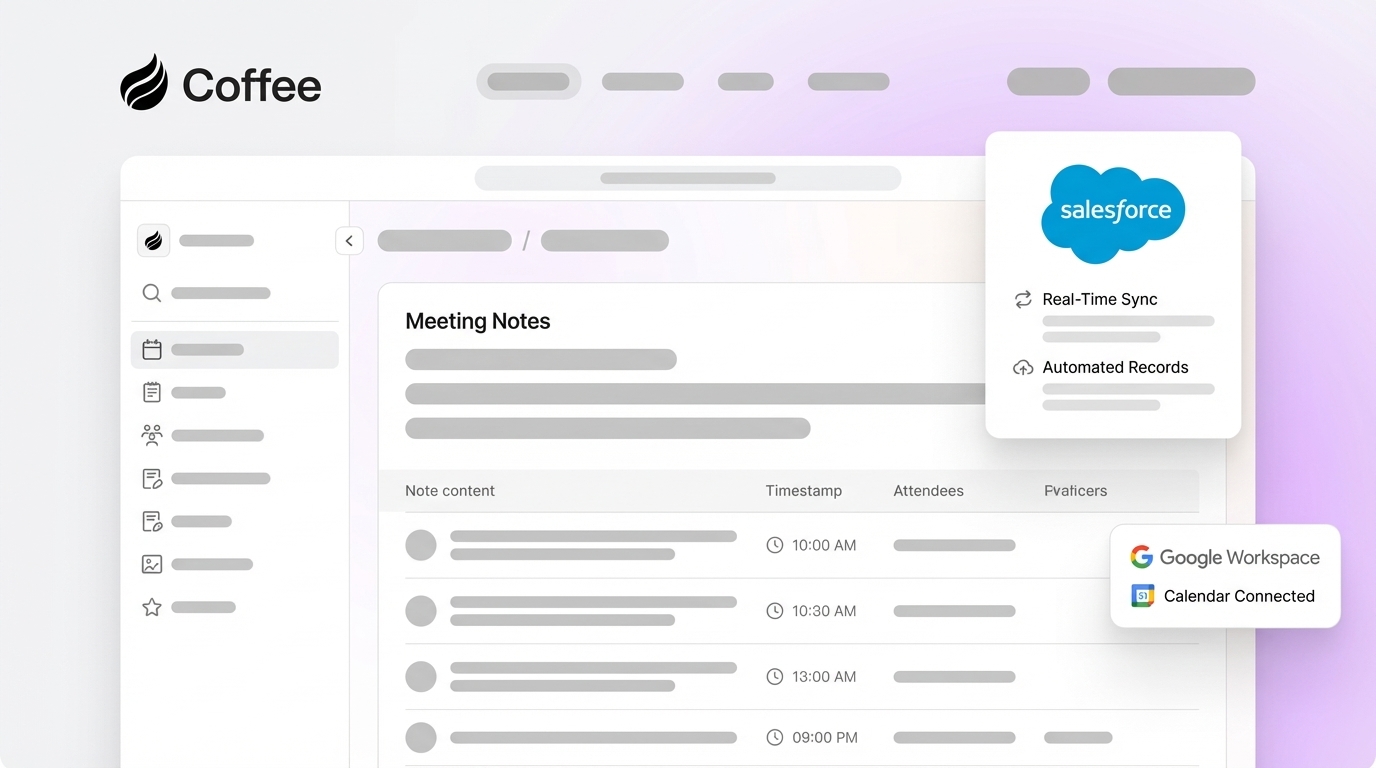
Coffee’s Companion App adds the Coffee Agent as an intelligent layer on top of Salesforce. The agent acts as an autonomous assistant that captures, structures, and automatically logs meeting insights. Coffee joins Zoom, Teams, and Google Meet calls invisibly, records and transcribes the conversation, and then generates MEDDIC and BANT-structured summaries with clear next steps that sync to the right Salesforce opportunities and contacts.

Key capabilities include:
- Automatic enrichment from existing email and calendar data streams
- Pre-meeting briefings with attendee context, recent activity, and deal history
- Post-meeting follow-up email drafts and task creation in your existing tools
- Pipeline intelligence that tracks deal progression and risk signals automatically

Coffee’s “Good Data In, Good Data Out” approach keeps high-quality, structured information flowing into Salesforce on every call. This consistency saves sales professionals 8 to 12 hours each week on administrative work and improves forecast accuracy.
Get started with Coffee to roll out a sophisticated Salesforce AI note taker that your team can use immediately.
5 ways Coffee upgrades Salesforce meeting notes
1. AI transcription and structured sales notes
Coffee delivers AI meeting notes by having the agent join calls invisibly through Zoom, Teams, and Google Meet integrations. The agent records and transcribes the conversation, then converts it into structured summaries. These summaries follow your preferred sales methodology, including MEDDIC, BANT, or SPICED. This structure ensures complete note capture and consistent deal documentation.
2. Auto-logging notes into Salesforce fields
Sales teams sync AI meeting summaries to Salesforce opportunities automatically with Coffee’s native integration. The agent populates relevant opportunity fields, updates contact records, and logs activities without manual data entry. Deal stages update based on conversation insights. Next steps appear as scheduled tasks for the assigned rep, so follow-up work never slips through the cracks.
3. Pre and post-meeting orchestration for reps
Coffee acts like an executive assistant for every sales rep. Before each meeting, it prepares a briefing with attendee backgrounds, recent interactions, and deal context. After the meeting, the agent drafts follow-up emails in Gmail, creates calendar reminders for next steps, and updates pipeline forecasts. This orchestration cuts prep time and keeps follow-through consistent across the team.

4. Continuous enrichment from emails and calendars
The Coffee Agent continuously monitors connected email and calendar systems to enrich Salesforce records with real context. Meeting attendees become contacts automatically, and company information updates from email signatures. Deal timelines reflect actual communication patterns instead of rough manual estimates, which gives leaders a more accurate view of engagement.

5. Pipeline insights without manual spreadsheets
Coffee’s built-in data warehouse supports detailed pipeline analysis without exporting anything to spreadsheets. The Pipeline Compare feature shows week-over-week changes and highlights deals that progressed or stalled. CRM adoption boosts sales productivity by 34% when teams automate administrative tasks. Coffee amplifies that impact by turning raw meeting data into reliable pipeline intelligence.
Frequently Asked Questions on Salesforce AI note takers and Coffee
Does Salesforce have a native AI notetaker?
Salesforce does not yet offer a comprehensive native AI meeting note generator. Einstein Conversation Insights provides call summaries, real-time transcription, and some automated CRM logging for enterprise customers. Coffee extends these capabilities with invisible agent behavior, structured methodology notes, and a smoother experience for modern sales teams. The Spring ’26 Agentforce updates focus on prospecting and routing, which leaves space for Coffee’s specialized meeting intelligence.
What are the strongest AI meeting notes without a visible bot?
Coffee leads the bot-free category by operating as an invisible agent that captures meeting insights without interrupting the flow of conversation. Bot-based solutions announce their presence and can create discomfort for clients. Coffee integrates quietly with existing meeting platforms while delivering high-quality notes and automatic Salesforce synchronization.
How do you sync AI meeting summaries to Salesforce opportunities?
Coffee’s native Salesforce integration maps meeting insights directly to the right opportunity records. The agent uses attendee matching and deal context to find the correct record. It then updates opportunity fields, logs activities, and creates follow-up tasks without manual field mapping or complex workflow rules. This automatic sync keeps deal progression aligned with what actually happened in the conversation.
What about legal and security considerations?
Coffee maintains SOC 2 Type 2 certification and GDPR compliance for data handling and security. Many jurisdictions require all participants to consent to AI meeting recordings. Coffee’s agent manages call recording in line with applicable laws and your organization’s policies.
How does Coffee compare to other Salesforce AI solutions?
Coffee stands out through its agentic approach, which combines invisible operation with advanced data enrichment. Competitors like Vinton rely on visible recording bots, and tools like Gong provide deep analytics with a noticeable presence in meetings. Coffee delivers sophisticated intelligence and a smoother user experience by keeping the agent hidden while still feeding Salesforce with rich, structured data.
Why revenue teams choose Coffee over Vinton and legacy tools
A mid-market company generating tens of millions in revenue relied on spreadsheets to manage its sales pipeline. Leadership knew that manual data entry would not scale as the team grew. After evaluating Salesforce, HubSpot, and competitors like Rox, they chose Coffee’s Companion App for its mix of automated data capture and actionable intelligence.
Key differentiators that shaped their decision included:
- Invisible agent operation that preserves professionalism in client meetings
- Advanced data enrichment that goes far beyond basic transcription tools
- Simple seat-based pricing without confusing usage meters
- API access that supports custom workflow integrations
The company now runs automated weekly pipeline reviews through Coffee’s Compare feature, which removes the need for manual spreadsheet maintenance. Leaders gain deeper deal insights than traditional CRM reports provide, and the sales team spends more time on strategic selling instead of administrative data entry.
Book a demo to automate your Salesforce notes, then get started with Coffee today and turn every meeting into measurable pipeline growth.