
Key Takeaways
- Sales reps spend 72% of their time on admin tasks like manual CRM data entry, leaving only 28% for selling.
- HubSpot native workflows and Zapier integrations break easily with unstructured data from emails, calls, and meetings, so teams constantly fix them.
- Coffee’s Companion App is a zero-config autonomous agent that captures, enriches, and syncs all data types directly into HubSpot.
- AI agents like Coffee outperform traditional automations by handling both structured and unstructured data without human intervention.
- Implement Coffee’s autonomous data entry to save 8-12 hours per rep weekly and improve pipeline accuracy — get started with Coffee today.
The Hidden Cost of Manual HubSpot Data Entry
Manual CRM data entry slows down sales and RevOps teams and drains selling time. Sales reps spend 72% of their time on non-selling activities, with data entry alone consuming 6-12 hours each week per rep. That schedule leaves only 28% of their time for actual revenue-generating work.
HubSpot’s native workflows and third-party integrations like Zapier add more friction instead of removing it. Workflow trigger failures occur when automations fail to run on integrated events because of mismatched enrollment criteria or property updates that do not match manual entry patterns. These systems demand constant configuration and maintenance, and often break when platforms update their interfaces.
The core issue comes from how these tools treat unstructured data. HubSpot workflows handle form submissions and structured database updates well. They cannot reliably parse email threads, call transcripts, or meeting notes. Data Hub integration risks creating duplicates and conflicts in bi-directional syncs when teams lack clear rules for which system owns each field.
This situation creates a vicious cycle. Poor data quality reduces user adoption. Low adoption generates more manual work. That extra work further degrades data quality and team productivity.
How Coffee’s Companion App Fixes HubSpot Data Entry
Coffee’s Companion App removes human effort from HubSpot data management so reps can focus on selling. Unlike traditional automation tools that need constant setup and tuning, Coffee runs as a zero-config agent that starts capturing, enriching, and organizing CRM data as soon as it connects to Google Workspace or Microsoft 365.

The Companion App solves the main gaps in current solutions with several focused capabilities.
- Autonomous Data Entry and Enrichment: The agent automatically creates contacts and companies from email interactions and enriches records with job titles, funding information, and LinkedIn profiles without extra tools or manual setup.
- Unstructured Data Processing: The system captures and structures information from emails, call transcripts, and meeting notes that traditional workflows cannot process accurately.
- AI Meeting Management: Coffee prepares pre-meeting briefings, joins calls for recording and transcription, and generates post-meeting summaries with action items and follow-up drafts.
- Pipeline Intelligence: The agent tracks all pipeline changes automatically and delivers accurate forecasting data without manual CSV exports or expensive add-ons.

This agent-based model turns HubSpot from a passive database that needs constant human input into an active intelligence layer that maintains itself and surfaces clear, actionable insights.
Book a Coffee demo to automate your HubSpot data entry today and see how an autonomous agent changes your sales operations.
Why Coffee’s Agent Beats Workflows, Zaps, and Forms
|
Solution |
Human Effort Required |
Data Types Handled |
Key Limitation |
|
Coffee Companion App |
Zero-config autonomous agent |
Structured + unstructured (emails, calls, transcripts) |
Broad coverage across data types |
|
HubSpot Native Workflows |
Manual configuration and trigger setup |
Primarily structured form data |
Overwrites history, brittle setup |
|
Zapier Integrations |
Constant maintenance and troubleshooting |
Structured API triggers and email processing |
Requires ongoing monitoring for API changes |
|
Reform.app |
Form configuration required |
Structured form submissions |
Limited to forms, no email or call integration |
Five Practical Ways to Automate HubSpot Data Entry
1. HubSpot Workflows and Data Sync for Structured Inputs
HubSpot’s native automation covers structured, rule-based tasks across forms and properties. Workflows trigger on form submissions, property changes, and lifecycle stage transitions. Data Studio connects HubSpot to external sources like spreadsheets or Snowflake with sync frequencies from 15 minutes to daily, then builds datasets that enhance CRM objects with AI smart columns.
These tools still demand detailed configuration of match rules, update logic, and enrollment criteria. The system struggles with unstructured sources and can overwrite historical context when fields change. Coffee’s agent removes these limits by handling both structured and unstructured data autonomously without human setup or maintenance.
2. Zapier Integrations for Cross-App Syncing
Zapier connects HubSpot with thousands of applications and supports automated data sync across your stack. Common use cases include lead capture from landing pages, contact enrichment from data providers, and activity logging from communication tools.
The main weakness of Zapier-based automation comes from its fragility. Integration challenges such as API changes and schema updates cause automation failures without proper error handling and maintenance. Each Zap needs ongoing monitoring and adjustments, which often consume more time than they save. Coffee’s autonomous model avoids these brittle integration chains by processing data directly from core systems like email and calendars.
3. Coffee’s Agent for Unstructured Email and Call Capture
Coffee’s Companion App shines when teams need to capture unstructured data from emails, calendars, and call transcripts. The agent extracts contact details, meeting context, and interaction history from these sources and builds complete CRM records without manual work.

This approach covers 60-70% of business communication that happens outside forms and databases. While HubSpot’s Breeze Data Agent analyzes CRM data, emails, calls, and proactively researches external web sources for enrichment, Coffee captures and structures information directly from original sources like Google Workspace and Microsoft 365 before it goes stale.

4. Coffee for AI Enrichment and Reliable Activity Logging
Data enrichment often relies on separate tools like ZoomInfo or Apollo, which add cost and integration complexity. Coffee’s agent includes enrichment by default and automatically adds job titles, company details, funding data, and LinkedIn profiles to each contact and company record.

The agent also keeps activity logs accurate by tracking email exchanges, meeting attendance, and call participation across connected systems. This approach fixes the common problem of outdated “last activity” fields and ensures pipeline health metrics reflect real engagement.
5. Coffee’s Pipeline Intelligence for Forecasting
Accurate pipeline forecasting depends on clean, complete data that manual processes rarely deliver. Coffee’s agent improves data quality by capturing every interaction and change, then layers analysis through its Pipeline Compare feature.
This feature visualizes week-over-week pipeline changes and highlights progressed deals, stalled opportunities, and new additions without manual CSV exports or complex reporting setups. Pipeline reviews shift from data interrogation to focused conversations about how to advance deals.
Teams that adopt these automated approaches usually save 8-12 hours per rep each week and gain sharper visibility into their pipeline. Better data quality supports more accurate forecasts, stronger conversion rates, and higher sales productivity.
Frequently Asked Questions About AI and HubSpot Data Entry
Can AI automate HubSpot data entry?
AI can automate a large share of HubSpot data entry, but results depend on the type of solution. HubSpot’s native Breeze AI analyzes CRM data, calls, emails, and documents, and researches external sources, yet it focuses on enrichment inside existing records.
More advanced AI agents like Coffee’s Companion App capture data from external sources such as emails and calls, and then create and enrich CRM records automatically. The key difference is that Coffee both generates new entries and enriches them, instead of only improving data that already exists.
How do HubSpot workflows compare to AI agents for data automation?
HubSpot workflows handle structured, rule-based automation well but need extensive configuration and maintenance. They work for processing form submissions and triggering actions on property changes. They struggle with unstructured data like email conversations or call transcripts.
AI agents run autonomously without setup and can process both structured and unstructured sources. While workflows require constant oversight to avoid failures and duplicates, agents like Coffee’s Companion App maintain themselves and adapt as data patterns change.
How does Coffee integrate with HubSpot?
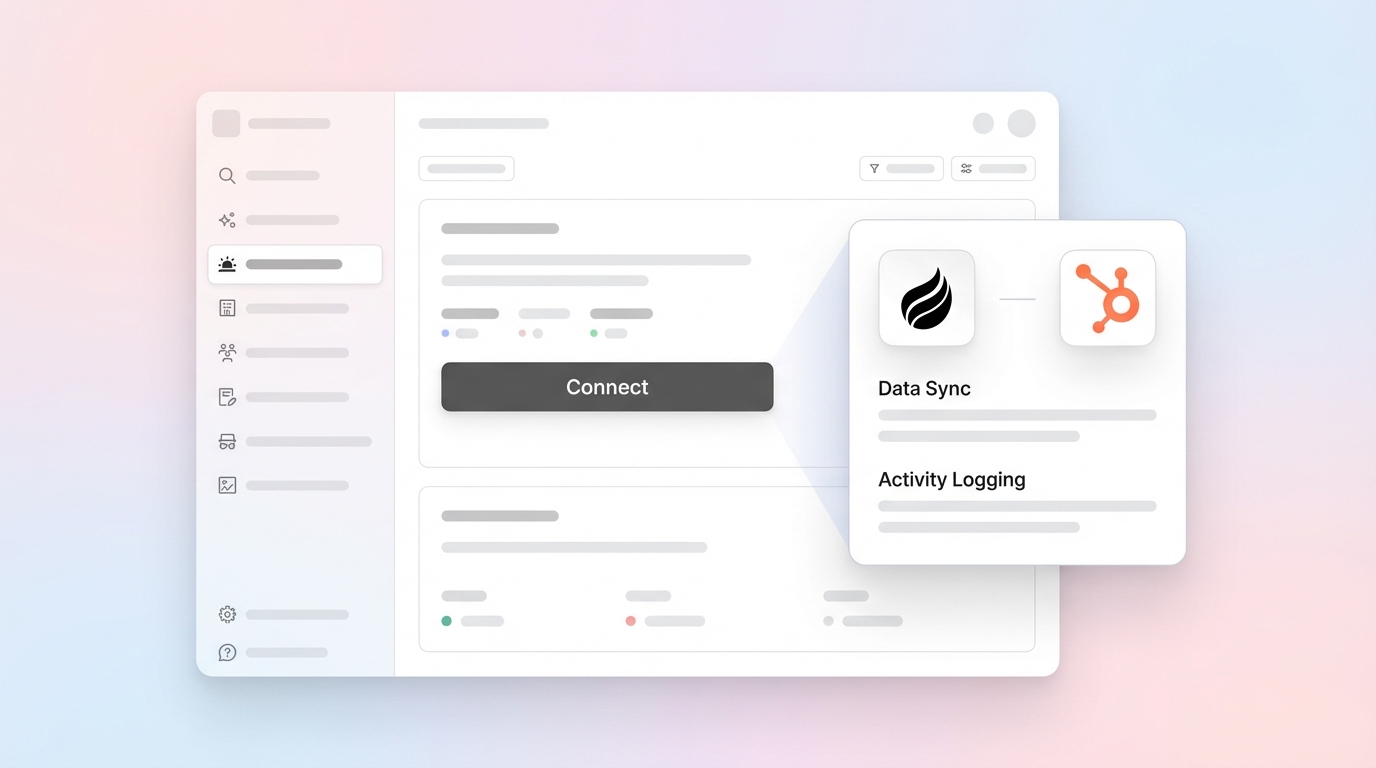
Coffee connects to HubSpot through a simple authentication flow that grants the agent permission to read and write CRM data. The integration is SOC 2 Type 2 compliant and GDPR compliant, which supports enterprise-grade security.
After connection, the agent immediately starts syncing contact and company information, activity logs, and enrichment data in real time. No technical setup or ongoing maintenance is required because the agent manages data mapping and synchronization on its own.
Is there an AI tool specifically for CRM data entry?
Several AI tools address CRM data entry, but they differ in scope and depth. Tools like Parseur parse a wide range of documents, including emails, PDFs, and images, using AI and templates. Broader automation platforms like Zapier focus on connectivity rather than intelligence.
Coffee’s Companion App acts as a full autonomous agent that manages the entire data entry lifecycle from capture through enrichment and analysis. Unlike tools that need configuration or focus on narrow data types, Coffee processes all major forms of business communication and interaction data automatically.
What are the main downsides of HubSpot’s native automation?
HubSpot’s native automation carries several drawbacks that limit long-term performance. The platform needs detailed configuration of workflows, triggers, and enrollment criteria, which creates ongoing maintenance work. Native workflows can overwrite historical data when fields update, which removes valuable context.
The system struggles with unstructured sources like emails and call transcripts and misses large portions of customer interaction data. Workflow failures also often occur silently, so teams only discover gaps during pipeline reviews or forecasting.
Turn HubSpot into an Autonomous CRM with Coffee
Manual data entry and fragile automation workflows drain productivity for modern sales teams and slow revenue growth. HubSpot’s native tools and third-party integrations help in specific areas but still require constant oversight and miss the unstructured data that shapes most customer relationships.
Coffee’s Companion App replaces these gaps with an autonomous agent that captures, enriches, and analyzes all forms of customer data without human effort. When accurate data flows into HubSpot automatically, teams gain reliable insights, stronger forecasting, and more time for actual selling.
This shift from manual data entry to autonomous data management delivers more than operational efficiency. It changes how sales teams experience their CRM and turns HubSpot from a chore into a competitive advantage.
Get started with Coffee to automate your HubSpot data entry today and see how an autonomous agent can support your sales operations.