
Last updated: February 1, 2026
Key Takeaways for Salesforce Contact Automation in 2026
- AI agents now sit at the center of CRM workflows, with Gartner predicting 40% of enterprise apps will feature task-specific agents that transform sales data management.
- Manual data entry wastes about 65% of sales reps’ time. AI agents recover 8 to 12 hours each week by parsing emails and auto-creating accurate Salesforce contacts.
- Native tools like Einstein Automated Contacts, which retires in 2025, struggle with duplicates, sync delays, and limited context understanding compared to agent-led solutions.
- Coffee’s Companion App excels at parsing unstructured data, enriching records, handling custom field mapping, and using intent-based logic for highly accurate contact creation.
- Teams upgrade their pipeline quality and rep productivity with Coffee’s intelligent agent-led automation, which removes legacy limitations and reduces manual work.
Executive Summary: Why Active AI Agents Beat Passive Salesforce Tools
Traditional Salesforce tools and modern AI agents handle data in very different ways. Einstein Automated Contacts works as a passive, threshold-based system that scans emails and calendars on frequency triggers, which often misses context and creates inaccurate or incomplete contacts.
Active AI agents like Coffee’s Companion App shift to intent-based creation. The system reads conversation context, parses unstructured data from email signatures, and decides when and how to create contacts. This agent-led model removes guesswork and reduces the manual oversight that legacy systems still require.

Salesforce Pain Points: Manual Entry and Native Automation Limits
Sales teams that rely on native Salesforce tools face recurring productivity and data quality issues. Einstein Activity Capture’s contact sync often creates duplicate contacts when it overlaps with other automations, fails to handle invite-only contacts from meeting invites, and does not support custom objects. These gaps become severe in highly customized Salesforce environments.
Accuracy problems extend beyond duplication. Sync delays follow a schedule instead of running instantly, and high-volume mailboxes can experience delays of up to a full day, while partial capture issues like missing attachments due to file-size limits hurt forecasting and handoffs. These issues compound when teams depend on delayed or incomplete data for pipeline decisions.
The ROI impact is significant. AI-powered workflow orchestration cuts data entry errors by 95% and saves about 40 hours per rep each month. Teams that move away from manual processes and legacy automation unlock large productivity gains.
Current Options: Native, Third-Party, and Agent-Led Platforms
The Salesforce contact automation market now falls into three main categories. Native solutions include Einstein’s “Automatic Contact Enhancements,” which scan email and calendar activity to suggest contact updates but stay limited to predefined rules and data points. At the same time, Einstein Automated Contacts will retire on February 15, 2025, which leaves a major gap in native automation.
Third-party tools such as Mixmax and Unaric provide advanced email-to-CRM sync. They add features like AI-powered contact prioritization, sender matching, and enrichment. Many teams still find that these tools lack full agent-led context understanding and the deep customization needed for complex sales processes.
Agent-led platforms now represent the most advanced option. Coffee’s Companion App stands out by parsing unstructured data from email signatures, reading conversation context, and removing the need for separate enrichment tools. This approach matches the broader shift toward customizable AI instead of rigid, rule-based setups.
Strategic Choices: Build, Buy Native, or Adopt Agent-Led Automation
Organizations usually choose between three paths for automating contact creation. They can build custom solutions with Salesforce Flows, buy native tools, or implement agent-led platforms. Custom Flow solutions offer flexibility on paper but often become complex, fragile, and expensive to maintain, especially for teams without dedicated technical resources.
Native tools function like black boxes with limited control. Einstein’s keyword-based analysis does not understand conversation context, relies on static rule sets that fail to adapt to changing business scenarios, and demands extensive manual configuration. These limits become painful when teams manage complex sales cycles or detailed custom fields.
Agent-led solutions such as Coffee provide clear controls for field mapping, signature parsing, campaign attribution, and approval workflows. Instead of Einstein’s frequency thresholds, which ignore context, intelligent agents make decisions based on conversation intent and relationship signals. This approach produces more accurate and more useful contact records.
Get started with Coffee to experience the difference between rigid automation and flexible, intelligent agent-led contact creation.
Coffee’s Companion App: Agent-Led Salesforce Automation in Practice
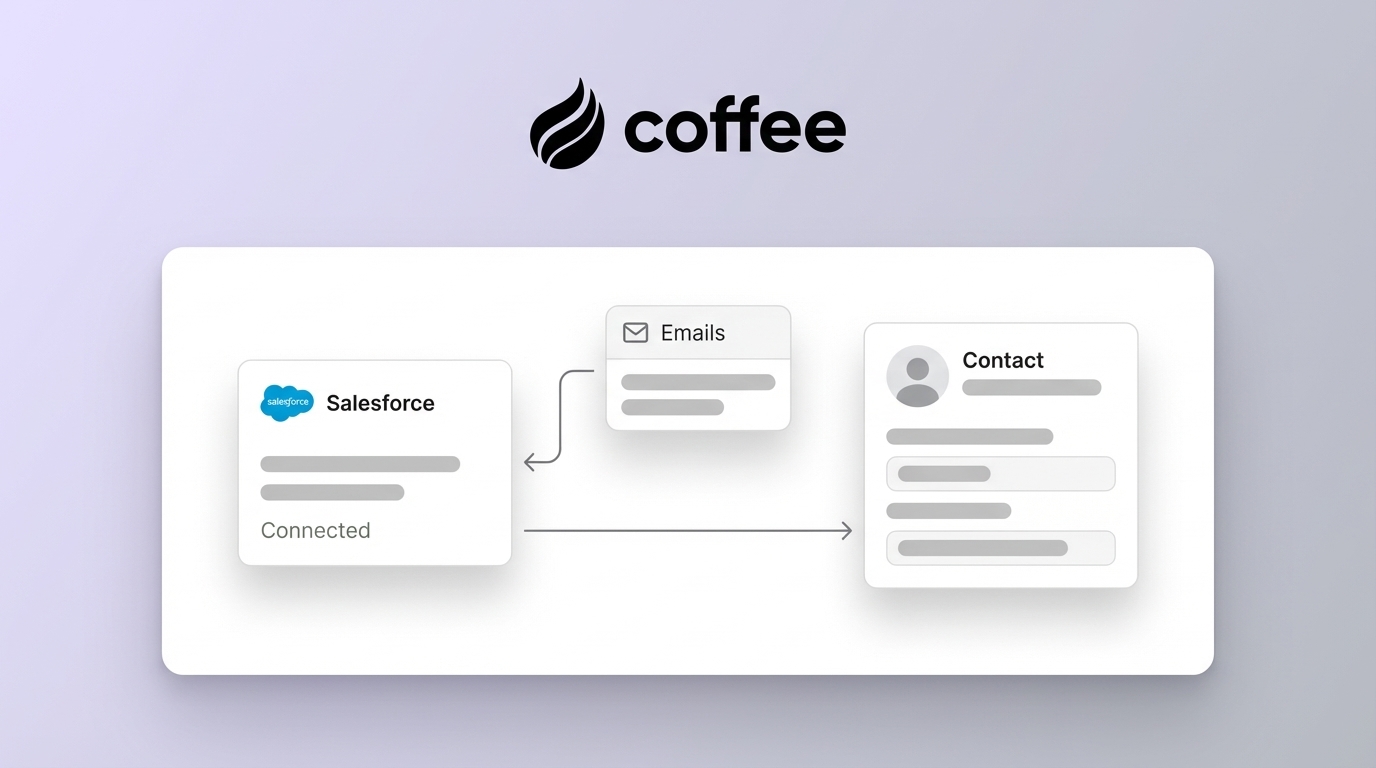
Coffee’s Companion App adds an intelligent agent layer on top of Salesforce. After connection to Google Workspace or Microsoft 365, the agent automatically scans emails and calendars, creates and enriches contacts and companies, and logs activities without extra steps from sales reps.

The Companion App syncs data through simple authentication. It enriches that data and writes insights back to Salesforce so teams maintain accurate records without manual effort.
The agent unifies structured and unstructured data into a single, coherent view. This directly addresses low CRM adoption and poor data quality, which are two of the most common complaints from sales leaders.
Feature Comparison: Einstein Automated Contacts vs Coffee
|
Feature |
Einstein Automated Contacts |
Coffee Companion App |
|
Parses unstructured data from emails/calendars |
Limited |
Yes |
|
Auto-creates contacts/companies |
Limited |
Yes |
|
Data enrichment |
Basic |
Yes (job titles, funding, LinkedIn) |
|
Activity logging |
Partial (delays/duplicates) |
Full, autonomous |
|
Handles custom objects |
No |
Via Salesforce sync |
|
Approval workflows |
Basic |
Not specified |
Fixing Common Gaps: How Coffee Addresses Real-World Complaints
Sales teams often describe native Salesforce automation as opaque and unreliable. They report unpredictable threshold behavior, limited control over contact creation rules, and almost no visibility into why specific contacts were created or skipped after email interactions.
Coffee’s context-aware agent tackles these issues directly. Instead of using arbitrary frequency thresholds, the agent reviews conversation content, relationship dynamics, and business context to decide when to create or update a contact. This approach removes guesswork and provides clear audit trails for automated actions.

The platform also resolves the customization gaps that frustrate advanced Salesforce users. Teams can define which email signatures should trigger contact creation, map specific fields based on conversation content, and configure approval workflows that match their internal processes.
Get started with Coffee to move away from rigid, threshold-based contact automation and regain control over your CRM data.
Frequently Asked Questions About Coffee and Salesforce Contacts
Is Coffee free like native Salesforce tools?
Coffee uses a simple seat-based pricing model instead of a free tier like some native Salesforce features. The investment delivers strong ROI through time savings and better data quality. Native tools can appear cheaper, yet their limits in customization, accuracy, and functionality often create hidden costs from manual cleanup, missed opportunities, and lower sales productivity. Coffee’s pricing reflects its broader agent capabilities, which go far beyond what free native tools provide.
How does Coffee integrate with existing Salesforce instances?
Coffee’s Companion App connects to Salesforce through a straightforward authentication flow. The agent syncs data, enriches it, and writes insights back to your primary CRM. Your existing data structure stays intact, while intelligent automation layers on top to enhance current workflows rather than replace them.
Can I customize which contact fields are populated from email signatures?
Coffee’s agent automatically creates and enriches contacts from emails and calendars. It augments records with details such as job titles through data partners. While full field mapping options are not fully detailed here, the agent focuses on structuring data accurately in your CRM, so records stay consistent and usable.
What are the best Einstein Automated Contacts alternatives for customization?
Coffee’s Companion App stands out for teams that need advanced customization. Other third-party tools like Mixmax or Unaric offer strong email-to-CRM sync and intelligent features. Coffee adds agent-led intelligence that understands context, parses unstructured data, and gives transparent control over contact creation rules. The platform blends the automation strengths of native tools with the flexibility and accuracy modern sales teams expect.
How does Coffee handle duplicate contact prevention?
Coffee’s agent scans emails and calendars, then creates and associates contacts and activities with the correct records. This keeps every note and interaction linked to the right account and reduces unnecessary duplicates, which protects the integrity of your system of record.
Conclusion: Protect Your Data Quality with Agent-Led Automation
The era of manual contact creation and rigid automation is closing. Teams that keep relying on outdated tools like Einstein Automated Contacts will fall behind competitors that use intelligent agents to automate data entry, improve accuracy, and redirect human effort toward high-value selling.
Coffee’s Companion App represents the next stage of CRM automation. The agent understands context, offers transparent customization, and ensures that clean data flows into your system so reliable insights come out. The platform removes the productivity drain of manual entry while delivering the accuracy and consistency modern sales organizations expect.
Get started with Coffee today and save 8 to 12 hours per rep each week. This creates a stronger foundation for accurate pipeline forecasting, better sales decisions, and long-term revenue growth driven by trustworthy CRM data.