
Last updated: February 2, 2026
Key Takeaways for Salesforce Email-to-Contact Automation
- Sales teams lose 65% of selling time to manual data entry because of inaccurate email-to-Salesforce automation and Einstein’s retirement in 2025.
- Common pitfalls include unstructured data parsing failures, 5,000 daily email limits, sync delays, duplicates, and missing enrichments like job titles and funding data.
- AI agents like Coffee proactively parse emails, auto-create enriched contacts from Gmail and Outlook, and log activities without manual input or Salesforce limits.
- Coffee bypasses native restrictions with direct email integrations, NLP for signatures, and a built-in data warehouse for complete pipeline visibility.
- Teams that implement Coffee today save 8 to 12 hours weekly per rep and maintain consistently clean CRM data. Get started with Coffee and roll out AI-powered contact automation that grows with your organization.
Where Salesforce Email Automation Breaks and How to Fix It Fast
Pitfall 1 – Unstructured Data and Signature Parsing Failures
Einstein relies on keyword-based analysis and predetermined phrases rather than understanding conversation context from unstructured data. Email signatures that include multiple contacts, job titles, or company information often create incomplete or incorrect contact records. Traditional systems struggle with complex signature blocks, so enrichment data like titles or company details frequently go missing.
Pitfall 2 – Email Limits and Sync Gaps Slow Sales Down
Contact sync only works with existing contacts in the email client and does not interact with incoming or outgoing email traffic. The 5,000 daily email limit creates organizational bottlenecks as teams scale. Sync delays of up to 24 hours mean critical prospect interactions stay unlogged during active sales cycles, which leaves reps blind during follow-up.
Pitfall 3 – Duplicates and Missing Enrichments Hurt Outreach
Duplicate records reduce matching accuracy and cause incorrect linking or skipped syncs. When multiple records share email addresses or no matching record exists, emails attach to the wrong contacts or fail to log in entirely. Without automatic enrichment, contacts lack job titles, company funding data, and LinkedIn profiles that sales teams rely on for targeted outreach.
Quick fixes include data validation rules, duplicate management processes, and external enrichment tools. These band-aid approaches help at the margins but do not solve the core issue. Legacy systems were not built for intelligent, autonomous data processing, so AI agents that actively manage data quality now provide a durable solution.
Why AI Agents Now Power Precise Salesforce Contact Automation
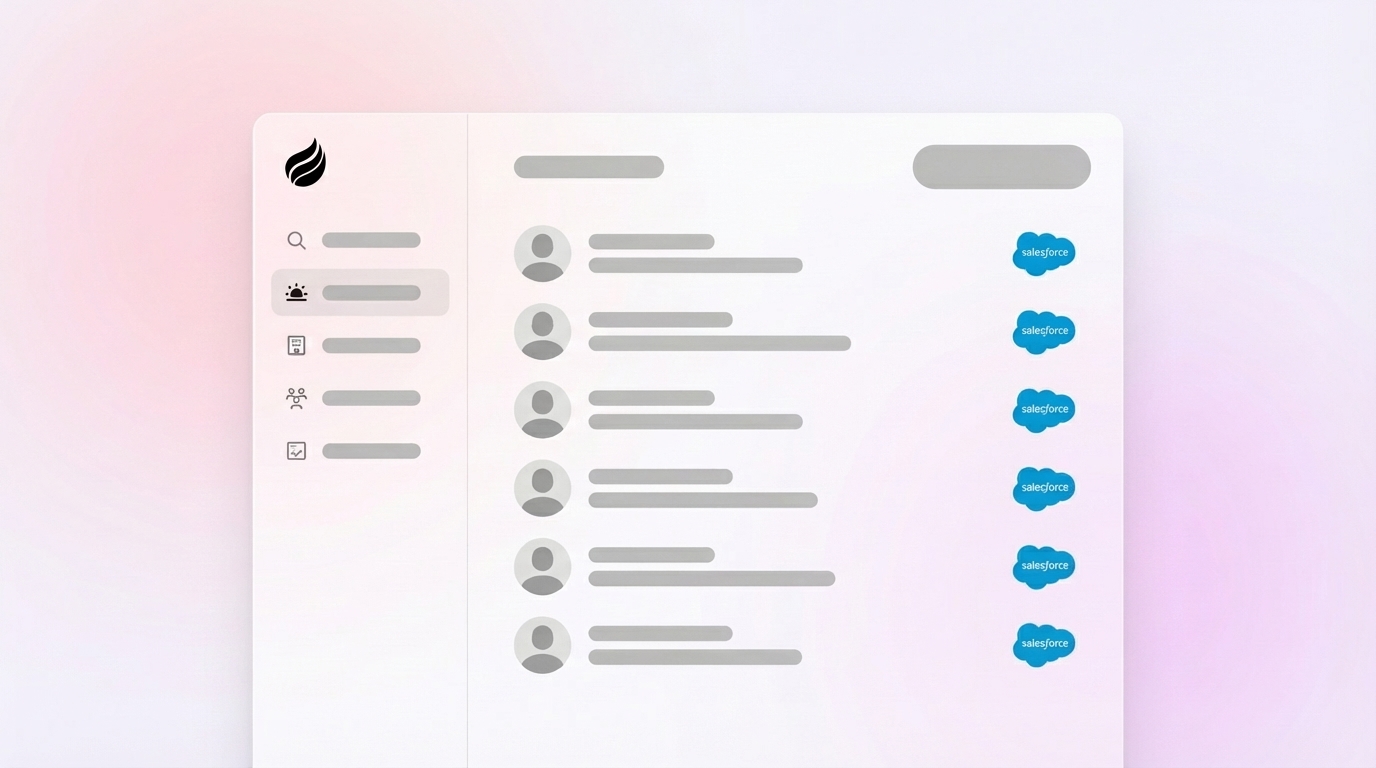
AI agents shift CRM automation from passive logging to active data management. Traditional tools wait for human input and simple triggers. AI agents instead scan, parse, and enrich contact data with minimal oversight from your team. Coffee’s AI agent runs as a Companion App on top of your existing Salesforce instance and focuses on accurate contact creation and enrichment.
Key features that distinguish AI agent automation include the following capabilities.
- Auto-creates and enriches contacts with job titles, funding data, and LinkedIn profiles directly from Gmail and Outlook.
- Parses unstructured text and email signatures using natural language processing to capture complete contact details.
- Logs activities autonomously without manual input, workflow triggers, or user clicks.
- Integrates directly with email providers such as Google Workspace and Microsoft 365 for reliable syncing.
- Maintains historical context in a built-in data warehouse so teams can analyze pipeline performance accurately.
|
Feature |
Coffee (AI Agent) |
Einstein Automated Contacts |
Zapier |
|
Accuracy |
High |
Frequent errors (structured-only) |
Manual triggers, variable |
|
Unstructured Data |
Mastery |
Fails (retiring 2025) |
No native enrichment |
|
Enrichment (titles/funding) |
Built-in |
Limited or none |
Add-ons required |
|
Email Limits Bypass |
Direct integration |
5K per day org cap |
Trigger-based limits |
Get started with Coffee and roll out AI-powered contact automation that grows with your organization.
How Coffee Creates Accurate Salesforce Contacts Step by Step
Step 1 – Connect Google Workspace or Microsoft 365
Coffee’s AI agent authenticates with your email provider through secure OAuth connections. Traditional integrations often demand complex configuration and manual mapping. Coffee begins scanning historical emails and calendar events right away to surface contact creation opportunities.
Step 2 – Agent Scans and Parses Emails and Events
The agent continuously monitors email threads and calendar invitations for new people. It uses natural language processing to extract contact information from unstructured data in signatures and message bodies. The system identifies new prospects from email signatures, meeting attendees, and conversation participants. Intelligent matching algorithms prevent duplicate creation and keep records clean.

Step 3 – Auto-Create, Enrich, and Log Activities
After the agent identifies a new contact, it creates a Salesforce record enriched with job title, company funding data, and LinkedIn profile. It then logs associated activities and links the contact to the correct account. Sales teams see complete context for every interaction. After meetings, the agent generates summaries and highlights next steps without manual work from reps.
Here is a real-world example. After a product demo with three attendees, Coffee’s agent automatically creates contact records for each participant. It enriches them with current job titles and company information, logs the meeting activity, and drafts personalized follow-up emails based on the conversation.

5 High-Impact Coffee Use Cases for Gmail and Outlook to Salesforce
- Post-demo contact creation: Automatically create and enrich records for all meeting attendees with job titles and company data.
- Prospect enrichment from cold emails: Turn inbound inquiries into complete contact profiles with funding and LinkedIn information.
- Event-driven contact capture: Generate contacts from webinar registrations, conference meetings, and networking events.
- Email thread participant mapping: Identify and create contacts for all participants in multi-person email conversations.
- Calendar integration automation: Capture contacts from recurring meetings and external calendar invitations.
These automations save sales representatives 8 to 12 hours per week that previously went to manual data entry. One Coffee customer, generating tens of millions in revenue, removed spreadsheet-based contact management completely. That team now relies on clean CRM data to power accurate pipeline forecasting and confident strategic decisions.

Conclusion: Use Coffee to Achieve Accurate Salesforce Automation
Inaccurate Salesforce email automation creates dirty data that weakens revenue insights and wastes valuable selling time. With Einstein Automated Contacts retired and native limitations still in place, organizations now require AI agents that actively manage contact creation and enrichment.
Coffee’s AI agent delivers accurate automated contact creation and removes the manual data entry burden from sales teams. By handling unstructured data parsing, integrating directly with email providers, and providing continuous enrichment, Coffee turns Salesforce from a data entry chore into a reliable revenue system of record.
Get started with Coffee and deploy intelligent contact automation that scales with your sales organization.
Frequently Asked Questions About Coffee and Salesforce Email Automation
Is Salesforce for Outlook being discontinued?
Salesforce continues to support Outlook integration, but Einstein Automated Contacts retired in February 2025 and left gaps in automated contact creation. Coffee’s AI agent fills these gaps with accurate contact automation that works with both Gmail and Outlook. Teams gain reliable contact creation and enrichment without depending on Einstein.
What are the limitations of automated emails in Salesforce?
Salesforce limits organizations to 5,000 external emails per day across all users, which creates bottlenecks for growing sales teams. Einstein Activity Capture does not sync incoming and outgoing email traffic effectively and often creates duplicate contacts when it overlaps with other automations. These constraints produce incomplete contact data and missed sales opportunities.
How can I identify contacts from email activity automatically?
Coffee’s AI agent automatically scans email threads and calendar events to identify new contacts. It uses natural language processing to parse unstructured data from signatures and conversation content. The agent then creates enriched contact records with job titles, company funding, and LinkedIn profiles while establishing correct account relationships in Salesforce.
Does Salesforce have built-in email automation for contact creation?
Salesforce offers Einstein Automated Contacts, but it is retiring in February 2025 and carries major limitations. These include weak handling of unstructured data, frequent duplicate creation, and gaps in contact creation from meeting invites. Coffee extends Salesforce’s native capabilities by providing intelligent contact automation that runs as a Companion App on top of existing Salesforce instances.
Is Coffee secure for handling sensitive email data?
Coffee maintains SOC 2 Type 2 compliance and GDPR compliance for data security. The AI agent processes email data securely and does not use customer information to train public models. Teams keep data private while gaining automated contact creation and enrichment services.