
Key Takeaways
- Coffee leads as the top Capsule-style standalone CRM with full AI agent automation for emails, calendars, calls, and zero manual data entry.
- Evaluate alternatives by automation depth, setup under 10 minutes, pricing under $50 per user each month, and standalone architecture without vendor lock-in.
- Top contenders like Nimble, Pipedrive, and Close offer partial automation but lack Coffee’s comprehensive unstructured data processing and meeting transcription.
- Coffee’s simple seat-based pricing and immediate workspace scanning make it ideal for solopreneurs and small teams with 1 to 20 employees.
- Teams that want true capsule-style automation can get started with Coffee and eliminate CRM data entry entirely.
How to Compare Capsule-Style CRMs With Automated Data Entry
Strong Capsule-style CRM evaluation starts with automation depth across email sync, auto-contact creation, call transcription, and enrichment. You also want a setup that finishes in under 10 minutes with no IT support, pricing under $50 per user each month, and a standalone architecture that avoids vendor lock-in. Intelligent output like insights and forecasts matters because it turns raw activity into clear next steps. These criteria free roughly 8 to 12 hours each week compared with Capsule’s partial automation. 2026 agentic AI systems now handle unstructured data from transcripts and emails autonomously, which has become a must-have for modern sales teams.

Top 10 Capsule-Style Standalone CRM Alternatives With Automation
1. Coffee: Fully Autonomous Capsule-Style CRM
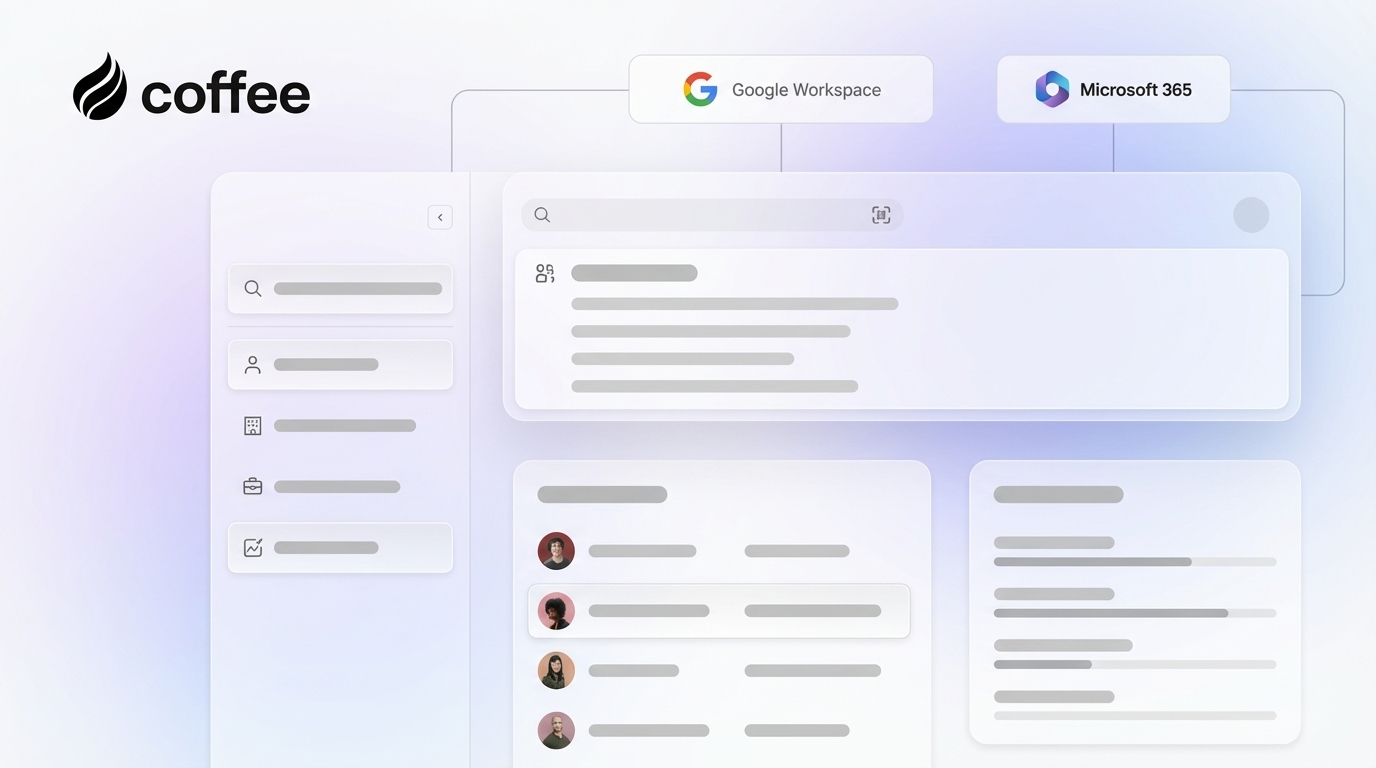
Coffee operates as an autonomous AI agent CRM that handles data capture, enrichment, and logging from Google Workspace or Microsoft 365. It includes meeting bot summaries, automated follow-ups, and pipeline intelligence with week-over-week comparisons. The agent removes manual entry entirely while keeping Capsule’s simplicity and adding enterprise-grade automation. The Standalone CRM fits small companies with 1 to 20 employees that want quick setup. Setup finishes in minutes and triggers immediate workspace scanning. Coffee uses simple seat-based pricing, so costs stay predictable. Get started with Coffee for complete automation.

2. Nimble: Social Selling CRM With Basic Automation
Nimble focuses on email and social sync, automatically pulling contact information from Gmail, Outlook, and LinkedIn. The system creates contact records from email signatures and social profiles, which saves time on manual entry. It does not support meeting transcription or deep unstructured data processing. Teams that prioritize social selling and need basic automation often find Nimble a good fit. Pricing sits around $25 per user each month.
3. Pipedrive: Visual Pipeline CRM With Workflow Rules
Pipedrive offers workflow automation, email integration, and AI-powered insights, but it still requires some manual call logging and contact creation. The visual pipeline interface matches Capsule’s simplicity and adds automation triggers for routine tasks. Teams that feel comfortable with a mix of automation and manual processes usually adapt quickly. Pricing starts at $14.90 per user each month.
4. Close: Calling-First CRM for Phone-Heavy Teams
Close provides built-in calling with automatic call logging and SMS automation, which supports outbound sales teams. Email sync captures conversations automatically and keeps timelines complete. The platform struggles with unstructured data processing and does not include meeting transcription. Phone-focused sales teams often choose Close for its calling features. Pricing starts at $9 per user each month for solo users.
5. Nutshell: Simple CRM With Essential Automation
Nutshell combines basic automation with email integration and lead scoring for straightforward sales processes. It offers workflow triggers for follow-up tasks but still requires manual data entry for many activities. The interface stays simple while covering essential automation features for small teams. Pricing starts at $19 per user each month.
6. Attio: Modern UX With Strong AI Automation
Attio presents a modern interface with email sync, AI-powered data processing, and meeting transcription capabilities. The platform centralizes contacts and outreach and layers advanced AI features on top. Teams that want a polished user experience with robust automation often consider Attio. Pricing starts at $29 per user each month.
7. Day.ai: AI Data Processor Without Full CRM
Day.ai focuses on unstructured data processing from emails and calls and applies AI to extract insights. It does not provide comprehensive CRM features like pipeline management and forecasting, so it works better as an add-on. Many teams use Day.ai as a specialized tool rather than a complete CRM replacement. Pricing varies by usage and data volume.
8. Clarify: Relationship Intelligence for Early-Stage Teams
Clarify emphasizes AI-powered relationship intelligence with automatic contact scoring and insights. Limited integration capabilities restrict its usefulness for larger or more established teams. Early-stage companies with simple requirements often benefit most from Clarify’s focus. Pricing starts around $30 per user each month.
9. Bigin by Zoho: Lightweight CRM in the Zoho Ecosystem
Bigin offers built-in telephony, email integration, and workflow automations in a simplified interface. It belongs to Zoho’s broader ecosystem but still maintains standalone functionality for small teams. Automation features remain basic when compared with AI-powered alternatives like Coffee or Attio. Pricing starts at $7 per user each year, which keeps entry costs low.
10. Streak: Gmail-Native CRM for Simple Pipelines
Streak operates entirely within Gmail and provides pipelines, mail merge, and link tracking. Automation stays limited to email-based workflows and simple rules. Gmail-centric teams that want minimal setup often choose Streak for its familiarity. Streak offers a free tier, with paid plans starting around $15 per user each month.
Side-by-Side Automation and Pricing Comparison
|
Tool |
Key Auto-Feature |
2026 Pricing |
Automation Score |
|
Coffee |
Full agent data in, out, and insights |
Super simple seat-based pricing |
10/10 |
|
Nimble |
Email and social sync |
$25/user/mo |
7/10 |
|
Close |
Call logging and SMS automation |
$29/user/mo |
6/10 |
|
Pipedrive |
Workflow triggers |
$14.90/user/mo |
5/10 |
Coffee leads with comprehensive zero-entry automation and unstructured data processing across email, calls, and meetings. Other solutions provide partial automation and still require manual intervention for key activities. Cost usually tracks with automation depth, which makes Coffee’s agent approach the premium choice for teams that want maximum efficiency.

How to Choose and Roll Out a Capsule-Style CRM
Start by matching your needs to each tool’s strengths, such as Coffee for maximum automation and entry elimination, Nimble for a social selling focus, or Pipedrive for basic workflows. Next, connect your workspace so the agent or system can scan and log activities from email, calendar, and calls. Then review the generated insights and confirm that contacts, deals, and tasks appear correctly. Avoid partial-sync solutions that create data gaps and force manual cleanup. Test email and call automation within the first week of your trial to confirm real time savings. Get started with Coffee for a complete capsule-style standalone CRM with automated data entry.

FAQ
Is Capsule CRM good for automation?
Capsule CRM provides email integration with automatic logging and built-in sales automation features like follow-ups and task reminders. Users can enhance it with optional third-party tools like Zapier, and the core automation remains native to the platform. Capsule meets many modern automation standards with AI-assisted features that support everyday workflows.
What is the best free Capsule alternative?
Streak offers the most comprehensive free tier among Capsule alternatives and runs entirely within Gmail with basic pipeline management and email tracking. Free options in general provide limited automation capabilities and often cap usage. Teams with serious automation needs usually see better value from paid solutions like Coffee or Nimble because of the time savings they create.
How do you automate CRM data entry effectively?
Effective CRM data entry automation relies on AI agents that connect to your email, calendar, and communication tools and capture interactions automatically. Leading systems like Coffee create contacts, log activities, transcribe meetings, and enrich data without manual input. You should look for solutions that handle both structured data such as contact fields and unstructured data such as email content and call transcripts for complete automation.

What is the easiest standalone CRM for solopreneurs in 2026?
Coffee stands out as the easiest solution for solopreneurs who want true automation, because it only requires a workspace connection for immediate data capture and insights. For simpler needs, Streak within Gmail offers a minimal learning curve and quick setup. Pipedrive provides a good balance of features and usability for solo users who want visual pipelines. The key is to match automation depth to your specific time-saving requirements.
How does Capsule compare to Coffee?
Capsule offers an excellent user experience with automation for emails, follow-ups, and AI summaries, while Coffee delivers more comprehensive autonomous capabilities. Coffee removes data entry entirely while maintaining a simple interface that feels familiar. It automatically captures emails, transcribes meetings, creates contacts, and provides advanced pipeline intelligence, which makes it the stronger choice for automation-focused teams.
Conclusion: Why Coffee Leads Capsule-Style Automation
Coffee emerges as the clear leader for true Capsule-style autonomous data entry because it combines simplicity with comprehensive AI automation. Alternatives like Nimble and Close offer useful but partial solutions that still rely on manual work. Coffee’s agent approach eliminates manual entry entirely and adds intelligent insights that guide next actions. Solopreneurs and small teams that want to reclaim selling time can get started with Coffee and turn CRM from a chore into a practical competitive advantage.