
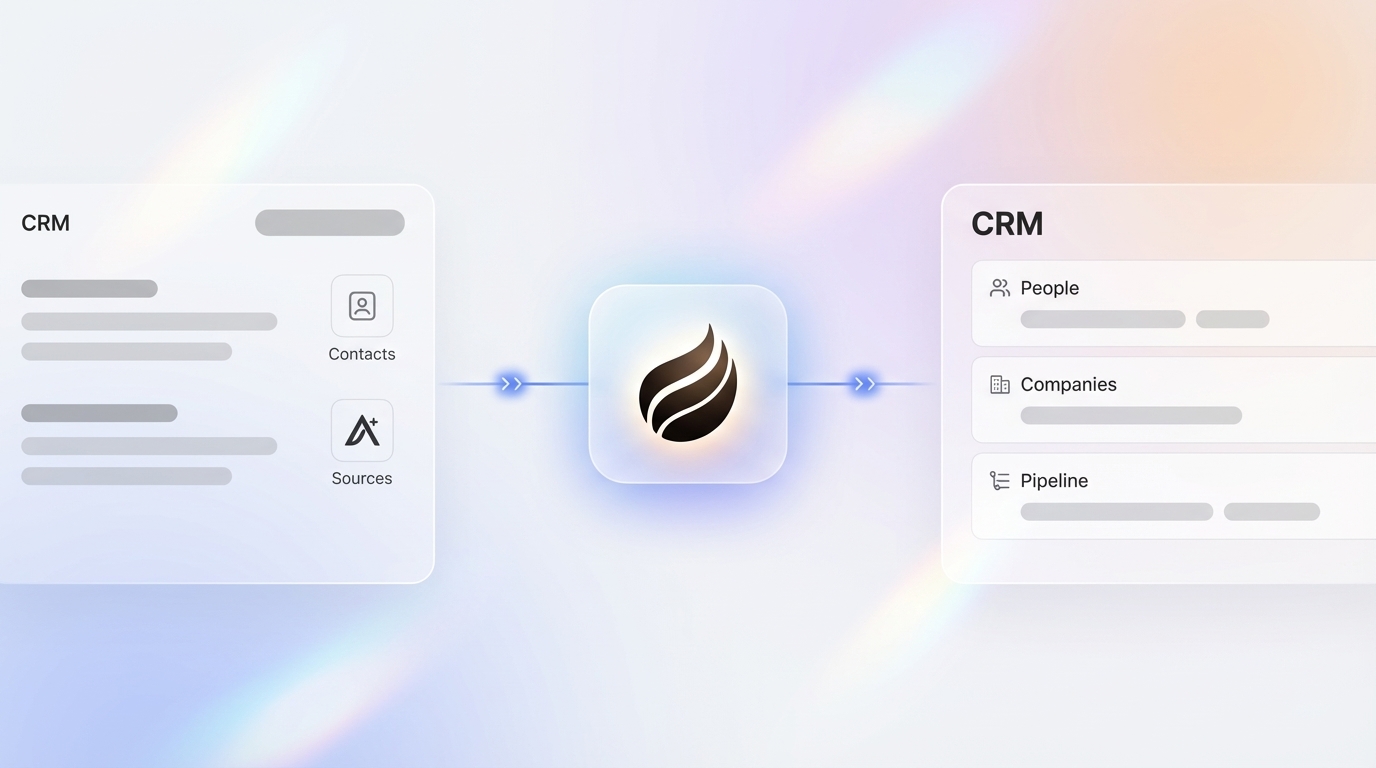
Key Takeaways
- Automate Apollo.io contact creation into Salesforce, HubSpot, or Pipedrive using native integrations or Zapier workflows to remove manual data entry.
- Use Apollo native integrations for bi-directional sync of contacts, companies, and activities, with field mapping that keeps data accurate.
- Rely on Zapier for advanced multi-step workflows, while planning for higher costs and manual error handling at larger volumes.
- Adopt Coffee’s AI agent to outperform Apollo plus Zapier by auto-creating and enriching contacts from emails and calendars with one-click setup and no ongoing costs.
- Upgrade to Coffee’s pricing plans for autonomous CRM automation that removes Apollo dependency and saves 8–12 hours weekly per rep.
What You Need Before You Start
Set up a few basics before you automate Apollo.io contact creation into your CRM.
- Active Apollo.io account with admin access
- CRM admin permissions for Salesforce, HubSpot, or Pipedrive
- Zapier account, optional for advanced workflows
- Fifteen to thirty minutes for a beginner-friendly setup
Verify your API keys and confirm that 2026 privacy regulations require Data Processing Agreements (DPAs) for contact exports to stay compliant with GDPR and CCPA.
Track success by reaching fully automated contact creation and at least 30% faster data enrichment compared with manual entry.
Use Apollo Native CRM Integrations First
Apollo introduced native workflow integrations with HubSpot in 2025, which let you push contacts directly without CSV exports or Zapier.
|
Apollo Field |
Salesforce |
HubSpot |
Pipedrive |
|
Name |
First Name + Last Name |
First Name + Last Name |
Name |
|
|
|
|
|
|
Phone |
Phone |
Phone Number |
Phone |
|
Company |
Account Name |
Company Name |
Organization |
Follow these steps to connect Apollo with your CRM.
- Open Apollo Settings, then select Integrations.
- Choose your CRM and authenticate with admin credentials.
- Map fields using the table above as a starting point.
- Turn on auto-sync for new contacts and companies.
- Test with one sample contact to confirm the data flow.
Apollo’s native integration auto-syncs emails, calls, and meetings, which keeps your CRM current with bi-directional data sync.
Build a 5-Step Apollo Workflow with Zapier
Use Zapier when you need more complex automation than Apollo’s native integrations provide.
- Create Zapier Account: Sign up and connect Apollo.io as the trigger with the “New Contact” event.
- Configure Action: Add your CRM as the action step with “Create Record” or “Create Contact.”
- Map Fields: Map each Apollo field to the correct CRM field so data flows cleanly.
- Add Filters: Add deduplication filters that use email as the unique identifier.
- Multi-Step Enhancement: Build a sequence such as Enrich Contact, then Create CRM Record, then Log Activity.
Plan for Zapier limitations, including costs that can exceed $500 monthly for high-volume workflows and occasional uptime issues. Still, Apollo’s workflow automation improved team efficiency by 2X by automating outbound processes and pipeline updates.
Send Apollo Contacts Directly into HubSpot
HubSpot offers the most complete native integration with Apollo.io for many teams.
Native Method:
- Open HubSpot Workflows from your Apollo dashboard.
- Configure automatic contact pushing with real-time sync.
- Turn on bi-directional updates for contact status changes.
Field Mapping for HubSpot:
|
Data Type |
Apollo Source |
HubSpot Destination |
|
Contact Info |
Person Record |
Contact Record |
|
Company Data |
Organization |
Company Record |
|
Activities |
Touchpoints |
Activities/Tasks |
Use an email hash for deduplication so HubSpot workflows do not create duplicate contacts.
Connect Apollo.io with Salesforce
Salesforce integration supports deeper contact and account management for complex sales teams.
Native Integration Steps:
- Install Apollo from Salesforce AppExchange.
- Configure user sync to identify unregistered team members.
- Map custom fields that capture industry-specific data.
- Turn on automatic lead creation from Apollo contacts.
Zapier Alternative:
- Trigger: “New Apollo Contact.”
- Action: “Create Lead” in Salesforce.
- Review API rate limits before high-volume imports.
Use custom field mapping so industry-specific data flows correctly between systems and keeps your sales stack consistent.
Sync Apollo Contacts with Pipedrive
Pipedrive’s marketplace integration gives you a simple way to automate Apollo contact sync.
- Open Pipedrive Marketplace and search for Apollo.io.
- Install the native connector with admin permissions.
- Turn on automatic person and organization updates.
- Set sync frequency, with real-time sync recommended.
Apollo natively integrates with Pipedrive to automatically synchronize and update data, preventing duplicate entries and keeping contact records clean.
Replace Apollo Workflows with Coffee’s AI Agent
Zapier workflows cover basic automation but add cost and complexity as your volume grows. Coffee’s AI agent removes Apollo dependency by creating and enriching contacts from Google Workspace or Microsoft 365 emails and calendars, then syncing them to Salesforce or HubSpot.

Why Coffee Outperforms Apollo plus Zapier:
|
Feature |
Apollo + Zapier |
Coffee AI Agent |
|
Setup Complexity |
Multi-step configuration |
One-click authentication |
|
Monthly Costs |
$500+ for workflows |
Unlimited agent included |
|
Data Sources |
Apollo database and integrated apps |
Email, calendar, enrichment |
|
Error Handling |
Manual troubleshooting |
Autonomous resolution |
Coffee Agent Capabilities:
- Auto-Contact Creation: Scans emails and calendar invites and populates your CRM with people and organizations automatically.
- Built-in Enrichment: Adds job titles, funding data, and LinkedIn profiles without extra tools.
- Real-time Sync: Updates Salesforce or HubSpot as soon as new contacts appear.
- SOC 2 Compliance: Delivers enterprise-grade security without extra privacy headaches.

The biggest trend in 2026 is the shift to autonomous AI agents that independently identify prospects and update CRM pipelines, which cuts sales rep workload significantly.
Coffee’s agent works as a Standalone CRM for growing teams and as a Companion App that enhances existing Salesforce or HubSpot setups. Setup takes only a few minutes: connect your email and calendar, authenticate your CRM, then let the agent handle contact creation.

Teams report saving 8–12 hours each week on data entry, which lets reps focus on selling instead of admin work.
Get started with Coffee and experience zero-touch CRM automation that removes Apollo dependency.
Pro Tips and Fixes for Common Integration Errors
Common Integration Errors:
- Duplicate Creation: Use email as the unique identifier in every deduplication rule.
- API Rate Limits: Batch contact imports during off-peak hours to reduce throttling.
- Field Mismatches: Test field mappings with sample data before a full rollout.
- Authentication Failures: Refresh API tokens every quarter to keep connections stable.
Best Practices:
- Review sync logs weekly for failed imports.
- Add data validation rules inside your CRM.
- Create backup workflows for critical contact data.
- Document field mapping decisions for your team.
Coffee’s AI agent handles many of these issues with intelligent error handling and autonomous troubleshooting, which removes most manual intervention.
Advanced Choice: Apollo as CRM vs Coffee Agent
Some teams treat Apollo.io as their primary CRM, yet this approach introduces several tradeoffs.
|
Consideration |
Apollo as CRM |
Coffee Agent |
|
Pipeline Management |
Basic deal tracking |
Advanced pipeline intelligence |
|
Data Sources |
Prospecting database |
Email, calendar, enrichment |
|
Automation |
Sequence-based |
Autonomous agent |
Use Coffee’s List Builder for outbound prospecting while you keep full CRM capabilities. The Pipeline Compare feature automates weekly pipeline reviews that Apollo does not provide.

Get started with Coffee to move from Apollo-dependent workflows to autonomous CRM automation.
Frequently Asked Questions
Does Apollo.io integrate with HubSpot?
Apollo.io offers native integration with HubSpot through workflows that support bi-directional sync. The 2025 updates improved this integration with automatic contact pushing and removed the need for CSV exports. You can sync contacts, accounts, and activities automatically while keeping data consistent across both platforms.
How do I automate Apollo to Salesforce contact creation?
Use Apollo’s native Salesforce integration through the AppExchange or set up Zapier workflows. The native method requires installing Apollo from Salesforce AppExchange, mapping fields, and turning on automatic lead creation. For Zapier, create a workflow with “New Apollo Contact” as the trigger and “Create Lead” in Salesforce as the action, then add deduplication filters.
What are the limitations of Apollo.io CRM automation?
Apollo.io faces several automation limits, including API rate caps, privacy compliance requirements, and reliance on external tools for advanced workflows. The platform needs manual field mapping, lacks autonomous error resolution, and can become expensive when you scale Zapier integrations beyond basic use.
Why choose Coffee over Zapier for CRM automation?
Coffee provides unlimited AI agent capabilities without per-workflow fees, along with autonomous error resolution and built-in data enrichment. Zapier workflows stay static and require manual troubleshooting, while Coffee’s agent adapts to changes automatically. The agent also removes Apollo dependency by creating contacts directly from email and calendar data.
Can I use multiple CRM integrations simultaneously?
Running multiple CRM integrations at the same time often creates data consistency issues and conflicts. Most organizations select one primary CRM for contact management. Coffee’s Companion App works smoothly with existing Salesforce or HubSpot instances, and the Standalone CRM replaces legacy systems for teams that want a modern alternative.
Conclusion: End Data Entry Hell Today
Automating Apollo.io contact creation into your CRM removes most manual data entry and frees your sales team for revenue work. Whether you rely on native integrations, Zapier workflows, or CRM-specific setups, focus on consistent automation that protects data quality.
AI agents now handle this work with almost no human effort. Coffee’s agent delivers faster contact creation, automatic enrichment, and built-in error handling that traditional integrations cannot match.
Stop serving your CRM and let it serve you instead. Get started with Coffee and automate Apollo.io contact creation into your CRM with intelligent agents that keep working while you sleep.