
Key Takeaways
- Sales reps lose 71% of their time to non-selling work like manual data entry. CRMs like Coffee automate contact creation from emails, calendars, and calls to reclaim 8 to 12 hours each week.
- Coffee ranks #1 for agent-led automation, with real-time updates, high enrichment accuracy, and under-one-hour setup for SMBs through Google Workspace integration.
- HubSpot offers basic free auto-logging but still needs manual contact creation, while Salesforce requires complex setups and paid add-ons for similar automation.
- Pipedrive, Copper, Zoho, and Day.ai sync email and calls to varying degrees but do not match Coffee’s autonomous AI agent for unstructured data processing.
- Get started with Coffee today to use agent-led contact automation that improves pipeline accuracy and sales productivity.
How to Judge Automatic Contact Management CRMs
Effective automatic contact management depends on several clear criteria. Automation depth separates simple logging tools from proactive agent behavior that actually manages data. Strong systems pull from unstructured sources like email text and call transcripts, not just form fields. Real-time updates keep contact records current immediately after every interaction. Data enrichment accuracy should reach 96% for email verification and support complete, reliable profiles.
SMB-focused tools need setup in under one hour and smooth companion integration with existing Salesforce or HubSpot instances. Pipeline output quality becomes the final test. Systems that automate contact management should reclaim 8 to 12 hours per week and improve forecast accuracy through consistent, high-quality data.
Top 7 CRMs for Automatic Contact Creation
1. Coffee: Agent-Led Automation for Modern Teams
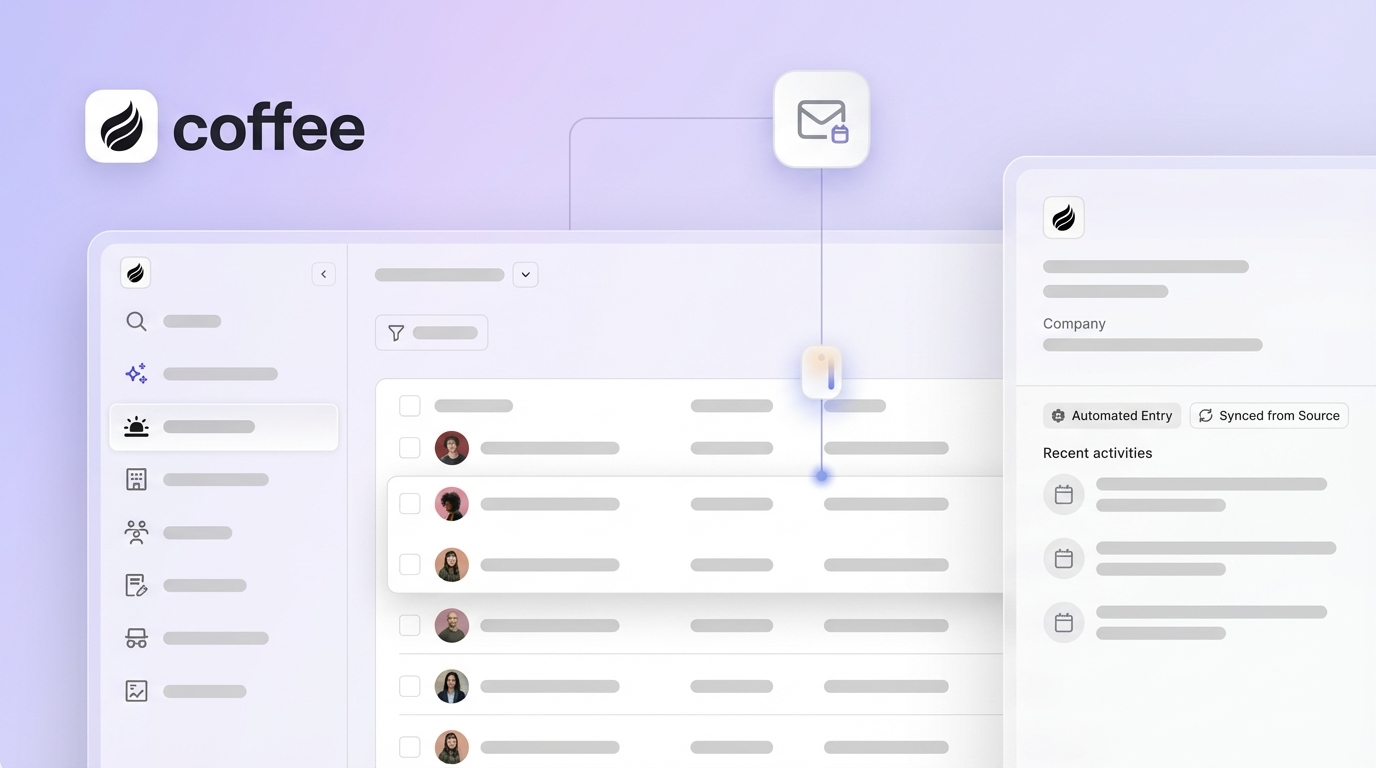
Coffee acts as an autonomous CRM agent instead of passive software, built for SMBs that want to escape manual entry. After authentication, the platform scans Google Workspace emails and calendars, then creates and enriches contacts without human effort. Post-call AI produces summaries, highlights next steps, and drafts follow-up emails in Gmail for quick review.

Strengths: Workspace authentication enables automatic email and calendar scanning, while the AI meeting bot joins Zoom and Teams calls for transcription. Coffee enriches contacts through licensed data partners, stores interaction history in a built-in data warehouse, and uses Pipeline Compare to show week-over-week pipeline changes.

Limitations: Current integrations rely on Zapier, with deeper native connections on the roadmap. The platform is newer than legacy CRMs, which may matter for risk-averse buyers.
Best For: Small companies with 1 to 20 employees moving off spreadsheets, teams that want Salesforce or HubSpot companion automation, and RevOps leaders who care most about data quality.
Implementation: Setup typically finishes in under one hour with a Google Workspace connection, and the agent starts operating autonomously right away.
2. HubSpot: Simple Auto-Logging for Inbound Teams
HubSpot offers a free core CRM with email tracking and Gmail or Outlook scheduling sync. After configuration, the platform logs email interactions and meeting activities automatically. Contact creation usually happens through form submissions and email signature parsing.
Strengths: A free tier, native Gmail and Outlook integration, automatic email activity logging, and a meeting scheduler that syncs with calendars.
Limitations: Sales teams still perform significant manual contact creation, and unstructured data processing remains limited. The platform does not provide autonomous post-call automation.
Best For: Marketing-led organizations, companies focused on inbound lead capture, and teams with dedicated admins to manage the CRM.
3. Salesforce: Einstein-Powered Enterprise Automation
Salesforce Einstein AI automates repetitive tasks and supports sales teams through additional paid modules. With proper configuration, Salesforce delivers detailed contact management and full communication history. Integration with Microsoft 365 allows automatic email and meeting sync.
Strengths: Deep enterprise customization, Einstein AI capabilities, a large integration marketplace, and robust reporting and analytics.
Limitations: Setup is complex and usually needs admin specialists. Licensing for AI features is expensive, and 25 years of legacy architecture can slow innovation.
Best For: Large enterprises with Salesforce administrators, companies that need heavy customization, and organizations with complex, multi-stage sales processes.
4. Pipedrive: Email-Triggered Deals for Visual Sellers
Pipedrive AI supports automated deal creation based on email interactions and offers a sales assistant. The CRM centers on a visual pipeline with automatic activity logging from email communication.
Strengths: A clear visual pipeline interface, email-triggered deal creation, AI-generated reports, predictive lead scoring, and an intuitive user experience.
Limitations: Enrichment remains basic, and many scenarios still require manual contact creation.
Best For: Visual learners who prefer pipeline boards, teams focused on tracking deal stages, and SMBs with simple, linear sales cycles.
5. Copper: Gmail-First CRM for Google Users
Copper lives inside Gmail and creates contacts automatically from email interactions. The platform syncs Google Workspace data, including calendar events and email threads, to build complete contact timelines.
Strengths: Native Gmail integration, automatic Google Workspace syncing, contact creation from email signatures, and a streamlined interface.
Limitations: AI features are basic, and call integration remains limited.
Best For: Organizations built on Google Workspace, teams that live in Gmail all day, and small businesses that want straightforward automation.
6. Zoho: Zia AI for Predictive, Multichannel Sales
Zoho CRM uses Zia AI for predictive sales and omnichannel communication, bringing email, phone, and social media into one place. The platform enriches contacts automatically from multiple data sources.
Strengths: Tight integration across the Zoho suite, Zia AI predictive analytics, an omnichannel communication hub, competitive pricing, and broad customization.
Limitations: The interface can feel complex, and users often face a steep learning curve. Automation quality can vary by configuration.
Best For: Organizations already using the Zoho ecosystem, international teams that need multi-language support, and cost-conscious SMBs that want many features in one platform.
7. Day.ai: AI-First CRM with a Modern Feel
Day.ai reflects newer “After ChatGPT” CRM architecture with strong focus on unstructured data and a modern interface. The product aims to boost productivity through AI-assisted contact management.
Strengths: AI-first design, strong unstructured data handling, a contemporary interface, and features centered on productivity.
Limitations: The integration ecosystem is still small, the feature set is developing, and enterprise capabilities remain limited.
Best For: Early adopters who want a modern interface, teams that value AI-first workflows, and startups with simple contact management needs.
Side-by-Side CRM Comparison and Tradeoffs
| CRM | Auto-Sources | Update Speed/Enrichment | Pricing/Best For | Score |
|---|---|---|---|---|
| Coffee | Emails/Calendars/Calls | Real-time AI/High | Seat-based/SMB Agent | 9.8/10 |
| HubSpot | Emails/Forms | Scheduled/Basic | Free-Premium/Marketing | 8.2/10 |
| Salesforce | Emails/Meetings | Configurable/Advanced | Enterprise/Complex | 8.0/10 |
| Pipedrive | Emails | Triggered/Moderate | Mid-range/Visual | 7.5/10 |
| Copper | Gmail/Calendar | Sync-based/Basic | Google-focused/Simple | 7.2/10 |
| Zoho | Multi-channel | AI-assisted/Variable | Suite-based/International | 7.0/10 |
| Day.ai | Unstructured | Modern AI/Limited | Startup/Early-stage | 6.8/10 |
Coffee leads in agent automation and SMB focus, while legacy platforms trail in autonomous capabilities. Buyers face a clear tradeoff between cost and automation depth. Enterprise tools like Salesforce deliver extensive customization but demand heavy configuration and ongoing admin work.
How to Choose and Why Coffee Often Wins
Team size and your current tech stack shape the right CRM choice. Coffee stands out for small and mid-market companies that want autonomous contact management without manual upkeep. One company generating tens of millions in revenue used Coffee’s Pipeline Compare feature to replace manual spreadsheet reviews and still kept API access for custom briefing scripts.

Total cost of ownership usually favors platforms that combine enrichment, recording, and forecasting in one place. Get started with Coffee to see how comprehensive agent-led automation can replace multiple separate tools.
Implementation Tips and Common Pitfalls
Coffee implementation starts with a Google Workspace connection, then the agent begins operating on its own. Teams often run into trouble when they overcomplicate legacy setups, ignore unstructured data like call transcripts, or skip pilot programs that prove ROI before a full rollout.
Successful deployments focus on clean data inputs. Email signatures should include complete details, calendar events should list the right attendees, and call recordings should have clear audio to support accurate transcription.
FAQ
Best CRM for Automatic Contact Creation from Gmail
Coffee delivers the most complete automatic contact creation from Gmail through its agent-based model. Passive systems only log email activity, while Coffee scans email content, builds enriched contact records, and stores full interaction history in a built-in data warehouse. After Google Workspace authentication, the system runs on its own and removes the need for manual contact entry.
Coffee vs HubSpot for Contact Automation
Coffee works as an autonomous agent, while HubSpot behaves more like a database that still needs manual contact creation. Coffee enriches contacts from multiple data sources, generates post-call summaries, and powers Pipeline Compare analytics. HubSpot usually requires admin support for setup and maintenance, while Coffee starts delivering value right after authentication.
Automating CRM Updates After Sales Calls
Coffee’s AI meeting bot joins Zoom, Teams, and Google Meet calls to create summaries, capture next steps, and draft follow-up emails. The agent updates contact records with call outcomes, schedules follow-up tasks, and enriches profiles with insights from the conversation. This workflow removes manual post-call data entry and keeps the pipeline accurate.

Pricing for SMB Contact Automation
Coffee uses seat-based pricing, so you pay for human users while the agent’s unlimited work is included. This structure avoids complex AI usage metering or automation surcharges. The model scales with team growth and stays cost-effective for SMBs compared with enterprise CRMs that need multiple paid add-ons.
Security of Automated Contact Management for RevOps
Coffee meets SOC 2 Type 2 and GDPR standards with enterprise-grade security. The platform does not use contact data to train public AI models, which protects proprietary information. The agent operates only within authenticated integrations and keeps audit trails for every automated action, giving RevOps teams full visibility into data handling.
Conclusion: Turn Contacts into an Automated Advantage
Coffee leads the 2026 agent movement for automatic contact creation and updates, delivering reliable “good data in, good data out” through autonomous operation. Legacy CRMs still depend on manual work, while Coffee’s agent manages the full contact lifecycle from first touch through ongoing enrichment and interaction tracking.
Get started with Coffee and shift contact management from a manual burden to a durable, automated advantage.