
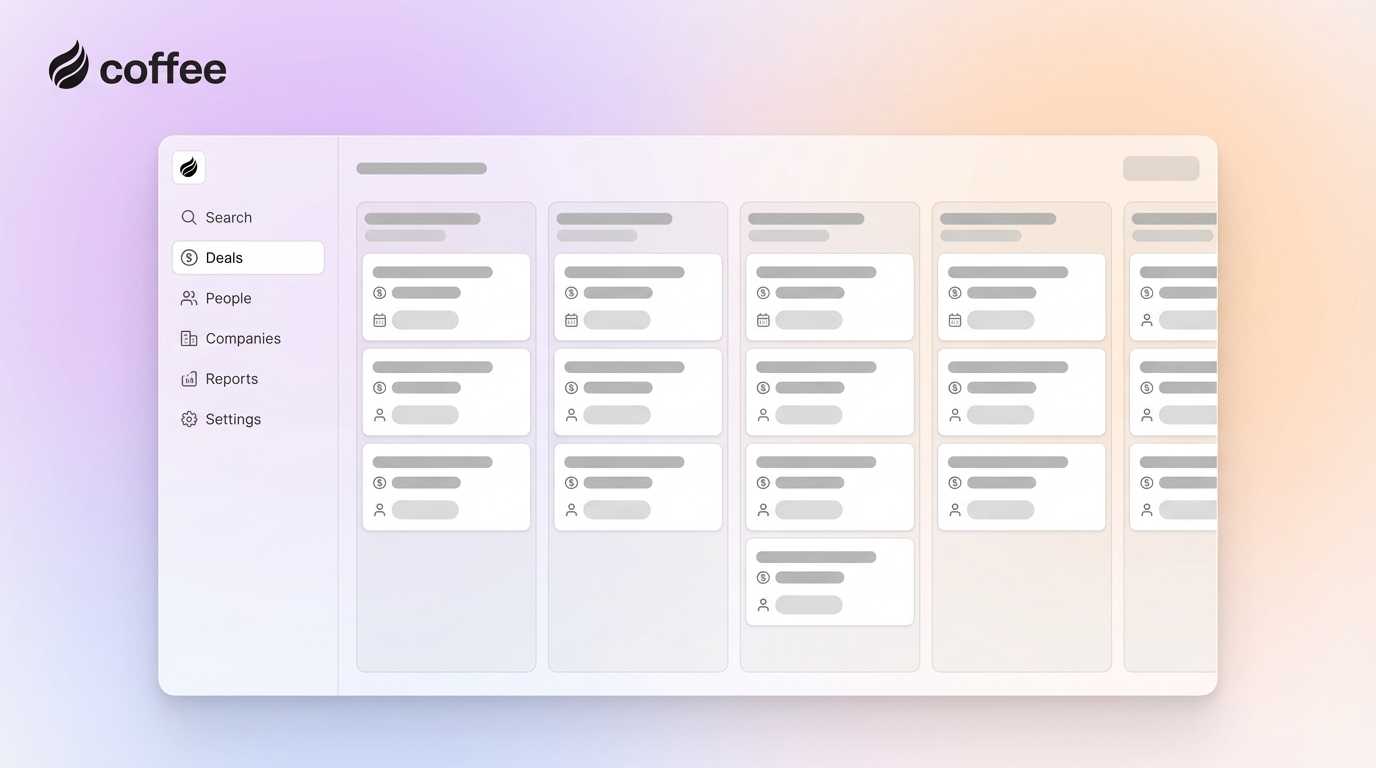
Key Takeaways
- Visual sales pipeline CRMs with Kanban boards and real-time collaboration fix manual data entry issues for small teams of 3-10, freeing 71% more time for selling.
- Coffee leads as the agent-powered CRM, auto-populating pipelines from emails and calendars and featuring Pipeline Compare for week-over-week visual insights, saving 8-12 hours per rep weekly.
- Other top options like Pipedrive, HubSpot, and Close offer strong visual pipelines but still depend on manual data entry and lack Coffee’s AI automation.
- Teams with accurate pipelines see 28% more revenue growth, and AI-driven tools like Coffee deliver the strongest ROI through autonomous data management.
- Teams ready to automate their pipeline can get started with Coffee for agent-powered efficiency today.
Core Visual Pipeline Features Small Teams Actually Use
Small collaborative teams need a CRM that stays simple while keeping everyone aligned. The most useful features include:
- Kanban-style drag-and-drop boards for intuitive deal movement
- Real-time shared editing and team visibility
- AI agents that auto-populate contacts, companies, and activities from emails and calendars
- Mobile collaboration for field teams
- Simple pricing without complex seat minimums
- Quick setup with minimal IT requirements

AI-driven insights are weighted at 25% in collaboration tool evaluations, and sales teams rank AI investment as the top tactic for growth. An AI agent that keeps data clean and complete becomes the key to accurate visual pipeline insights.
Top 7 Visual Sales Pipeline CRMs for Small Collaborative Teams in 2026
1. Coffee – Agent-Powered Pipeline CRM for Hands-Off Data Entry
Coffee operates as an agent-powered CRM that removes manual data entry from your workflow. The Coffee Agent automatically creates contacts, companies, and activities by scanning Google Workspace or Microsoft 365, so your pipeline stays current without extra work from the team.
Key Strengths:
- Agent auto-populates pipeline from emails and calendars
- Pipeline Compare feature shows week-over-week visual changes
- AI meeting bot generates summaries and follow-ups
- List Builder creates prospect lists via natural language
- Works as standalone CRM or Salesforce/HubSpot companion

Ideal For: Small teams of 1-20 employees that want automated pipeline management without manual data entry. Founders and early sales hires gain agent-powered efficiency from day one.
Pricing: Simple seat-based pricing with unlimited agent labor included, plus a 14-day trial.
2. Pipedrive – Visual Sales Pipeline With Manual Data Entry
Pipedrive delivers strong visual pipeline capabilities with customizable deal stages and drag-and-drop functionality. The platform highlights deal health and team performance with clear visual cues.
Key Strengths:
- Intuitive visual pipeline design
- Customizable deal stages and fields
- Activity reminders and follow-up tracking
- Mobile app for field collaboration
Limitations: Pipedrive requires manual data entry and does not include AI automation for contact creation.
Pricing: Essential $14/user/month, Advanced $29/user/month, Power $49/user/month
3. HubSpot Sales Hub – Visual CRM With a Limited Free Tier
HubSpot offers visual pipeline management with a free tier that supports up to 2 users and 1 pipeline, which works well for very small teams just getting started.
Key Strengths:
- Free tier available for small teams
- Visual deal board with drag-and-drop
- Integration with marketing tools
- Reporting and analytics included
Limitations: The free tier remains limited, and paid plans become expensive quickly as the team grows.
Pricing: Free tier (2 users, 1 pipeline), Starter $15/seat/month, Professional $90/seat/month
4. Close – Visual CRM Built Around Calling and Email
Close combines visual pipeline management with built-in calling and email tools, so teams can manage communication and deals in one place.
Key Strengths:
- Built-in calling and SMS
- Visual drag-and-drop pipelines
- Email automation workflows
- Call recording and tracking
Ideal For: Teams that rely heavily on phone-based selling and want visual pipeline tracking alongside calling tools.
Pricing: Team $19/user/month, Growth $49/user/month, Professional $99/user/month
5. PipelineDeals – Visual Pipeline Specialist for Small Teams
PipelineDeals focuses on visual pipeline management with customizable stages and collaboration features tailored to small sales teams.
Key Strengths:
- Specialized visual pipeline design
- Team collaboration features
- Custom reporting and forecasting
- Integration capabilities
Limitations: AI automation remains limited compared to newer agent-powered options.
6. Attio – Modern Visual CRM With Flexible Data Views
Attio delivers a modern, visually appealing interface with flexible data modeling and collaborative workspaces for small teams.
Key Strengths:
- Modern, intuitive interface design
- Flexible data modeling
- Real-time collaboration
- Custom views and workflows
Limitations: Attio still relies on manual data entry and does not include an AI agent for automation.
7. Day.ai – AI-Enhanced Visual CRM With Modern UI
Day.ai blends AI features for productivity with visual pipeline management for small collaborative teams.
Key Strengths:
- AI-powered productivity features
- Visual pipeline management
- Unstructured data processing
- Modern interface design
Limitations: Integration options remain limited compared to more established platforms.
Get started with Coffee to use an agent-powered visual pipeline CRM that removes manual data entry from your process.
Side-by-Side CRM Comparison for Visual Pipelines
| CRM | Visual Style/Collaboration | AI Automation | Pricing/Setup | Key Advantage |
|---|---|---|---|---|
| Coffee | Pipeline Compare with real-time team views | Agent auto-fills all data | Seat-based, 5-min setup | Autonomous data entry |
| Pipedrive | Visual pipeline, drag-drop | Basic automation | $14+/user, manual setup | Pipeline-focused design |
| HubSpot | Deal boards, team sharing | Limited AI features | Free tier, expensive scaling | Free tier availability |
| Close | Pipeline views, team activity | Email automation | $19+/user, moderate setup | Built-in communication |
Coffee leads in AI automation for pipeline management by removing the manual data entry that slows traditional CRMs. Pipeline CRM solutions can deliver 43% lower total cost of ownership than legacy tools, and organizations that integrate AI report 60% greater efficiency and 57% more effective customer insights.
Pricing Snapshot and Free Options for Small Teams
Visual pipeline CRM pricing spans from free starter tiers to mid-range monthly subscriptions per user.
- Coffee: Simple seat-based pricing with unlimited agent labor and a 14-day trial
- HubSpot: Free tier (limited to 2 users, 1 pipeline), Starter $15/seat/month
- Pipedrive: Lite $14/user/month, Growth $24/user/month, Premium $49/user/month
- Close: Team $19/user/month, Growth $49/user/month
Coffee often delivers the strongest ROI because it removes manual data entry costs and includes unlimited agent automation without layered per-feature fees.
Fast-Track Setup: Coffee Visual Pipeline in 5 Steps
Teams can launch Coffee’s agent-powered pipeline in a few minutes by following these steps:
- Authenticate: Connect Google Workspace or Microsoft 365.
- Agent Activation: Coffee Agent scans and populates contacts and companies automatically.
- Customize Pipeline: Configure deal stages and team views.
- Share Team Access: Invite team members for real-time collaboration.
- Enable Pipeline Compare: Turn on week-over-week visual tracking.
Migration from spreadsheets or legacy CRMs stays simple because the Coffee Agent handles data import and enrichment automatically.

Get started with Coffee for fast pipeline setup with zero manual data entry.
FAQ
What is the best free visual pipeline CRM for small teams?
HubSpot offers a free tier that supports 2 users and 1 pipeline, which works for very small or early-stage teams. Coffee provides a stronger trial experience with full agent automation during the 14-day trial, so teams can see how automated pipeline management feels without manual data entry.
How does Coffee compare to Pipedrive for team collaboration?
Coffee’s agent automatically populates all pipeline data from emails and calendars, while Pipedrive depends on manual data entry from team members. Coffee’s Pipeline Compare feature delivers automated week-over-week visual insights, while Pipedrive relies on manual reporting. Collaborative teams often prefer Coffee because it removes the data entry burden that hurts CRM adoption.
How long does AI visual CRM setup usually take?
Coffee’s agent-powered setup typically takes about 5 minutes after connecting Google Workspace or Microsoft 365. The agent immediately starts auto-populating contacts, companies, and activities, which creates a functional visual pipeline with almost no configuration. Traditional CRMs such as Pipedrive or HubSpot usually require hours of manual data entry and setup.
What pricing should small businesses expect for pipeline CRMs?
Visual pipeline CRM pricing usually ranges from free tiers, such as HubSpot’s limited option, to $14-49 per user each month for most platforms. Coffee uses simple seat-based pricing with unlimited agent labor included, which removes per-feature charges. Most small teams of 5-10 people see monthly costs of $200-500, and Coffee’s automation often lowers total cost of ownership by cutting manual data entry time.
Does Coffee integrate with Salesforce?
Coffee integrates with Salesforce through Companion mode for existing installations. The Coffee Agent acts as an intelligent layer that manages data entry, enrichment, and pipeline insights while syncing back to Salesforce as the system of record. Teams gain agent automation benefits without replacing established Salesforce workflows.
How much time can a visual pipeline CRM save small collaborative teams?
Coffee’s agent automation typically saves 8-12 hours per rep each week by removing manual data entry, contact creation, and activity logging. Teams often report 28% more revenue growth with actively managed visual pipelines compared to spreadsheet-based tracking. The agent also handles meeting summaries, follow-up drafting, and pipeline updates, which lets reps spend more time selling.
Conclusion: Why Coffee Leads Visual Pipeline CRMs in 2026
Coffee stands out as a leading sales pipeline CRM for small collaborative teams in 2026. Its agent-powered automation removes the manual data entry that slows traditional CRMs and adds Pipeline Compare for visual week-over-week insights that keep teams aligned and productive.
Small teams that want a sales pipeline CRM built for collaboration and automation gain strong efficiency and revenue growth with Coffee’s autonomous agent. Get started with Coffee to experience the next generation of automated pipeline management.