
Key Takeaways
- Manual CRM workflows limit sales productivity in 2026 by pulling reps into data entry, admin work, and fragmented tools.
- AI agents shift CRM from passive data storage to active support, improving data quality, visibility, and forecasting accuracy.
- Coffee acts as an autonomous CRM agent that captures data, prepares and follows up on meetings, and keeps pipeline views current.
- Successful adoption of agent-led workflows requires clear objectives, careful change management, and a phased rollout plan.
- Executives can modernize CRM operations and free reps to sell by deploying Coffee’s AI CRM agent, available at Coffee pricing.
The Evolution of CRM Workflows: Why Manual Approaches No Longer Suffice
CRM began as a way to centralize customer data and streamline sales operations. In many organizations, it has instead become a system that sales teams serve rather than a system that serves them.
Legacy tools like Salesforce and HubSpot often depend on busy sales professionals to create and update records. Market data shared by Coffee shows that sales representatives spend about 71 percent of their time on administrative tasks, leaving only 35 percent for true selling. This shifts time away from revenue-generating work and leads to incomplete or inconsistent data across email, calendars, calls, and spreadsheets.
The agent inflection point changes this pattern. AI agents can take on data capture and routine workflow steps so that software works in the background while teams focus on customers.
The Agent-Led Shift: How Intelligent Automation Improves CRM Workflows
AI agents address the core CRM challenge of relying on people to put good data in before getting useful data out. They watch key systems, capture interactions, and update records without constant human input.
This approach delivers three main benefits for executives and sales leaders:
- Higher data quality through automatic capture and enrichment from emails, meetings, and calendars
- Stronger operational efficiency as repetitive, rules-based tasks move to an always-on agent
- Greater sales productivity as reps spend more time on conversations and less on admin work
Traditional workflow automation runs on static rules that require ongoing configuration. AI agents can act more proactively, adapt to context, and orchestrate entire workflows instead of isolated triggers.
Coffee: An Autonomous AI CRM Agent for Data Quality and Efficiency
Coffee operates as an autonomous CRM agent rather than a passive database. The platform follows a simple idea: good data leads to reliable, actionable output for leaders and frontline teams.
How Coffee Improves Day-to-Day CRM Workflows
Coffee turns CRM from a chore into a practical assistant through several core capabilities:
- Automatic data capture and enrichment, creating and updating contacts, companies, and activities from email, calendars, and calls, so reps save 8 to 12 hours a week
- Unified customer view that combines structured fields with unstructured data, such as notes and call transcripts, in a single place
- Meeting orchestration that prepares briefings, joins calls as a meeting bot, records and transcribes, then generates summaries, action items, and follow-up drafts
- Pipeline intelligence that tracks changes automatically and provides a Pipeline Compare view without manual exports or add-on analytics tools
- Tool consolidation that replaces multiple point solutions for enrichment, recording, and forecasting, lowering cost and reducing data inconsistency
Sales teams gain a CRM experience that feels like a co-pilot, not a reporting obligation.

Flexible Deployment Models for Different CRM Setups
Coffee supports two main deployment paths so organizations can match the agent model to their current stack and stage of growth:
- Standalone AI-first CRM that acts as the primary system of record, well-suited for small and mid-sized companies that have outgrown spreadsheets but do not want the overhead of a traditional CRM
- Companion app for Salesforce and HubSpot that runs as an intelligent layer on top of the existing CRM, improving data quality and adoption without replacing the core system

Case Study: Moving from Spreadsheets to Agent-Led CRM
A growing technology company building custom AI solutions managed its sales pipeline in spreadsheets. Leadership recognized that manual entry, ad hoc reporting, and inconsistent records would not scale. After evaluating Salesforce and HubSpot, they concluded that traditional CRMs required too much ongoing manual work.
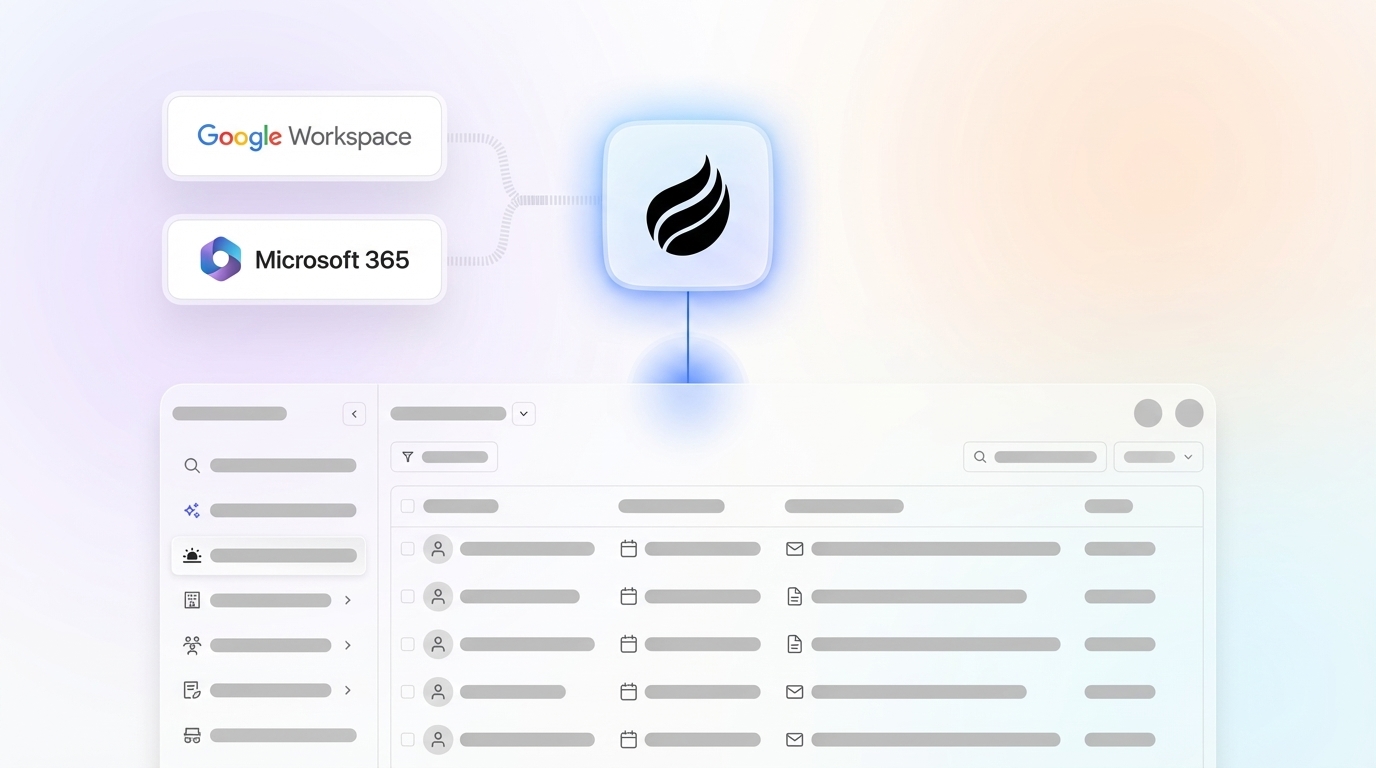
After adopting Coffee, contacts began populating automatically from Google Workspace. Weekly pipeline reviews shifted from data clean-up to targeted discussion using Coffee’s Pipeline Compare. API access allowed tailored briefings while preserving a straightforward user interface that the team adopted quickly.

Executives who want similar results can review deployment options and pricing at Coffee pricing.
Strategic Considerations for Implementing Agent-Led CRM Workflows
Build vs. Buy for CRM Automation
Leaders should compare the cost and risk of building custom AI agents with adopting a purpose-built platform like Coffee. In-house development requires data science talent, security reviews, change management, and ongoing maintenance. A specialized agent-led solution offers faster time to value and aligns with CRM-specific workflows from day one.
Data Readiness and Integration
Clean, accessible data is a prerequisite for effective automation. Coffee addresses this by pulling from email, calendars, and call transcripts, then structuring that information directly into the CRM. Organizations can choose a standalone deployment or a companion model with Salesforce or HubSpot, so workflows improve without a disruptive rip-and-replace project.
Change Management and Adoption
Agent-led CRM succeeds when teams understand how it reduces administrative work and supports their goals. Clear communication, concise training, and simple onboarding paths help teams move from manual tasks to agent-supported workflows. Emphasis should stay on increased selling time and easier preparation for customer conversations.
Measuring ROI and CRM Performance
Executives can track impact through concrete metrics such as hours saved per rep each week, CRM adoption rates, data completeness, pipeline velocity, and forecast accuracy. Coffee’s tracking provides visibility into these measures so leaders can refine workflows over time.
Planning a Practical Rollout for Agent-Led Workflows
Assessing Current Workflows
Teams can begin by mapping where time currently goes. Common targets include manual record creation, call logging, meeting follow-up, and spreadsheet-based reporting. These activities often deliver the fastest wins when delegated to an AI agent.
Defining Clear Objectives
Organizations benefit from stating specific goals, such as cutting admin time per rep by a set percentage, raising activity capture rates, or improving forecast accuracy within a defined period. These objectives guide configuration choices and help prioritize use cases.
Rolling Out in Phases
A phased rollout builds confidence while limiting disruption. Many teams start with automated data capture and meeting summaries, then extend to pipeline intelligence and advanced reporting. Each phase should include feedback from frontline users and minor adjustments before scaling.
Monitoring and Optimization
Ongoing monitoring keeps workflows aligned with changing sales motions. Coffee’s analytics and user feedback loops make it easier to tune prompts, adjust automations, and refine briefings as teams gain experience with the agent.
Avoiding Common Pitfalls in CRM Workflow Automation
Underestimating Change Management
New technology alone does not guarantee adoption. Leadership should plan for communication, role-based training, and visible executive sponsorship to support the shift to agent-led workflows.
Prioritizing Features Over Outcomes
Focusing on checklists of features can distract from core business objectives. The more effective approach centers on outcomes such as higher win rates, better forecasts, and fewer hours spent on data entry. Coffee’s design supports this outcome-first view.
Allowing Data Silos to Persist
Disconnected tools limit the value of any AI agent. Coffee mitigates this risk by unifying structured CRM fields with email, calendar, and call data so teams see a single picture of each account.
Over-Customizing Legacy CRMs
Heavy customization can create systems that are hard to maintain or change. Coffee offers advanced automation without complex, brittle configuration, which lowers long-term ownership cost.
Comparing CRM Workflow Automation Approaches
|
Capability |
Coffee (AI Agent) |
Legacy CRM |
Strategic Impact |
|
Data Entry |
Automated by an AI agent |
Manual and human-dependent |
8 to 12 hours weekly savings per rep |
|
Data Quality |
Automatic capture and enrichment |
Relies on user discipline |
More reliable insights |
|
Workflow Automation |
Proactive, context-aware agent |
Static, rule-based flows |
Streamlined operations |
|
User Experience |
Co-pilot that reduces busywork |
A database that demands updates |
Higher adoption and productivity |
Coffee focuses on intelligent automation so leaders can address low adoption, inconsistent data, and fragmented tools with a single agent-led approach.
Conclusion: Modernize CRM Workflows with AI Agents in 2026
Manual CRM workflows no longer match the pace and complexity of modern sales. AI agents now offer executives a practical path to improve data quality, simplify operations, and return time to revenue-focused work.
Coffee provides an autonomous CRM agent that captures data, supports meetings, and keeps pipeline views current across either a standalone CRM or existing Salesforce or HubSpot environments. Leaders who want to modernize their sales operations can review deployment options at Coffee pricing and plan a phased rollout that aligns with their teams and growth goals.
Frequently Asked Questions About Agent-Led CRM Workflows
How do agent-led CRM workflows improve data quality?
Coffee’s AI agent captures and enriches interactions from email, calendars, and calls, then logs them automatically. This process reduces missed activities and inconsistent entries. The agent continues enriching records through licensed data partners so leaders can rely on more complete, up-to-date information.
Can AI agents manage complex, multi-step workflows?
Coffee’s agent can coordinate multi-step processes such as meeting preparation, live participation as a bot, transcription, summarization, and follow-up drafting. These workflows adapt to changing details so teams spend less time managing steps and more time engaging customers.
Is agent-led CRM automation only useful for large enterprises?
Agent-led workflows benefit companies of many sizes. Coffee’s standalone AI-first CRM serves small and midsize businesses that want a modern system without legacy complexity. The companion model lets larger organizations enhance Salesforce or HubSpot with the same automation while keeping their core system.
How does Coffee handle data security?
Coffee maintains SOC 2 Type 2 and GDPR compliance and does not use customer data to train public models. The platform operates within defined security boundaries so organizations can protect sensitive information while still automating CRM workflows.
What impact does agent-led automation have on sales productivity?
By saving 8 to 12 hours a week on data entry and related admin work, Coffee allows sales representatives to focus on discovery, customer conversations, and deal strategy. This shift increases CRM adoption because the system feels like practical support instead of an extra task.