
Key Takeaways
- Incomplete CRM data can cause up to 27% revenue loss and wastes 71% of sales time on manual entry, according to Reddit’s RevOps community.
- Reddit’s 7-step playbook — audit gaps, deduplicate, enforce fields, enrich data, automate workflows, log interactions, and scan freshness — offers a manual framework for CRM hygiene.
- Poor data quality leads to flawed forecasts, longer sales cycles, and lost pipeline visibility, with 79% of opportunity data never entering the CRM.
- Tools like Insycle, Zapier, and Clearbit solve parts of the problem but demand heavy upkeep, while AI agents prevent issues before they spread.
- Deploy Coffee’s AI agent to handle data entry, enrichment, and logging, save 8–12 hours per rep weekly, and keep CRM data consistently reliable.
The Problem: Incomplete CRM Data Is Killing Your Pipeline
Reddit’s r/salesforce and r/revops are full of stories about broken CRMs and frustrated teams. One RevOps leader shared that audits uncovered 40% data gaps across their Salesforce instance. Another explained that their team abandoned HubSpot and went back to Google Sheets because “at least we know what’s in there.”
The numbers confirm the pain. A vast majority of opportunity-related data gathered by sales reps never makes it into the CRM, which creates blind spots that wreck pipeline visibility. Meanwhile, contact information decays at 25–35% annually. A database that looks clean today can quietly turn into a liability within a year.
The manual grind behind this is brutal. Sales reps waste 546 hours annually searching for correct information or chasing duplicate leads. That is time they should spend talking to customers and closing deals. When only 35% of rep time goes to actual selling, your CRM has turned into a productivity black hole instead of a revenue engine. This time waste is just the surface symptom; the real damage runs deeper.
Why Bad CRM Data Destroys Revenue and What You Can Do
Poor CRM data quality creates a domino effect that crushes sales performance. Incorrect segmentation leads to flawed sales strategies, inefficient follow-ups waste rep cycles, and lengthened sales cycles increase customer acquisition costs. Forecasts drift away from reality, pipeline reviews turn into interrogation sessions, and your team slowly loses trust in the system.
CRM data hygiene covers four connected areas that work as a single system. First, comprehensive audits reveal gaps in your existing data. Once you know what is missing, deduplication removes redundant records that create confusion. With a cleaner base, enrichment fills in missing fields and firmographic details. Finally, automation maintains this quality and slows future decay. The Reddit community has created manual workarounds for each area, but these fixes act as temporary band-aids on a deeper structural problem.
Teams need to move from reactive cleanup to proactive prevention. Reddit’s hacks help in the short term, yet autonomous AI agents like Coffee stop many data quality issues before they appear. This shift protects the “good data in, good data out” standard without constant human effort.
The Coffee AI Agent That Keeps CRM Data Clean
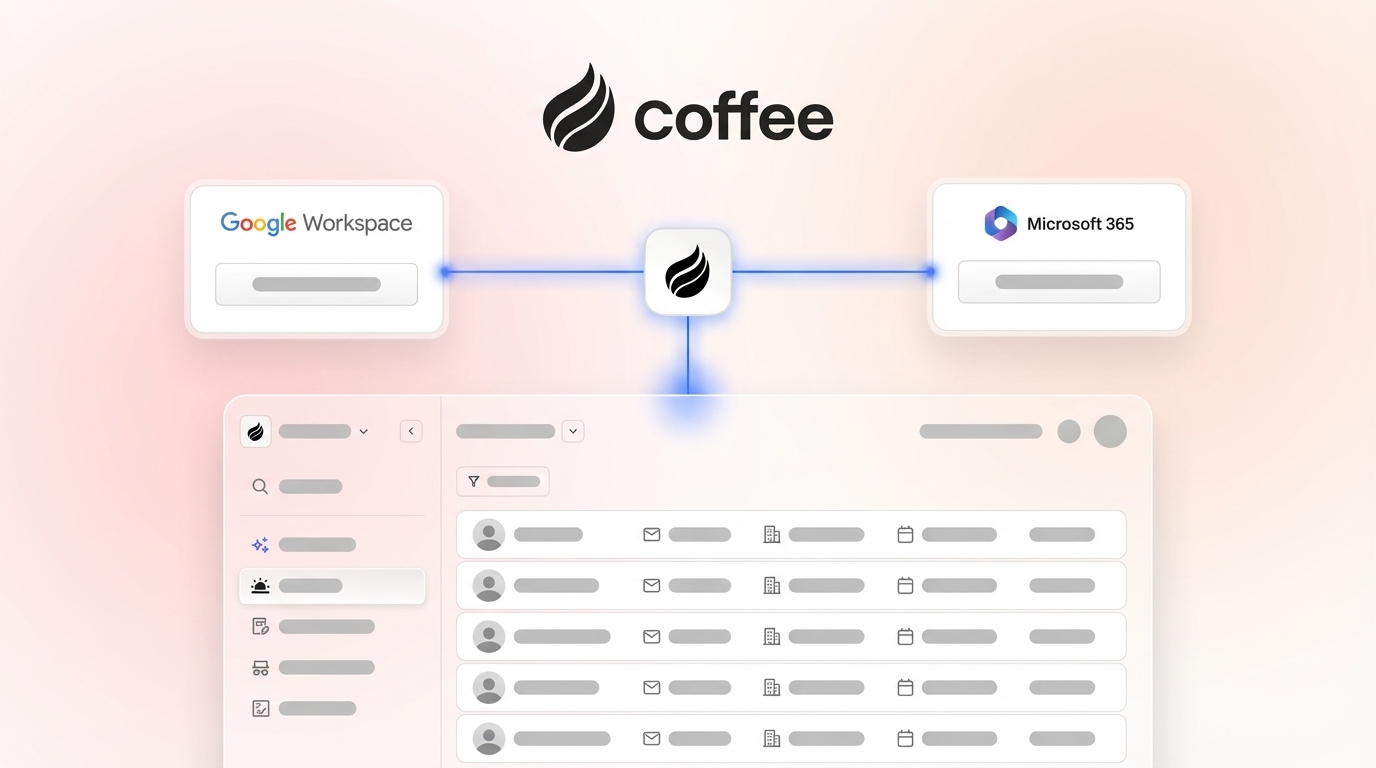
Coffee turns a passive CRM database into an active AI teammate. Legacy systems demand constant human feeding and correction. Coffee instead works as an autonomous agent that handles data entry, enrichment, and logging with minimal oversight. You can run Coffee as a standalone CRM for growing teams or as a companion app on top of Salesforce or HubSpot. In both setups, Coffee removes the manual grind that drains productivity.

The Coffee agent creates and enriches contacts from email and calendar interactions. It logs activities and meeting summaries without human input. It also unifies structured and unstructured data so pipeline reports reflect what is actually happening. Teams typically save 8–12 hours per week per rep and finally achieve the “good data in, good data out” standard that makes a CRM worth using.

Start your free Coffee trial to turn your CRM from a data graveyard into a reliable revenue engine.
Reddit’s 7-Step Playbook for Fixing Incomplete CRM Data
RevOps veterans on Reddit use a repeatable process for CRM cleanup that works across Salesforce, HubSpot, and other platforms. Their 7-step playbook looks like this:
1. Audit Data Gaps with CSV Exports
Export CRM data to CSV and scan for missing critical fields such as email addresses, phone numbers, company names, and deal stages. Define data standards for accuracy, completeness, consistency, and timeliness before auditing. Focus first on revenue-critical records like active opportunities and high-value accounts.
2. Deduplicate and Standardize Records
Use tools like Insycle for fuzzy matching that reaches 97% accuracy in detecting near-duplicates. Standardize phone number formats, state abbreviations, and company naming rules. This step alone can cut duplicate records by nearly 80% and reduce confusion for reps.
3. Enforce Mandatory Fields and Training
Configure your CRM so users must complete essential fields before creating records. Train teams on consistent data entry habits and schedule quarterly audits. Set up automated alerts for missing information such as opportunity records without close dates. This structure reduces guesswork and keeps data standards visible.
4. Enrich Missing Data
Use enrichment tools like Clearbit or ZoomInfo to fill gaps in job titles, company information, and contact details. These tools work well but require ongoing management and integration work. Coffee includes built-in enrichment that runs in the background, so records gain context without extra tools.
5. Automate Data Entry Workflows
Connect email, calendar, and meeting tools to your CRM with Zapier for automatic activity logging. These integrations often break and require constant maintenance, especially after app updates. Coffee’s agent manages these connections smoothly and avoids brittle API dependencies.
6. Log All Customer Interactions
Record every email, call, and meeting with enough context for future reference. Use transcription tools for call notes and create templates for consistent interaction logging. Coffee handles this logging end to end, joins calls, and produces summaries so reps do not need to type notes after every meeting.

7. Schedule Proactive Freshness Scans
Configure monthly alerts for stale records and run broader audits each quarter. Given the rapid decay rate mentioned earlier, regular freshness checks are essential for maintaining data quality. These reviews keep your database aligned with real-world changes.
Each of these tactics works on its own, yet Coffee brings them together and runs them continuously. The agent prevents many issues instead of waiting for problems to pile up and then cleaning them manually.
CRM Data Tools Showdown: Manual Fixes vs AI Agents
Teams can choose between manual tools and autonomous agents when they tackle CRM data quality. Here is how the main options compare:
| Tool | Setup Effort | Prevention | Weekly Savings | Best For |
|---|---|---|---|---|
| Insycle/Zapier | Manual/High | No | 2–4 hours | Quick dedupe |
| Clearbit | Medium | Partial | 4–6 hours | One-off enrich |
| Coffee Agent | Auto/Low | Full | 8–12 hours | Recurrence-proof |
How Coffee Cleans Up a CRM Database
Coffee’s approach works well for companies generating tens of millions in revenue that are ready to move beyond spreadsheets. The agent handles cleanup across contacts, accounts, and opportunities while also blocking future degradation.

How Coffee Improves CRM Data Quality
Sales forecast accuracy improves 25–32% with better data quality. That improvement turns CRM hygiene into a revenue multiplier instead of a simple cost line.
See Coffee’s prevention in action with a personalized demo and compare it to manual cleanup workflows.
FAQ: Fixing CRM Data Issues
How to ensure CRM records are accurate?
Accurate records require strong validation at entry and consistent upkeep. Set validation rules at the point of entry, use enrichment tools to fill gaps, and schedule regular audits. Coffee’s AI agent eliminates most manual work by capturing data directly from email and calendar interactions. It enriches records in real time and maintains accuracy without constant human checks. Every interaction is logged with context and linked to the right records.

What are the best CRM data enrichment tools?
ZoomInfo, Clearbit, and Apollo are popular choices for adding missing contact and company information. These tools usually need separate contracts, API setups, and ongoing monitoring. Coffee includes enrichment inside the agent’s normal data processing, which removes the need for extra point solutions while still delivering strong coverage.
How to automate CRM data entry in HubSpot and Salesforce?
Traditional automation uses Zapier integrations, workflow rules, and API connections that often break or drift out of sync. Coffee’s Companion App installs as an intelligent layer on top of Salesforce or HubSpot. It syncs data, enriches records, and writes insights back to your primary CRM without complex integration projects.
How to clean up a CRM database effectively?
Effective cleanup follows the 7-step Reddit playbook: audit gaps, deduplicate records, enforce mandatory fields, enrich missing data, automate entry workflows, log interactions, and schedule freshness scans. Cleanup alone is not enough, though. Prevention matters more over time. Coffee’s agent covers both cleanup and prevention so your database stays clean without constant manual sweeps.
How to improve CRM data quality long-term?
Long-term quality comes from a shift toward proactive prevention. Set mandatory fields, train teams on consistent entry, apply validation rules, and automate routine tasks. Coffee extends this approach by acting as an autonomous agent that manages data entry, enrichment, and maintenance. Your CRM stays reliable without depending on perfect human compliance.
Ditch the Grind and Put Coffee to Work
Reddit’s manual hacks help with quick fixes, but Coffee’s AI agent delivers lasting stability. You can stop playing data janitor and refocus your team on revenue. Your pipeline deserves more than spreadsheet workarounds and endless cleanup cycles.
Deploy Coffee today and see what happens when your CRM finally works for you instead of against you.