
Last updated: March 30, 2026
Key Takeaways
- Conversation intelligence CRM integration uses AI to transcribe calls, extract insights, and log data into Salesforce or HubSpot, which removes manual entry.
- Teams reclaim 35% more selling time, cut documentation work by 90%, and gain unified pipeline intelligence across every sales motion.
- Successful rollouts follow five steps: assess your CRM, choose an agent-powered tool, connect APIs, configure workflows, and test the integration.
- Coffee’s Companion App connects directly to Salesforce and HubSpot, with autonomous agents that save reps 8–12 hours each week without complex setup.
- Market leaders like Coffee shape 2026 trends in agent-led automation; explore Coffee’s pricing to see how effortless CRM integration works.
How Conversation Intelligence CRM Integration Works
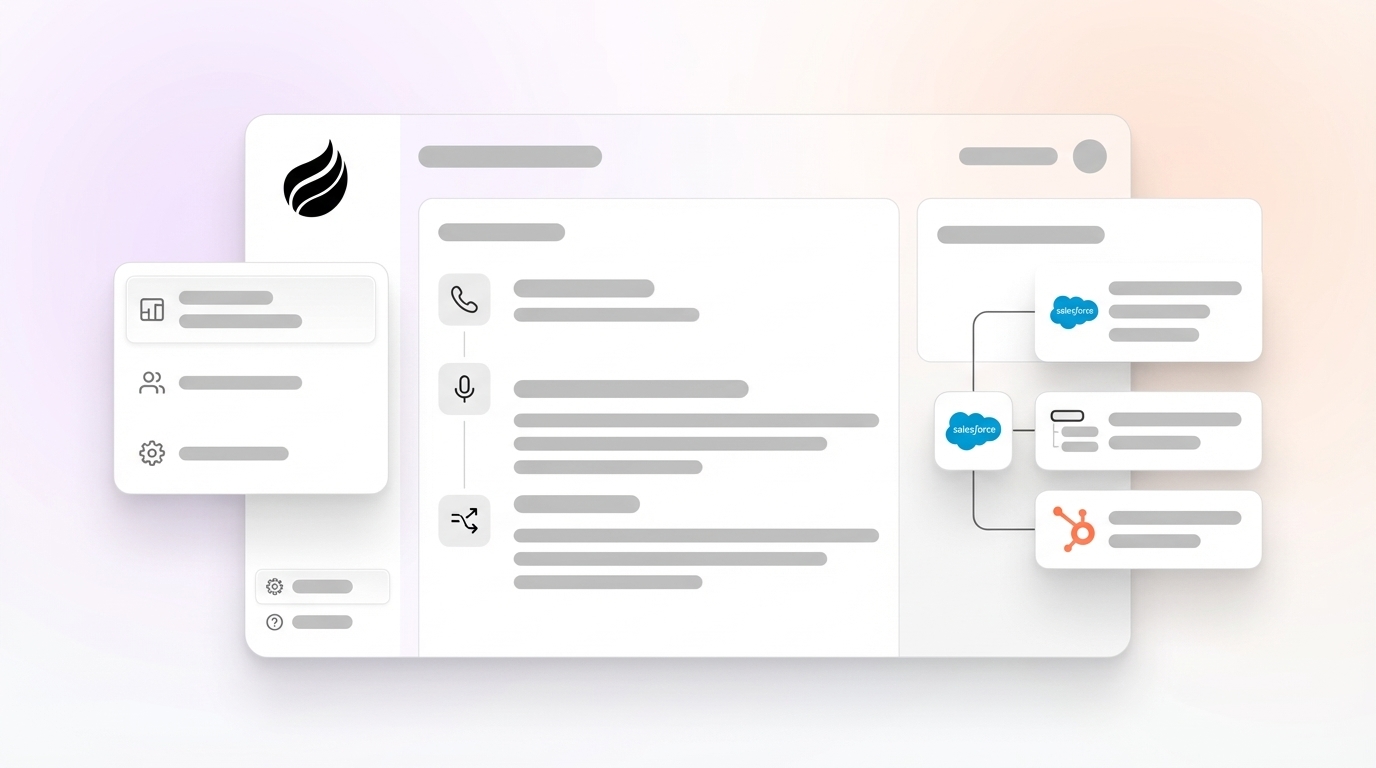
Conversation intelligence CRM integration combines AI conversation analysis with automated CRM data logging. The system transcribes and analyzes sales calls, meetings, and email threads, then populates your CRM with summaries, action items, deal updates, and forecasting data. This automation replaces the manual “call → notes → CRM entry” workflow that drains selling time.

The key benefits cover the full sales workflow. First, the system ends manual data entry that 71% of sales reps identify as their biggest pain point. Next, it creates unified pipeline intelligence by consolidating scattered conversation data into a single source of truth. Finally, AI-driven analysis scales these insights across your entire sales organization without adding headcount. The process stays simple: call occurs, AI generates a transcript, and insights sync automatically to your CRM.
The 2026 evolution centers on agent-led automation. Organizations achieve a 90% reduction in manual documentation tasks as autonomous AI agents handle data capture and logging from end to end without human intervention.

5-Step Process to Integrate Conversation Intelligence with Your CRM
To capture these benefits inside your own CRM, you need a clear, practical rollout plan. This five-step process walks you from initial assessment to a live, reliable integration that your team actually uses.
1) Assess Your CRM Environment: Review your current Salesforce or HubSpot setup, including existing integrations, data fields, and user permissions that affect conversation intelligence. Document where call notes, activities, and deal updates should live so the AI knows exactly where to write.
2) Choose Your CI Tool: Select an agent-powered solution like Coffee that offers native CRM integration and autonomous logging. Avoid passive transcription tools that only record calls and still require manual data transfer into your CRM.
3) Authenticate and Connect APIs: Create secure connections between your conversation intelligence platform and CRM using OAuth authentication and API integrations. Confirm that the integration can read and write to the specific objects and fields your sales team relies on.
4) Configure Rules and Workflows: Define how conversation insights appear in your CRM. Set up automated data mapping, field updates, and trigger conditions that control which calls sync, which fields update, and when tasks or follow-ups are created.
5) Test and Refine the Setup: Run a pilot with a small group of reps, then review data accuracy, field usage, and user feedback. Adjust automation rules, mappings, and triggers based on real calls so the system feels helpful instead of noisy.
The workflow then runs on its own: a conversation happens, AI processes the audio or video, structured data syncs to the right CRM records, and reps receive clear, actionable insights without extra clicks. Start your Coffee trial to experience seamless agent-powered integration.

Salesforce Conversation Intelligence: Coffee vs Native Setup
Salesforce conversation intelligence typically relies on Einstein Conversation Insights to analyze and display key moments such as objections, risks, pricing discussions, and next steps directly on opportunity records. The system flags custom keywords and links to relevant transcript snippets, which lets sales teams act without replaying full calls.
Native Einstein features often require detailed rule configuration and manual workflow setup. Admins must define keywords, map fields, and maintain complex automation. Coffee’s Companion App removes this complexity by syncing conversation transcripts, enriching deal records, and logging insights automatically, without custom rules or workflows.
Coffee handles the entire conversation intelligence workflow as an autonomous agent, which saves sales representatives 8–12 hours each week. The agent captures calls, generates summaries using frameworks like BANT or MEDDIC, and updates Salesforce opportunity records with structured data that improves forecast accuracy and pipeline visibility.
HubSpot Conversation Intelligence Setup and Best Practices
HubSpot’s native Conversation Intelligence lives inside Sales Hub and captures calls, supports call review, monitors keywords, and surfaces coaching insights directly in the HubSpot CRM. Teams that already rely on HubSpot gain built-in transcription and basic analytics without extra tools.
Many teams still connect external conversation intelligence platforms like Gong to HubSpot. These projects usually involve API authentication, custom field mapping, and workflow automation. They can introduce data silos and require ongoing maintenance as fields, objects, and processes evolve.
Coffee’s HubSpot Companion simplifies this landscape. It provides quick authentication, then automatically generates conversation summaries, action items, and deal updates that sync to HubSpot deal records. The agent manages the full workflow from call capture through CRM logging, which keeps data quality high while removing manual work for reps and admins.
Top Conversation Intelligence Tools for CRM Integration in 2026
The conversation intelligence software market reached $27.4 billion in 2026 and is projected to grow to $60.3 billion by 2036, driven by CRM integration needs and AI automation. The comparison below highlights how leading platforms differ in integration approach, automation depth, and impact on sales productivity, with Coffee’s agent-led model delivering the largest time savings.
| Tool | Integration Ease | Automation Level | ROI Impact |
|---|---|---|---|
| Coffee | Native Companion | Agent-led auto-logging | 8–12hr weekly savings |
| Gong | API-based | Passive analysis | Enterprise pricing |
| Chorus (ZoomInfo) | Bi-directional sync | Transcription focus | 21% revenue growth |
| Salesforce Einstein | Native platform | AI-powered | 40% forecast accuracy |
Coffee leads this group with autonomous agent capabilities that remove manual rule configuration and passive analysis. Recent Coffee updates add improved summary templates, customization for different workflows, and automatic syncing to Coffee, HubSpot, or Salesforce, which shows a clear focus on seamless CRM integration.
Common Conversation Intelligence Challenges and Coffee’s Approach
Traditional conversation intelligence rollouts often run into three connected problems: fragmented data across multiple platforms, low user adoption from complex workflows, and legacy systems that struggle with unstructured data. These issues combine to limit visibility and reduce trust in the data.
Coffee’s Agent architecture addresses these challenges by unifying emails, calendars, and conversation transcripts into a single intelligence layer. That layer outputs clear, actionable insights directly into your CRM, so reps see value where they already work. The agent runs autonomously, which removes the adoption barriers that slow down traditional tools.
Organizations that implement Coffee’s agent-powered approach report a 50% increase in overall sales capacity by automating administrative tasks that previously consumed most of a rep’s week. The agent maintains consistent data quality and frees sales teams to spend more time on revenue-generating conversations.
Conclusion: Moving to Agent-Powered CRM Intelligence
Conversation intelligence CRM integration now defines the next stage of sales productivity. Agent-powered platforms like Coffee shift teams from manual data entry and scattered notes to autonomous workflows that keep CRM data complete and current. Get started with Coffee to implement the world’s best CRM Agent and automate your conversation intelligence integration today.
FAQ
What is the best conversation intelligence for Salesforce?
Coffee delivers advanced conversation intelligence for Salesforce through its Companion App, which acts as an autonomous agent that syncs conversation data without manual rule configuration. Unlike Salesforce Einstein’s AI-powered features, Coffee’s agent manages the full workflow from call capture through CRM logging. This approach saves sales representatives 8–12 hours each week while improving data consistency and forecast accuracy.
How do you set Conversation Intelligence rules in Salesforce?
Traditional Salesforce Einstein Conversation Insights requires administrators to configure custom rules, field mappings, and workflow automation in the Salesforce setup interface. Coffee removes this requirement with autonomous logging. The Coffee Agent analyzes conversations, extracts key insights using frameworks like BANT or MEDDIC, and updates Salesforce opportunity records without any rule configuration or ongoing maintenance.
How do you integrate Gong with HubSpot?
Teams that integrate Gong with HubSpot usually complete API authentication, define custom field mappings, and build workflows to sync conversation data between platforms. This work often introduces maintenance overhead and data silos. Coffee’s HubSpot Companion offers a simpler alternative with quick authentication and automatic syncing of conversation summaries, action items, and deal updates directly to HubSpot records, without complex integration projects.
What are the key conversation intelligence trends for 2026?
The main trend is a shift from passive transcription tools to autonomous AI agents that manage the entire conversation intelligence workflow. The market is projected to reach $60.3 billion by 2036, driven by agent automation that cuts manual documentation work by about 90%. Organizations now move toward orchestrated AI workforces where specialized agents collaborate to automate sales processes, and Coffee leads this shift with its agent-powered CRM integration.
Does conversation intelligence actually save time for sales teams?
Conversation intelligence saves meaningful time when it runs on autonomous agents instead of simple recorders. Sales representatives using Coffee’s agent-powered approach reclaim the 8–12 hours mentioned earlier and redirect that time from note-taking and CRM data entry to live selling. Organizations also see 50% gains in sales capacity and large reductions in manual documentation, which lets teams focus on revenue rather than administrative work.