
Key takeaways
- Robust AI-first CRM integration reduces manual data entry, improves data accuracy, and gives sales teams more time for selling activities.
- Real-time sync across email, calendar, meetings, and enrichment tools builds a reliable, unified view of each customer.
- Integrated conversation intelligence, marketing automation, and sales engagement data give reps better context and more relevant outreach.
- Connections between CRM, financial systems, and legacy tools support accurate forecasting and full lifecycle visibility.
- Coffee’s AI CRM Agent automates data capture and enrichment so teams can focus on pipeline and revenue, and you can get started at the Coffee pricing page.
The Problem: Why Robust AI-First CRM Integration is Crucial for Sales Success
Sales teams struggle when CRM data stays fragmented across tools. 71% of sales reps spend too much time on data entry, leaving minimal time for selling, which creates a productivity gap that many teams expect AI to close.
Manual data entry wastes time and weakens data quality. When teams retype information into multiple systems, errors grow and key details disappear. Data silos from fragmentation across various platforms prevent a single customer view, complicate insights and decisions, and lead to missed signals and scaling challenges.
Fragmented customer data across touchpoints like email, phone, and social media scatters information across platforms and blocks a complete customer view. AI cannot offset poor inputs, so disconnected data still produces unreliable CRM insights.
Introducing Coffee: The AI-First CRM Agent That Supports Integration
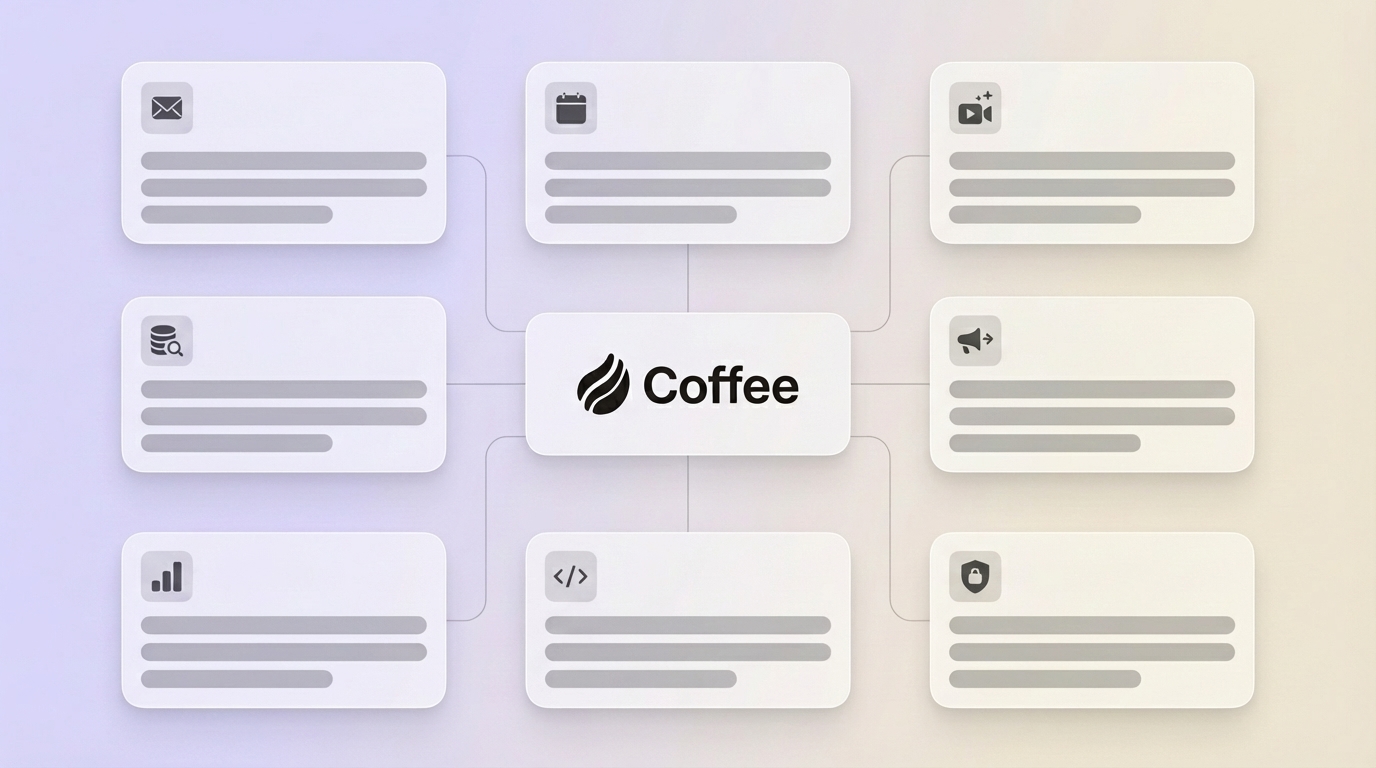
Coffee uses an agent-led model that focuses on reliable data capture and integration. The Coffee Agent automates much of the data flow that other CRMs expect humans to manage.
Key integration features include:
- Automatic data ingestion from emails, calendars, transcripts, and other sources, which removes most manual entry
- Data enrichment through licensed data partners, so teams do not need separate enrichment tools
- A unified data view that combines structured and unstructured information into one customer profile
- Companion app integration that adds an intelligent layer on top of existing Salesforce or HubSpot instances to improve data hygiene in legacy systems

Teams that want integrated AI-first CRM workflows can get started with Coffee at this pricing page:7 Essential AI-First CRM Integration Strategies to Maximize Value & Efficiency
1. Real-time Bi-directional Sync with Communication Platforms (Email & Calendar)
A constant, automated flow of information between your CRM and tools like Google Workspace or Microsoft 365 forms the foundation of effective integration. Activity logging, contact creation, and meeting scheduling can move into the background so reps do not re-enter data.
This approach captures every interaction automatically, provides complete conversation history, and reduces missed follow-ups. It also shortens the time between activity and CRM updates, which supports better forecasting and customer understanding.
Coffee’s Agent auto-creates contacts and companies and logs activities directly from connected email and calendar accounts. Deal states stay current without manual updates, and many teams save several hours per week on data entry tasks.
2. Intelligent Data Enrichment Integration
Sales teams gain an advantage when CRM records include firmographic details such as job titles, funding information, and LinkedIn profiles. Integrations with enrichment services can populate these fields automatically instead of asking reps to research them.
Limited visibility from data in Excel, disconnected platforms, or memory leads to duplicates, missing histories, and eroded trust, so enrichment becomes an important part of a reliable CRM.
Coffee’s Agent includes built-in data enrichment through licensed partners. Records update in the background, and many teams reduce or replace separate enrichment subscriptions.

3. Conversation Intelligence & Meeting Management Integration
Tight connections between your CRM, meeting platforms such as Zoom, Teams, or Google Meet, and conversation intelligence tools allow automatic recording and processing of sales calls. These systems can record, transcribe, summarize, and extract action items, so call details stay in the CRM.
This integration gives teams detailed insight into customer conversations and supports accurate, timely follow-ups. This capability is especially valuable for unstructured data that legacy CRMs do not handle well.
Coffee’s AI Meeting Bot joins calls, records and transcribes them, and generates summaries, action items, and draft follow-up emails that link back to the right CRM records. Teams often replace several point tools with this single workflow.

4. Marketing Automation Platform (MAP) & Lead Source Integration
Tight sync between your MAP, such as HubSpot or Pardot, and your AI-first CRM brings lead data, engagement scores, and campaign activity into one place. Sales can see the full journey from first touch through closed-won instead of piecing it together from separate tools.
Marketing and sales silos where data stays isolated prevent a unified customer experience, so MAP integration supports both revenue alignment and more relevant outreach.
5. Sales Engagement Platform (SEP) Integration
Direct connections between your CRM and sales engagement tools such as SalesLoft or Outreach provide a complete view of email sequences, calls, and tasks. Teams can track performance and activity without extra logging work.
This integration improves collaboration and reduces duplicated outreach because emails sent, calls made, and tasks completed in the SEP appear in the CRM automatically.

6. Financial Systems (ERP/Billing) Integration
CRM connections to accounting, ERP, or billing systems link sales data with financial performance. Teams see order history, renewals, payments, and overall customer lifetime value from within the CRM.
This integration supports accurate pipeline management and revenue forecasts because opportunity data ties directly to contract value and billing outcomes.
7. Custom & Legacy System Integration (via APIs or iPaaS)
APIs and Integration Platform as a Service (iPaaS) tools, such as Zapier, connect your AI-first CRM to bespoke or legacy systems that still hold important data. These links reduce the risk of critical information remaining in isolated databases.
Integration complexity often requires time and technical skills, and common pain points include data quality issues and schema mismatches. Coffee supports connectivity through Zapier today, with deeper native integrations on its roadmap.
Comparison: AI-First CRM Integration vs. Legacy CRM Integration
|
Feature/Aspect |
Legacy CRM Approach |
Coffee’s AI-First CRM Agent |
|
Data Source Integration |
Often requires complex setup, limited scope |
Automated integration, Agent captures interactions |
|
Data Quality Management |
Often human-dependent, prone to errors, and duplicates |
AI Agent-driven, supports data hygiene, auto-enrichment |
|
Unified Customer View |
Often fragmented across systems, requires significant effort for consolidation |
Single source of truth, aggregation of structured and unstructured data |
|
Workflow Automation |
Often requires additional configuration or tools |
Agent automates tasks, summaries, and follow-ups |
Sales teams that want an AI-first approach to integration can get started at the Coffee pricing page at this pricing page.
Frequently Asked Questions (FAQ) about AI-First CRM Integration
What are the main challenges of integrating CRM with other systems?
Common integration challenges include poor data quality, mismatched data models between systems, and API limits that restrict data flow. Many teams also face scalability issues as data volumes grow and user adoption problems when workflows feel complex or unreliable.
How does an AI-First CRM address the issue of data fragmentation?
An AI-first CRM uses an intelligent agent to collect, unify, and process data from connected sources such as email, calls, and calendars. The agent correlates and structures this information into coherent profiles, which reduces gaps and inconsistencies that occur when users manage data manually.
Is integrating an AI-First CRM with legacy systems like Salesforce or HubSpot possible without replacing them entirely?
Solutions like Coffee support a companion app model that runs as an intelligent layer on top of existing Salesforce or HubSpot instances. The agent handles data entry, enrichment, and logging, so organizations can improve data quality and usability without a full system replacement.
What security considerations should I keep in mind when integrating an AI-First CRM?
Security priorities include verified frameworks such as SOC 2 Type 2 for data handling, GDPR-compliant processing, and secure API connections. Coffee addresses these areas with formal certifications and policies designed to protect customer data privacy.
Conclusion: Integrate Smarter, Sell More with Coffee’s AI-First CRM
Integration capabilities form the foundation of any successful AI-first CRM rollout. Manual processes and fragmented data slow sales cycles and weaken the insights leaders rely on for planning.
Coffee’s agent-driven approach supports integration by keeping data accurate, enriched, and up to date across connected systems. Sales teams can shift time away from admin work and toward building relationships and closing deals. Get started with Coffee, visit the pricing page.