
In today’s fast-paced sales environment, efficiency is a critical factor for success. Yet, many organizations still rely on manual Salesforce contact creation, a process that quietly erodes productivity and diverts valuable time from revenue-focused activities. With sales teams under pressure to meet ambitious targets, the market landscape reveals a growing divide between those stuck in outdated workflows and those leveraging automation for a competitive edge. This article dives into the real costs of manual data entry, explores the measurable benefits of AI-driven solutions, and positions tools like Coffee as part of a broader shift toward smarter CRM management.
Sales leaders and RevOps professionals face mounting challenges as customer expectations rise and data volumes grow. Manual processes not only slow down operations but also contribute to errors, fragmented information, and missed opportunities. Research indicates that sales reps spend just a fraction of their time on actual selling, with administrative tasks consuming a significant portion of their day. As the industry moves toward automation, understanding these inefficiencies and their solutions becomes essential for staying ahead.
The Cost of Manual Salesforce Contact Management
Manual contact creation in Salesforce drains resources more than most realize. Sales reps often dedicate hours each week to entering and updating data, time that could be spent engaging with prospects or closing deals.
Key issues tied to manual processes include:
- Time loss, with sales reps spending only about 35% of their hours on selling, per various industry reports.
- Data inaccuracies from human error, leading to incomplete or duplicated records.
- Fragmented information across systems, limiting collaboration and visibility.
- Missed opportunities due to delayed follow-ups or outdated contact details.
- Low CRM adoption as reps view data entry as a tedious burden, sometimes resorting to external tools like spreadsheets for tracking.
These challenges compound across teams, reducing overall efficiency and impacting revenue potential. Addressing them requires a shift away from manual effort toward streamlined systems.
How Automation Improves Salesforce Cost-Effectiveness
Automated contact creation tackles the core inefficiencies of manual data entry. By capturing and organizing customer information in real-time, it allows sales reps to focus on relationships rather than administrative tasks.
This approach directly cuts down on time spent updating Salesforce. It also boosts data reliability by minimizing errors and standardizing records. When CRM systems handle these processes in the background, reps start seeing the platform as a helpful tool, not a chore, which often leads to better engagement and usage rates.
From a cost perspective, automation frees up resources for revenue-generating work. Teams gain efficiency without needing additional headcount, and organizations reduce the risk of lost deals due to poor data quality or slow response times.
Coffee: A Leading Example of AI-Driven Salesforce Efficiency
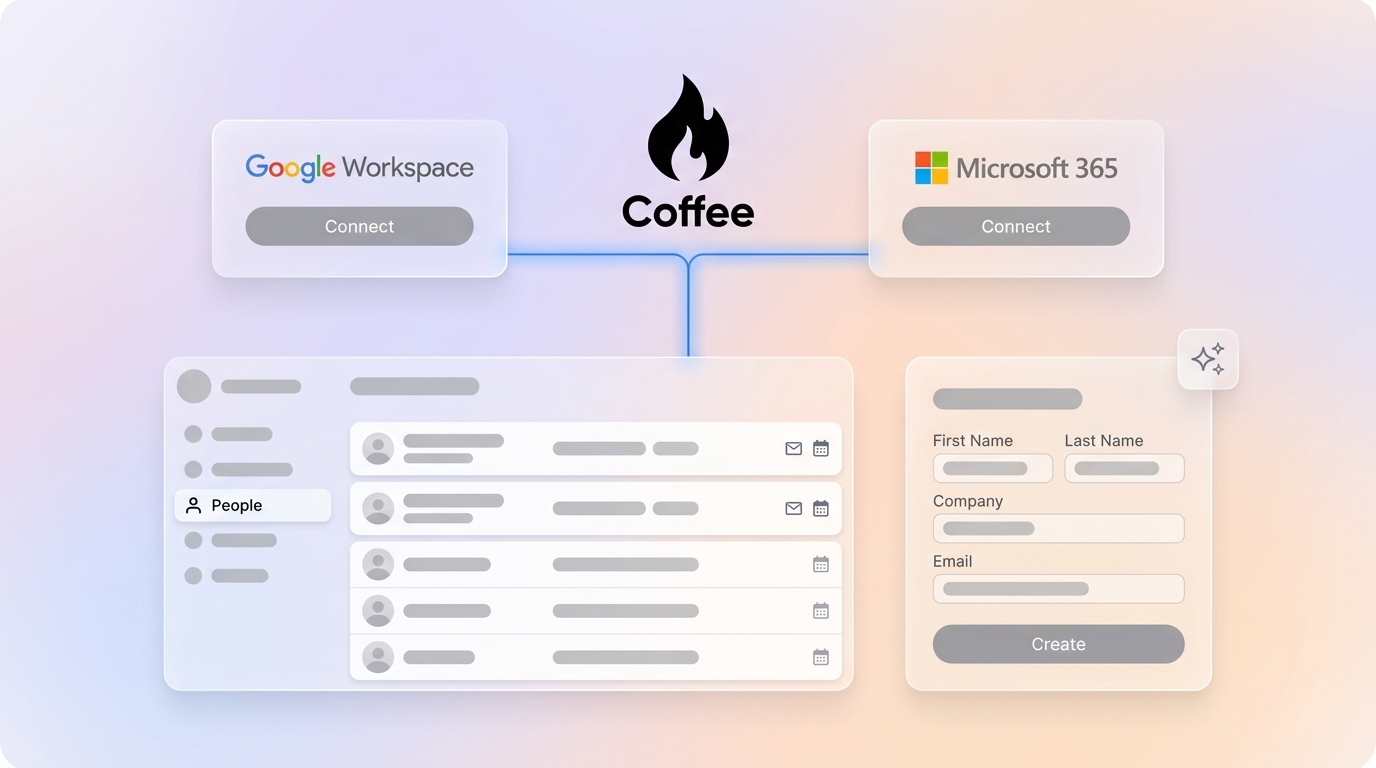
As part of the growing trend toward CRM automation, Coffee stands out with its Companion App, an AI-powered layer for Salesforce. Designed to eliminate manual data entry, it integrates directly with existing setups, offering real-time solutions for contact management.
Coffee focuses on practical features that address common pain points:
- Automatic creation of contacts and companies by scanning emails and calendars, ensuring no interaction is missed.
- Data enrichment with details like job titles, company size, and LinkedIn profiles, reducing the need for external tools.
- Activity logging that updates records with recent and upcoming interactions, providing context for deals.
- A unified view of customer data by blending structured CRM information with unstructured communication like emails or notes.
Setup is straightforward, syncing with Salesforce through simple authentication. Users control which data gets updated in their CRM, ensuring relevance and alignment with workflows. Coffee exemplifies how AI can enhance Salesforce without overcomplicating operations.

Ready to cut down on manual tasks? Request access to Coffee’s platform and streamline your Salesforce experience.
Key Benefits of Automating Salesforce Contact Creation
More Time for Sales, Less for Admin
Automation directly saves sales reps hours each week by handling contact updates in the background. These reclaimed hours shift focus to prospecting, nurturing leads, and closing deals, adding up to significant productivity gains over time.
Faster engagement with prospects becomes possible as reps spend less time on CRM upkeep. Consistent follow-ups help maintain deal momentum, often leading to quicker pipeline progression and higher close rates.
Better Data for Better Decisions
AI-driven systems reduce errors compared to manual entry. With enriched details like professional roles or company insights added automatically, reps gain a clearer picture of their contacts without extra research.
Accurate, complete data supports personalized outreach. Sales teams can prioritize high-value leads and tailor interactions, while shared information enhances collaboration across departments.
Simplified Tools and Workflows
By combining multiple functions into one platform, solutions like Coffee reduce reliance on separate tools for data enrichment or activity tracking. This cuts down on complexity, training needs, and licensing costs.
A unified system aligns sales processes more effectively. Teams spend less time navigating disparate apps and more time on strategic priorities, streamlining operations at every level.
Comparing Manual and Automated Contact Creation in Salesforce
|
Aspect |
Manual Contact Creation |
Automated with Coffee |
|
Time Spent |
High, with hours per week on data entry |
Low, as processes run automatically |
|
Data Quality |
Errors and inconsistencies common |
Improved with AI standardization |
|
Sales Focus |
Diverts reps from revenue tasks |
Prioritizes selling over admin |
|
Team Efficiency |
Struggles with lost time, missed deals |
Boosted by streamlined processes |
|
Contact Details |
Often incomplete or outdated |
Enhanced with automatic updates |
|
Scalability |
More effort as teams grow |
Easily adapts to larger teams |
|
CRM Perception |
Seen as a burden by users |
Viewed as a supportive tool |
|
System Integration |
Often requires multiple tools |
Works within existing setups |
Best Practices for Adopting Automated Contact Creation
Transitioning to automated systems requires careful planning to align with current sales workflows. Start with a small group of tech-savvy reps to test the system and refine its use before rolling it out widely.
Establish data standards early to maintain consistency, such as rules for segmenting contacts or classifying opportunities. Provide training to help reps use enriched data effectively for targeted outreach.
Monitor key metrics like time saved and data accuracy during implementation. These insights show the value of automation and guide adjustments. Ensure the system complements, rather than disrupts, proven sales strategies.
Interested in enhancing your workflow? Request access to Coffee and see the impact of automation firsthand.
Tracking the Results of Salesforce Automation
Measuring the impact of automated contact creation starts with concrete data. Track the hours saved per rep from reduced data entry and estimate how reallocating that time to sales affects outcomes.
Monitor improvements in contact records, such as fewer duplicates or more complete profiles. Observe changes in deal speed and team performance to assess how automation influences the sales cycle.
Consider the broader operational savings from a simpler tech stack. Consolidating tools into platforms like Coffee reduces costs tied to managing multiple vendors or licenses.
Common Questions About Salesforce Automation Tools
How does Coffee stand apart from other Salesforce automation options? It automates the full cycle of contact creation and enrichment directly from email and calendar data, cutting down on manual effort comprehensively.
Does automation clutter Salesforce with irrelevant contacts? Coffee uses AI to identify meaningful business interactions, prioritizing relevant records and avoiding unnecessary or spam entries.
Can Coffee work with customized Salesforce setups? Yes, it supports custom fields and workflows, enhancing your existing system without requiring major changes.
How does Coffee handle data security for automated records? It meets strict standards like SOC 2 Type 2 and GDPR, ensuring compliance while protecting customer information from being used in AI training.
What happens to manual processes during the switch to automation? Coffee allows manual and automated methods to coexist initially, with options to merge or deduplicate records for a smooth transition.
Conclusion: Streamline Salesforce with AI Automation
Manual Salesforce contact creation remains a significant barrier to sales efficiency, pulling reps away from their primary role of selling and introducing errors into critical data. Automation offers a clear path forward, addressing these issues by handling repetitive tasks and improving information quality.
Tools like Coffee lead the way in this shift, providing practical AI solutions that integrate with Salesforce to save time, enhance records, and support better team performance. As part of a larger industry trend toward smarter CRM systems, Coffee helps organizations focus on what matters most: building relationships and driving revenue.
Stop letting manual tasks hold your team back. Request access to Coffee today and experience the difference automation makes in Salesforce efficiency.