
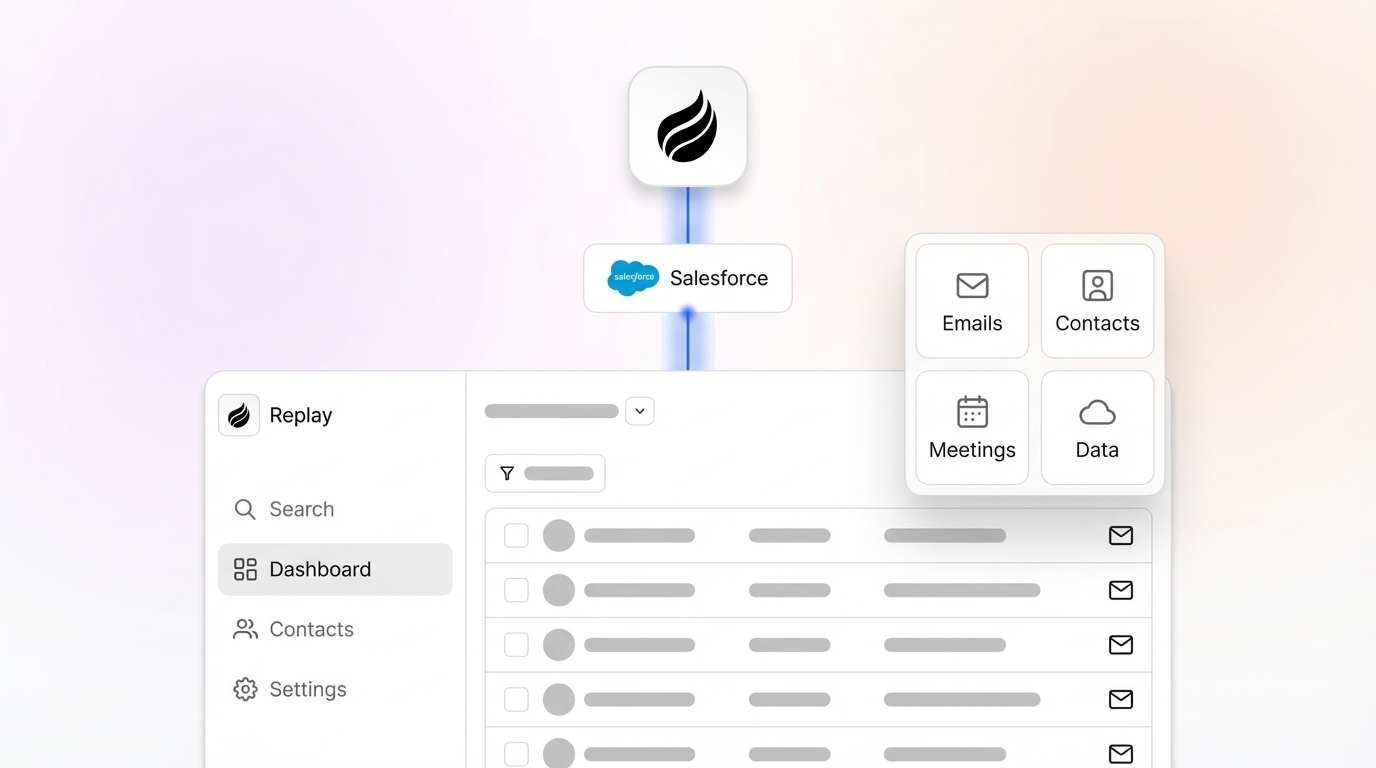
In today’s competitive sales landscape, the effectiveness of AI-driven CRM systems hinges on data quality. Poor or outdated data in platforms like Salesforce can stall sales efforts, disrupt forecasting, and diminish the value of AI insights. Many organizations grapple with fragmented systems and manual processes that drain productivity. Yet, the rise of AI tools offers a way to address these challenges by automating data updates and improving hygiene. This guide explores practical steps to enhance your Salesforce environment, spotlighting solutions like Coffee’s AI-powered Companion App as part of a broader trend toward intelligent, automated CRM management.
The market for CRM solutions has evolved rapidly, with businesses increasingly seeking tools that not only store data but also refine it for actionable outcomes. A growing demand for AI-integrated CRM systems reflects a shift toward automation and accuracy. However, legacy systems often lag, burdened by inconsistent records and manual input. Balancing the need for clean data with the complexity of existing setups remains a key hurdle for sales teams aiming to leverage AI effectively.
Why Data Quality Matters for AI-Driven Salesforce Performance
Data quality directly impacts the success of AI tools in Salesforce. Inaccurate or incomplete records can skew predictive analytics, disrupt automation, and hinder personalized customer engagement. Clean data ensures that AI systems deliver reliable insights for better decision-making.
Updated Salesforce data also boosts sales efficiency. It supports precise forecasting, reduces time spent on corrections, and enables reps to prioritize relationship-building over administrative tasks. High-quality data forms the foundation for AI to identify trends and suggest actionable steps.
What You Need to Start Improving Salesforce Data Hygiene
Ensure you have Salesforce Admin access or similar permissions to connect with tools like Coffee’s Companion App. This level of access allows for secure integration and data synchronization.
Set up a Coffee Companion App account or explore a demo to understand its automation features. Knowing how it fits into your workflow helps in planning for better data management.
Pinpoint current data issues in Salesforce, such as outdated contacts, missing account details, or stalled opportunities. Identifying these gaps focuses your efforts on areas needing improvement.
Make sure your team understands core Salesforce objects like Contacts, Accounts, and Opportunities. Familiarity with these components aids in customizing automation tools for maximum effect.
Steps to Enhance Salesforce Data Hygiene with Automation
Step 1: Connect Your Salesforce for Effortless Data Sync
Start by linking Coffee’s Companion App to your Salesforce instance through a straightforward authentication process. This secure setup takes just minutes and prepares your system for automated updates.
Coffee enables two-way synchronization, pulling data from Salesforce, enhancing it with AI, and updating your CRM with enriched information. This keeps your primary system current without the need for multiple platforms.
During setup, Coffee aligns your Salesforce fields with its data model, maintaining your structure while adding automation benefits. It also adheres to your data governance rules for consistency.
Tip: Check your Salesforce field mappings and validation rules before syncing to ensure compatibility with your specific processes.
Step 2: Automate Contact and Account Enrichment
Manual data entry slows down sales reps in traditional Salesforce setups. Coffee counters this by creating and updating records from email and calendar interactions automatically.
It enriches data with specifics like job titles, company size, funding details, and social profiles, drawn from verified sources. This reduces the need for separate enrichment tools.
Every interaction, whether an email or a meeting, gets linked to the correct records in Salesforce. This keeps your CRM up to date without extra effort from your team.
Note: Coffee uses smart filtering to avoid creating unnecessary records, focusing only on relevant contacts based on interaction context.
Explore how Coffee’s automation can refine your Salesforce data by requesting access.
Step 3: Simplify Activity Logging and Updates
Many reps struggle to log activities consistently, leaving Salesforce records incomplete. Coffee pulls data from emails and calendars to update activity fields automatically.
It records “last activity” and highlights upcoming tasks, giving managers a clear view of deal progress and rep performance for better guidance and planning.
Tip: Adjust Coffee’s activity rules to match your sales process, ensuring logged data aligns with your methods.
Step 4: Track Pipeline Changes with Historical Data
Standard Salesforce often lacks detailed historical pipeline tracking. Coffee captures automatic snapshots of your pipeline, preserving its changes over time.
Its “Compare” feature lets managers see weekly shifts in deals, spotting progress or delays quickly. This streamlines review meetings, focusing on strategy over manual reporting.
Impact: Teams using this feature often find pipeline discussions more productive, with data ready for analysis.
Step 5: Capture Meeting Details with AI Assistance
Meetings hold valuable insights often lost in traditional CRMs. Coffee’s AI Meeting Bot records and transcribes calls on platforms like Google Meet or Zoom, preserving key points.
After meetings, it creates summaries based on sales frameworks like BANT or MEDDIC, and drafts follow-up emails. Reps can send these directly from Gmail, speeding up next steps.
Tip: Customize summary templates in Coffee to gather the exact details your sales process needs for coaching or forecasting.
Step 6: Clean and Deduplicate Data Automatically
Coffee provides a single view of your data to spot duplicates easily. Its AI compares details like emails and company links, suggesting mergers for cleaner records.
Real-time updates replace outdated information with current data from trusted sources, maintaining hygiene without constant manual checks.
Note: For conflicting data, Coffee shows the source of each entry, helping users choose the most reliable information.
See how Coffee’s data management can improve your Salesforce by requesting access.
How Coffee Enhances Salesforce Data Management
Coffee’s Companion App changes the way Salesforce data is handled, embedding automated quality checks into daily sales routines instead of relying on occasional cleanups.
Key benefits include:
- Automated entry and enrichment of contacts and accounts using verified data sources.
- AI-driven logging of activities and structured meeting summaries for actionable insights.
- Historical pipeline tracking for clearer visibility into deal trends over time.
- Simplified tech stack by combining multiple tool functions into one system.
- Ongoing data quality through proactive updates rather than reactive fixes.
Built with an AI-focused design, Coffee ensures data improvements lead to more accurate insights and streamlined sales processes.

Learn more about Coffee’s impact on Salesforce by requesting access.
Comparing Coffee to Traditional Salesforce Approaches
| Feature | Traditional Salesforce | Coffee Companion App | Benefit |
|---|---|---|---|
| Data Entry | Manual and slow | AI-automated | Saves 8-12 hours per rep weekly |
| Data Enrichment | Requires external tools | Integrated with verified sources | Reduces tool overload |
| Activity Logging | Depends on rep input | Syncs from email/calendar | Better interaction tracking |
| Pipeline History | Limited past data | Auto-snapshots and comparisons | Faster, sharper reviews |
Tips for Sustaining High-Quality Salesforce Data
Assign clear data ownership roles within your team to oversee quality metrics. Coffee’s dashboards show completeness and accuracy across your Salesforce instance.
Conduct regular audits with Coffee’s analytics to track data trends and measure the impact of updates over time using historical records.
Use Coffee’s List Builder to create targeted prospect lists with enriched data, simplifying outreach through natural language searches.
Set data quality goals tied to sales aims, like contact accuracy or pipeline reliability. Coffee’s reports monitor these metrics for early issue detection.
Integration Ideas for Greater Impact
Tailor Coffee’s validation rules to block low-quality data from entering Salesforce, balancing strictness with usability for your team.
Link Coffee’s activity and meeting insights to sales coaching, providing concrete feedback for rep improvement.
Extend Coffee’s data benefits to other systems via its API, ensuring consistency across customer touchpoints with updated information.
Evaluating Success and Return on Investment
Adopting tools like Coffee should improve data accuracy and sales output. Track completeness rates for key Salesforce objects to gauge early results.
Measure how much time reps save on admin tasks. With Coffee, teams often shift focus to selling rather than data entry.
Check CRM usage stats and gather user feedback. Automation can make Salesforce feel more useful, encouraging consistent adoption.
Common Questions About Salesforce Data Hygiene
How Does Coffee Manage Duplicate Records?
Coffee offers a unified data view to detect duplicates by analyzing details like emails and company ties. It suggests merges with user oversight for accuracy.
Does Coffee Replace My Existing Salesforce Data?
Coffee enhances rather than replaces your data. Users decide which updates sync back to Salesforce, with full visibility into sources and customizable update rules.
What Data Sources Power Coffee’s Enrichment?
Coffee uses licensed data providers for enrichment, maintaining high standards. It updates information regularly and provides insight into data reliability.
How Does Coffee Prepare Salesforce for AI Use?
Coffee boosts data volume and quality by capturing details from emails and meetings. Its data warehouse stores historical trends, essential for precise AI predictions.
Can Coffee Work with Our Current Sales Tools?
Coffee connects directly with Salesforce and supports other tools through integrations like Zapier. Its API allows custom links to align with broader systems.
Final Thoughts on Unlocking AI Potential in Salesforce
Consistent data updates and hygiene are vital for maximizing Salesforce in an AI-focused sales world. As part of a wider push toward automation, Coffee’s Companion App stands out by streamlining data entry, enrichment, and upkeep. This lets sales teams concentrate on closing deals and fostering connections.
With an AI-designed foundation, Coffee turns data quality into a driver for better insights and efficiency. Many users notice quick gains in CRM usage and record accuracy.
Ready to cut down on manual tasks and tap into AI insights from Salesforce? Request access to Coffee’s Companion App to improve your CRM data management.