
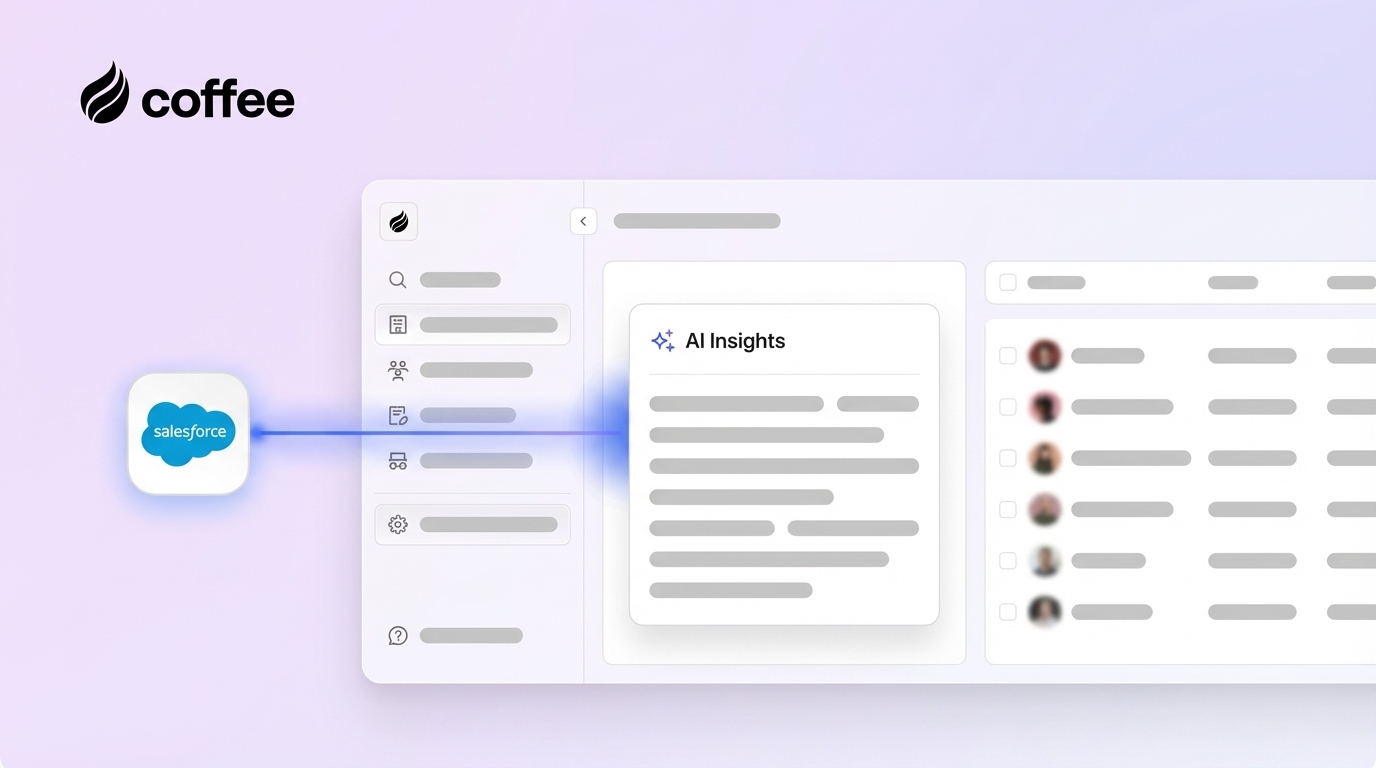
The sales technology market has seen rapid changes in recent years, with customer relationship management (CRM) systems like Salesforce becoming essential for revenue teams. However, as customer expectations grow and competition intensifies, many organizations find that traditional CRM setups struggle to keep pace with the demand for real-time insights and automation. Advanced analytics and artificial intelligence (AI) are now critical to staying ahead, helping sales teams move from reactive data tracking to proactive decision-making. This guide offers a detailed look at how AI can enhance Salesforce, providing sales leaders and RevOps professionals with practical strategies to boost efficiency and drive growth while building on their current systems.
Studies indicate that companies using AI in their sales processes can increase lead conversion rates by up to 30% and reduce administrative tasks by nearly 40%. AI tools help sales teams focus on high-value activities by automating routine work. Yet, integrating these technologies requires careful planning to align with existing workflows and deliver measurable outcomes. This article examines the challenges of legacy CRM systems, the specific benefits of AI integration, and key considerations for adoption. As part of this broader trend, we’ll highlight Coffee, an AI-first companion app for Salesforce, as a notable example of how modern tools can address common pain points and enhance sales operations.
Why AI Matters for Salesforce: Addressing Modern Sales Challenges
Even as a leading CRM platform, Salesforce can face limitations in meeting the needs of today’s fast-paced sales environment. Many teams encounter issues with manual data entry and static reporting, which can slow down productivity and hinder actionable insights.
Common challenges include fragmented data spread across multiple tools and time-consuming manual updates. These inefficiencies often prevent sales reps from focusing on closing deals. AI integration offers a way to tackle these issues by automating data handling and delivering insights directly within Salesforce.
Coffee, for instance, emphasizes the importance of accurate, automated data as the backbone of effective AI. By pulling information from emails, calendars, and call transcripts, it reduces the reliance on manual input and ensures a more complete dataset for sales teams to act on.
Coffee: Enhancing Salesforce with AI-Driven Capabilities
Coffee serves as an AI companion app that upgrades your Salesforce environment, turning it into a proactive sales intelligence tool. It works alongside your existing setup, adding automation and insights without disrupting established processes.
Here are some standout features of Coffee:
- Automatic creation of contacts, companies, and activities, enriched with data from emails and calendars to eliminate manual entry.
- AI support for meetings, including pre-call briefings, real-time transcription, and post-meeting summaries synced to Salesforce.
- Pipeline analysis through a ‘Compare’ feature, showing week-over-week changes in deal status for better tracking and forecasting.
- A unified platform that replaces separate tools for data enrichment, call recording, and forecasting, all integrated with Salesforce.
- Easy setup with straightforward authentication, respecting your Salesforce customizations while enabling selective data updates.
Interested in upgrading your Salesforce with AI-driven tools? Request access to Coffee today.

Key Benefits of Integrating AI and Analytics into Salesforce
Improving Data Accuracy and Consistency in Salesforce
High-quality data is the foundation of any successful sales strategy. Without it, even the best tools can fall short. Coffee ensures data accuracy by automatically collecting and organizing information from various sources directly into Salesforce.
Instead of relying on reps to input details manually, Coffee scans email exchanges, calendar events, and call records to keep data up to date. It also enriches records with specifics like job roles, company size, and location, giving reps valuable context for customer interactions without extra research.
Delivering Actionable Insights for Salesforce Teams
Standard Salesforce reports often look backward, summarizing past performance. Coffee shifts the focus to forward-looking insights, helping reps and managers make informed decisions in real time.
Through AI-generated summaries and tailored recommendations, the platform highlights key opportunities and next steps. These insights integrate directly into Salesforce, ensuring teams have relevant information at their fingertips during customer engagements.
Automating Routine Tasks to Boost Productivity
Administrative work can take up a significant portion of a rep’s day, reducing time spent on selling. Coffee automates tasks like preparing for meetings, summarizing calls, and updating records in Salesforce.
Before a call, it compiles detailed briefings with attendee profiles and past interaction notes, accessible within Salesforce. Post-meeting, it logs summaries aligned with sales frameworks like MEDDIC or BANT, updating relevant fields automatically so reps can focus on building relationships.
Enhancing Pipeline Visibility with AI
Understanding pipeline dynamics is crucial for forecasting and strategy. Coffee uses historical data to track deal progress, offering a clear view of changes over time through its ‘Pipeline Compare’ feature.
Sales leaders can quickly see which opportunities are moving forward or stalling, allowing for timely adjustments. This capability makes Salesforce a more powerful tool for managing sales cycles and predicting outcomes.
Simplifying Tech Stacks and Reducing Costs
Many organizations rely on multiple tools alongside Salesforce to cover data needs, call analysis, and forecasting. Coffee combines these functions into one platform, reducing complexity and expenses.
By integrating directly with Salesforce, it cuts down on the need for separate vendors and integrations, streamlining operations while maintaining robust sales intelligence.
How to Integrate Coffee’s AI Tools with Salesforce
Evaluating Your Salesforce Setup for AI Readiness
Before adding AI tools, assess your current Salesforce environment to pinpoint areas for improvement. Look at data completeness, user engagement, and workflow efficiency to set a baseline.
Check how much customer interaction data is captured in Salesforce. Coffee can help fill gaps by automatically logging touchpoints. Review user activity to identify friction in adoption, as automation can reduce manual tasks and encourage usage. Also, consider your current toolset; consolidating with Coffee can simplify operations.
Setting Up Coffee with Salesforce
Integrating Coffee with Salesforce involves a straightforward authentication process that aligns with your security settings. It maps to your existing fields and objects, ensuring data flows correctly without altering workflows.
The platform syncs continuously with email and calendar systems, updating Salesforce with new contacts and activities in real time. This keeps your data current with minimal effort from your team.
Choosing Which AI Insights to Sync Back to Salesforce
Decide which AI outputs will enhance your Salesforce workflows. Prioritize data that supports rep productivity, such as enriched contact details and meeting logs.
For deeper impact, sync structured meeting summaries and actionable next steps. These can feed into dashboards and reports, giving managers better visibility while maintaining clean data structures.
Common Challenges to Avoid with AI CRM Integration
While AI offers clear advantages, implementation can come with hurdles. Recognizing these helps ensure a smoother rollout within Salesforce.
User adoption is often a sticking point. Communicate how AI supports reps, and provide training to show its value. Coffee’s intuitive features, like automated briefings, help reps see immediate benefits, encouraging consistent use.
Another issue is focusing too much on technology instead of results. Set specific goals, like improving data accuracy or saving time, before starting. Also, consider flexibility in vendor choices. Coffee enhances Salesforce without replacing it, preserving your ability to adapt in the future.
Need help navigating integration challenges? Request access to explore Coffee’s tailored approach.
Comparing Coffee to Traditional Salesforce Add-Ons
Choosing between Coffee’s integrated AI app and traditional Salesforce add-ons depends on your team’s needs. Here’s how they stack up:
| Feature/Benefit | Coffee’s AI Companion App | Traditional Salesforce Add-Ons | Impact |
|---|---|---|---|
| Data Quality Automation | Real-time enrichment from emails and calls | Manual updates or standalone data tools | Cuts down on manual workload |
| AI-Powered Insights | Built-in analytics for deal insights | Separate tools with limited integration | Unified data for better decisions |
| Pipeline Intelligence | Historical tracking with comparison views | Manual exports or costly add-ons | Faster, clearer pipeline analysis |
| Feature Consolidation | Single app for multiple functions | Multiple tools with separate setups | Lower costs and less complexity |
Coffee stands out by offering a cohesive solution, avoiding the fragmented approach of separate add-ons that often require extra management.
Conclusion: Elevate Salesforce with AI and Analytics
Adding advanced analytics and AI to Salesforce marks a significant step forward for sales operations. Coffee exemplifies this trend, enhancing your existing system with automation and insights to address productivity challenges. By focusing on data accuracy and streamlined workflows, tools like Coffee help teams engage customers more effectively and manage pipelines with confidence.
The priority now is to adopt solutions that deliver tangible results. Take the next step to strengthen your Salesforce capabilities. Request access to Coffee and see the difference AI can make.
Frequently Asked Questions About AI and Analytics in Salesforce
How does Coffee ensure data security with Salesforce integration?
Coffee adheres to strict security standards, including SOC 2 Type 2 certification and GDPR compliance. It aligns with Salesforce security protocols, protecting customer data and ensuring it isn’t used for AI training or shared externally, which supports organizations with strict governance needs.
Does Coffee replace or complement my current Salesforce setup?
Coffee complements Salesforce as a companion app, maintaining your existing workflows, custom objects, and permissions. It adds automation and insights, enhancing functionality without overwriting your current investment.
How does Coffee’s data enrichment compare to tools like ZoomInfo in Salesforce?
Coffee automatically enriches contact and company data from email and calendar interactions, keeping Salesforce records current without manual effort. It provides a practical solution for many teams, directly integrated into the Salesforce ecosystem.
Can Coffee work with custom Salesforce objects or workflows?
Coffee supports both standard and custom Salesforce objects, adapting to your unique setup. During installation, it aligns with your fields and processes, ensuring AI insights integrate seamlessly without disrupting existing operations.