
Key Takeaways
- Traditional CRMs often overload small teams with manual data entry, scattered tools, and low user adoption.
- AI-powered CRM agents now capture data, manage meetings, and surface insights automatically, which improves accuracy and frees sales teams to sell.
- This guide compares seven leading small-business CRMs and highlights where automation and AI matter most.
- Coffee CRM uses an AI-first agent that can replace a traditional CRM for small teams or sit on top of tools like Salesforce and HubSpot.
- Small businesses can start automating CRM work with Coffee’s AI agent by visiting Coffee pricing.
Why Traditional CRMs Hold Small Businesses Back
Manual Data Entry Burden Stifles Sales
Many small teams spend more time updating CRMs than talking to customers. Reps often jump between tools, HubSpot for records, ZoomInfo for data, SalesLoft for outreach, and separate recording platforms. This constant switching leaves only a fraction of the workweek for real selling, which limits revenue and burns out teams.
Fragmented Data And Workflows Reduce Visibility
Customer details often live across email, spreadsheets, calendars, and point tools. Without an AI layer to connect everything, teams piece together information by hand. The result is a partial view of each account, slower follow-up, and missed signals about risk or opportunity.
Legacy Architectures Lose Context Over Time
Older CRMs were built for structured fields, not email text, call transcripts, or meeting notes. Updates frequently overwrite past information. Historical context disappears, which makes it harder to understand deal momentum or why a customer bought in the first place.
Poor User Experience Drives Low Adoption
Complex interfaces and slow workflows push reps into side systems and private spreadsheets. Leaders then see incomplete or inaccurate data in the CRM. Investment in licenses and setup goes to waste, and teams still rely on manual reporting.
How AI-Powered Agents Fix CRM Pain Points
From Static Records To Active Support
AI agents now act as active teammates inside the CRM. These agents capture information from email and calendars, suggest next steps, and prepare meeting briefs. Software starts working for the salesperson rather than the other way around.
Better Data In, Better Decisions Out
AI agents structure data automatically as it flows in from daily work. Emails, meetings, and notes become organized records without extra clicks. Cleaner data supports more reliable forecasts, better pipeline reviews, and targeted coaching.
Get started to see how an AI agent can enhance your small business CRM.
7 Best CRM Software for Small Business in 2026
The tools below support different types of small businesses. Focus on how each platform handles automation, data capture, and ease of use for your team.
1. Coffee CRM: AI-First Agent For Busy Small Teams
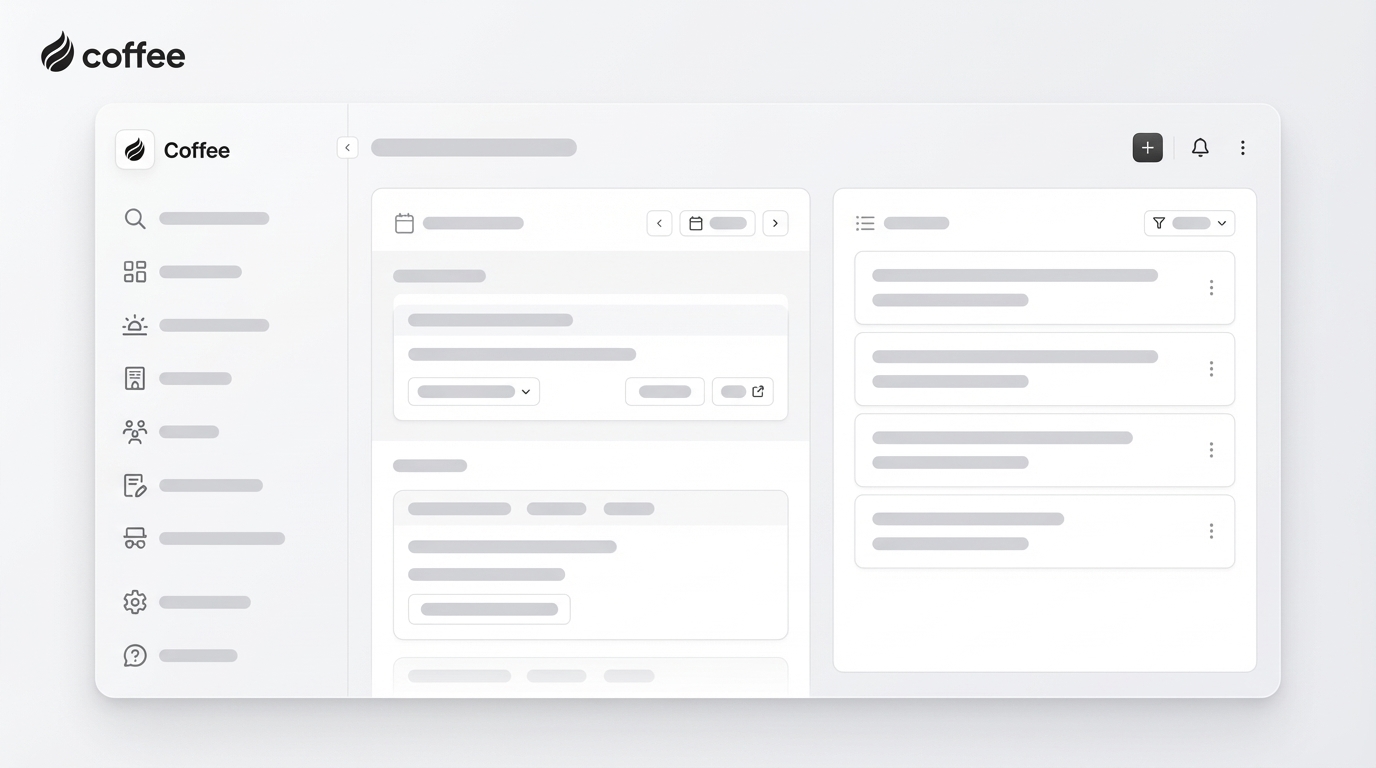
Coffee is built around an autonomous AI agent that handles data entry and meeting workflows for small and mid-sized companies. Teams can use Coffee as a full CRM or as a companion to Salesforce or HubSpot while keeping their existing setup.
Key features include automatic contact and company creation from email and calendars, AI-powered meeting briefings, summaries, and follow-ups, week-over-week pipeline comparison, and consolidation of multiple sales tools into a single workspace.
One growing software company replaced spreadsheet-based sales tracking with Coffee. The team relied on automatic contact creation from Google Workspace and used the pipeline compare view for weekly reviews, which simplified their process and reduced admin work.

2. HubSpot CRM: Free Starting Point For Early-Stage Teams
HubSpot CRM gives small businesses a no-cost way to organize contacts, deals, and basic outreach. The platform expands into marketing, service, and automation as the company grows.
Key features include contact and deal tracking, email tracking and templates, meeting scheduling, live chat, marketing tools, and a wide integration marketplace. The free plan suits new teams that need structure before investing in paid automation.
3. Zoho CRM: Budget-Friendly Option With Deep Customization
Zoho CRM fits small organizations that need tailored workflows on a limited budget. Teams can adapt modules, fields, and automations to match their exact sales process.
Key features include lead and pipeline management, workflow automation, the Zia AI assistant for predictions, email integrations, custom dashboards, and mobile apps. Paid plans stay relatively affordable for small teams that want flexibility.
4. Pipedrive: Clear Visual Pipelines For Sales-Focused Teams
Pipedrive centers on visual, drag-and-drop pipelines that make deal stages easy to understand at a glance. Sales managers and reps can align on priorities quickly.
Key features include customizable pipelines, task and activity management, reminders, lead capture tools, and sales forecasting. Small teams with defined stages use Pipedrive to keep every deal moving.
5. Salesforce Essentials: Scalable Path For Fast-Growing Businesses
Salesforce Essentials gives small organizations access to a streamlined version of the broader Salesforce ecosystem. Teams that expect rapid growth often choose this to avoid a future migration.
Key features include account and contact management, forecasting, mobile access, a large integration marketplace, workflow automation, and enterprise-grade security. As needs expand, businesses can upgrade within the Salesforce family.
6. Nimble CRM: Relationship-Driven CRM For Service Providers
Nimble brings together social profiles, email, and contact history for freelancers, consultants, and agencies that rely on relationship depth.
Key features include social media integration for richer profiles, unified communication history, contact management, simple sales and marketing automation, and relationship insights. Service businesses use Nimble to keep conversations personal and relevant.
7. Supportbench: CRM For Support-Heavy Small Businesses
Supportbench prioritizes customer service within a CRM environment, which helps support-led organizations link tickets, satisfaction, and revenue.
Key features include advanced ticketing, service analytics, scalability for growing customer bases, and integrations with email marketing and accounting tools. Teams that compete on customer experience use Supportbench to align support and sales.

CRM Comparison Table: Quick View For Small Businesses
The table below highlights how leading CRMs differ on automation, data entry, and ideal business size.
|
Feature / CRM |
Coffee CRM |
HubSpot CRM |
Zoho CRM |
Pipedrive |
|
AI agent automation |
Core function |
Available in paid plans |
Zia AI assistant |
AI sales assistant |
|
Automatic data entry |
Full email and calendar capture |
Partial through integrations |
Available with built-in tools |
Available with automation |
|
Meeting management |
AI briefings and summaries |
Basic scheduling |
Basic scheduling |
Basic scheduling |
|
Pipeline intelligence |
Automated week-over-week comparisons |
Standard reporting |
Advanced reporting |
Visual pipeline views |
|
Target business size |
Small teams with 1 to 20 employees |
Small to large, highly scalable |
Small to mid-sized teams |
Small to mid-sized teams |
Get started to see how Coffee’s AI-first approach can support your small business sales process.
Conclusion: In 2026, The Best CRM Acts Like A Smart Teammate
Small businesses no longer need to choose between accurate data and overloaded sales reps. AI-powered CRM agents now capture information automatically, keep pipelines current, and prepare teams for every meeting.
Coffee focuses on getting good data in with minimal manual work so leaders can trust their dashboards and reps can spend more time selling. Teams that adopt this style of CRM gain an immediate boost in clarity and capacity.
To see how an AI agent can support your sales process, get started with Coffee and explore a CRM built for small business workflows.
Frequently Asked Questions About Small Business CRM
These answers address common concerns about data quality, security, and using AI with existing systems.
How can a small business maintain good CRM data quality without extra staff?
Manual updates often create gaps and errors. An AI-powered CRM like Coffee captures and enriches contacts, companies, and activities directly from email and calendars. The agent creates and updates records in the background, which reduces the need for a dedicated data specialist while improving accuracy.
Are AI-powered CRMs secure enough for sensitive customer data?
Security depends on the vendor’s controls and certifications. Coffee, for example, is SOC 2 Type 2 and GDPR compliant and does not use customer data to train public AI models. Small businesses should confirm encryption practices, access controls, and privacy policies before choosing any provider.
Can an AI CRM help if a business already uses HubSpot or Salesforce?
Many AI CRMs work as companion apps. The Coffee Agent can sit on top of Salesforce or HubSpot and handle data capture, syncing, and enrichment, then write insights back into the primary CRM. This approach improves data quality and adoption without forcing a full migration.
