
Key Takeaways
- Most small businesses struggle with CRM tools that demand constant manual data entry, which reduces selling time and lowers team adoption.
- Fragmented tools and disconnected workflows create incomplete customer records, making it hard for leaders to trust reports or forecast revenue.
- AI-powered CRM agents automate data capture from email, calendars, and meetings, turning the CRM into a reliable source of truth instead of an administrative task.
- Coffee’s AI agent offers automated data entry, meeting management, and pipeline insights while simplifying the tech stack for growing teams.
- Small businesses can turn their CRM into a real asset by using Coffee’s AI-powered CRM agent, available at Coffee’s pricing page.
Why Traditional CRM Software Fails Small Businesses: The Cost of Manual Work
The Manual Data Entry Grind: A Costly Time Sink
Traditional CRMs assume that busy sales teams will keep records updated by hand. For most small businesses, that assumption fails in practice.
Market data from Coffee shows that 71% of sales reps spend too much time on data entry and end up with only 35% of their time available for actual selling. Over 20% of sales professionals feel unsure how to get full value from their CRM and spend hours every week on manual updates. For small teams, that time drain directly reduces revenue and momentum.
Fragmented Data and Disconnected Workflows: Losing the Full Picture
Many small businesses bolt several tools onto their CRM. Teams jump between enrichment tools, email platforms, call recording apps, and spreadsheets just to assemble a basic view of each account.
Integration gaps between these tools often create misaligned data, duplicate records, and missing history. Sales leaders then lack a clear view of deals, touchpoints, and account health, even though the team spends significant time updating systems.
Low Adoption and Poor Data Quality: The Vicious Cycle
When a CRM feels like extra work, sales reps avoid it. Low user adoption in 2026 still stems from CRMs being treated as time-consuming admin tools rather than sales tools. Data quality drops, reports become unreliable, and managers stop trusting what they see.
Many reps create “shadow CRMs” in spreadsheets or personal notes. The official system then holds only part of the truth, which makes accurate forecasting and coaching difficult for small business leaders.
High Costs and Complexity: Overwhelming for SMB Budgets
Subscription fees, setup work, integrations, and training programs often combine into a large, ongoing expense. For small organizations, this total cost can feel out of proportion to the value they actually see.
About a third of small business owners report limited technical confidence with CRM setup and cite cost and data migration as major hurdles. Many either delay implementation or accept a half-configured system that never fully supports the team.
The Solution: Improve Your Small Business CRM with an AI-Powered Agent
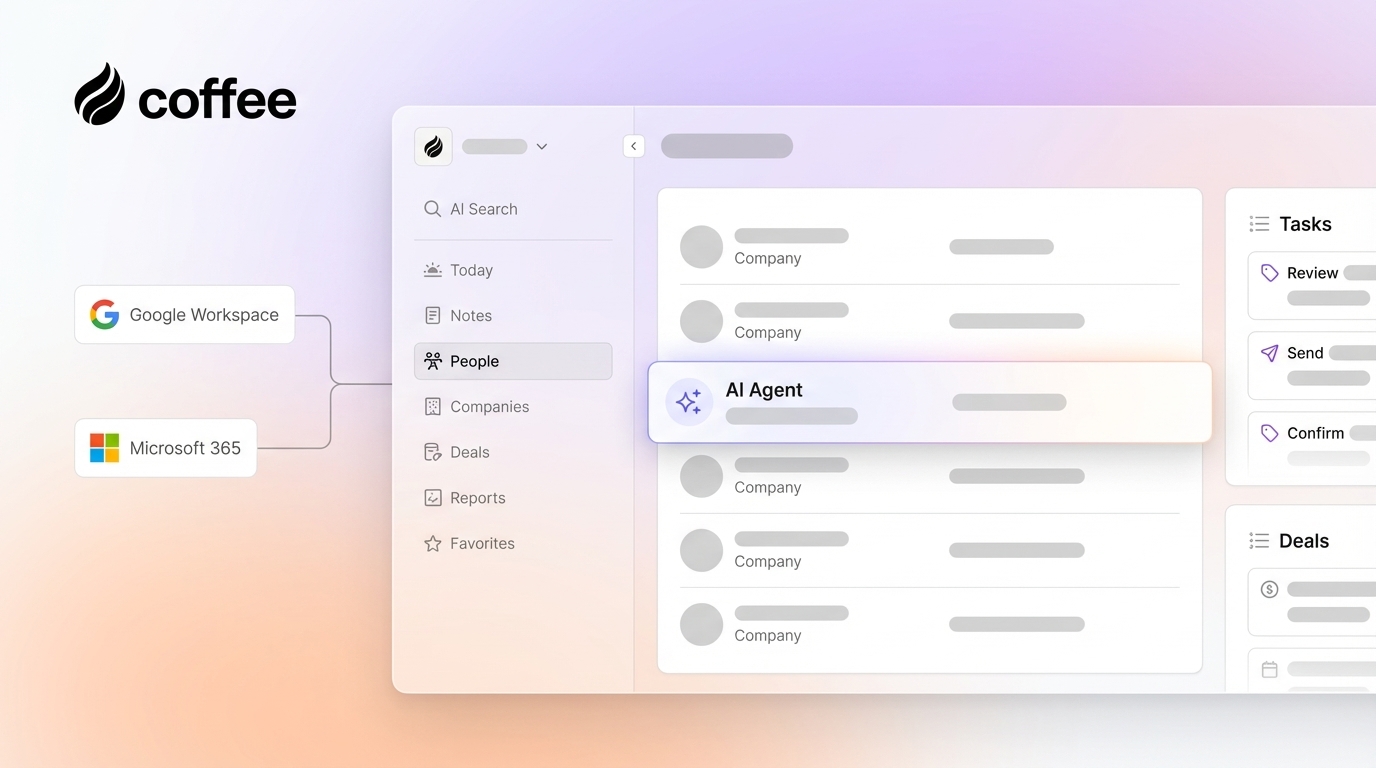
AI now makes it possible to treat the CRM as an active assistant instead of passive storage. Coffee follows this approach with an autonomous agent that captures and maintains sales data for you.
Coffee offers two models so small businesses can adopt AI on their own terms. The Standalone CRM gives companies with roughly 1 to 20 employees a modern, agent-powered system when spreadsheets become limiting. The Companion App adds an AI layer on top of an existing CRM for teams that want automation without switching platforms.
See how this works in practice on Coffee’s pricing page.

Key Capabilities of the Coffee AI Agent for Small Businesses
Automated data entry and enrichment turn scattered touchpoints into structured records. The Coffee agent scans emails and calendars, creates and updates contacts and companies, and enriches them with job titles, firmographics, and social profiles through licensed data providers. Teams gain complete records without spending hours typing.
AI-powered meeting management keeps conversations organized and actionable. The agent prepares briefings with attendee context, joins video calls to record and transcribe, then produces summaries, action items, and suggested follow-up emails so nothing falls through the cracks.

Intelligent pipeline management turns deal reviews into data-driven conversations. Pipeline Compare tracks changes week over week and highlights new, progressed, and stalled deals so leaders can coach more effectively and prioritize the right opportunities.
A consolidated tech stack reduces complexity and cost. Coffee combines CRM, enrichment, meeting capture, and forecasting in one platform, which limits the need for multiple point tools and custom integrations.

How Coffee’s AI Agent Directly Addresses Common CRM Challenges
Eliminating Manual Entry for More Selling Time
Coffee’s agent creates contacts, logs activities, and keeps records current in the background. Sales reps spend less time updating fields and more time prospecting, running meetings, and closing deals. Leaders see fuller activity histories without pushing the team to “update the CRM” after every call.
Unifying Fragmented Data into One Source of Truth
The Coffee agent pulls together emails, calendar events, call recordings, and notes into one consistent timeline for each account. Teams no longer chase details across separate apps or ask colleagues for the latest status. Everyone works from the same current view of the customer.
Raising User Adoption with a Helpful Co-Pilot
When the system prepares briefings, drafts follow-ups, and keeps data clean, sales reps view it as support rather than overhead. They log in to get value, not just to complete admin tasks. Higher adoption then reinforces data quality and reporting accuracy.
Improving Insight Quality for Confident Decisions
Coffee follows a simple principle: accurate input creates reliable output. Because the agent maintains records automatically, pipeline views and forecasts reflect reality more closely. Features like Pipeline Compare help leaders see what changed since last week and why, which improves planning and coaching.
Businesses that want this type of support can explore plans on Coffee’s pricing page.
Comparison: Traditional CRM vs. Coffee’s Agent-Powered CRM for Small Business
|
Feature |
Traditional CRM |
Coffee’s Agent-Powered CRM |
|
Data entry |
Manual and time-consuming |
Automated by an AI agent |
|
Data quality |
Inconsistent and error-prone |
Accurate and continuously updated |
|
User adoption |
Often low, seen as admin work |
Higher, seen as a helpful co-pilot |
|
Workflow complexity |
Multiple tools and manual coordination |
Unified workflows with built-in automation |
Make Your CRM an Asset, Not a Burden for Your Small Business
Traditional CRMs often turn into administrative chores instead of strategic tools. Manual data entry, scattered workflows, low adoption, and complex setups limit the value that small businesses gain from their investment.
Coffee’s AI-powered agent offers a different path by capturing data automatically, unifying customer information, and producing clearer insights. Small teams get the structure of a modern CRM with less manual work and more time for selling.
In 2026, small businesses can continue wrestling with manual systems or adopt an AI-powered approach that positions the CRM as a trusted co-pilot for growth.
To see how this could work for your team, visit Coffee’s pricing page and explore the options for bringing an AI agent into your CRM workflow.
Frequently Asked Questions About AI CRM Software for Small Businesses
Why do small businesses that use spreadsheets benefit from an AI-powered CRM like Coffee?
Spreadsheets work for simple contact lists, but break down as deal volume and touchpoints grow. They lack automation, activity tracking, and reliable reporting. An AI-powered CRM like Coffee captures interactions from email, calendars, and meetings automatically and structures that data so the team can manage pipelines and forecasts in one place.
How does Coffee keep AI-powered CRM simple and affordable for small businesses?
Coffee is built to reduce complexity. The agent connects to Google Workspace or Microsoft 365 and starts organizing data with minimal setup. Training needs stay low because the system handles much of the routine work. Straightforward seat-based pricing includes the agent’s automation, so teams avoid stacking extra tools just to achieve basic workflows.
How does Coffee handle data security and privacy?
Coffee uses enterprise-grade controls, including SOC 2 Type 2 and GDPR compliance, to protect customer information. Proprietary business data does not train public models, and processing occurs in secure environments so small businesses can adopt AI with appropriate safeguards.
How does Coffee work with tools like Google Workspace and Microsoft 365?
Coffee connects directly to Google Workspace and Microsoft 365. After connection, the agent scans emails and calendars to build and update contact and company records. Coffee also works with Zapier today, with deeper native integrations on the roadmap for more advanced workflows.
What happens to your data if I stop using Coffee?
Coffee supports data export so you can take your customer records and history with you. This approach reduces the risk of vendor lock-in and gives small business owners more control when evaluating or changing systems.