Written by: Doug Camplejohn, CEO & Co-Founder, Coffee | Last updated: August 6, 2026
Key Takeaways for Revenue and RevOps Leaders
- Fragmented sales tools and manual CRM entry cost B2B teams 8–12 hours per rep each week, which creates unreliable pipeline data and flawed forecasts.
- Legacy CRMs store only what reps type in, so unstructured context from emails, calls, and Slack never reaches the system of record.
- An agent-led architecture with three layers (enrichment, CRM system of record, and orchestration) lets software capture, structure, and surface data automatically.
- Coffee unifies the stack in either standalone or companion mode, writing enriched insights back to Salesforce or HubSpot while removing manual entry and point-solution sprawl.
- Teams ready to replace fragmented tools and reclaim hours each week can explore Coffee’s pricing and start a trial today.
The Core Problem: Passive CRMs Fall Behind Daily Work
Legacy CRMs behave like static databases. They store whatever humans type into them. When reps are busy, they skip fields, abbreviate notes, and delay logging until Friday afternoon, when details are already fuzzy. The CRM ends up reflecting the rep’s schedule instead of the deal’s reality.
Newer CRM interfaces improved the visual layer but left the core architecture unchanged. Salesforce still carries decades of legacy baggage. HubSpot started as a marketing tool and bolted on CRM later. Neither platform was architected to ingest unstructured data, such as email threads, call transcripts, and Slack messages, or to preserve historical context when fields change.
To understand why this architectural gap matters for revenue operations, the table below compares passive and agentic CRMs across four dimensions that shape forecast accuracy, rep productivity, and pipeline visibility.
| Dimension | Passive CRM | Agentic CRM | Operational Impact |
|---|---|---|---|
| Data Input | Manual entry by reps | Automated capture from email, calendar, transcripts | Eliminates 8–12 hours per week of admin per rep |
| Data Types Handled | Structured fields only | Structured and unstructured (transcripts, email text) | Full deal context stays attached to every record |
| Historical Context | Lost when fields are overwritten | Stored in a built-in data warehouse | Week-over-week pipeline comparison becomes reliable |
| Pipeline Intelligence | Manual CSV exports or expensive add-ons | Native, agent-generated insights and natural-language queries | Pipeline reviews shift from interrogation to strategy |
Agent-Led Architecture: Three Layers That Do the Work
An agent-led stack replaces the human-as-data-clerk model with a three-layer architecture where software handles capture, structure, and insight.
The three layers are:
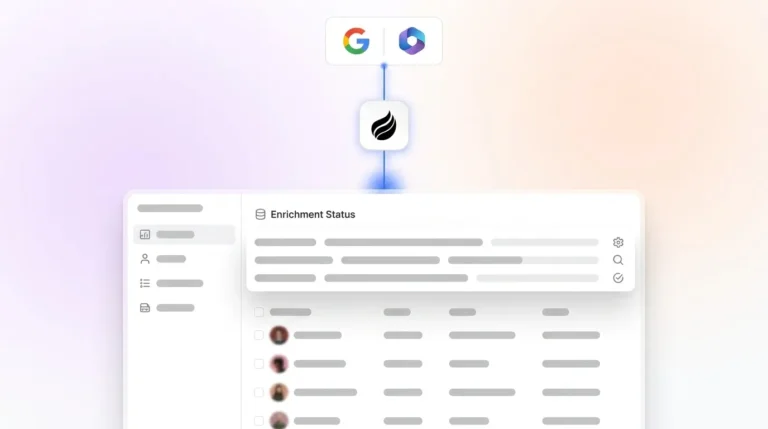
- Data Enrichment Layer: Identifies and enriches contacts and companies from structured sources such as databases and payment systems, and from unstructured sources such as email, calendar, and call transcripts. This consolidation removes the need for separate prospecting databases and enrichment tools.
- CRM System of Record Layer: Stores clean, agent-verified data in a warehouse that preserves history. This layer can be a purpose-built AI-first CRM or an existing Salesforce or HubSpot instance that the agent updates directly.
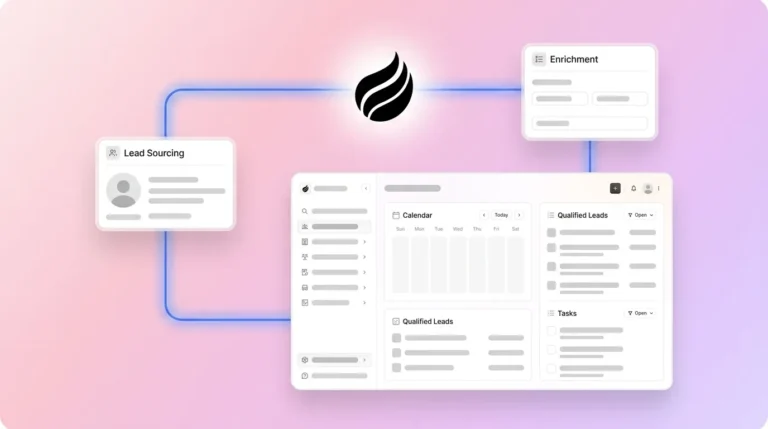
- Orchestration and Intelligence Layer: Runs on top of the system of record. The agent connects enrichment to the CRM, runs outreach sequences, surfaces pipeline changes, and answers natural-language questions about deal status. Coffee operates in this layer.
How Coffee Connects Your Sales Tools Into One System
Coffee deploys its agent in two models so teams can adopt it without rebuilding their entire stack.
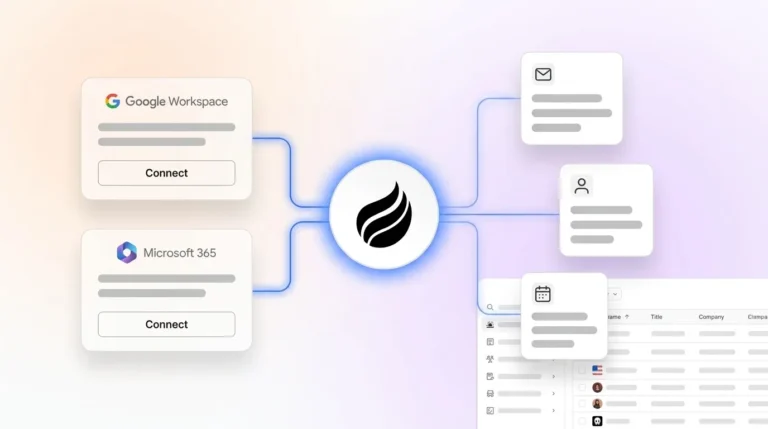
In the Standalone CRM model, Coffee’s agent becomes the system of record. It auto-creates contacts and companies from Google Workspace or Microsoft 365, logs all activity autonomously, and maintains a data warehouse that supports historical comparison. This model fits teams that have outgrown spreadsheets but find legacy CRMs too maintenance-heavy.

In the Companion App model, Coffee’s agent runs on top of an existing Salesforce or HubSpot instance. A simple authentication lets the agent capture data from emails, calendars, and call transcripts, enrich it, and write structured insights back to the primary CRM. Improved summary templates released in November 2025 are customizable to match specific workflows and write back to Coffee, HubSpot, or Salesforce, so teams keep their current system of record while removing manual entry.

Teams that need to connect Coffee to tools outside its native integrations can use Zapier and n8n connectors. These connectors extend the agent’s reach across the broader stack without custom development.
Recent changelog additions deepen the financial data layer. The QuickBooks integration launched in February 2026 automatically syncs invoices and payment statuses, providing real-time financial visibility inside the CRM. The Stripe integration, launched in January 2026, automatically imports customers and companies, enriches them, and marks paid invoices as Closed Won deals, which removes a manual reconciliation step that most revenue teams perform every week.
Size-Specific Stack Recommendations for 2026
Which deployment model and integration set works best depends on company size and existing systems. The guidance below maps Coffee’s capabilities to three common growth stages.
Startup teams (1–20 employees): Use Coffee as the Standalone CRM because it replaces multiple tools at this stage. Start by connecting Google Workspace or Microsoft 365 on day one. This single integration gives the agent access to email and calendar data so it can handle contact creation, activity logging, and meeting summaries automatically. After this core workflow runs smoothly, add the Visitor Identification pixel to capture inbound interest from anonymous website visitors and convert them into named prospects. At this size, Coffee’s built-in Lead Finder provides enough prospecting coverage, so you can skip standalone databases and avoid extra cost and complexity.

Growth teams (21–100 employees): Deploy Coffee as the Standalone CRM if you have not committed to HubSpot, or as a Companion App if HubSpot already serves as your system of record. In either setup, use Campaigns for multi-step outreach sequences natively so you can retire a separate sales engagement tool. As deal volume increases, enable Pipeline Compare to give managers week-over-week visibility without manual reporting. Connect QuickBooks or Stripe to sync financial data automatically, which keeps CRM records aligned with actual revenue instead of just logged activity.

Mid-market teams (101–200 employees): Deploy Coffee as a Companion App on top of Salesforce. The agent writes enriched contact data, call summaries structured to BANT, MEDDIC, or SPICED, and pipeline changes back to Salesforce automatically. Use Zapier or n8n for any additional tool connections that fall outside native integrations. The Intelligence layer released in February 2026 allows teams to define business model, ICP, and competitive context so the agent delivers tailored suggestions and insights that match the specific sales motion.
See which Coffee plan fits your team size
10-Step End-to-End Workflow With Coffee
| Step | Action | Coffee Agent Role | Human Checkpoint |
|---|---|---|---|
| 1 | Visitor lands on website | Pixel identifies visitor, infers name, title, company, and pages visited | Review Slack notification for fit |
| 2 | Prospect added to CRM | One-click add with enrichment pre-filled, Suggested Leads surfaced | Confirm target contacts |
| 3 | Outreach initiated | Auto-enrolls prospect in Campaign sequence from rep’s mailbox | Review AI-generated email copy before launch |
| 4 | Reply received | Stop-on-reply pauses sequence automatically | Rep takes over conversation |
| 5 | Meeting scheduled | Generates briefing with attendee context and past interactions | Rep reviews briefing before call |
| 6 | Call occurs | AI meeting bot records and transcribes, structures notes to chosen methodology | None required during call |
| 7 | Post-call processing | Generates post-call summaries in the format defined during setup | Rep reviews and sends follow-up draft |
| 8 | Deal progresses | Logs activity, updates deal stage, syncs financial data from Stripe or QuickBooks | None required |
| 9 | Pipeline review | Pipeline Compare surfaces week-over-week changes, stalled deals, and new additions | Manager reviews output and sets priorities |
| 10 | Forecast query | AI search on deals answers natural-language questions such as “Which deals are stuck in negotiation?” or “What is closing this month?” | RevOps validates and reports to leadership |
Pipeline Intelligence That Makes Reviews Useful
Pipeline reviews at most companies follow a predictable pattern. A manager asks a rep to explain why a deal moved or stalled. The rep reconstructs events from memory, and the CRM data is too incomplete to settle disagreements. The meeting produces anxiety instead of strategy.
Coffee’s Pipeline Compare feature changes this pattern. Because the agent captures every interaction and stores it in a built-in data warehouse, it can visualize week-over-week changes automatically. Progressed deals, stalled opportunities, and new additions appear without any manual export. The Intelligence layer mentioned earlier further tailors these outputs to the team’s specific ICP and competitive context, so leaders see insights that match their market.
Security, Data Quality, and Rollout Expectations
Coffee is SOC 2 Type 2 and GDPR compliant. Data ingested by the agent does not train public models, which addresses the primary security concern raised by RevOps leaders when they evaluate AI tools for CRM access.
On data quality, Coffee’s enrichment performs roughly on par with dedicated tools like ZoomInfo for most B2B use cases. The agent uses licensed data partners to populate job titles, funding information, and LinkedIn profiles. Teams with highly specialized enrichment needs can supplement Coffee via Zapier connections to their preferred data provider.
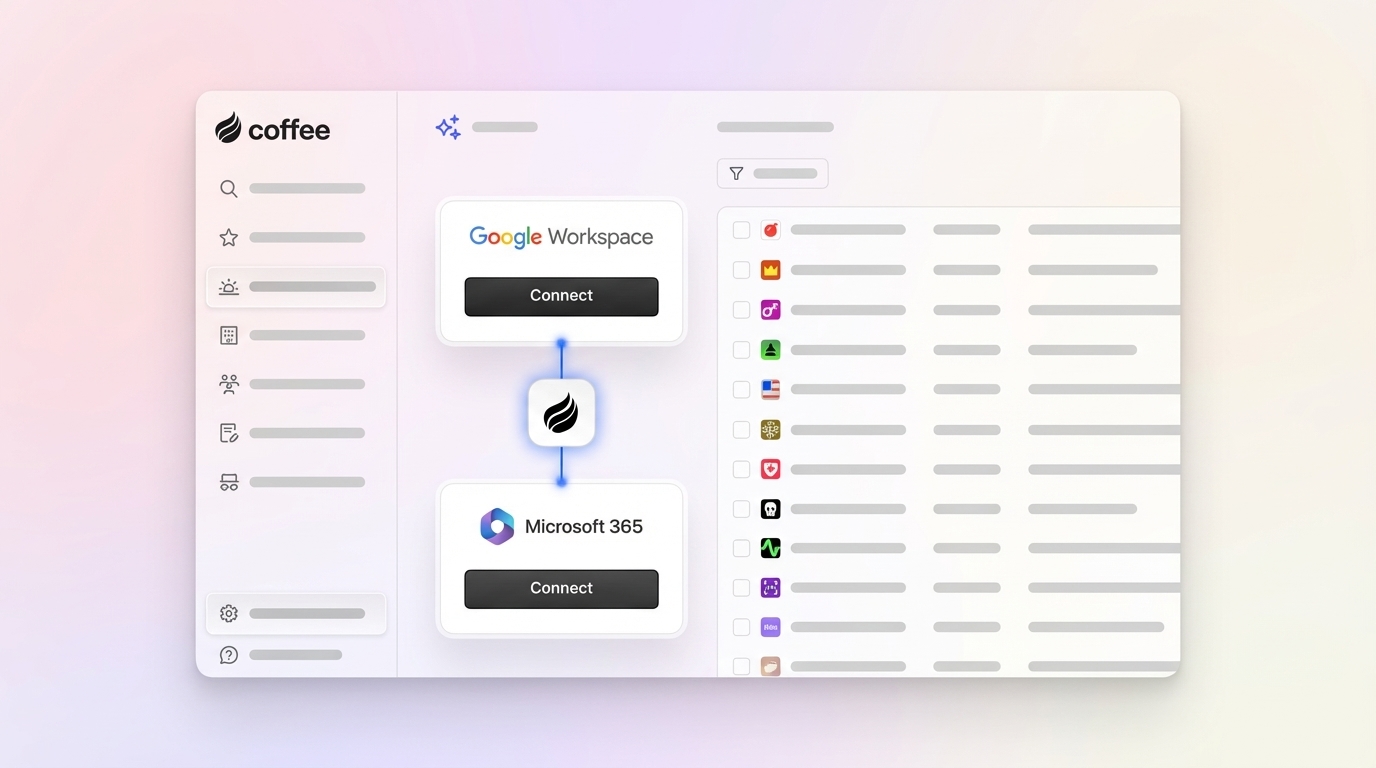
Implementation effort stays lower than most teams expect. Connecting Google Workspace or Microsoft 365 takes a single authentication step. The Companion App model for Salesforce or HubSpot follows the same pattern. The agent begins capturing data immediately after connection, so teams avoid long field-mapping sessions and migration projects for the core workflow.
Evaluation Framework for 2026 AI Sales Agent Stacks
Teams evaluating any AI sales agent stack for CRM automation can apply these four criteria.
- Integration depth: Confirm that the agent writes structured data back to your system of record, not just reads from it. Bidirectional sync keeps the CRM accurate.
- Data handling: Check whether the agent processes unstructured sources such as email text and call transcripts, not only structured fields. Unstructured data carries the context that drives forecast accuracy.
- Usability for reps: Ensure the agent captures data automatically in the background. If reps must trigger capture manually, adoption will drop and data quality will suffer.
- Company-size fit: Look for support for both a standalone model and a companion model. Teams grow and CRM strategies change, so a vendor that supports only one pattern can create a future migration problem.
Compare Coffee’s capabilities to your evaluation criteria
Frequently Asked Questions
What is an AI sales agent, and how does it differ from a traditional CRM?
A traditional CRM functions as a passive database. It stores whatever a human types into it and returns that data on demand. An AI sales agent acts as an autonomous software layer that captures data from emails, calendars, call transcripts, and external databases without human input, structures that data according to defined sales methodologies, and generates insights and recommendations from it. In practice, a passive CRM reflects how diligently reps log data, while an AI sales agent reflects what actually happened in the sales process.
Can Coffee work with my existing Salesforce or HubSpot instance?
Yes. Coffee’s Companion App model deploys the agent on top of an existing Salesforce or HubSpot installation. After a single authentication step, the agent begins capturing data from connected email and calendar accounts, enriching contact and company records, and writing structured summaries and activity logs back to the primary CRM. The existing system of record, including custom fields, required fields, quotas, and forecasting configurations, remains intact. No data migration is required.
How much time does Coffee actually save per rep per week?
Coffee’s agent automates the tasks that consume the bulk of that weekly admin burden, including contact creation, activity logging, meeting note-taking, follow-up drafting, and pipeline update entry. The exact savings depend on the volume of meetings and emails a rep handles. The agent operates continuously in the background, so time savings accumulate without any deliberate rep action after the initial connection.
Is Coffee secure enough for a company with sensitive customer data?
Coffee is SOC 2 Type 2 certified and GDPR compliant. Data processed by the agent does not train public AI models. For most B2B companies in non-regulated industries, this compliance posture is sufficient. Companies in heavily regulated sectors such as healthcare or financial services with multi-year security review requirements fall outside Coffee’s current ideal customer profile.
What is the difference between agentic CRM and passive CRM for pipeline forecasting?
Passive CRM forecasting depends on reps manually updating deal stages, close dates, and amounts. When reps are busy or disengaged, those fields go stale, and the forecast reflects optimism or neglect instead of deal reality. Agentic CRM forecasting relies on data the agent captured automatically, including every email, every call, and every activity, stored in a data warehouse that preserves history. Week-over-week changes come from ground-truth data, not from what a rep remembered to update before the Monday review. Leadership can act on this forecast instead of discounting it.
Conclusion: Build a Stack Your Team Will Actually Use
The best AI sales agent tech stack for CRM automation in 2026 focuses on one capable agent, not on the highest number of tools. A single agent should handle data capture, enrichment, outreach, and intelligence across the entire revenue workflow, whether it powers a standalone CRM or runs on top of Salesforce or HubSpot. Coffee is built for that role. It removes manual data entry, consolidates fragmented point solutions, and delivers the pipeline intelligence that makes forecasting reliable and pipeline reviews strategic.