Written by: Doug Camplejohn, CEO & Co-Founder, Coffee | Last updated: July 31, 2026
Key Takeaways from This Gong Call Playbook
- Systematic Gong call analysis converts raw recordings into coaching insights that deliver 20–30% close-rate lifts when executed consistently.
- Top-performing B2B sales calls maintain a 43% talking to 57% listening ratio, and reps who ask 11–14 discovery questions per call achieve higher win rates.
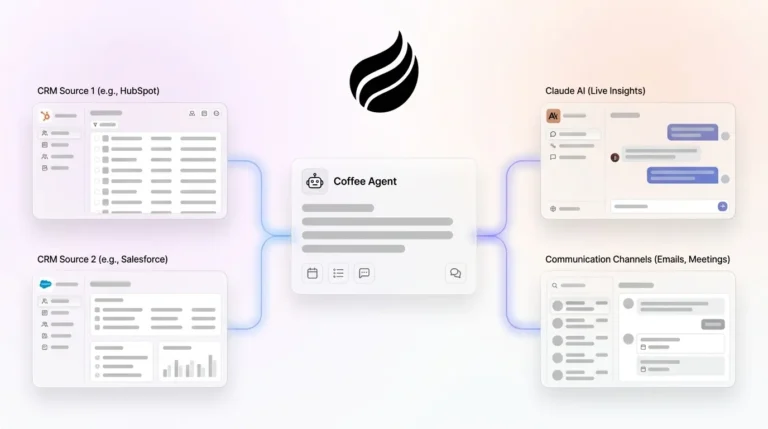
- AI-powered tools like the Coffee Agent automate objection clustering, pattern detection, and pipeline intelligence across hundreds of calls, eliminating manual review bottlenecks.
- A standardized eight-step weekly workflow covering outcome mapping, scorecards, buyer-behavior filters, and one-behavior coaching loops drives measurable improvements in forecast accuracy and ramp-up time.
- Teams can eliminate ad-hoc reviews and automate Gong call analysis with Coffee to scale coaching without adding headcount.
Why Systematic Gong Call Analysis Matters for Revenue Teams
Teams that deploy sales call analytics consistently see improvements in win rates and forecasting accuracy within months. Those gains disappear when reviews are inconsistent. A Gartner survey found that 84% of sales leaders say analytics has delivered less influence on performance than expected, with data privacy, poor data quality, and limited cross-functional collaboration cited as top barriers.
The behavioral data is clear. Gong Labs analysis finds the highest-performing B2B sales calls run a 43% talking to 57% listening ratio. Reps who win deals ask 11–14 discovery questions per call. Capturing these signals manually across hundreds of weekly calls does not scale. The Coffee Agent connects to Gong via integration and automates cross-call pattern detection, with call recording options expanded in January 2026 via Zapier integration with Gong, Fathom, Fireflies, and a Desktop app for MacOS, Windows, and Linux.
Before you implement this systematic approach, you need a solid foundation. The prerequisites below protect data quality so the behavioral insights above stay accurate and actionable.
Readiness Checklist Before You Start the Workflow
Confirm all three items below before running the workflow. Missing any one of them produces unreliable data downstream.
- Gong admin access: Required to configure Spotlight summaries, create scorecards, and run cross-call AI searches.
- Call-recording compliance settings: All recordings must meet applicable consent laws for the states where calls occur.
- Defined win/loss outcome tags: Gong fields must be mapped to CRM deal outcomes before pattern analysis can distinguish winning from losing behaviors.
Step 1: Map Success Outcomes into Specific Gong Fields
Start by gathering your CRM deal stages and win/loss definitions, because these become the source of truth for outcome data. Next, decide which Gong custom fields will store this information so later analysis can tie behaviors to results. Before you move forward, verify that closed-won and closed-lost calls are already tagged in Gong, or pattern analysis cannot separate winning from losing behaviors. Document your field mappings and share them with both the Gong admin and RevOps so everyone works from the same definitions.
| Gong Field | Mapped CRM Value | Purpose |
|---|---|---|
| Deal Outcome | Closed-Won / Closed-Lost | Filters for pattern analysis |
| Call Stage | Discovery / Demo / Negotiation | Segments coaching by funnel stage |
| Objection Tag | Price / Timing / Competitor | Feeds objection cluster reports |
| Rep Tier | Top / Mid / Ramping | Enables top-vs-average comparisons |
Step 2: Configure Spotlight Summaries and Talk-Time Targets
Open the Gong Spotlight settings panel and configure summaries for every recorded call so managers receive a consistent weekly digest. Set your rep talk-time target at 40–43% for discovery calls, using the benchmark mentioned earlier as your guide. Confirm Spotlight is generating summaries for every recording, then have each manager review the digest in their Gong inbox each week.
Gong Labs analysis of hundreds of thousands of sales conversations finds that top performers hold a 43% talking to 57% listening ratio overall. Set your rep talk-time target at 40–43% for discovery calls, consistent with the benchmark mentioned earlier. Flag any rep whose weekly average exceeds 55% talk time for immediate coaching review.
Step 3: Build a Standardized Gong Scorecard for Every Call
A practical sales call scorecard focuses on 5–8 high-value categories with a consistent 0–3 scale and short behavioral rubrics for each score level. Gong’s AI Call Reviewer can suggest answers to scorecard questions or automatically review entire calls to reduce manual scoring time.
| Category | Weight | Score 0 | Score 3 |
|---|---|---|---|
| Discovery Depth | 25% | No open questions asked | Pain quantified with business impact |
| Objection Handling | 20% | Became defensive or conceded | Isolated concern, responded with proof |
| Next-Step Clarity | 20% | No follow-up agreed | Date, attendees, and agenda confirmed |
| Stakeholder Mapping | 15% | Single contact only | Economic buyer and champion identified |
| Talk-to-Listen Ratio | 10% | Rep talked >65% | Rep talked 40–46% |
| Call Structure | 10% | No agenda set | Agenda confirmed, time managed |
Step 4: Apply Buyer-Behavior Filters to Gong Deals
Filter the Gong Deals view by stage, then decide which engagement signals you want surfaced every week. Apply at least one buyer-behavior filter to each active opportunity so managers can prioritize deals by real intent, not just rep sentiment. The result is a prioritized deal list ranked by positive and negative intent signals.
Four signal categories predict close rates beyond rep talk time:
- Future-state language: Prospects who use phrases like “When we roll this out to the team” exhibit positive intent signals that correlate with closed-won outcomes.
- Stakeholder expansion: Finance, legal, operations, or executive leaders pulled into conversations are key predictors of deal progression.
- Timeline acceleration: Requests that compress timelines, such as “Can we accelerate the security review?”, correlate with higher close rates and shorter deal cycles.
- Risk-focused objections: Objections about adoption, change management, or potential downsides indicate mental commitment, because the buyer is imagining life after the decision.
Step 5: Run Cross-Call AI Searches for Objection Clusters
Use Gong’s AI search across the prior 30 days of closed-won and closed-lost calls to surface objection patterns. Choose which objection types to cluster first, such as price, timing, or competitor, and ensure you have at least 20 calls per cluster so the data is reliable. Share a ranked objection frequency report with winning response examples so managers can coach from patterns, not anecdotes.
Manual QA typically covers only 2–5% of calls, while AI-powered scoring platforms can evaluate 100% of calls, shifting coaching from isolated examples to patterns across hundreds of interactions. The Coffee Agent extends this capability by running automated objection clustering across Gong transcripts at scale, surfacing which talk tracks resolved each objection type in won deals.
Step 6: Compare Top-Rep and Average-Rep Patterns
Segment Gong Library playlists by rep tier so you can compare behaviors across groups. Select three measurable behavioral dimensions, such as question count, objection response time, or next-step commitment rate, and confirm each one appears in Gong’s analytics panel. Build a gap analysis table and distribute it in the weekly manager sync so coaching focuses on specific, proven behaviors.
Brainshark reports that reps in a structured sales coaching program have a 28% higher win rate. Top-performing sales reps maintaining a 40:60 talk-to-listen ratio achieve 2–3x higher conversion rates compared to average reps at 55–65% talk time. Translating that gap into a specific playlist in Gong Library gives average reps a concrete model to follow.
Step 7: Run a One-Behavior Coaching Loop Each Week
Use the scorecard results and gap analysis from Steps 3 and 6 to pick one behavior per rep to improve this week. Log a coaching task in the CRM with a clear due date so the commitment does not get lost. Schedule a follow-up scorecard review for the same call stage the following week to measure progress.
Skill metrics should be reviewed weekly by managers to enable course-correction before deals are lost, while outcome metrics are reviewed monthly. Low discovery scores should trigger targeted role-plays and one-on-one coaching focused on question frameworks, while weak next-step scores should prompt use of commitment templates. Limit each coaching loop to one behavior, because adding more dilutes focus and slows improvement.
Automate your coaching loops with AI-powered Gong call analysis. Let Coffee handle your follow-up tracking automatically.
Step 8: Connect Gong Data Directly into the Coffee Agent
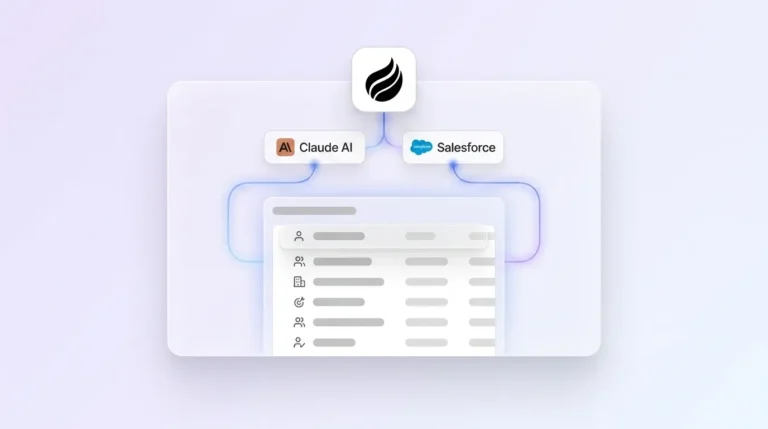
Export Gong transcripts via Zapier or API and feed them into the Coffee Agent so workflows can run without manual uploads. Choose which Coffee Agent workflows to activate, such as objection clustering, pipeline intelligence, or coaching summaries, based on your current priorities. Confirm data writes back correctly to Salesforce or HubSpot fields so reports stay accurate and usable.
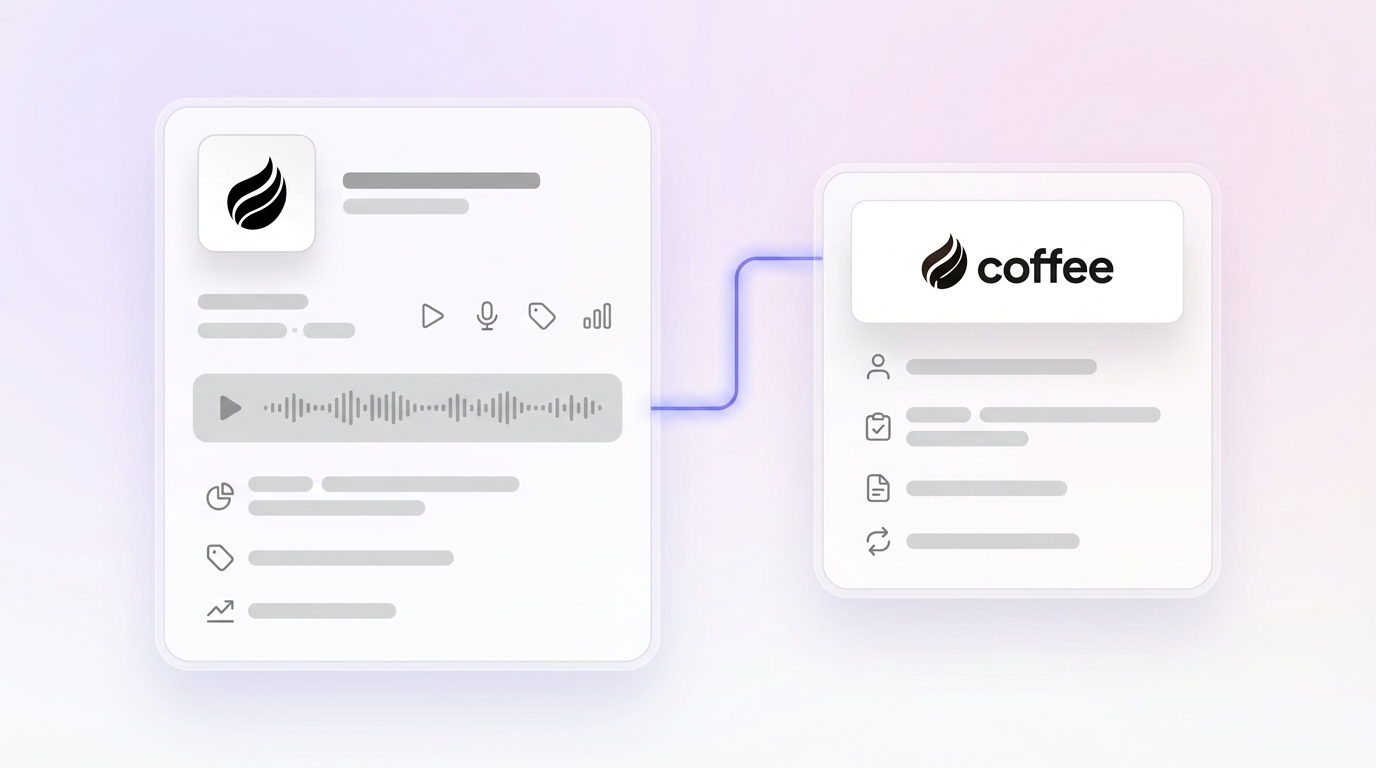
Coffee introduced an Intelligence layer in February 2026 that allows users to define and store deep context on business model, product specifics, ICP, and competitors for tailored AI suggestions and insights. Coffee also launched Custom Meeting Briefings and Summaries in February 2026, enabling users to define exact formats and focuses like high-level executive summaries or granular technical breakdowns. Applied to Gong transcripts, this feature means every call automatically produces a structured coaching output aligned to your sales methodology, such as BANT, MEDDIC, or SPICED, without a manager manually reviewing each recording.
Validate Results: Data-Quality Checks and Win-Rate Lift
Track these adoption signals after the first four weeks of the workflow:
- Scorecard completion rate above 80% of sampled calls per week
- Talk-to-listen ratio trending toward 40–46% across the team
- Objection cluster report updated with at least 20 new calls per cycle
- One-behavior coaching task logged for every rep in the CRM
- Pipeline forecast variance below 10% week-over-week
Companies with disciplined pipeline review processes achieve higher forecast accuracy and shorter sales cycles compared to those with inconsistent review practices. Organizations that use call analytics to drive coaching see higher win rates than those relying on traditional methods.
Scaling This Gong Workflow for Small and Mid-Market Teams
Team size changes who owns each step and how often you run it.
| Dimension | Small Teams (1–20 reps) | Mid-Market (20+ reps) |
|---|---|---|
| Scorecard owner | Head of Sales | RevOps + frontline managers |
| Calls sampled per week | 1 per rep | 2–3 per rep via AI auto-review |
| Objection cluster cadence | Monthly | Weekly via Coffee Agent automation |
| Pipeline review frequency | Weekly with full team | Weekly per segment, monthly executive roll-up |
Conversation intelligence can drive a 50% average reduction in ramp-up time for new hires. The conversion gains and ramp-up improvements described earlier scale faster when the Coffee Agent handles data ingestion and pattern detection automatically rather than relying on manager bandwidth.
Frequently Asked Questions
How long does it take to set up the full workflow?
Most teams complete the readiness checklist and Steps 1–3 within one week. Configuring Spotlight summaries and building the scorecard template typically takes two to four hours of Gong admin time. Steps 4–7 become operational in the second week once the first scored calls are available. Full Coffee Agent integration, including automated objection clustering and pipeline intelligence write-back to Salesforce or HubSpot, is generally live within two weeks of authentication. The complete eight-step workflow usually runs on autopilot by week three.
Who should own the weekly scorecard process?
For small teams, the Head of Sales owns scorecard creation, calibration, and coaching follow-up. In mid-market organizations, RevOps owns the template and field-mapping governance while frontline managers own the weekly scoring and one-behavior coaching loops. Regardless of team size, a single named owner per scorecard prevents calibration drift. Calibration sessions, where two managers independently score the same call and reconcile gaps, should run monthly to keep scoring consistent across the team.
What Gong fields are required before integrating the Coffee Agent?
Three fields must be populated and consistent before Coffee Agent integration produces reliable output: deal outcome tags (closed-won and closed-lost), call stage labels (discovery, demo, negotiation), and objection tags. Without clean outcome tags, the Coffee Agent cannot distinguish winning from losing conversation patterns. Without stage labels, objection clusters cannot be segmented by funnel position, which makes coaching recommendations generic rather than stage-specific.
How does the Coffee Agent handle objection clustering across hundreds of calls?
The Coffee Agent ingests Gong transcripts via Zapier or API and applies its Intelligence layer, which stores context on your ICP, competitors, and product specifics, then groups objections by type, frequency, and deal outcome. It surfaces which objection types appear most often in closed-lost deals and which rep responses resolved those objections in closed-won deals. This cross-call analysis runs automatically on a weekly cadence, producing a ranked objection frequency report without requiring a manager to manually review individual recordings. The output writes directly back to Salesforce or HubSpot as structured data, keeping the CRM current without manual entry.
Conclusion: Turn Every Gong Call into Pipeline Movement
The eight-step sequence, covering outcome fields, Spotlight benchmarks, a standardized scorecard, buyer-behavior filters, objection cluster searches, top-rep pattern comparisons, one-behavior coaching loops, and Coffee Agent integration, converts Gong from a recording library into a repeatable revenue system. Each step produces a clear output that feeds the next, creating a compounding improvement loop across talk-to-listen ratios, objection resolution rates, and forecast accuracy. The Coffee Agent sustains those gains by automating the pattern detection and data-entry work that would otherwise consume manager bandwidth every week. The result is a coaching operation that scales without adding headcount and a pipeline intelligence layer that improves with every call recorded.
Start turning every call into pipeline movement with Coffee.