Written by: Doug Camplejohn, CEO & Co-Founder, Coffee
Key Takeaways
- Use Apollo.io’s advanced filters with buying intent signals to generate up to 2.5x more qualified leads than basic targeting.
- Turn on the 2026 Parallel Dialer to lift connect rates by about 50% through simultaneous calling and smart voicemail drops.
- Automate multi-channel sequences with the 10-3-1 rule to book roughly 2x more meetings with less manual effort.
- Cut 10+ hours of weekly admin work with Coffee Agent’s zero-touch CRM sync and automatic data enrichment.
- Supercharge your Apollo workflow by starting with Coffee today for seamless automation and higher quota attainment.
How Apollo.io Drives Day-to-Day Productivity
Apollo.io boosts sales rep efficiency through three core workflows that compound over time.
- 50% connect lift with Parallel Dialer: AI-enhanced auto dialers increase sales talk time by 300% through simultaneous multi-prospect calling and smart voicemail drops.
- 2.5x more qualified leads from advanced filters: Combine buying intent signals with ICP traits to replace spray-and-pray prospecting with focused outreach.
- 10+ hours per week saved on admin: CRM sync automation plus Coffee Agent handles data entry, enrichment, and activity logging with no manual work.
1. Build High-Intent Lead Lists with Apollo.io Filters
Apollo’s filters turn random prospecting into targeted outreach that fills your pipeline with buyers who are ready to talk.
Step 1: Open Filters > Custom and define your ICP traits. Add criteria like “VPs of Sales at companies with $10M+ funding” or “Marketing Directors in SaaS with 50–200 employees.” Apollo’s 200+ data points support detailed targeting that goes far beyond basic firmographics.
Step 2: Add AI-powered buying intent signals. Include recent funding, hiring spikes, or new technology adoption that show purchase readiness. These signals raise qualification rates and keep reps focused on active projects.
Step 3: Export focused lists of up to 1,000 leads. Smaller lists protect personalization quality and usually deliver higher reply rates. [Screenshot placeholder: Apollo filter interface with layered criteria]
Pro tip: Follow a 70/30 split. Spend 70% of prospecting time building smart filters and automated sequences, then invest 30% into high-touch personalization for the best-fit prospects.
Metrics impact: Teams that rely on Apollo’s advanced filters report 2.5x more qualified leads than teams using simple demographic filters. Built-In improved win rates by 10% using Apollo’s scoring and signals.
Common pitfall: Over-filtering hurts results. Limit yourself to five filters to avoid shrinking lists so much that bounce rates climb by roughly 40%. Aim for a balance between precision and volume.
2. Run Multi-Channel Sequences with Apollo.io and Parallel Dialer
Apollo’s 2026 sequence features and AI dialer updates make it easier to run consistent, multi-touch campaigns across channels.
Step 1: Create multi-channel sequences that mix email, calls, and LinkedIn. Use the 3x3x3 rule by spending three minutes on three key prospect details with Apollo data. A simple structure looks like this: Day 1 Email or InMail, Day 3 Email plus Call, Day 5 Call plus Voicemail, Day 7 Email plus Call with Voicemail.
Step 2: Turn on Parallel Dialer for higher connect rates. The 2026 release adds multiple number support, smart rotation, local area code matching, and spam indicators. The dialer calls several prospects at once and connects you to the first person who answers.
Step 3: Test hooks and messaging across each sequence. Use Apollo’s call recording and transcription to compare performance and refine talk tracks. [YouTube demo placeholder: Parallel dialer setup and optimization]
ROI framework: Use the 10-3-1 rule to set expectations. Ten targeted emails create three meaningful calls, which usually produce one qualified meeting. Teams that follow this cadence often reach 2x quota.
Critical mistake: Sequence fatigue lowers response rates. Rotate cadences weekly, pause outreach for engaged prospects, and track reply sentiment so you can adjust volume and tone.
Performance metrics: 56% of reps who use AI daily see 2x better results than non-users. Teams that refine sequences report higher open rates, more meetings, and faster time to booked calls.
3. Remove CRM Busywork with Coffee Agent and Apollo.io
Apollo excels at finding and engaging leads, while Coffee Agent removes the manual CRM work that usually follows.
Step 1: Connect Apollo to your CRM, such as Salesforce, HubSpot, or Pipedrive. Set up field mappings carefully so records stay consistent and sync errors stay low.
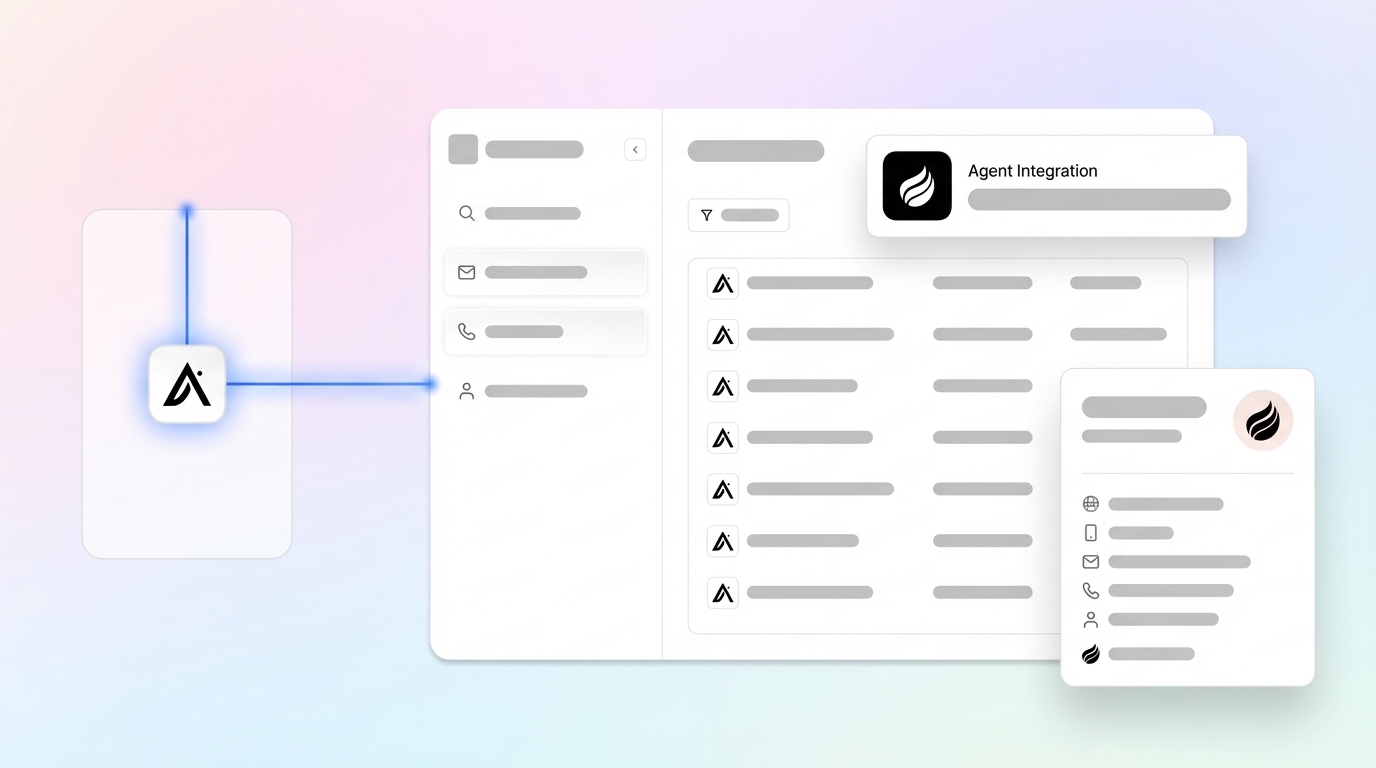
Step 2: Turn on Coffee Agent for zero-touch data management. Apollo handles lead generation and sequences, while Coffee Agent enriches contacts, logs email and call activities, and syncs everything into your CRM automatically. Most teams recover 8–12 hours per week by removing data entry tasks.
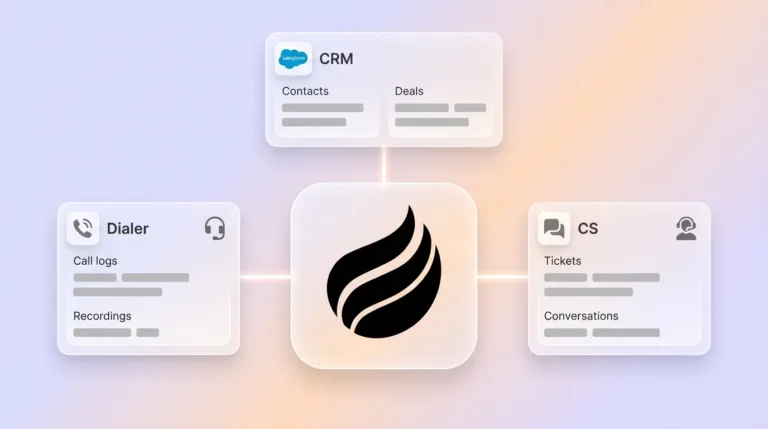
Coffee Agent advantages: Use Coffee as a Standalone CRM for smaller teams or as a Companion App for Salesforce or HubSpot. The Agent captures emails, call transcripts, and structured fields in one view so your “good data in, good data out” process stays intact.

Productivity impact: Teams with integrated automation report 3x annual revenue growth without losing efficiency. Coffee Agent often doubles selling time from about 35% to roughly 70% by taking over admin work.
Pipeline visibility: Coffee’s Pipeline Compare view highlights week-over-week changes automatically. Reps and leaders see which deals moved and which stalled without exporting spreadsheets. Pipeline reviews shift from status updates to strategy sessions.
Get started with Coffee to remove Apollo.io data entry and give reps more time to sell.
Common Apollo.io Issues and How Coffee Helps Fix Them
High bounce rates: Reduce CRM noise by syncing only meaningful engagements such as replies and unsubscribes. Syncing every email touch clutters records and inflates platform costs.
CRM sync failures: Roughly 70% of CRM integrations fail because of data silos and sync errors. Coffee Agent lowers this risk with smarter data governance and conflict handling.
Field mapping problems: Map Apollo fields to CRM fields before you connect systems. Test with a small sample of records so you can confirm sync behavior and prevent data loss.
Best practices: Set up bi-directional data flow where it makes sense, define field ownership rules, and rely on Coffee Agent to maintain data quality without manual checks.
Revenue Impact and Real-World Apollo + Coffee Example
ROI calculation: Apollo plus Coffee Agent often delivers 2x more meetings and about 50% lower costs than a ZoomInfo and Gong stack. Teams using integrated automation report 3x revenue growth without losing efficiency.
Mini case study: One SMB with tens of millions in revenue replaced spreadsheet-based sales tracking with Apollo and Coffee Agent. Contact creation from Google Workspace became automatic, Pipeline Compare removed manual weekly reviews, and API access powered custom briefing scripts. Coffee Agent worked like an extra team member and supported revenue growth without adding headcount.

Key metrics: Standardized processes deliver 23% higher close rates, 75% less prep time, and 31% faster decision cycles.
Next Steps for Scaling Apollo.io with Coffee
Combine Apollo.io’s advanced filters, AI dialer sequences, and Coffee Agent automation to reclaim 10+ hours per week and lift productivity.
For advanced scaling, use Coffee’s List Builder with natural language prompts such as “Find VPs of Sales in North America at $10M+ funding companies using Salesforce.”

Get started with Coffee to remove manual CRM work and support consistent quota attainment.
Frequently Asked Questions
What is the 70/30 rule in Apollo.io?
The 70/30 rule guides how reps split prospecting time between automation and personalization. Reps spend 70% of their effort building filters, sequences, and workflows in Apollo.io, then reserve 30% for high-impact personalized outreach. In practice, this means setting up advanced filters with buying intent signals, configuring multi-touch sequences with AI dialer support, and automating CRM sync. Reps then use the remaining time for research, tailored messaging to top accounts, and relationship building.
How does Apollo.io compare to Outreach for productivity?
Apollo.io combines lead generation and outreach in one platform, while Outreach usually needs separate prospecting tools. Apollo’s 2026 Parallel Dialer with local presence and smart rotation often delivers higher connect rates than Outreach’s standard dialer. Apollo also offers 200+ data points for filtering plus multi-channel sequences, which reduces tool switching. Pairing Apollo with Coffee Agent for automated CRM sync creates a complete workflow that many Outreach stacks cannot match for efficiency.
How long does Coffee Agent integration with Apollo.io take?
Coffee Agent connects instantly through Google Workspace authentication. After connection, the Agent scans emails and calendars and starts auto-creating contacts and companies in your CRM. You do not need complex setup, field mapping, or technical support. Within minutes, Coffee Agent logs activities, enriches data, and syncs records. This approach replaces the long implementation cycles of traditional CRM tools and lets reps benefit from automation almost immediately.
What outcomes does the 10-3-1 rule create in Apollo.io sequences?
The 10-3-1 rule sets a simple benchmark for Apollo.io sequences. Ten targeted emails usually lead to three meaningful phone conversations, which then create one qualified meeting. Teams that follow this structure with Apollo’s multi-touch sequences often reach 2x quota compared with ad hoc outreach. The rule works best when reps qualify prospects carefully, personalize messages with Apollo data, and complete every step in the sequence.
Can Coffee Agent fix Apollo.io data quality issues automatically?
Coffee Agent improves Apollo.io data quality through enrichment and smart automation. The Agent combines structured Apollo data with unstructured information from emails and call transcripts to build complete prospect profiles. It enriches contacts with titles, funding details, and LinkedIn profiles, which reduces manual updates. Coffee’s data warehouse design preserves historical context that many CRMs lose over time. The Agent also manages duplicate prevention, field standardization, and sync conflict resolution so Apollo leads become clean, reliable CRM records without extra work from reps.