
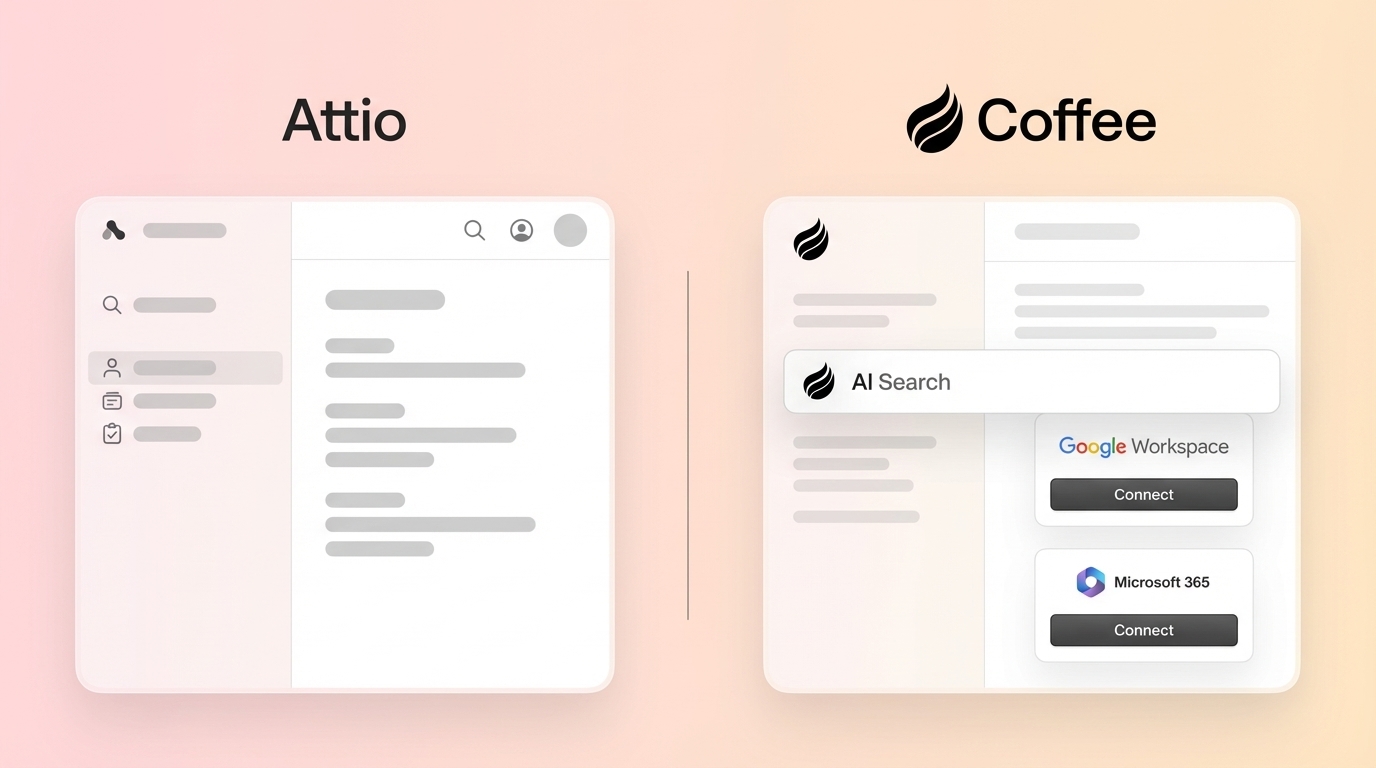
Key Takeaways on Attio vs. Coffee
- Attio CRM pricing starts at $0 for Free with 3 users and 50,000 records, and reaches $69 per user monthly for Pro. Enterprise uses custom pricing, and add-ons often push real per-user costs above $50.
- Feature limits on lower tiers, such as restricted custom objects, automation credits, and no AI workflows, force heavy manual data entry. Reps often spend only 35% of their time selling.
- API access requires approval and comes with rate limits, typically around 1,000 calls per hour, while compliance features like SOC 2 are reserved for Enterprise customers.
- Coffee’s agent CRM automates data entry, meeting intelligence, and pipeline tracking. Teams typically save 8 to 12 hours of manual work per rep every week.
- Switch to Coffee’s pricing plans for agent-led automation that turns CRM from a cost center into a clear profit driver.
Attio CRM Pricing Plans and Real Costs in 2026
Attio uses a tiered pricing model with limits that affect scalability and return on investment. Here is the full breakdown:
|
Plan |
Price (Annual/Monthly per User) |
Users |
Key Limits |
|
Free |
$0 |
Up to 3 seats |
50,000 records, 3 objects, 200-250 emails/month |
|
Plus |
$29/user/month (annual) |
Unlimited seats |
250,000 records, 5 objects, 1,000-1,500 emails/month |
|
Pro |
$69/user/month (annual) |
Unlimited seats |
1,000,000 records, 12 objects, 10,000 automation credits |
|
Enterprise |
Custom pricing |
Unlimited seats |
Unlimited objects, SAML/SSO, advanced reporting |
Additional costs include data enrichment at $20 per user monthly, implementation fees for Enterprise plans, and potential overage charges when teams exceed automation credits. When you factor in manual data entry time and add-ons, the real cost per user often reaches $50 or more.
Get started with Coffee and remove manual data entry costs entirely with an autonomous agent that handles the busywork.
Attio Features by Plan and Where Teams Hit Limits
Feature restrictions across Attio’s tiers create gaps that push teams toward manual workarounds and extra tools.
|
Feature |
Free |
Plus |
Pro |
Enterprise |
|
Custom Objects |
3 objects |
5 objects |
12 objects |
Unlimited |
|
Automation Credits |
250/month |
1,500/month |
10,000/month |
Scaled volume |
|
API Access |
Limited |
Standard |
Advanced |
Full access |
|
Call Intelligence |
Basic |
None |
Full |
Full |
|
Email Sequences |
None |
None |
Available |
Available |
Critical limits include no AI workflows or multi-account email sync on lower tiers, which forces teams to manage data across systems by hand. Coffee’s agent automatically captures and structures every interaction, while Attio still relies on human effort for data quality. That reliance creates the exact productivity drain modern sales teams want to remove.

Attio API Limits, Security Coverage, and Hidden Costs
Attio’s API and security features include several restrictions that affect integration depth and compliance planning.
- API Rate Limits: Access requires Approved Developer status with usage limits that vary by plan tier. Business use typically sees around 1,000 calls per hour.
- API Access: Attio offers a modern API, but business processes require separate access approval and higher-tier plans for full functionality.
- Safety & Compliance: Attio is GDPR compliant with EU data hosting, and SOC 2 plus ISO 27001 are available for Enterprise customers.
Hidden costs show up through required add-ons, implementation fees for complex deployments, and the ongoing expense of manual data management. Coffee’s unlimited agent removes that manual overhead by handling data capture and updates automatically.

Attio CRM Cost Per User and ROI Compared to Coffee
Attio’s real cost per user goes well beyond the subscription line item. At a $29 base price plus manual data entry time that averages 8 to 12 hours weekly per rep, the effective cost per user often reaches $50 to $75 each month.
Traditional CRMs like Attio usually support only about 35% selling time for reps. Coffee’s automated approach saves 8 to 12 hours weekly by removing manual data tasks and freeing that time for pipeline work and conversations.
ROI benchmarks show Coffee delivering stronger value. Attio needs constant human maintenance, while Coffee’s agent handles contact creation, meeting summaries, and pipeline updates automatically. That shift turns CRM from a cost center into a clear profit driver.

Why Teams Switched from Attio to Coffee’s Agent CRM
The core difference between Attio and Coffee lies in the philosophy behind each product. Attio functions as a passive database that depends on human labor, while Coffee acts as an active agent that works alongside your team.
|
Feature |
Attio |
Coffee Standalone |
Coffee Companion |
|
Data Entry |
Manual input required |
Fully automated |
Automated sync to existing CRM |
|
Meeting Intelligence |
Basic recording (Pro+) |
AI bot + auto summaries |
AI bot + auto summaries |
|
Pipeline Tracking |
Manual updates |
Automatic change detection |
Automatic change detection |
|
Pricing Model |
Per user + add-ons |
Simple seat-based |
Simple seat-based |
Coffee’s agent creates contacts from Gmail and Office 365, joins meetings to generate summaries, and tracks pipeline changes without human input. This approach removes Attio’s main weakness, which is dependence on manual data entry that cuts selling time and harms data quality.

Get started with Coffee and see CRM automation that actually supports your team while they sell.
Is Attio a Good CRM in 2026? Pros, Cons, and Alternatives
Pros:
- Modern, intuitive interface
- Flexible custom objects
- Real-time filtering capabilities
- GDPR compliance
Cons:
- Requires extensive manual data entry
- Limited AI automation compared to agent-based solutions
- Restrictive usage limits on lower tiers
- No built-in data warehouse for historical tracking
Best Alternatives: For US SMBs that want to remove manual CRM work, Coffee offers an agent-led solution that handles the busywork. Traditional options such as HubSpot and Salesforce share Attio’s core issue, since they still rely on humans to act as data entry clerks.
Frequently Asked Questions About Attio and Coffee
What are Attio’s free plan limits?
Attio’s free plan supports up to 3 users, 50,000 records, 3 custom objects, and 200 to 250 emails per month. It includes basic enrichment and real-time syncing but does not include private lists, advanced custom objects, AI workflows, or email sequences.
How does Attio pricing compare to HubSpot?
Attio’s Plus plan at $29 per user monthly on annual billing offers competitive pricing compared to HubSpot’s Starter plans. Both platforms still require manual data management tasks that consume rep time. Coffee removes this hidden cost with automated data capture and processing.
What are the best Attio CRM alternatives in 2026?
Coffee stands out as an agent-led alternative that automates data entry, meeting intelligence, and pipeline tracking. Traditional tools such as Salesforce, HubSpot, and Pipedrive still depend on manual human input, which makes Coffee a stronger choice for productivity-focused teams.
Does Attio integrate with other tools?
Attio offers integrations through Zapier and native connections, and these require manual setup plus ongoing maintenance. Coffee’s agent manages integrations automatically and connects to Gmail, Office 365, and calendar systems without human configuration.
Is Attio suitable for enterprise use?
Attio’s Enterprise plan includes unlimited objects and advanced features, yet it still relies on manual data management. Large organizations usually gain more value from Coffee’s agent approach, which scales automatically without increasing human workload.
Conclusion: When Coffee Outperforms Attio
Attio delivers modern CRM features, but its dependence on manual data entry creates hidden costs and productivity drains that reduce overall ROI. Coffee’s agent-led model removes these issues by automating data capture, meeting intelligence, and pipeline management.
Get started with Coffee for agent-led CRM that keeps working while your team focuses on selling.