Written by: Doug Camplejohn, CEO & Co-Founder, Coffee
Key Takeaways
- Sales reps lose 70% of their time to admin tasks like manual HubSpot data entry, which creates workflow fatigue and weak CRM data.
- Traditional tools like HubSpot Workflows, Zapier, and Breeze AI struggle with unstructured data from emails and calls and need constant upkeep.
- Coffee’s autonomous AI agent removes manual entry by scanning emails and calendars, enriching contacts, and logging calls directly to HubSpot with zero setup.
- Teams save 8-12 hours every week, see roughly 2x better data accuracy, and gain pipeline intelligence for stronger forecasting and reviews.
- Ready to end HubSpot workflow fatigue? Get started with Coffee today for autonomous CRM automation.
Five Popular HubSpot Automation Approaches and Where They Fall Short
Most teams tackle HubSpot data entry with five common approaches, and each one carries clear limitations.
1. HubSpot Workflows and Breeze AI
HubSpot’s Breeze AI platform includes Data Agent and Call Recap Agent for analyzing CRM data and processing call recordings. These tools focus mainly on structured data inside HubSpot and often need configuration when you connect external sources. Prospecting Agent and Breeze Intelligence support profile enrichment, but struggle with highly unstructured data from outside systems.
2. Zapier and Insycle Integrations
Zapier connects HubSpot to external tools for data syncing, and Insycle manages bulk updates and deduplication. These tools usually require triggers, workflow design, and ongoing monitoring when data flows become complex. They sync structured data reliably but fall short on fully autonomous handling of unstructured content, such as email threads or call transcripts.
3. Native Data Sync and Forms
HubSpot’s native data sync and form validation help keep data clean at the point of collection. These methods only capture information that users type into forms or send through predefined channels. They miss most customer interactions that live in email, calendar events, and live conversations.
4. Breeze Intelligence for Enrichment
HubSpot’s enrichment tool uses more than 200 million profiles to add firmographic data to contact records. It works well for basic company details, but rarely captures nuanced context from specific customer conversations.
5. Third-Party Call and Email Tools
Tools like Gong, Fellow, and Fireflies connect with HubSpot to process call recordings and meeting notes. They handle unstructured data effectively but require extra subscriptions, onboarding, and monitoring to keep data flowing into HubSpot correctly.
|
Tool |
Autonomy Level |
Unstructured Data |
Setup/Maintenance |
|
HubSpot Workflows/Breeze |
Medium |
Moderate |
Medium |
|
Zapier/Insycle |
Medium |
Limited |
Medium |
|
Coffee Agent |
High |
Excellent |
Zero |
Current tools usually need manual oversight or struggle with unstructured data, which is where most customer insight lives. Autonomous AI agents solve this gap by handling that messy data with minimal setup.
Coffee’s Autonomous HubSpot Companion App for Hands-Off Data Entry
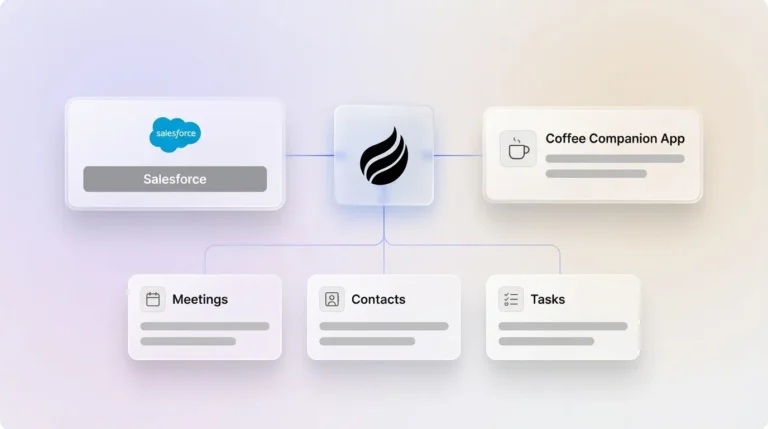
Coffee acts as an autonomous CRM agent that removes manual data entry by pulling information from emails, calendars, and calls directly into HubSpot. Traditional automation tools rely on complex workflows, while Coffee behaves like a smart companion that manages capture, enrichment, and logging without human effort.
Key capabilities include:
- Automatic contact and company creation from Google Workspace or Microsoft 365
- AI-powered enrichment with job titles, funding information, and LinkedIn profiles
- Intelligent meeting bot that joins calls to create summaries and follow-up actions
- Pipeline intelligence that tracks deal movement and surfaces week-over-week insights
Coffee saves teams 8-12 hours per week by taking over busywork that usually needs manual input or complex automation. The agent pushes high-quality data into HubSpot, so teams receive accurate reports and forecasts from their CRM.
Get started with Coffee and turn HubSpot from a demanding database into an intelligent system that supports your team.
How Coffee Automates HubSpot Data Entry Beyond Standard Workflows
Email and Calendar Scanning for New Contacts and Deals
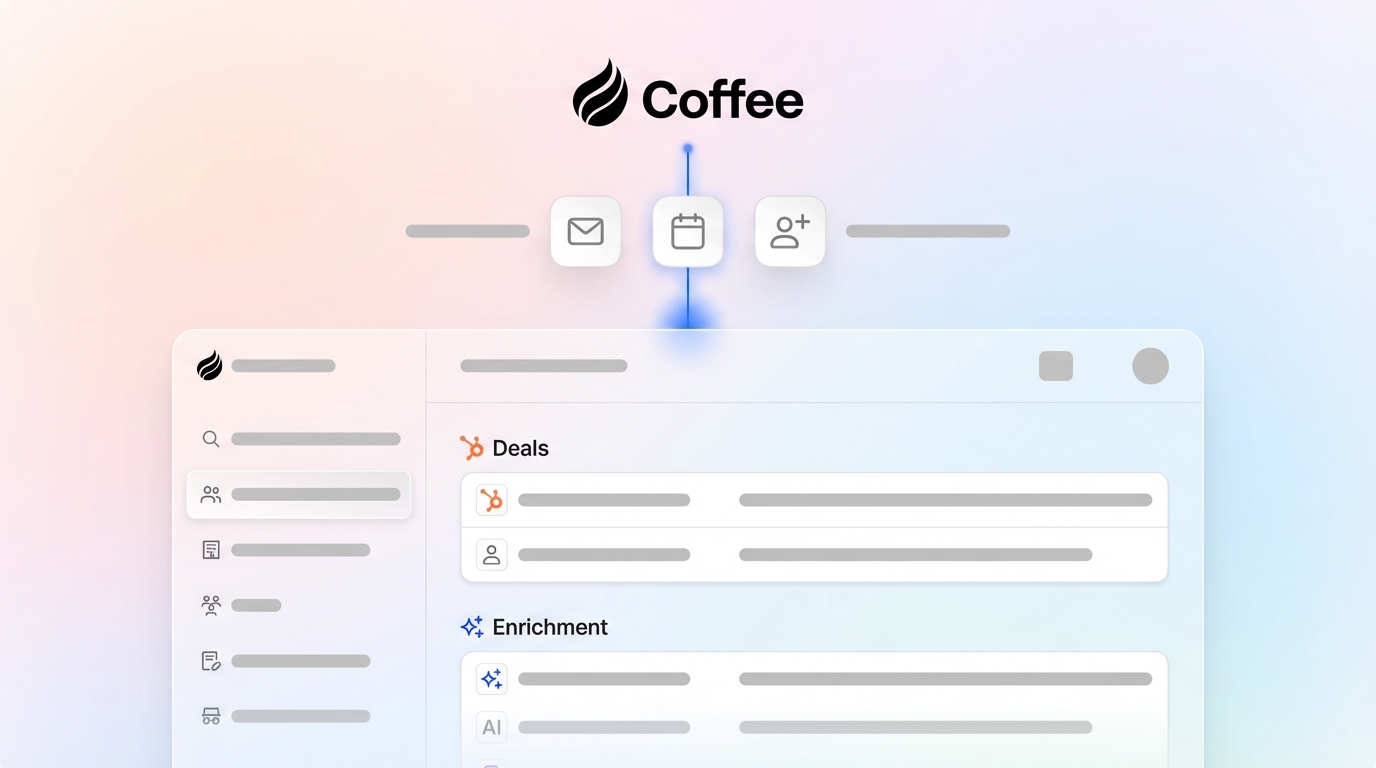
Coffee connects to Google Workspace or Microsoft 365 and automatically spots new contacts and opportunities in email conversations and calendar invites. The agent creates HubSpot records for people and companies mentioned in those communications. Every interaction gets tracked without anyone copying and pasting details.

AI Enrichment for Job Titles, Funding, and Profiles
After Coffee identifies a contact, it enriches the record with job title, company funding status, and LinkedIn profile links. This enrichment runs automatically through licensed data partners and removes the need for separate tools like ZoomInfo or Apollo. Teams gain richer profiles while keeping data accuracy high.

Automated Call Notes and Transcripts in HubSpot
Coffee’s AI meeting bot joins Zoom, Teams, and Google Meet calls to record and transcribe conversations. The agent creates structured summaries and logs them to the correct HubSpot company and deal records. It highlights key topics, next steps, and follow-up actions so call insights stay consistent with frameworks such as BANT or MEDDIC.

Pipeline Intelligence with Week-Over-Week Compare
Coffee stores a complete interaction history in a built-in data warehouse and then uses it for accurate pipeline analysis. The Pipeline Compare feature shows week-over-week changes and flags progressed deals, stalled opportunities, and new entries. Pipeline reviews shift from status interrogations to focused strategy sessions.
Coffee prevents the “garbage in, garbage out” problem that hurts most CRMs by feeding HubSpot with high-quality, contextual data automatically. Teams often see about 2x better data accuracy than with manual entry alone.
Customer Story: Coffee Results in a High-Growth Sales Org
One company with tens of millions in revenue managed sales in spreadsheets before Coffee. They passed on Salesforce and HubSpot because those systems demanded heavy manual data entry, yet spreadsheets could not scale with their growth.
After rolling out Coffee’s autonomous agent, they reached several key milestones.
- Automated contact creation from Google Workspace with no human effort
- Faster weekly pipeline reviews using the Compare feature
- Custom AI briefings through API access tailored to their sales process
- Frictionless team adoption with no formal training
|
Metric |
Coffee |
Zapier |
Breeze AI |
|
Setup Complexity |
Zero-setup |
Workflow configuration |
Basic configuration |
|
Time Savings |
8-12 hrs/week |
Variable |
Scope-dependent |
|
Data Quality |
2x improvement |
Often needs fixes |
Primarily structured |
Get started with Coffee and experience autonomous CRM management that removes workflow fatigue.
Frequently Asked Questions: Practical Ways to Automate HubSpot Data Entry
Is there an AI tool for HubSpot data entry?
Coffee is built as an AI agent for HubSpot data entry automation. Traditional tools depend on workflow setup, while Coffee runs autonomously and captures, enriches, and logs data from emails, calendars, and calls straight into HubSpot. The agent handles structured and unstructured data with minimal configuration.
How do you automate call notes in HubSpot?
Coffee’s AI meeting bot joins Zoom, Teams, or Google Meet calls, records the conversation, and creates a transcript. The agent then generates structured summaries, pulls out action items, and logs detailed notes to the right HubSpot company and deal records. Sales teams stop taking manual notes and still keep documentation aligned with their chosen methodology.
What works better for HubSpot automation: Zapier or AI agents?
AI agents such as Coffee usually provide deeper automation for HubSpot data entry than Zapier. Zapier supports no-code workflows and AI integrations, but still needs workflow design and monitoring. AI agents handle unstructured data from emails and calls more autonomously and reduce workflow fatigue through a lighter setup and smarter interpretation.
What is the most effective way to enrich HubSpot data automatically?
Coffee delivers comprehensive automatic enrichment for HubSpot by combining several data sources. The agent adds job titles, company funding, and LinkedIn profiles, then layers in context from real customer interactions. This mix creates richer and more accurate records than enrichment tools that only attach static profile data.
What are HubSpot Workflows’ limitations in 2026?
HubSpot Workflows and Breeze AI focus on structured data inside HubSpot and need configuration for complex external integrations. They struggle with highly unstructured data from emails and calls outside the core ecosystem and often require updates when processes change. These constraints make them less suitable for teams that want fully autonomous data entry.
Conclusion: Replace Workflow Fatigue with Autonomous CRM
Manual HubSpot data entry and complex workflow automation drain productivity and pull sales teams away from revenue work. Coffee’s autonomous CRM agent removes those obstacles by handling capture, enrichment, and logging without human effort.
The future of CRM automation centers on intelligent agents that run quietly in the background, not intricate workflows that demand constant tuning. Coffee already delivers that level of automation, saving teams 8-12 hours per week and improving data quality by roughly 2x.
Get started with Coffee and turn HubSpot from a demanding database into an intelligent system that supports your team every day.