Written by: Doug Camplejohn, CEO & Co-Founder, Coffee
Many B2B sales teams invest heavily in CRM technology yet still face systems that add administrative work instead of supporting selling. Persistent issues in some legacy CRMs come from architectural constraints and manual processes that limit productivity and data quality.
Manual Data Entry: The Productivity Drain
Manual data entry is one of the main inefficiencies in traditional CRM systems. Sales reps often spend a large portion of their week entering data instead of speaking with customers or advancing deals. Over time, this shifts their role from revenue generation to administration.
The impact extends beyond time loss. When reps must log every email, call, and meeting by hand, they may skip updates or enter partial information. This reduces CRM adoption and encourages the use of unofficial alternatives such as spreadsheets or personal note apps, where much of the real customer intelligence ends up stored.
In a typical day, a sales rep might finish a strong customer call, then spend valuable time updating opportunity fields, logging call notes, and copying email threads into the CRM. Repeated across dozens of interactions each week, these tasks significantly reduce selling time and slow pipeline progress.
Fragmented Data & Siloed Tech Stacks: A Costly Maze
B2B sales teams often work across several unconnected tools. A common stack includes a CRM platform, prospecting databases, outreach tools, and call recording software. This fragmentation creates recurring challenges.
- Information silos. Customer insights stored in one tool do not automatically sync to others, so reps must manually assemble a complete view of each account.
- Workflow inefficiency. Frequent context switching between applications increases friction, adds clicks, and slows day to day execution.
- Increased costs. Overlapping point solutions raise software spend and introduce more contracts, vendors, and integrations to manage.
- Data inconsistency. Different tools may contain conflicting or outdated information about the same customer, which can cause confusion and missed opportunities.
Outdated Architecture & Poor Data Quality: Not Built for Modern B2B Sales
Some CRM platforms were built on older architectures that can struggle to fully support modern, high velocity B2B sales motions. Even with updates and integrations, these systems may require heavy customization or add ons to match current needs.
Common architectural challenges include:
- Database constraints. Some traditional CRMs need additional configuration to track historical deal context or changes over time without custom setups.
- Limited handling of unstructured data. Many systems rely on third party tools or custom integrations to convert emails, call transcripts, and meeting notes into structured information.
- Complex AI integration. Adding AI capabilities to older systems can require extra services, middleware, or ongoing maintenance before automation works reliably.
These issues often result in data quality problems that undermine CRM value. If users do not trust the completeness or accuracy of CRM data, adoption falls, and leadership loses a clear view of the customer pipeline.
The Solution: Transform B2B Sales with an Automated, AI-First CRM
An automated, AI-first CRM redefines the role of CRM in B2B sales. Instead of acting as a passive system of record that relies on manual input, it functions as an active sales assistant that captures data, identifies patterns, and supports daily execution.
An AI-first approach addresses legacy CRM challenges through several core principles:
- Automation by design. AI-first CRMs are built to automatically capture, enrich, and analyze customer data with minimal human input.
- Unified data architecture. Modern automated CRMs use warehouse style data models that preserve historical context and combine structured CRM data with unstructured information from emails, calls, and meetings.
- Intelligent workflow integration. Automated systems connect to email, calendar, and communication tools so data capture happens naturally within existing workflows.
With this model, CRM shifts from being viewed as a reporting requirement to becoming an intelligent assistant. When the system helps reps do their work faster and more accurately, adoption rises and data quality improves, which further strengthens automation.
Introducing Coffee: The AI-First Automated CRM for B2B Sales Excellence
Coffee is an AI-first automated CRM built to address the productivity, data quality, and workflow challenges found in many legacy systems. It acts as an operational copilot for B2B sales teams rather than a manual data repository.
The product philosophy focuses on giving sales reps a tool that directly supports their daily work. Instead of using CRM mainly for management reporting, teams use Coffee to reduce manual tasks, keep records current, and surface insights that inform next steps on every account.
Coffee supports two deployment models:
- Standalone AI-first CRM. A complete CRM platform for small to mid sized companies with roughly 1 to 20 employees that want to move beyond spreadsheets or avoid the complexity and cost of larger legacy CRMs.
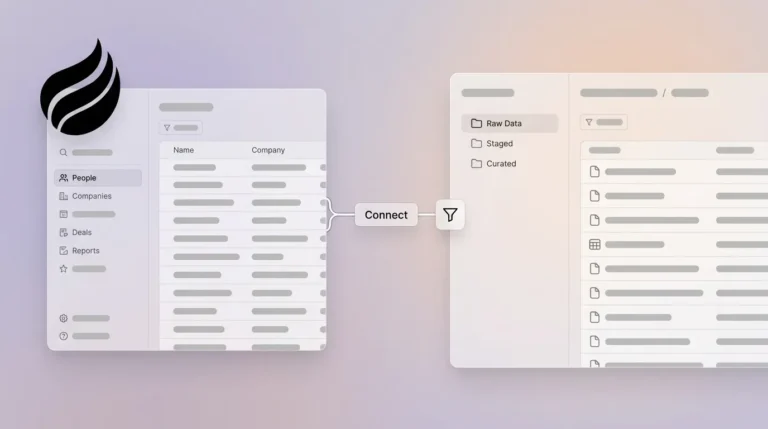
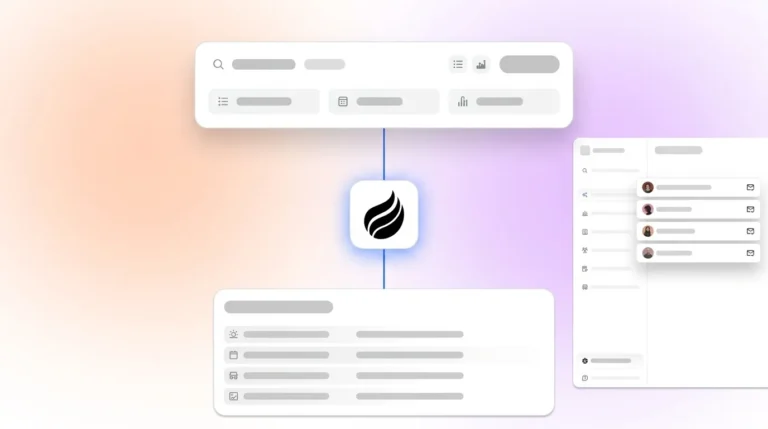
- Companion app. An intelligent layer that works alongside an existing CRM and adds automation, enrichment, and meeting workflows without replacing the current system of record.
This flexibility allows organizations to adopt Coffee in a way that fits their current stack and stage while still gaining the benefits of automation.
Key Features of Coffee: Empowering Your Sales Team
- Automated data entry and enrichment. Coffee creates and updates contacts, companies, and activities automatically based on email and calendar interactions. After connecting Google Workspace or Microsoft 365, Coffee scans communications and populates the CRM, which can save an estimated 8 to 12 hours per rep each week. Built in enrichment adds job titles, company data, funding history, and LinkedIn profiles to improve record completeness.
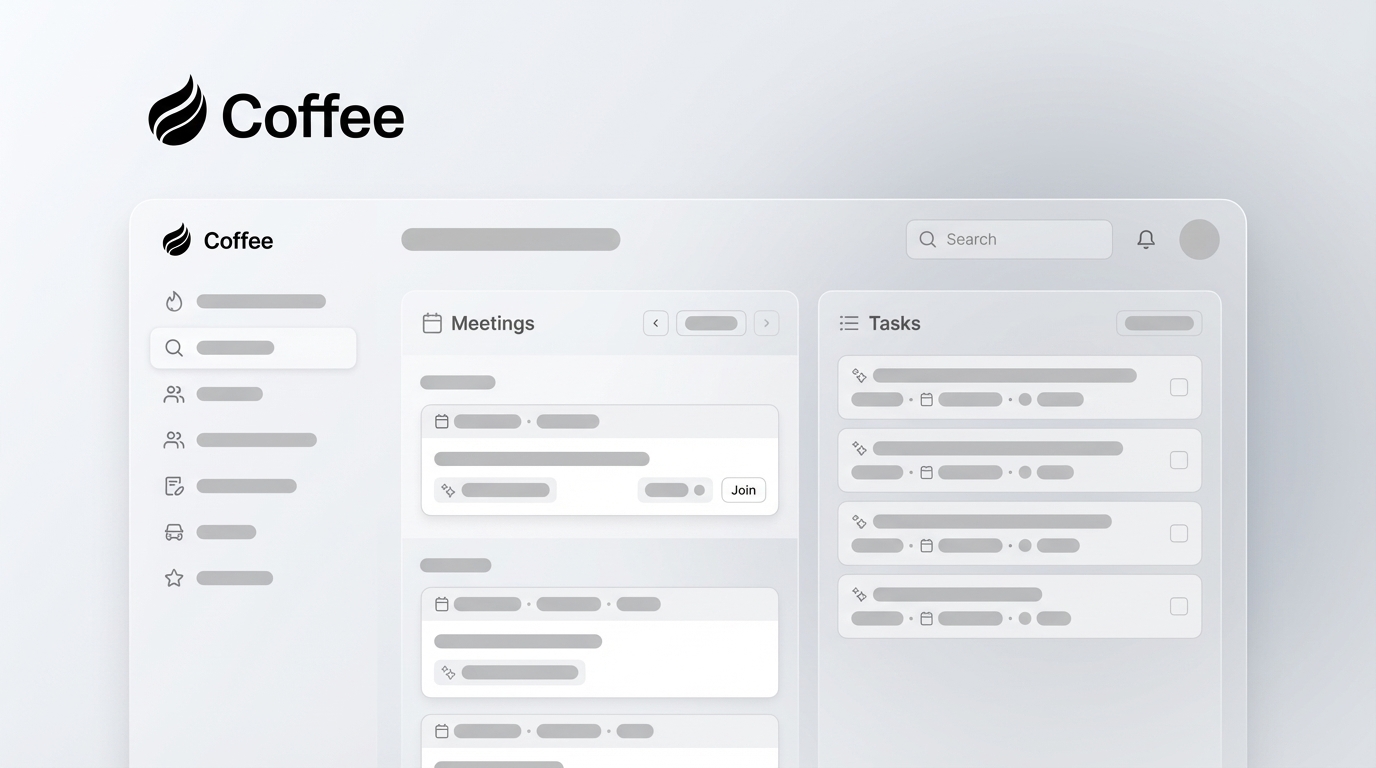
- AI powered meeting management. Coffee supports the full meeting lifecycle. Before meetings, reps receive concise briefings with attendee details, company background, and recent interactions. An AI meeting bot can join Google Meet, Microsoft Teams, and Zoom calls to record and transcribe conversations. After meetings, Coffee produces summaries, identifies action items, and drafts follow up emails that reps can review and send from Gmail. Outputs can be structured to align with sales methodologies such as BANT, MEDDIC, or SPICED to keep qualification consistent.
- Pipeline intelligence with one click comparison. Coffee stores historical snapshots through its data warehouse architecture. The Pipeline Compare feature shows week over week changes with a single click, highlighting new opportunities, progressed deals, closed revenue, and stalled prospects. This makes pipeline reviews faster and more grounded in data.
- Consolidated sales tech stack. Coffee combines functionality that is often spread across separate tools, including CRM, data enrichment, call recording, and forecasting. This consolidation can reduce both cost and complexity while keeping all sales data in one place.
- Intelligent list builder. Reps can run natural language prospecting queries, such as “Find all VPs of sales in North American companies between 50 and 500 employees that have over 10 million dollars in funding and use Salesforce.” Coffee uses built in enrichment to build targeted lists for outbound campaigns without requiring separate prospecting tools.
Request access to Coffee and explore AI driven CRM automation for your B2B sales team
Core Benefits of an Automated CRM for Modern B2B Sales
Moving to an automated CRM can improve both daily execution and long term performance across the sales organization. As automation captures more data and standardizes workflows, teams gain efficiency, clarity, and better decision support.
Maximize Sales Productivity and Focus
Automated CRM reduces administrative overhead for sales professionals. Tasks like logging activities, updating records, and preparing meeting notes consume less time, leaving more capacity for discovery, customer conversations, and deal strategy.
Automation also lowers cognitive load. When the CRM updates itself and surfaces next steps, reps can focus on understanding customer needs and planning the right engagement, which supports stronger relationships and more consistent follow through.
Superior Data Quality & Actionable Insights
Automated capture and enrichment create a more complete and reliable data foundation. High quality data improves performance at both the rep and leadership levels.
- Real time insights. Automated systems keep records current so reps see timely activity and engagement details when planning outreach.
- Comprehensive customer context. When emails, meetings, and calls are recorded automatically, reps enter each interaction with full history and can tailor conversations more effectively.
- Accurate reporting. Leadership can rely on CRM data for forecasting, resource planning, and pipeline reviews, rather than spending time validating numbers or chasing updates.
Enhanced Pipeline Visibility & Forecast Accuracy
Automated CRMs bring together touchpoints and deal updates into a single, current pipeline view. Leaders can monitor changes in real time, see where deals slow down, and identify common bottlenecks.
With this visibility, managers can coach more precisely, refine stages or qualification criteria, and adjust coverage or territory plans based on actual performance patterns.
Cost-Effective Tech Stack Consolidation
Adopting an automated CRM often allows teams to consolidate multiple tools into one platform. This can reduce license costs, training time, and integration maintenance.
A more focused stack also simplifies vendor management and makes it easier to track ROI. Instead of splitting data and reporting across several systems, leaders can view performance and utilization in a central place.
Automated vs. Traditional CRMs: A Modern B2B Sales Advantage
Comparison Table: Automated AI-First CRM vs. Traditional CRM
|
Feature Area |
Traditional CRM |
Automated AI-First CRM |
|
Data entry |
Predominantly manual, with reps spending significant time on administrative tasks |
Largely automatic, as AI creates and enriches contacts and logs activities |
|
Meeting workflow |
Manual note taking, follow up creation, and meeting preparation |
AI generated briefings, automated summaries, action items, and draft emails |
|
Data quality |
Often incomplete or outdated due to reliance on manual updates |
Higher quality through automatic capture and continuous enrichment |
|
Pipeline insights |
Manual tracking, CSV exports, and dependency on add ons for deeper analysis |
One click historical comparisons and automatic tracking of deal changes |
For many teams, the user experience gap between traditional and automated CRMs is significant. Traditional CRMs can feel like systems that must be updated. Automated, AI-first tools like Coffee are used as day to day assistants that help reps plan work, run meetings, and keep deals moving.
Request access to see how an AI-first CRM can support your sales process
Implementation Success: Maximizing Automated CRM ROI
Effective implementation is essential to capturing the full value of an automated CRM. The process goes beyond technical setup and should address data, workflows, and user adoption.
- Data preparation and migration. Clean, well structured data entering the system improves automation accuracy and the quality of insights from day one.
- Phased rollout. Starting with a small set of high impact, lower complexity use cases helps teams see quick wins and build internal expertise.
- Change management and adoption. Clear communication of benefits, focused training, and defined success metrics encourage consistent usage across the sales team.
- Integration and workflow design. Connecting the CRM with existing tools and mapping automation to current processes reduces friction and supports faster adoption.
- Continuous optimization. Reviewing usage data and performance metrics on a regular cadence allows teams to refine automation rules, fields, and workflows over time.
Measuring Success: Key Metrics for Automated CRM Performance
Automated CRM provides detailed visibility into both activity and outcomes. Tracking a consistent set of metrics helps teams measure ROI, identify gaps, and prioritize improvements.
Efficiency metrics to monitor include:
- Time saved per sales rep per week through automation
- Reduction in manual data entry hours
- Decrease in time spent on administrative tasks
- Improvement in CRM data completeness and accuracy
- Reduction in the number of tools required for sales operations
Effectiveness metrics to track include:
- Change in conversion rates at each stage of the sales funnel
- Improvement in sales cycle duration
- Growth in average deal size
- Enhancement in forecast accuracy
- Movement in customer satisfaction or retention metrics
Reviewing these measures on a monthly or quarterly basis helps validate impact and points to specific areas where further automation or process adjustments can deliver additional value.
Conclusion: Empower Your B2B Sales Team with Coffee’s Automated CRM
Traditional CRM systems often burden sales professionals with manual tasks, scattered data, and rigid structures that do not align with modern workflows. Coffee provides both standalone and companion options that automate data capture, enhance pipeline visibility, and consolidate key sales tools into a unified experience.
Coffee’s AI-first approach focuses on practical support for sales teams. By reducing administrative work and keeping records current and complete, it helps reps and leaders work from the same reliable data, which strengthens planning, coaching, and execution.
Request access to Coffee today to streamline your B2B sales process and put automated, AI driven CRM capabilities to work for your team.
Frequently Asked Questions About Automated B2B CRMs
What specifically does an automated CRM automate for B2B sales teams?
An automated CRM such as Coffee handles many time consuming tasks in sales operations. It can automatically create contacts and companies by scanning emails and calendar invites, enrich records with job titles, company information, and funding data, and log interactions without manual input from reps. It also supports pre meeting briefings, generates post meeting summaries with action items and draft follow up emails, and offers pipeline intelligence through historical snapshots, which together can save an estimated 8 to 12 hours per rep per week.
How does an AI-first CRM improve data quality for B2B sales?
An AI-first CRM improves data quality by reducing manual entry and using automation to capture information directly from emails, calendars, and calls. The system converts unstructured content, such as call transcripts and meeting notes, into structured CRM fields. Real time enrichment keeps contact and company details current, and warehouse style architecture maintains historical views of deals and accounts for a more complete understanding of each relationship.
Can an automated CRM truly consolidate our existing sales tech stack?
An automated CRM like Coffee is designed to replace or augment multiple point solutions by combining CRM, data enrichment, meeting management, and pipeline intelligence in one platform. This consolidation can reduce tool sprawl and context switching, while improving data consistency and making workflows easier to manage.
How can I measure the ROI of implementing an automated CRM for my B2B sales team?
Measuring ROI starts with tracking both efficiency and effectiveness metrics before and after implementation. Efficiency indicators include hours saved per rep per week, reductions in manual data entry, and decreases in time spent on administrative work. Effectiveness indicators include conversion rates by stage, sales cycle length, win rates, and average deal size. Cost metrics such as reduced spending on overlapping tools and lower integration maintenance also contribute to the overall ROI picture.
What are the most important considerations when choosing an automated CRM for B2B sales?
Key considerations include how well the CRM integrates with existing tools like email, calendar, and current systems of record, the strength of its AI for working with unstructured data, and the usability of the interface for reps and managers. Data security, scalability, and pricing model also matter. Organizations should evaluate whether a standalone CRM or a companion app model better aligns with their current stack and long term plans.