Written by: Doug Camplejohn, CEO & Co-Founder, Coffee
Key Takeaways for Automating Sales Meeting Notes
- Sales reps lose 60% of their time to manual CRM data entry, which creates pipeline inaccuracies and missed revenue.
- Native CRMs like Salesforce and HubSpot struggle with unstructured data from meetings and emails, so critical context often gets lost.
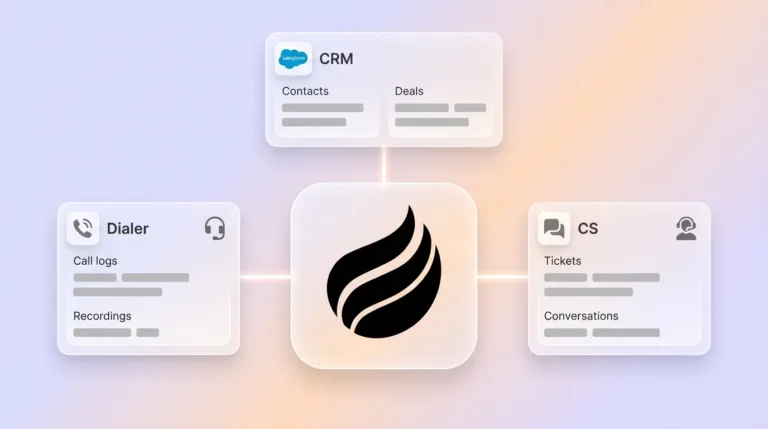
- Coffee’s autonomous agent turns notes from Zoom, Teams, and Meet into structured records in HubSpot, Salesforce, or a standalone Coffee CRM.
- Setup takes 15–20 minutes and then delivers ongoing weekly time savings with pre-meeting briefings and pipeline intelligence.
- Transform your sales process with Coffee and start your free trial today for agent-led automation.
Why Manual Entry Fails and Native CRMs Fall Behind
Sales professionals spend 70% of their working hours on tasks other than selling, such as email and lead management. This creates a productivity crisis that manual CRM systems cannot fix. Legacy platforms like HubSpot and Salesforce assume busy humans will reliably input structured data, yet they struggle with unstructured information like email text and call transcripts.
Native CRM tools face fundamental architectural limitations rooted in how they were built. HubSpot bolted a CRM onto a marketing platform, while Salesforce carries 25 years of legacy baggage that struggles with modern data types. The core issue is architectural. These systems rely on basic relational databases where historical context disappears when fields are updated, which fragments data and weakens their value as systems of record.
Microsoft Teams also has limits when you try to fully automate CRM workflows. Copilot can provide automatic meeting notes and summaries, but syncing unstructured meeting data into external CRM systems often needs extra configuration or third-party tools. Sales teams then fall back to “shadow CRMs” in spreadsheets and Notion. This keeps the “bad data in, bad data out” cycle alive and makes CRMs unreliable for strategic decision-making.
Coffee’s autonomous agent addresses these problems by ingesting and structuring high-quality data from emails, calendars, and transcripts automatically. Good data flows into the system, so teams gain accurate insights and reliable forecasts.
Top Tools Comparison 2026: Where Coffee Stands Out
The market offers many tools for automating meeting notes, yet most create fragmented workflows that still need manual stitching between systems. The comparison below shows how Coffee’s agent autonomy and full CRM integration deliver significantly more time savings than point solutions.
| Tool | CRM Sync | Time Saved/Week | Agent Autonomy |
|---|---|---|---|
| Coffee | Full dual-mode (HubSpot/Salesforce/Standalone) | 8-12 hours | Yes |
| Fireflies | Partial integration | 2-5 hours | No |
| Gong | Analytics only | 3-4 hours | No |
| Zapier | Fragmented workflows | 2-3 hours | No |
Markus Kellermann’s 2025 tests of top AI meeting note-taking apps found they achieve 90–95% transcription accuracy in good audio conditions. Coffee’s agent builds on this baseline and delivers full-cycle automation that includes pre-meeting briefings, real-time note-taking, and post-meeting CRM updates. See how Coffee’s comprehensive automation compares to point solutions and start your free trial.
Step-by-Step: Automate Sales Meeting Notes into Your CRM with Coffee
Coffee’s autonomous agent runs in two modes. It can serve as a standalone CRM for growing teams or as a companion app that enhances existing Salesforce and HubSpot setups. Follow these steps to automate sales meeting notes into your CRM.
Step 1: Connect Your Communication Stack
Connect Google Workspace or Microsoft 365 so the Coffee agent can scan emails and calendars. The agent immediately starts auto-creating contacts and companies from existing communications. This removes manual data entry from the first day.

Step 2: Authenticate Your CRM
In companion mode, connect your Salesforce or HubSpot instance through secure OAuth. In standalone mode, Coffee becomes your primary CRM, and the agent manages all data entry and updates automatically.
Step 3: Enable the AI Meeting Bot
Configure the Coffee agent to join Zoom, Microsoft Teams, or Google Meet calls. Unlike basic transcription tools, the agent prepares briefings and captures structured data that matches your sales methodology.

Step 4: Customize Your Sales Methodologies
Set up BANT, MEDDIC, or SPICED frameworks so the agent structures meeting notes around your qualification criteria. Coffee.ai launched improved summary templates in November 2025, which are customizable to match workflows and can write back to Coffee, HubSpot, or Salesforce.
Step 5: Activate Auto-Sync to Your CRM
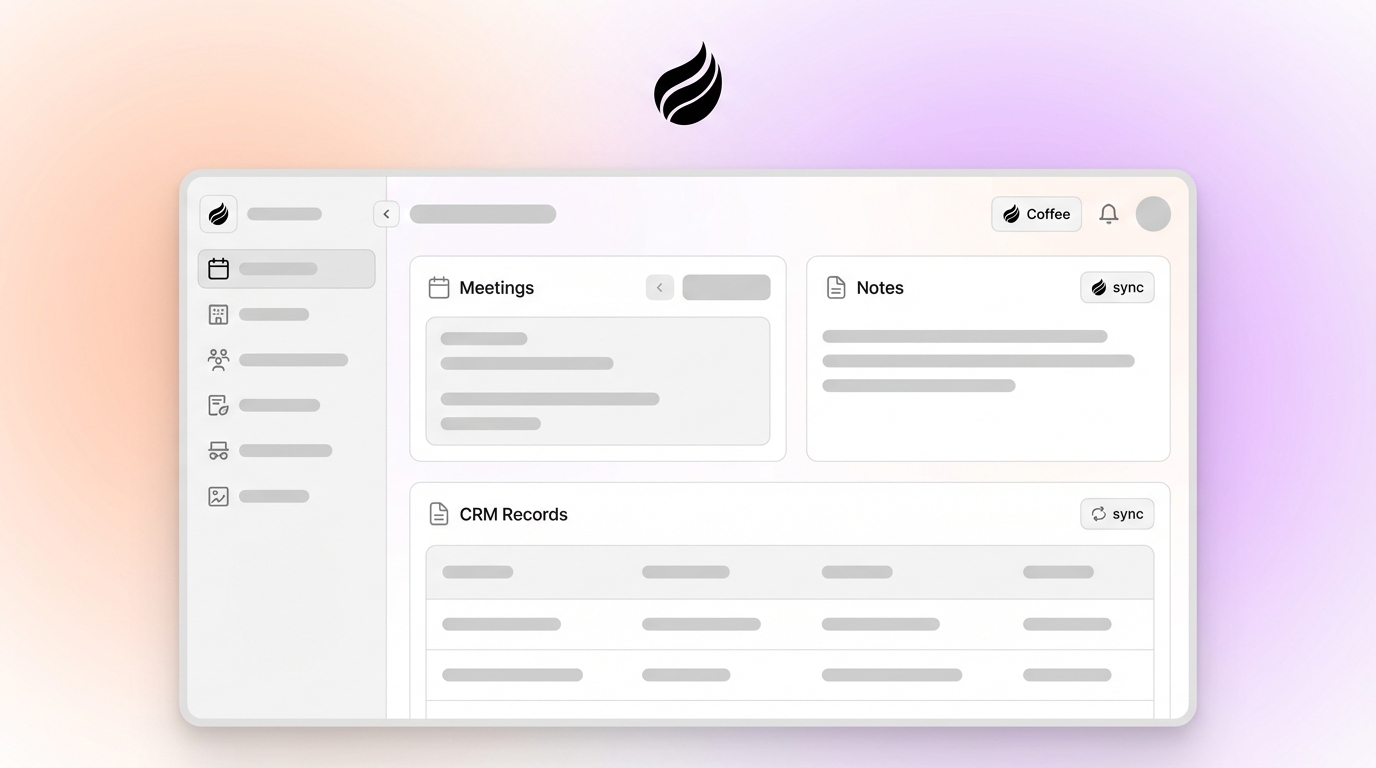
Turn on automatic synchronization of summaries, action items, and follow-ups directly into your CRM within 30 seconds after each meeting. The agent writes structured data back to HubSpot, Salesforce, or Coffee’s standalone system without human input.
Step 6: Configure Pipeline Intelligence
Set up Coffee’s Pipeline Compare feature to track week-over-week changes automatically. The agent highlights progressed deals, stalled opportunities, and new additions. Pipeline reviews shift from manual spreadsheet work to focused strategic conversations.
Step 7: Refine Results with Data and Pro Tips
Use Coffee’s data warehouse capabilities to maintain historical context that traditional CRMs often lose. The agent learns from past interactions, which improves accuracy and strengthens briefings for future meetings.
This setup usually takes 15–20 minutes and then starts delivering the time savings and data quality improvements described earlier across your entire sales process.
Coffee’s Pre- and Post-Meeting Automation for Pipeline Growth
Coffee’s agent goes far beyond simple meeting transcription and supports the full sales cycle. The pre-meeting briefing feature prepares representatives with attendee context, company background, and previous interaction history. Every conversation builds on prior touchpoints instead of starting from scratch.

Post-meeting automation covers instant summary generation, action item assignment, and follow-up email drafting directly in Gmail for review and sending. Automation has helped top-performing B2B sales organizations free up about 20% of sellers’ capacity and improve productivity by up to 30%. Coffee helps teams capture similar gains by removing manual admin work around every meeting.

The Pipeline Compare feature adds unique value by visualizing deal progression without manual spreadsheet exports. Because Coffee’s agent captures all interactions in a built-in data warehouse, it can show which opportunities moved forward, which stalled, and which actions drove each change. Pipeline reviews shift from interrogation sessions to strategic planning discussions focused on revenue growth.
Experience unified sales workflow automation with Coffee’s agent and explore pricing and plans that fit your team.
Implementation Troubleshooting and Rollout Pro Tips
While Coffee’s setup is straightforward, understanding common implementation challenges helps ensure a smooth rollout. Typical concerns include security requirements and integration complexity. Coffee addresses security with SOC 2 Type 2 compliance and GDPR adherence, which provides enterprise-grade data protection. For integration needs, Coffee connects through Zapier for immediate workflows while deeper native integrations continue to expand on the product roadmap.
To maximize accuracy, keep audio clear during meetings and give the agent context about your industry terminology. This upfront effort pays off because the agent learns from corrections and improves over time, becoming more valuable as it processes more of your team’s conversations.
Frequently Asked Questions
Does Coffee work with Salesforce and HubSpot?
Yes, Coffee operates as a companion app that automatically syncs meeting notes, summaries, and action items into your existing Salesforce or HubSpot instance. The agent handles data entry tasks while preserving your current CRM investment and user workflows.
How accurate are Coffee’s AI-generated meeting notes?
Coffee typically achieves 95% or higher accuracy in optimal conditions and improves through ongoing machine learning. You can customize the agent to match your industry terminology and sales methodologies so notes align with your team’s communication style and business requirements.
Can Zapier meeting-notes-to-CRM workflows replace Coffee’s agent?
No, Zapier provides fragmented point-to-point connections that require manual setup and maintenance. Coffee’s agent delivers comprehensive automation that includes pre-meeting briefings, real-time note-taking, post-meeting summaries, and pipeline intelligence in a unified system that learns and improves over time.
What is Coffee’s pricing structure?
Coffee uses simple seat-based pricing where you pay for human users, and the agent’s unlimited labor is included. This removes complex metering on AI usage or processing volumes and keeps costs predictable as your team scales.
Can Coffee automate CRM updates for Microsoft Teams meetings?
Yes, Coffee’s agent joins Microsoft Teams meetings along with Zoom and Google Meet calls. The bot captures conversations, generates structured summaries, and updates your CRM with meeting outcomes, action items, and next steps without manual intervention.
Conclusion: Turn Meeting Notes into Reliable Revenue Data
Manual sales meeting notes waste selling time and create data quality problems that weaken CRM effectiveness. Coffee’s autonomous agent automates sales meeting notes in your CRM through pre-meeting preparation, real-time note-taking, and automatic CRM synchronization. Whether you need a standalone solution or a companion app for Salesforce and HubSpot, Coffee delivers the productivity gains and pipeline accuracy improvements described above. Get started with Coffee today and turn manual data entry into strategic revenue generation.