Written by: Doug Camplejohn, CEO & Co-Founder, Coffee | Last updated: July 2, 2026
Key Takeaways
- Manual contact logging drains 65% of a sales rep’s day, and automatic capture from email and calendar removes that drag on productivity.
- A five-step workflow that connects sources, sets email deduplication, enables enrichment, auto-logs activity, and validates can go live in a single afternoon.
- Email address acts as the only reliable unique key, so exact, case-insensitive matching plus domain-based company association prevents duplicate contacts.
- Signature parsing and licensed data partners turn bare emails into complete records with title, company size, and LinkedIn profiles.
- Replace this entire manual workflow with Coffee’s autonomous agent and see pricing and start your trial today.
Five-Step Workflow to Automate Contact Creation
Step 1: Connect Your Email and Calendar Source
Start by connecting the inboxes and calendars that hold your customer conversations. This connection gives your CRM the raw material it needs to create contacts automatically.
- Navigate to your CRM’s integration settings and locate the Google Workspace or Microsoft 365 connector.
- Click Connect and complete the OAuth authorization flow using an admin account. This grants the CRM read access to email headers and calendar event metadata.
- Set the capture scope and decide whether to sync all inbound and outbound email or limit capture to emails that match your buyer-persona domain list.
- Enable calendar sync so that every meeting attendee is evaluated as a potential contact record.
- Save and confirm that the connection status shows Active before moving on.
Common pitfalls: If the connection fails, the most frequent cause is an OAuth scope mismatch, so your Google Workspace admin may need to approve the CRM application under Security > API Controls > Domain-wide Delegation. For Microsoft 365, confirm that the app registration in Azure Active Directory includes Mail.Read and Calendars.Read permissions. After fixing permission errors, re-authorize the connection instead of retrying the existing token.
Step 2: Stop Duplicate Contacts with Email-Based Rules
Clean contact creation depends on strong deduplication rules that run before any new record is written. Email address serves as the only reliable unique key for contact deduplication.
Names vary, phone numbers change, and LinkedIn URLs do not always appear. Configure your CRM to treat the normalized lowercase email address as the primary match field for every new contact.

- Open Data Management > Deduplication Rules and set Email (exact, case-insensitive) as the primary match criterion. This creates the baseline for identifying matching contacts.
- After the primary match is defined, add a secondary rule so that if the email domain matches an existing company record, the CRM associates the contact to that company automatically. This keeps contacts tied to the right account even when the specific email is new.
- With both match rules in place, set the merge behavior to Enrich existing record instead of Create duplicate. This preserves activity history on the original record while adding any new data from the incoming source.
- Finally, schedule a weekly deduplication scan to catch records created through channels that bypass the real-time rule, such as CSV imports. This ongoing scan keeps the database clean over time.
Common pitfalls: Role-based addresses such as info@ or sales@ should be excluded from contact creation entirely, so add them to a suppression list. Contacts with multiple email aliases need a secondary alias field that maps to the same deduplication rule, which keeps one unified record.
Step 3: Enrich Contacts from Signatures and Data Partners
Once deduplication protects against duplicates, enrichment turns each unique email into a complete, useful profile. Enrichment converts a bare email address into a record with job title, company size, LinkedIn profile, and funding stage.

Two main sources power this enrichment process and work together to fill in missing details.
- Email signature parsing: Enable the CRM’s signature extraction feature. The agent reads the plain-text or HTML signature block of each inbound email and maps detected fields such as title, phone, and company name to the corresponding CRM properties.
- Licensed data partner lookup: Connect an enrichment provider. The CRM submits the email address and domain, and the provider returns firmographic and demographic fields. This lookup runs automatically on every new contact record.
- Map enriched fields to your CRM’s standard properties and mark them as Agent-populated so reps can see the source of each field.
- Set an enrichment refresh cadence, and use a quarterly schedule for job-title accuracy in most B2B environments.
Missing job-title troubleshooting: If the title field stays blank after enrichment, the contact’s email domain probably uses a personal address such as gmail.com or outlook.com. Flag these records for manual review instead of leaving the field empty, because empty titles distort persona-based segmentation.
Step 4: Log Every Email and Meeting Automatically
Automatic activity logging keeps your CRM aligned with real conversations without asking reps to type notes after every interaction. Once configured, every email and meeting attaches to the right contact and deal record.

- In your CRM’s activity settings, enable Auto-log emails and Auto-log meetings for all connected mailboxes and calendars.
- Set the association rule to Match by contact email so each logged email or meeting attaches to the correct contact and deal record without manual linking.
- Enable Last Activity and Next Activity date fields to update automatically on each logged event, because these fields drive pipeline health scoring and rep accountability views.
- Confirm that call recordings and transcripts from your meeting platform, such as Zoom, Teams, or Google Meet, route to the same contact record through the meeting bot integration.
With activity logging active, the CRM reflects the true state of every relationship in real time, and reps avoid manual data entry entirely.
Step 5: Verify the First Contacts Within 24 Hours
Validation during the first day confirms that each part of the workflow behaves as expected. A short test cycle prevents silent failures that would otherwise pile up over weeks.
- Send or receive five test emails from addresses not already in the CRM and confirm that each one generates a new contact record within five minutes.
- Check the deduplication log and confirm that zero duplicate records were created in the last 48 hours.
- Open each of the five new contacts and verify that enrichment fields such as title, company, and LinkedIn are populated.
- Confirm that each contact shows at least one logged activity with an accurate timestamp.
- Spot-check one calendar meeting and confirm that all attendees not already in the CRM appear as new contacts with the meeting logged as an activity.
If any step fails, return to the relevant configuration section above. Most failures trace back to OAuth scope gaps in Step 1 or a missing enrichment API key in Step 3.
Comparing Native CRM Tools, Zapier, and Coffee
| Criterion | Native CRM Tools | Zapier Automation | Coffee Agent |
|---|---|---|---|
| Setup Time | Hours to days, varies by CRM | Hours per Zap, multiplies with each source | Single OAuth connection, active same day |
| Maintenance Burden | Medium, field mapping breaks on CRM updates | High, Zaps break on API changes, requires ongoing monitoring | Low, agent adapts to schema changes automatically |
| Deduplication Capability | Basic email-match rules, no cross-source logic | Requires custom filter steps, error-prone | Email-keyed deduplication applied at ingestion across all sources |
| Enrichment Depth | Signature parsing only, no licensed data built in | Requires separate enrichment Zap and paid data provider | Signature parsing plus licensed data partners included |
| Works Across CRMs | No, locked to one platform | Partial, requires separate Zap per CRM | Yes, standalone CRM or companion layer on Salesforce/HubSpot |
Native CRM tools cover the basics for teams already invested in a single platform, yet they require manual upkeep whenever the CRM vendor updates its schema. Zapier extends coverage across tools but introduces a fragile chain of API dependencies that breaks without a dedicated administrator. Neither approach handles unstructured data such as email body text or call transcripts as a contact enrichment source.
Modern Agent Option with Coffee
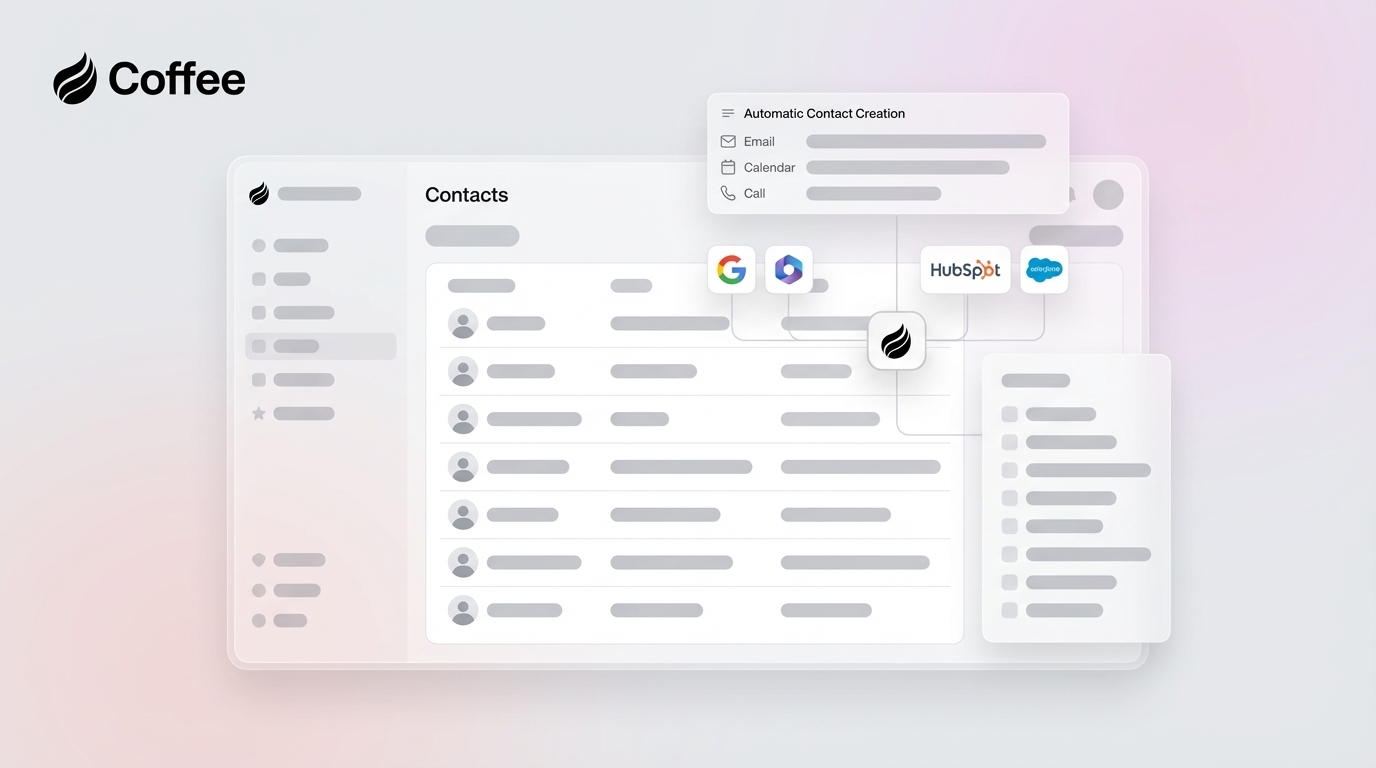
Coffee acts as an autonomous CRM agent that connects to Google Workspace or Microsoft 365 through a single OAuth authorization and immediately begins creating contacts, deduplicating records, enriching fields from signatures and licensed data partners, and logging every email and meeting activity without ongoing mapping or maintenance. It operates as a standalone CRM for teams of one to twenty or as a companion layer that writes clean data back into an existing Salesforce or HubSpot instance. Connect Coffee to your workspace and replace the entire manual workflow with a single always-on agent.
How This Workflow Scales for Different Teams
Solo founders can run the five-step workflow exactly as described, because the agent handles volume that would otherwise require a dedicated RevOps hire. In this case, the standalone CRM model usually makes the most sense.
Teams of fifteen to thirty add role-based access control on top of the core workflow. Define which reps see which contact records, and configure the buyer-persona filter from Step 1 to suppress internal domains and known vendors from contact creation.
Companies that must retain Salesforce or HubSpot as the system of record use the companion app model. The agent authenticates against the existing CRM, handles all data ingestion and enrichment, and writes the output back to the primary instance. Required fields, validation rules, and custom objects in Salesforce are respected automatically, which newer CRM alternatives often cannot match. No data migration is required, and the existing CRM’s reporting and forecasting layers remain intact.
Frequently Asked Questions
How long does setup take?
Many 10–30-person tech companies using Google Workspace or Microsoft 365 can complete the full five-step workflow in a single afternoon. OAuth connection, deduplication rules, enrichment mapping, activity logging, and validation all fit into that window. Coffee’s single-authorization model shortens this further, so connecting the agent and confirming the first contacts appear usually happens quickly.
Is my data secure?
Coffee is SOC 2 Type 2 certified and GDPR compliant. Email and calendar data processed by the agent is not used to train public AI models. All data is encrypted in transit and at rest. For teams in regulated-adjacent industries, Coffee’s security documentation is available on request before any commitment.
Can I retire Zapier once the agent is running?
For contact creation, deduplication, enrichment, and activity logging, Coffee replaces the Zap chains that handle those workflows. Zapier connections to tools outside the CRM data layer, such as billing systems, support platforms, and custom internal apps, remain unaffected and can coexist. Coffee currently supports additional integrations through Zapier for tools not yet on its direct integration roadmap.
What happens when the team grows beyond 30 people?
Coffee’s seat-based pricing scales linearly with headcount. The agent’s capacity is not metered by the number of contacts created, emails processed, or enrichment lookups performed, and those activities are included. As the team grows, the main configuration changes involve expanding the buyer-persona filter and adding new rep mailboxes to the sync scope, both handled in the agent’s settings without rebuilding the underlying workflow.
Conclusion
Manual contact creation is a solvable problem, and the workflow above removes the administrative burden from every rep while producing a CRM that reflects reality. Native CRM tools and Zapier recipes address pieces of this workflow but require ongoing maintenance and often break when schemas change. An always-on autonomous agent handles the entire chain without human intervention, whether it runs as the system of record or as a companion layer on top of Salesforce or HubSpot. Put Coffee into production and eliminate manual contact creation today.