
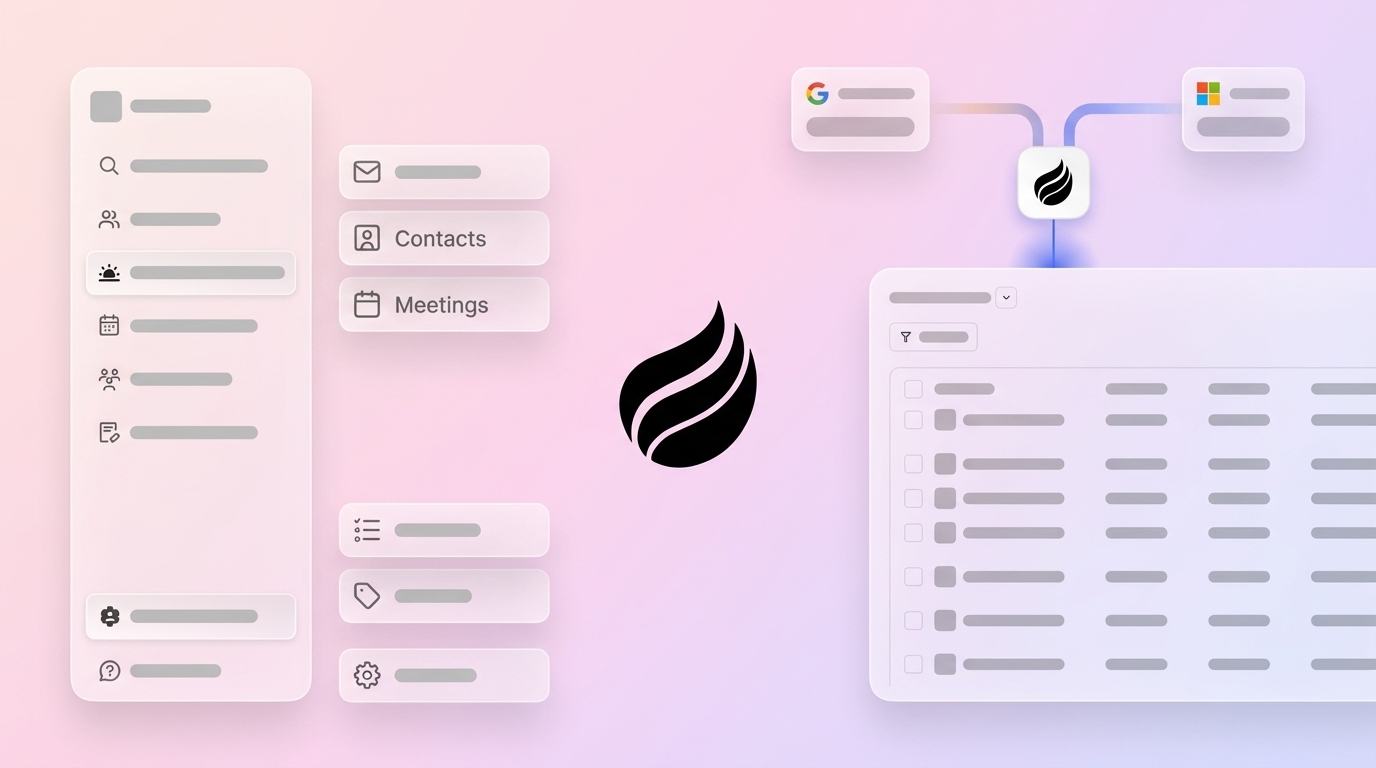
Manual CRM data entry limits selling time and weakens data quality. AI sales assistants reduce this burden and keep records current. Key takeaways from this article include:
- Manual CRM work consumes hours each week, reduces selling time, and increases burnout risk.
- Human error, fragmented tools, and legacy CRMs make it hard to keep accurate, complete data.
- AI sales assistants like Coffee automate contact creation, enrichment, activity logging, and meeting follow-up.
- Coffee consolidates multiple sales tools into one platform and supports existing CRMs with a Companion App.
- Teams can measure impact through time saved, data quality, CRM adoption, and revenue outcomes.
- Small and mid-sized companies can use Coffee to scale sales operations without enterprise-level complexity.
Identify How Manual CRM Data Entry Slows Your Sales Team
Understand How Admin Work Reduces Selling Time
Manual tasks in CRMs often take a large share of a sales rep’s week. Logging notes, updating opportunity fields, and entering contact details all reduce time for conversations that move deals forward.
This time loss affects more than one individual. When entire teams spend hours on data entry, they have less capacity for prospecting, nurturing leads, and building strategic relationships. Over time, this can create longer workdays, higher stress, and lower job satisfaction.
Recognize the Cost of Human Error and Data Gaps
Manual entry introduces frequent errors. Duplicate contacts, misspelled names, incorrect company details, and inconsistent formatting build up over time and erode trust in the CRM.
Customer data also goes out of date quickly. Most teams struggle to update records by hand at the pace needed. Outdated or incomplete data makes targeted outreach difficult and limits the ability to deliver personalized customer experiences that support conversions.
See How Fragmented Systems Create Incomplete Data
Modern sales teams often use several tools for CRM, data enrichment, outreach, and call recording. Customer information sits in different systems, so it becomes hard to maintain a single, reliable view of each account.
Legacy CRM architectures can magnify this issue. Many were not built for today’s volume of emails, meetings, and digital interactions. As a result, sales teams often end up manually consolidating data from many sources, which is time consuming and error prone.
Address Low CRM Adoption and Shadow Systems
Tasks such as updating contacts and logging calls or meetings are often unpopular with reps. When tools feel like extra work, adoption drops and the CRM no longer reflects reality.
If reps do not see clear value from data entry, they focus on more immediate tasks and leave records incomplete. As data quality declines, the CRM becomes less useful, which further reduces usage and return on investment.
Many teams create “shadow CRMs” in spreadsheets, documents, or personal note apps. While this may seem faster in the moment, it fragments customer information and blocks leaders from seeing a full picture of the pipeline.
Use Coffee As an AI Sales Assistant for Automated Data Entry
Coffee introduces a different approach to CRM. Instead of requiring manual data entry, Coffee uses an AI-first design to capture, process, and enrich customer information automatically. This helps sales teams work in a system that supports them rather than adds extra tasks.
Coffee acts as both a full CRM and an intelligent sales AI agent. It uses artificial intelligence to populate records, enrich data, and keep activity logs current, with minimal manual input from reps.
Rely on Coffee’s Automated Data Entry Features
- Automatic contact and company creation. After connecting Google Workspace or Microsoft 365, Coffee scans emails and calendar invites to create people and organization records. Every email, meeting, and interaction links to the right contacts and companies, reducing the need for manual record creation.
- Comprehensive data enrichment. Coffee adds details such as job titles, company information, funding data, LinkedIn profiles, and locations to new records. This enrichment comes from licensed data partners and is built into the platform, so many teams can reduce their use of separate enrichment tools.
- Automated activity logging. Coffee tracks last activity and next activity by reading email and calendar data. Deal timelines stay current without reps needing to update fields by hand.
- AI-powered meeting management. Coffee supports reps before, during, and after meetings. It prepares briefings with attendee details, company context, and interaction history. During calls on Google Meet, Microsoft Teams, or Zoom, a Coffee bot records and transcribes the conversation. After the meeting, Coffee generates summaries, highlights action items, and drafts follow-up emails that reps can review and send from Gmail.
- Pipeline intelligence with historical data. Coffee’s architecture includes a built-in data warehouse that stores historical snapshots of the pipeline. The Pipeline Compare feature lets users see week-over-week changes with a single click, showing which deals progressed, stalled, or were added, without spreadsheets or manual analysis.
- Natural language list building. Users can build targeted prospect lists using simple language queries. A rep can search for criteria such as “VPs of sales in North America with 50-500 employees and over $10 million in funding who use Salesforce,” and Coffee will use its integrated enrichment data to surface accounts for outbound prospecting.
Teams that want to explore sales automation can request access to Coffee and review its AI-powered sales assistance features.
Improve Sales Operations With AI Automation
Reclaim Time for Revenue-Focused Work
Coffee’s automated data entry features reduce the manual workload that slows sales teams. By handling contact creation, enrichment, logging, meeting preparation, and follow-up documentation, Coffee frees reps to spend more time on conversations that drive revenue.
Strengthen Data Quality and Accuracy
Coffee’s AI-driven enrichment and validation process supports higher data quality than manual systems. Customer records stay more complete and current because the platform pulls structured information from licensed sources.
Standardized formats and consistent fields reduce confusion, so teams can trust their reports, forecasts, and account views.
Increase CRM Adoption and User Satisfaction
Traditional CRMs often depend on manual work and offer limited immediate value to reps. Coffee takes the opposite approach by doing much of the busywork for them.
When reps see that the system saves time and helps prepare for meetings or follow-ups, they are more likely to use it regularly. Higher adoption leads to richer data, which then improves reporting and coaching.
Reduce Tech Stack Complexity
Coffee brings multiple sales tools into one platform. Instead of managing separate products for CRM, enrichment, call recording, pipeline analysis, and meeting notes, many teams can consolidate these functions in Coffee.
This consolidation can lower software costs, simplify onboarding, and reduce time spent switching between systems.
Compare Coffee to Traditional Manual Data Entry
|
Feature |
Manual Data Entry (Legacy CRMs) |
Coffee AI Sales Assistant |
Potential Impact |
|
Time Investment |
Significant hours per week per rep |
Reduced time per rep through automation |
Time savings and higher selling capacity |
|
Data Accuracy |
Prone to human error and inconsistency |
AI-driven validation and standardized formats |
Fewer errors and more reliable reporting |
|
User Adoption |
Often low and viewed as administrative burden |
Higher, supported by visible time savings |
Improved engagement and richer data |
|
Tech Stack |
Multiple tools and higher complexity |
More unified platform |
Lower costs and simpler operations |
Teams reviewing ways to improve sales productivity can request access to Coffee and assess whether automated data entry aligns with their workflows.
Plan an Implementation Strategy for Maximum Impact
Start Quickly With Core Integrations
Coffee is designed for fast setup. It connects to Google Workspace or Microsoft 365 and begins capturing and enriching data soon after integration.
For teams using Salesforce or HubSpot, Coffee’s Companion App enhances the current CRM instead of replacing it. Coffee syncs data, enriches it, and lets teams choose which insights to write back, so existing investments and workflows remain in place.
Align Coffee With Your Sales Methodology
Coffee’s AI can structure meeting summaries and deal qualification notes to match frameworks such as BANT, MEDDIC, MEDDPICC, and SPICED. This alignment keeps automated notes consistent with how teams already evaluate deals and manage pipelines.
Scale Automation as Your Team Grows
As sales teams add headcount, manual processes become harder to maintain. Coffee scales with growth by automatically capturing and enriching data for each new rep without extra admin effort.
Its seat-based pricing model also gives leaders clear cost expectations as they expand the team.
Measure the Success of an AI Sales Assistant
Track Productivity and Time Saved
Organizations can track several metrics after deploying an AI sales assistant. Time saved is one of the clearest, and Coffee users often reclaim 8-12 hours per week for revenue-focused work.
Leaders can also monitor data completeness and accuracy to see how automation improves record quality over time.
Monitor Business Outcomes and Adoption
Revenue-related metrics help show the broader impact of automated data entry. Changes in sales cycle length, conversion rates, and revenue per rep can signal whether the technology supports better performance.
CRM adoption rates and user satisfaction scores provide an additional view of cultural impact and long-term fit.
Frequently Asked Topics About Coffee and Automated Data Entry
How Coffee Differs From Traditional CRMs on Automated Data Entry
Coffee is built as an AI-first platform with automation at its core. It captures data from emails, calendars, and calls without requiring manual entry, and its data warehouse architecture preserves historical information to provide pipeline intelligence over time.
How Coffee Supports Accuracy and Completeness of Data
Coffee works with licensed data partners to enrich records with company information, job titles, funding details, and contact data. Its AI validates and standardizes formats for consistency, and by pulling information directly from email and calendar events, it reduces many common manual entry errors.
How Coffee Integrates With Salesforce or HubSpot
Coffee offers a Companion App for Salesforce and HubSpot. It syncs data into Coffee for AI processing and enrichment, then gives users control over which fields and insights to push back to the primary CRM. This preserves established workflows while adding automation.
How Quickly Teams Can See Benefits
Coffee is built for rapid impact. Once Google Workspace or Microsoft 365 accounts are connected, it scans emails and calendar events to populate records. Many teams see reduced manual work within the first week, and features such as Pipeline Compare provide immediate visibility into deal movement.
Which Companies Coffee Is Designed For
Coffee focuses on small and mid-sized companies with 1-500 employees. It suits organizations that have outgrown basic tools but do not need the depth or complexity of large enterprise CRM deployments. It is not intended for very large enterprises with thousands of sales users or highly regulated workflows that require extensive custom development.
Conclusion: Use AI to Support Your Sales Team
Manual sales data entry is a common bottleneck that AI sales assistants can relieve. Coffee offers a platform centered on automated data entry to reduce administrative work while supporting data quality and productivity.
Coffee’s AI-first design spans contact creation, enrichment, meeting support, and pipeline intelligence. It changes how teams handle routine work by automating repetitive steps and delivering timely insights.
Potential outcomes include better data quality, stronger CRM adoption, lower technology overhead, and faster, more predictable sales cycles. By combining several tools into a single platform, Coffee can simplify the sales technology stack for many small and mid-sized teams.
Organizations looking to scale sales operations efficiently can evaluate Coffee as a focused solution. Its quick setup and guided workflows suit teams that want AI benefits without the complexity of traditional enterprise systems.
To see how automated data entry could support your sales team, request access to Coffee and review its AI sales assistance capabilities in more detail.