Written by: Doug Camplejohn, CEO & Co-Founder, Coffee | Last updated: July 19, 2026
Why Coffee Is Built to Maximize Sales Rep Productivity
- Traditional CRMs force sales reps to spend 5.5–11 hours weekly on manual data entry, which drains thousands of dollars in productivity.
- Agent-based CRMs like Coffee automate contact capture, enrichment, activity logging, and follow-up without any rep input.
- Legacy tools such as Salesforce, HubSpot, Pipedrive, and monday.com save only 4–6 hours per rep per week, while agent layers deliver 8–12+ hours of savings.
- Coffee works as both a standalone CRM for small teams and a companion app that writes clean data back to Salesforce or HubSpot.
- Eliminate the data-entry tax and reclaim hours every week, then start your Coffee trial today.
How CRM Choice Directly Impacts Sales Rep Productivity
The data-entry tax on sales reps is measurable and severe. CRM data entry accounts for approximately 5.5 hours per week for the average sales rep, per Salesforce. Other benchmarks place the figure higher: roughly 25% of the workweek, or 10–11 hours, on manual CRM data entry. Salesforce’s 2026 State of Sales report states that reps spend 60% of their time on non-selling tasks, including manually entering customer notes, hunting for pitch decks, and chasing internal approvals.
The financial impact is straightforward. A rep earning $100,000 per year who spends 25% of time on CRM admin represents $25,000 in misallocated compensation. For a sales team, this can represent substantial misallocated costs annually before anyone even considers lost pipeline.
Four criteria determine whether a CRM actually solves this problem:
- Hours saved per rep per week, the primary productivity metric
- Data quality, meaning completeness and accuracy of captured records
- Adoption, or whether reps use the system consistently
- Integration burden, the effort required to connect existing tools
These four criteria expose the gap between legacy CRMs and agent-based models, and the comparison below measures six platforms against these benchmarks.
Legacy CRMs vs. Agent-Based Models: Side-by-Side Comparison
The table below reveals a clear pattern. Legacy CRMs with AI features bolted on save 4–6 hours per rep per week, while agent-native architectures reach 8–12+ hours of savings by eliminating manual entry instead of just reducing it. Every numeric figure is cited inline.
| CRM | Architecture | Hours Saved per Rep per Week | Key Limitation |
|---|---|---|---|
| Salesforce | Passive relational database, Agentforce layer available as add-on | 6 hrs with full AI logging automation, baseline manual entry consumes 6.8 hrs/week | 25 years of legacy schema, Agentforce requires additional licensing and configuration on top of existing Salesforce costs |
| HubSpot | Passive database with Breeze AI agents bolted on | 40% reduction in repetitive CRM tasks within 90 days, reps without Breeze face the same weekly burden cited earlier | CRM was bolted onto a marketing tool, Breeze agents require setup and do not eliminate manual entry entirely |
| Pipedrive | Passive pipeline-focused database | 4–5 hrs saved with automation features enabled, significant manual input still required for enrichment and logging | No native agent layer, enrichment and activity capture require third-party integrations |
| monday.com | Work-management platform with CRM module | 4–6 hrs saved per rep per week with AI deal flow management | Sales leaders estimate technology-related time wasters account for 42.3% of total work time, not purpose-built for B2B sales pipelines |
| Clarify | Post-ChatGPT CRM with AI-assisted interface | Limited published benchmarks, AI assists but does not fully automate data capture | Lacks the integration depth required for established Salesforce or HubSpot instances with custom fields, quotas, and required-field logic |
| Day.ai | Post-ChatGPT tool focused on unstructured data and productivity | Productivity-focused, no published hours-saved benchmarks for pipeline management | Focused on unstructured data only, does not address structured pipeline management or deep CRM integration requirements |
The pattern across legacy tools is consistent. CRM data completeness is typically higher with automated capture than with manual entry. Passive databases cannot close that gap without an agent layer doing the work humans skip.
Best CRM Setup for Independent Sales Reps
Independent and small-team reps face the data-entry tax without the RevOps support that larger organizations use to enforce CRM hygiene. Only 26% of sales reps surveyed by Salesforce in 2024 report high CRM adoption, meaning they use the tool for its intended purpose, and solo reps are the least likely to maintain records consistently under quota pressure.
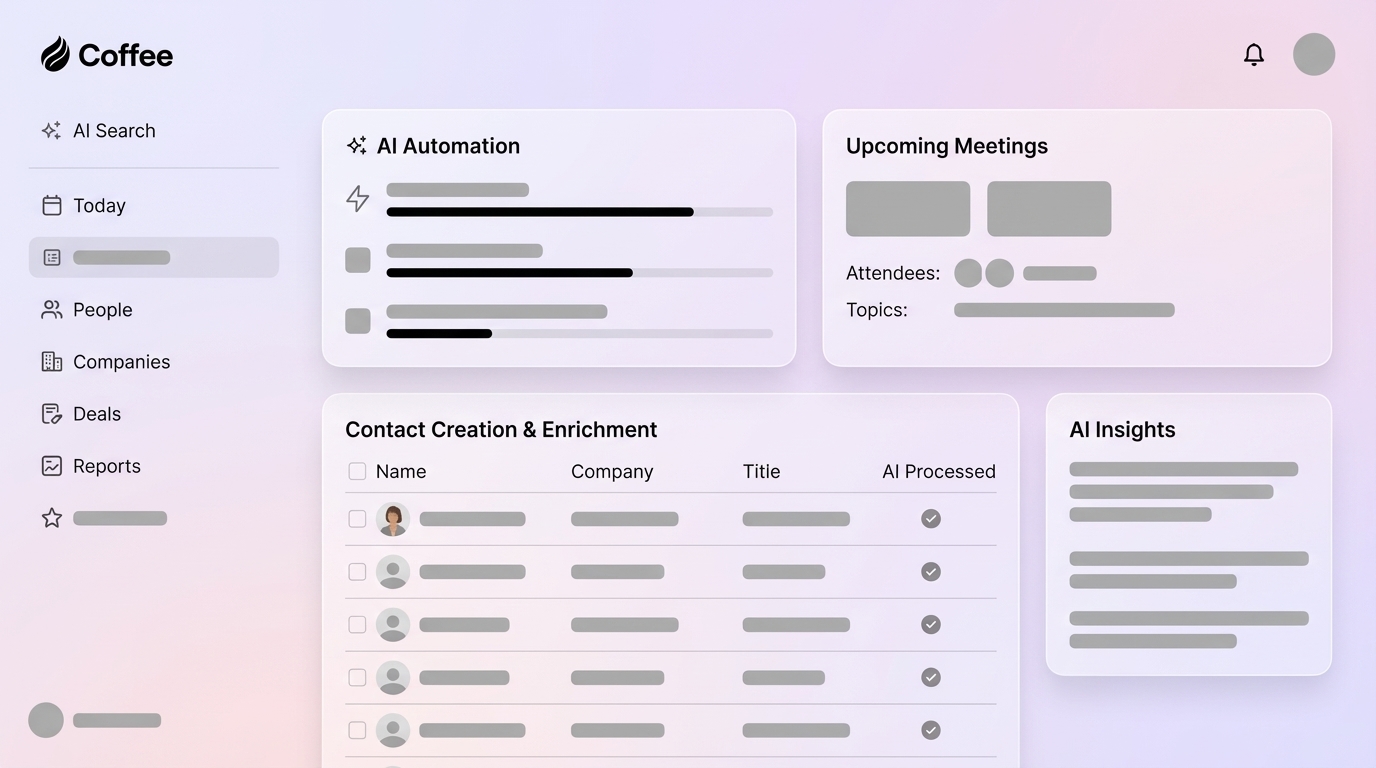
Coffee’s agent addresses this directly. After connecting Google Workspace or Microsoft 365, the Coffee Agent scans emails and calendars to auto-create contacts and companies, logs last and next activity autonomously, enriches records with job titles, funding data, and LinkedIn profiles via licensed data partners, and drafts post-call summaries and follow-up emails for one-click review. The rep never opens a data-entry form.

For independent reps, manual CRM administration can consume a substantial amount of time annually. Coffee’s agent gives that time back without forcing the rep to change behavior.
How AI Agents Are Reshaping CRM Systems
Passive CRM databases will remain in place, yet agent architectures are taking over the workflow layer. Gartner projects that by 2028 roughly one-third of enterprise software applications will include agentic AI, up from under 1% in 2024. Gartner also predicts that 40% of enterprise applications will include task-specific AI agents by the end of 2026, up from less than 5% in 2025.
The architectural distinction matters. Traditional CRM architectures were built around the assumption of constant human input for every workflow, database schema, UI pattern, and permission model, which makes retrofits for agentic AI inefficient compared to AI-native designs built for machine read and write access.
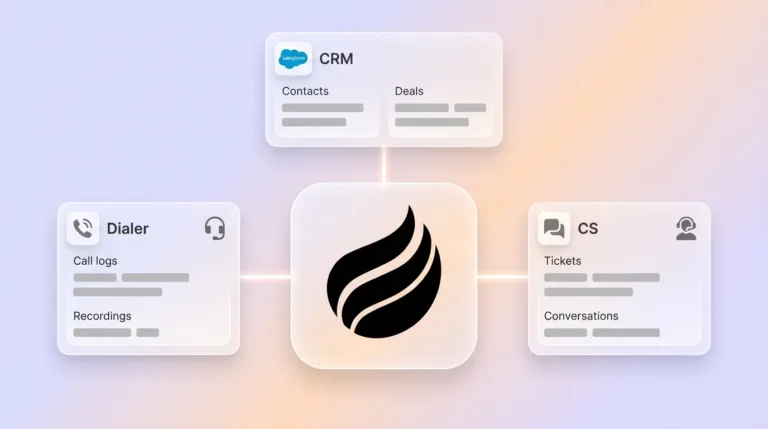
Coffee operates as the agent layer regardless of what system of record a team uses. Deployed standalone, it replaces the passive database entirely. Deployed as a Companion App, it writes clean, enriched data back to Salesforce or HubSpot without requiring reps to touch either system. The CRM remains in place while the human data-entry clerk disappears.
Best Sales CRM Setup for Small B2B Teams
For 10–50 person B2B companies, the choice is between adopting Coffee as a standalone CRM or deploying it as a companion layer on an existing Salesforce or HubSpot instance.
Standalone Coffee CRM fits when the team has outgrown spreadsheets and Notion but finds HubSpot or Pipedrive to be expensive, manual chores. The Coffee Agent manages the system of record, auto-creating contacts, enriching records, logging activities, running meeting briefings, and generating pipeline compare reports, all without human input.
Coffee as Companion App fits when the team is committed to Salesforce or HubSpot but suffers from low adoption, incomplete records, and unreliable forecasts. A simple authentication allows the Coffee Agent to sync data, enrich it, and write insights back to the primary CRM. Agentic CRM integration cuts sales representative admin time by 50–70% and trims operational expenses by 30% or more at the workflow level.
In both models, AI saves sales reps 5 to 18 hours per week in 2026, with the mid-stack average at 10–12 hours. Coffee delivers the upper end of that savings range by automating the full capture, enrich, and follow-up loop.
Compare Coffee deployment options to see which model fits your team.
Coffee Features That Directly Boost Rep Productivity
Three capabilities separate Coffee from every other option in this comparison.
Pipeline Compare visualizes week-over-week pipeline changes automatically. It surfaces progressed deals, stalled opportunities, and new additions without a CSV export or a manual review session. AI agents for activity tracking and pipeline hygiene can improve pipeline accuracy. Pipeline Compare turns the weekly forecast call from an interrogation into a strategic discussion.
AI Meeting Automation covers the full meeting lifecycle. Before a call, the Coffee Agent prepares a briefing with attendee context and past interaction history. During the call, the AI Meeting Bot joins Zoom, Teams, or Meet to record and transcribe. After the call, the agent generates summaries structured to BANT, MEDDIC, or SPICED, identifies next steps, and drafts follow-up emails in Gmail for one-click send. Coffee bundles these capabilities into a single agent so teams capture the full 10–14 hour weekly savings already documented for AI meeting workflows.

Visitor Identification with Suggested Leads converts anonymous website traffic into named, qualified prospects. A single tracking pixel identifies visitors by name, title, email, LinkedIn profile, company, pages visited, and session duration. Where competitors like RB2B and Warmly surface only the visiting company or undifferentiated people lists, Coffee uses the buyer persona to recommend specifically which two or three individuals inside that visiting company to contact, with LinkedIn profiles pre-loaded for instant outbound.

These three capabilities directly address the two most common complaints in sales forums: “reps will not update the CRM” and “we are running shadow CRMs in spreadsheets.” When the agent handles every update automatically and surfaces actionable intelligence without rep input, there is no reason to maintain a parallel system. 37% of sales reps admit to fabricating CRM data when facing too many required fields that prevent them from doing their job. Coffee removes the burden entirely.
Decision Framework: Choosing a CRM That Actually Maximizes Productivity
Evaluate any CRM against the four criteria introduced earlier:
- Hours saved: Legacy tools with automation features enabled save 4–6 hours per rep per week. Agent-based layers on existing CRMs save 8–12 hours. Teams using CRM automation recover 12+ hours per week per rep, with initial productivity gains appearing within 30–60 days.
- Data quality: A CRM with automated data capture can achieve higher forecast accuracy at the 90-day horizon compared to manually maintained CRMs. 76% of organizations say less than half of their CRM data is accurate and complete under manual entry regimes.
- Adoption: The CRM requiring the least manual input achieves the highest adoption rate, a documented pattern across well-studied CRM rollouts. Organizations achieving strong CRM adoption often see improvements in customer retention, sales productivity, and shorter deal cycles.
- Integration burden: Clarify and Day.ai lack the depth required for Salesforce and HubSpot instances with custom fields, quotas, required-field logic, and territory-based forecasting, which forces teams to choose between abandoning their existing CRM investment or maintaining two systems. Legacy tools can approach agent-level automation, yet they require additional licensing and configuration that extend implementation timelines. Coffee’s Companion App sidesteps both problems by authenticating once and writing directly to the existing system of record without schema changes or parallel databases.
For sales leaders and RevOps professionals at 10–50 person B2B companies, Coffee is the only option that removes humans from data entry entirely, whether deployed as the system of record or as the agent feeding Salesforce or HubSpot. Every other tool in this comparison still requires reps to serve the software at some point in the workflow. Coffee does not.
Reclaim 8–12 hours per rep per week starting this quarter.
Frequently Asked Questions
How long does it take to implement Coffee?
For the Standalone CRM, setup requires connecting Google Workspace or Microsoft 365 via OAuth. The Coffee Agent begins scanning emails and calendars immediately and populates the CRM with contacts, companies, and activity history within hours. For the Companion App on Salesforce or HubSpot, a single authentication grants the agent access to sync, enrich, and write data back to the existing instance. Most teams are operational within one business day, with measurable productivity gains visible within the first 30 days.
Is Coffee secure and compliant?
Coffee is SOC 2 Type 2 and GDPR compliant. Data processed by the Coffee Agent is not used to train public AI models. For B2B sales teams handling sensitive customer information, this means the agent operates within the same compliance boundaries as the existing CRM infrastructure. Teams in heavily regulated industries such as healthcare and finance should consult Coffee’s security documentation for specific requirements before deployment.
Does Coffee integrate with tools beyond Salesforce and HubSpot?
Coffee currently supports integrations via Zapier, which connects the agent to hundreds of tools in a typical sales stack including outreach platforms, enrichment tools, and communication apps. Deeper native integrations are on the product roadmap. For teams using Salesforce or HubSpot as the system of record, the Companion App provides direct, authenticated sync without requiring Zapier as an intermediary.
What happens to existing CRM data during migration to Coffee Standalone?
Teams migrating from spreadsheets, Notion, HubSpot, or Pipedrive to Coffee Standalone can import existing contact and company records. The Coffee Agent then enriches those records automatically, filling in missing job titles, funding data, and LinkedIn profiles, and begins logging new activity from email and calendar immediately. Historical deal data can be imported to preserve pipeline context. Coffee’s onboarding process is designed for small teams without dedicated RevOps resources.
How does Coffee’s data enrichment compare to dedicated tools like ZoomInfo or Apollo?
Coffee’s built-in enrichment, powered by licensed data partners, provides data roughly on par with dedicated enrichment tools for most B2B use cases, covering job titles, company firmographics, funding rounds, and LinkedIn profiles. For teams currently paying separately for ZoomInfo, Apollo, or similar tools alongside a CRM, Coffee consolidates enrichment into the agent at no additional per-seat cost. Teams with highly specialized enrichment requirements, such as intent data or technographic signals at enterprise scale, may still benefit from dedicated enrichment platforms connected via Zapier.
Conclusion: Replace Manual CRM Labor, Not Your Reps
The data-entry tax is not a behavior problem, it is an architecture problem. Traditional passive CRM systems require sellers to manually enter and update data after interactions, creating a CRM tax that turns most of the workweek into data-entry labor rather than relationship-building. Legacy tools, even those with AI features bolted on, still require reps to serve the software at some point. Agent-based models invert that relationship.
Coffee is the only CRM agent that removes humans from data entry entirely, whether deployed as a standalone system of record for 1–20 person teams or as a companion layer on existing Salesforce and HubSpot instances for teams up to 50. The agent captures, enriches, logs, briefs, summarizes, and follows up, so reps sell instead of type.
Start automating your CRM with Coffee and put the data-entry tax behind you.