
Key Takeaways
- Manual data entry in legacy CRMs reduces selling time and leads to inaccurate forecasts, especially in complex 2026 sales environments.
- AI agents improve pipeline management by capturing data from emails, calendars, and calls, then structuring it for accurate reporting and forecasting.
- Major CRMs like Salesforce, HubSpot, and others gain more value when paired with automated data capture that keeps records complete and current.
- Agent-driven automation supports higher rep adoption, clearer pipeline visibility, and more reliable revenue planning.
- Teams that want accurate, low-maintenance pipeline management can use Coffee’s AI agent to automate data entry and insights, with flexible plans available to get started with Coffee.
The Pipeline Problem: Why Legacy Tools Fall Short in 2026
Legacy pipeline tools depend on busy sales teams to enter every call, email, and update. That assumption does not match day-to-day reality. Sales representatives spend 71% of their time on data entry, which leaves limited time for selling.
This manual work spreads across several tools. Teams bounce between a CRM, enrichment tools, outreach platforms, and call recording software. Important context often lives in email threads or meeting notes instead of the pipeline. Deal changes go untracked, so leaders see only partial information.
Forecasts then rely on incomplete or stale data. Leaders make decisions from snapshots that miss the real story of each opportunity. This “garbage in, garbage out” pattern turns CRMs into administrative systems instead of reliable sources of insight.
Coffee: The AI Agent Enhancing Pipeline Management
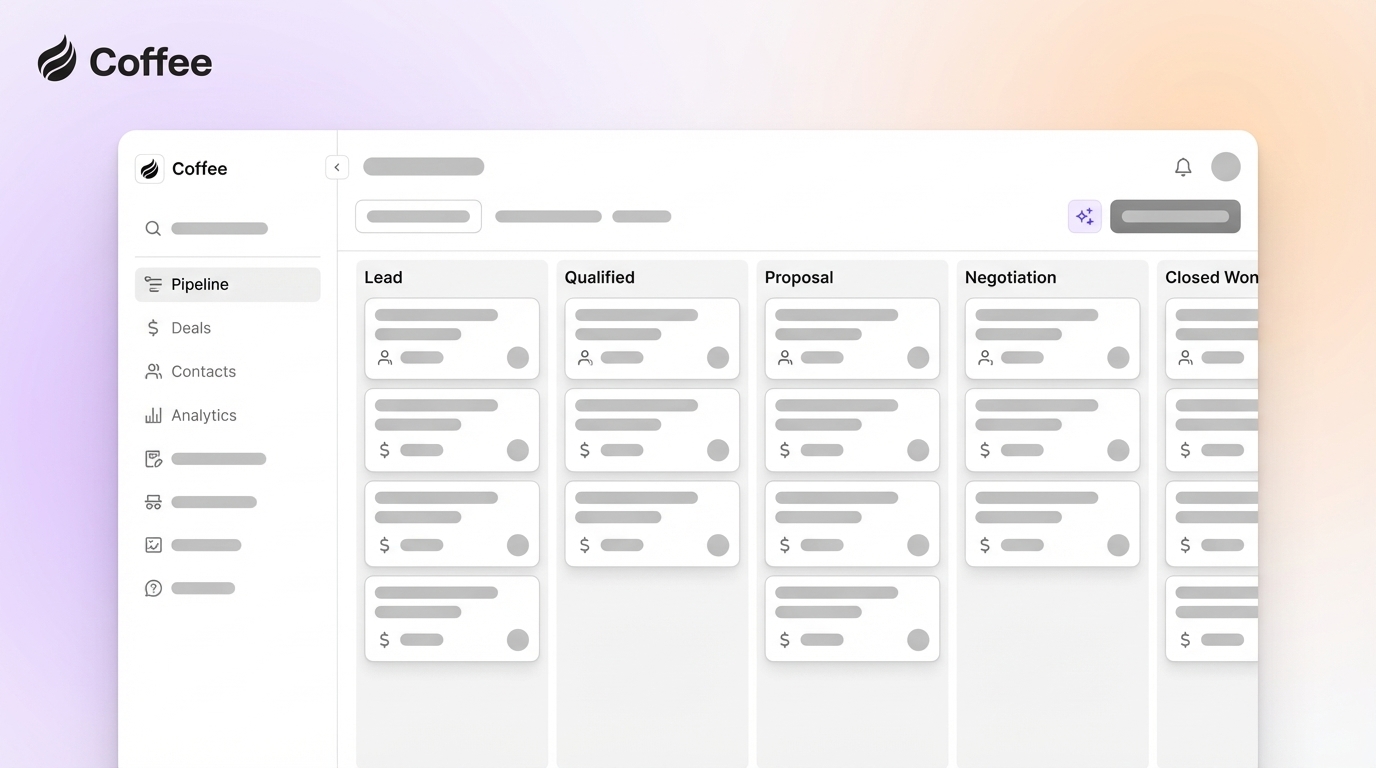
Coffee uses an autonomous AI agent to handle data entry, enrichment, and pipeline tracking. The system does not wait for reps to update records. It connects to communication tools, captures interactions, and turns them into structured CRM data.

Key features in Coffee’s agent-driven approach include:
- Automatic data entry and enrichment: After connecting to Google Workspace or Microsoft 365, the agent scans emails and calendars, creates contacts and companies, and enriches records with titles, funding data, and LinkedIn profiles through licensed data partners.
- AI-powered meeting management: The agent prepares briefings, joins calls to record and transcribe, and drafts summaries and follow-up emails for rep review.
- Pipeline intelligence: Features such as Pipeline Compare track changes week over week, highlighting new, advanced, and stalled deals without manual tracking.
- Stack consolidation: The agent covers work traditionally handled by several tools, which can reduce software cost and complexity.
- Flexible deployment: Teams can use Coffee as a standalone CRM or as a companion app on top of Salesforce or HubSpot.
Teams that want AI-managed pipelines can review plan options or get started with Coffee.
Top 7 Pipeline Management Tools for 2026 and the Role of AI
1. Coffee: AI-First Pipeline Agent
Coffee focuses on the “data in” problem. The agent captures emails, meetings, and notes, then turns them into complete records and timelines. Reps gain accurate pipelines with less manual work, and leaders gain forecasts based on current activity.

Meeting prep, live transcription, and suggested follow-ups give reps more time for conversations and negotiation instead of note-taking.
2. Salesforce Sales Cloud: Customizable Platform, Stronger with AI Agents
Salesforce offers deep customization, advanced reporting, and broad integrations. Einstein AI adds forecasting and opportunity scoring, and workflow tools automate many steps in the sales process.
These strengths depend on consistent data. Gaps in activity logging can reduce the value of forecasts and dashboards. Using Coffee as a companion agent can improve Salesforce data quality by capturing emails and meetings automatically.
3. HubSpot CRM: Unified Growth Platform with Added Automation
HubSpot brings marketing, sales, and service into one system, with a clear visual pipeline and built-in email tools. This structure works well for small and mid-sized teams that want one shared view of the customer.
Manual entry still affects data quality. Connecting an AI agent such as Coffee lets teams push email and call activity into HubSpot automatically, which supports more accurate reporting and smoother handoffs.
4. Pipedrive: Visual Pipelines for Activity-Driven Teams
Pipedrive uses a drag-and-drop interface that makes deal stages clear at a glance. Activity reminders and simple automations help reps move deals forward.
Visual clarity is useful, but boards stay accurate only when reps update them. An AI agent can reduce that burden by logging calls, emails, and stage changes in the background.
5. Zoho CRM: Broad Feature Set with AI Insights
Zoho CRM delivers a wide range of CRM capabilities at a competitive price. Zia AI supports predictive analytics and multichannel tracking, and the platform integrates with other Zoho apps and third-party tools.
Zia’s value depends on the underlying data. Automated collection from an AI agent can give Zia more complete inputs for deal predictions and customer insights.
6. Freshsales: Engagement-Focused CRM with AI Scoring
Freshsales combines visual pipelines with built-in phone, email, and chat. Freddy AI scores and prioritizes deals based on engagement and behavior.
Automated activity capture from an independent AI agent can further improve scoring accuracy by ensuring that every touchpoint appears in the record.
7. monday.com Sales CRM: Collaborative Work Management
monday.com uses boards and automations to support customizable pipelines and cross-team visibility. The system suits organizations that blend sales work with project and account management.
Boards can become outdated when updates rely on manual effort. AI agents that sync email and meeting data into monday.com can keep shared views current without extra admin work.

Comparison Table: Key Features and AI Automation in Pipeline Tools
|
Tool |
Primary Strength |
AI-Powered Features |
Data Entry Automation |
|
Coffee |
Autonomous AI agent |
Workflow automation and pipeline intelligence |
Full automation |
|
Salesforce |
Customization and scale |
Einstein AI forecasting |
Limited automation |
|
HubSpot |
Integrated platform |
Predictive lead scoring |
Partial automation |
|
Pipedrive |
Visual pipeline |
Activity automation |
Manual entry required |
Conclusion: Moving Toward Agent-Driven Pipeline Automation
Pipeline management in 2026 favors teams that reduce manual data work and keep records accurate in real time. Agent-led tools such as Coffee capture activity directly from the places where reps already work.
Organizations that adopt AI agents gain clearer pipeline visibility, more dependable forecasts, and more selling time for their teams. To explore an agent-first approach, get started with Coffee.
Frequently Asked Questions About AI-Powered Pipeline Management
How do AI agents improve pipeline forecasting accuracy?
AI agents such as Coffee pull data from emails, calendars, and calls into a single record. Features like Pipeline Compare then track changes in deal size, stage, and timing. Forecasts draw from current activity instead of sporadic manual updates, which improves accuracy.
How do AI pipeline tools fit into an existing tech stack?
Modern pipeline tools often connect to Google Workspace, Microsoft 365, and major CRMs. Coffee supports these environments today and offers additional options through Zapier, with deeper native integrations in development.
What are the hidden costs in free or low-cost pipeline tools?
Low-cost tools can appear affordable, but often shift work onto reps. Time spent on manual entry, enrichment, and follow-up reduces capacity for selling. Coffee users typically save 8 to 12 hours per week on administrative tasks, which offsets subscription costs through recovered selling time.
How do AI-powered tools improve sales rep adoption?
Reps tend to resist systems that feel like extra work. AI agents such as Coffee create contacts, log activities, and draft follow-ups automatically. The CRM then feels more like a helpful assistant than a reporting requirement, which supports higher adoption.
What are the key security considerations for AI pipeline management?
AI tools handle sensitive customer and revenue data. Coffee follows SOC 2 Type 2 and GDPR standards and does not use customer data to train public models. Teams should confirm that any vendor provides clear data handling policies and aligns with internal compliance needs.