
Written by: Doug Camplejohn, CEO & Co-Founder, Coffee | Last updated: June 19, 2026
Key Takeaways for Automated Contact Creation in 2026
- Automated contact creation only pays off when tools remove manual work instead of shifting it earlier in the process.
- Coffee, Apollo, Clay, Reply, and LeadIQ are scored across seven criteria including inbox scanning depth, data quality, and pricing predictability.
- True AI-agent contact creation uses OAuth email and calendar signals to build CRM records without human list uploads or CSV imports.
- Seat-based pricing with unlimited agent labor, as Coffee offers, keeps costs predictable for 10–50 person teams.
- Teams that want to eliminate manual contact work can review Coffee’s pricing and see how the agent supports contact creation from day one.
How Automated Contact Creation Works
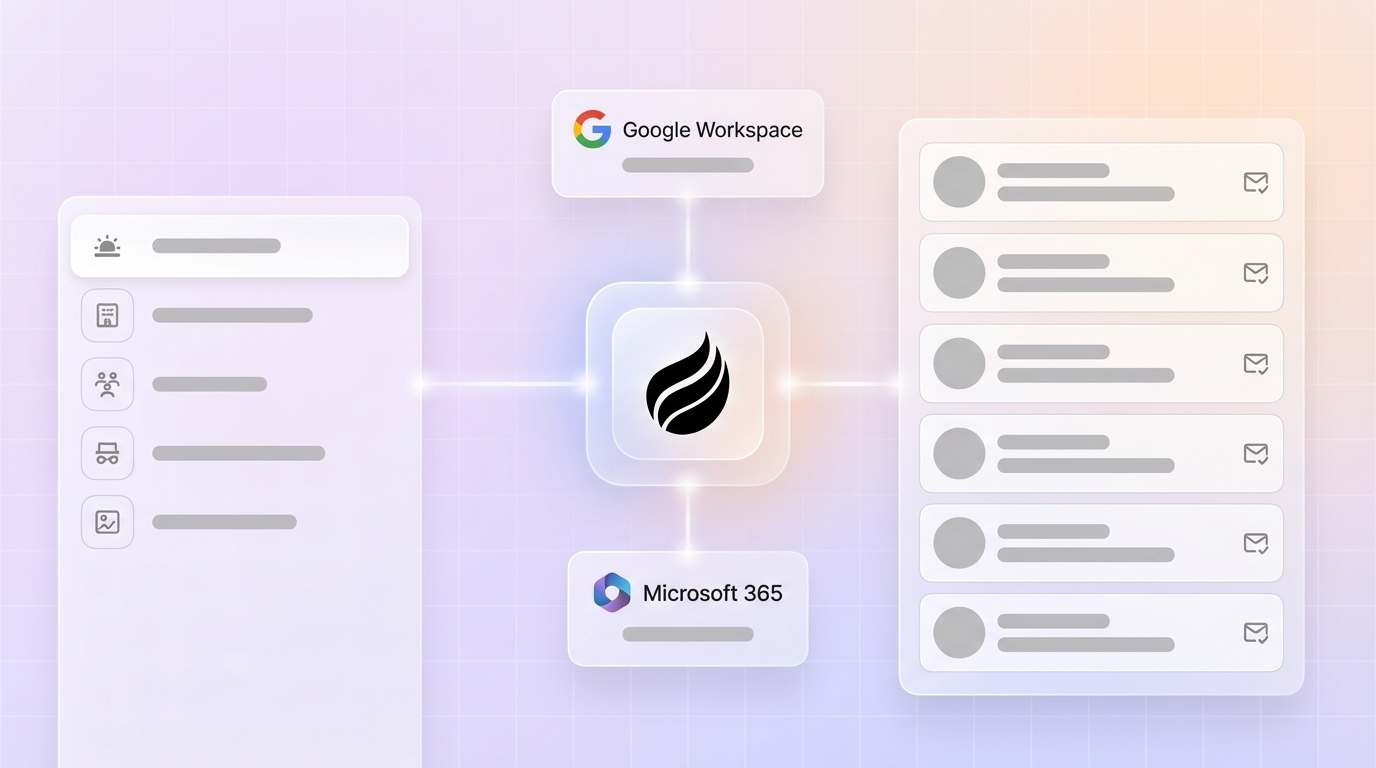
Automated contact creation uses a tool to scan inbox and calendar signals such as sender addresses, attendee emails, and meeting metadata. The tool then builds and enriches CRM contact records without manual research. True AI-agent contact creation removes human list uploads entirely. The agent reads Google Workspace or Microsoft 365 data streams and writes structured, enriched records directly into the system of record.

Evaluation Criteria for 2026 Contact Tools
Native OAuth connections to email and calendar are the 2026 baseline for passive contact capture. The table below scores each tool against seven criteria that reflect real SMB buying constraints.
| Criterion | What “Best” Looks Like | Why It Matters in 2026 |
|---|---|---|
| Inbox/Calendar Scanning Depth | Autonomous OAuth scan, zero manual triggers | Tier 1 tools auto-log interactions with zero user effort |
| Data Quality vs. Manual Entry | Agent-sourced ground-truth data, no human input required | AI agents work best when data is complete, unified, and updated daily |
| Natural-Language List Building | Plain-English commands execute outbound workflows | Reduces dependence on manual CSV exports and separate enrichment tools |
| Enrichment Sources | Built-in licensed data, no third-party add-on required | Unified platforms cut tool costs in half and raise daily adoption to 95% |
| CRM Integration Effort | Native Salesforce/HubSpot connector or standalone agent CRM | Native integrations support real-time bi-directional updates and reliable field mapping |
| SMB Pricing Transparency | Seat-based, agent labor unlimited and included | Credit-based models create unpredictable costs at scale |
| 2026 Compliance Posture | SOC 2 Type 2 and GDPR, data not used to train public models | Required for US tech companies handling prospect PII |
Ready to stop being a data entry clerk? See how Coffee scores across all seven criteria and compare plans.
Head-to-Head Comparison of Coffee and Alternatives
Coffee
Coffee connects to Google Workspace or Microsoft 365 via OAuth and immediately scans emails and calendars to auto-create contacts, companies, and activity records. Built-in enrichment appends job titles, funding data, and LinkedIn profiles through licensed data partners, which removes the need for a separate Apollo or ZoomInfo subscription. Natural-language list building lets a rep tell the agent to find targeted prospects without leaving the platform. Coffee writes natively to Salesforce or HubSpot as a Companion App, or operates as a fully autonomous Standalone CRM. Pricing is seat-based with unlimited agent labor included. The platform is SOC 2 Type 2 and GDPR compliant, and data is never used to train public models.

Apollo
Apollo syncs contacts and logs activities to Salesforce and HubSpot via CRM integrations and offers email verification before sequence enrollment. Apollo functions as a database-style tool where contact discovery starts with a human searching its database, not an agent scanning an inbox. Calendar scanning is absent. Enrichment is strong but requires manual list building or CSV import to start. Pricing is credit-based for data exports, which creates variable costs at scale. Apollo is SOC 2 Type 2 certified.
Clay
Clay is a workflow-automation enrichment platform that pulls from dozens of data providers simultaneously. It excels at waterfall enrichment on lists a human has already assembled. Inbox or calendar scanning is not a native capability, so a rep must supply a seed list before Clay can enrich it. Database-style enrichment stacks that rely on many integrations carry a maintenance burden where failures can go unnoticed for up to a week. Clay’s credit-based pricing model scales unpredictably for SMB teams running high-volume enrichment. Native CRM write-back requires additional configuration.
Reply
Reply is a sales engagement platform with multichannel sequencing. It offers basic contact enrichment via its database but does not scan inboxes or calendars to create contacts autonomously. Contact creation still requires a human to import a list or search Reply’s database. CRM integration covers Salesforce and HubSpot via native connectors. Pricing is seat-based for sequences and charges separately for data credits, which splits the cost model across two meters.
LeadIQ
LeadIQ focuses on prospecting and contact capture from LinkedIn and web sources via a browser extension. A human must actively browse a profile for LeadIQ to capture it, and there is no passive inbox or calendar scanning. Enrichment quality is solid for phone and email. HubSpot Sales Hub integrates with Gmail and Outlook to log emails and create CRM records directly from inbox activity, but LeadIQ itself does not replicate this passively. Pricing is per-seat with credit limits on exports.
Real Inbox Automation Mechanics Competitors Overlook
The comparison above shows that only Coffee offers true autonomous inbox scanning, so the mechanics behind it deserve a closer look. The mechanics that separate Coffee from every other tool on this list are worth examining in detail. The OAuth connection described above enables the Coffee Agent to read email metadata such as sender, recipient, timestamp, and subject line, along with calendar attendee data, to match signals to existing records or create new ones. Calendar sync matches meetings to contacts by attendee email addresses, automatically creates interaction records, and updates the “last contacted” timestamp used for follow-up reminders.
Every contact, company, and activity record is populated without a rep touching a keyboard for data entry. AI agents in CRM platforms that automate data entry can save sales reps several hours per week on administrative tasks. Coffee’s agent also joins calls via its AI Meeting Bot, transcribes them, and writes structured summaries back to the contact record. This flow closes the loop from first email to closed-won without a single manual log.

Highspot’s 2026 GTM analysis advises embedding agent logic directly into CRM, email, forecasting, and planning tools so usage feels natural, rather than requiring separate database lookup workflows. Coffee’s architecture follows this pattern exactly. The agent is not a bolt-on; it functions as the system.
2026 Pricing Reality Checks and Integration Notes
Coffee uses seat-based pricing where the agent’s unlimited labor for contact creation, enrichment, activity logging, and meeting summaries is included in every seat. There are no credit meters for enrichment lookups or data exports. This model stays predictable for 10–50 person teams that budget quarterly.
Apollo and LeadIQ both layer data credits on top of seat fees, which means high-volume prospecting months generate unpredictable overages. Clay’s credit system is the most complex because each enrichment waterfall step consumes credits at different rates depending on the data provider hit. For small and mid-sized teams, managed SaaS tools are preferable to self-hosted enrichment stacks because they eliminate engineering time spent on monitoring, debugging failures, and handling upgrades, a cost Clay’s self-assembled workflows do not remove.
On integrations, Coffee connects natively to Salesforce and HubSpot with real-time bi-directional sync, and additional tool connections are available via Zapier while deeper native integrations remain on the roadmap. Coffee is SOC 2 Type 2 and GDPR compliant, and prospect data is never used to train public models.
Compare Coffee’s seat-based model to credit-based alternatives and review integration options.
Best-Fit Use-Case Scenarios for Coffee and Competitors
Early-stage teams (1–20 people) wanting a fully agent-powered CRM: Coffee’s Standalone CRM is the correct fit because the agent replaces spreadsheets and manual HubSpot entry entirely. A 3-person seed-stage SaaS team using an all-in-one CRM platform reduced daily prospecting time from 4 hours to 45 minutes and eliminated 2 separate tool subscriptions. This consolidation shows the impact of unifying data and workflows. Coffee delivers the same consolidation and goes further by using inbox-native contact creation that those tools still require humans to trigger.
Mid-market teams (20–50 people) committed to Salesforce or HubSpot: Coffee’s Companion App deploys the agent as an intelligent layer on top of the existing system of record. A 40-person revenue team that implemented a unified CRM platform with native data enrichment and embedded AI agents saw a 30% reduction in admin time and a 25% improvement in forecast accuracy. Coffee’s Pipeline Compare feature delivers similar forecast clarity and removes the need for manual CSV exports.
Decision Framework and Checklist for Tool Selection
Use the questions below to match your constraints to the right tool category.
- Do your reps currently log contacts manually? If yes, a database tool like Apollo or LeadIQ will not solve this and instead relocates the manual step to a search interface. Coffee’s agent removes that step.
- Are you on Salesforce or HubSpot? Coffee’s Companion App writes enriched contacts directly into your existing instance. Clay requires additional workflow configuration to achieve the same write-back.
- Is your team 1–20 people with no CRM yet? Coffee’s Standalone CRM is faster to deploy than configuring Salesforce and avoids the manual-entry trap of HubSpot’s free tier.
- Do you need predictable monthly costs? Seat-based models such as Coffee and Reply are more predictable than credit-based models such as Apollo, Clay, and LeadIQ for teams with variable prospecting volume.
| Tool | Inbox/Calendar Scanning | Zero Manual Entry | SMB Pricing Predictability | Native CRM Write-Back |
|---|---|---|---|---|
| Coffee | ✅ Autonomous OAuth scan | ✅ Full agent automation | ✅ Seat-based, unlimited agent labor | ✅ Salesforce, HubSpot, Standalone |
| Apollo | ❌ Database search only | ❌ Human list building required | ⚠️ Credits add variable cost | ✅ Salesforce, HubSpot |
| Clay | ❌ No inbox scanning | ❌ Seed list required | ❌ Credit-based, complex metering | ⚠️ Requires configuration |
| Reply | ❌ No inbox scanning | ❌ Import required | ⚠️ Seat + data credits split | ✅ Salesforce, HubSpot |
| LeadIQ | ❌ Browser extension only | ❌ Human browse required | ⚠️ Credits on exports | ✅ Salesforce, HubSpot |
For 10–50 person tech teams whose primary constraint is eliminating manual contact work, Coffee scores highest across all four dimensions that matter most in 2026.
Frequently Asked Questions
How long does it take to implement Coffee and see the first contacts created?
Implementation uses a single OAuth authentication to Google Workspace or Microsoft 365. Once connected, the Coffee Agent begins scanning emails and calendars immediately and populates the first contact and company records within minutes. There is no data mapping exercise, CSV import, or field configuration required to start. Teams that connect Coffee to an existing Salesforce or HubSpot instance via the Companion App follow the same single-authentication flow. After that step, the agent begins writing enriched records back to the existing system of record.
How does Coffee’s data quality compare to dedicated enrichment tools like ZoomInfo or Apollo?
Coffee’s built-in enrichment, sourced through licensed data partners, delivers job titles, funding data, and LinkedIn profiles at a quality level on par with ZoomInfo for most SMB use cases. The key distinction is that Coffee combines this enrichment with ground-truth signals pulled directly from inbox and calendar activity. As a result, contact records reflect actual recent interactions rather than static database snapshots. Database tools like Apollo and ZoomInfo enrich records based on their own crawled data, which can lag behind real-world job changes. Coffee’s agent captures the signal the moment a rep emails or meets a contact, which produces a fresher record without any additional human action.
What happens to existing CRM data when a team adopts Coffee?
For teams adopting Coffee’s Standalone CRM, existing contacts can be migrated via CSV import or connected data sources. For teams using the Companion App on Salesforce or HubSpot, there is no migration at all because Coffee writes into the existing system of record and enriches records already present. The agent does not overwrite historical data. It appends enrichment and logs new activity against existing records, which preserves the context already in the CRM.
How does Coffee scale as a team grows from 10 to 50 people?
Coffee’s seat-based pricing model keeps scaling linear and predictable. Adding a rep adds one seat, and that rep’s agent labor for contact creation, enrichment, meeting summaries, and activity logging is included at no additional per-action cost. There are no credit pools that deplete faster as team size grows, no per-enrichment charges that spike during high-activity quarters, and no separate tool subscriptions required for recording or forecasting. The agent architecture is designed to handle the full data volume of a 50-person sales team without requiring a dedicated RevOps engineer to maintain enrichment workflows or debug broken integrations.
Is Coffee secure enough for a US tech company handling prospect and customer data?
Yes. As noted earlier, Coffee maintains SOC 2 Type 2 and GDPR compliance. Prospect and customer data processed by the Coffee Agent is not used to train public AI models. The platform reads email metadata such as sender, recipient, timestamp, and subject line rather than full email body content for contact creation, which aligns with industry-standard privacy practices for inbox-connected tools. Teams in regulated-adjacent industries can request documentation of Coffee’s security posture during the evaluation process.
Conclusion: Choosing a Tool That Truly Ends Manual Entry
Tools that still require a human to search a database, upload a CSV, or browse a LinkedIn profile before a contact enters the CRM have not solved the data-entry problem and instead have repackaged it. Sales reps using traditional CRM workflows spend significant time reviewing pipeline and deciding priorities, while AI-augmented systems can reduce this substantially by providing recommendations to validate. Coffee’s AI-agent contact creation, which scans Google Workspace and Microsoft 365 inboxes and calendars autonomously, is the only approach in this comparison that delivers zero manual entry from day one, whether as a Standalone CRM or as a Companion App on Salesforce or HubSpot.
Stop being a data entry clerk. Let Coffee’s agent build your contact database while you sell and explore pricing and setup options that fit your team.


