
Key Takeaways
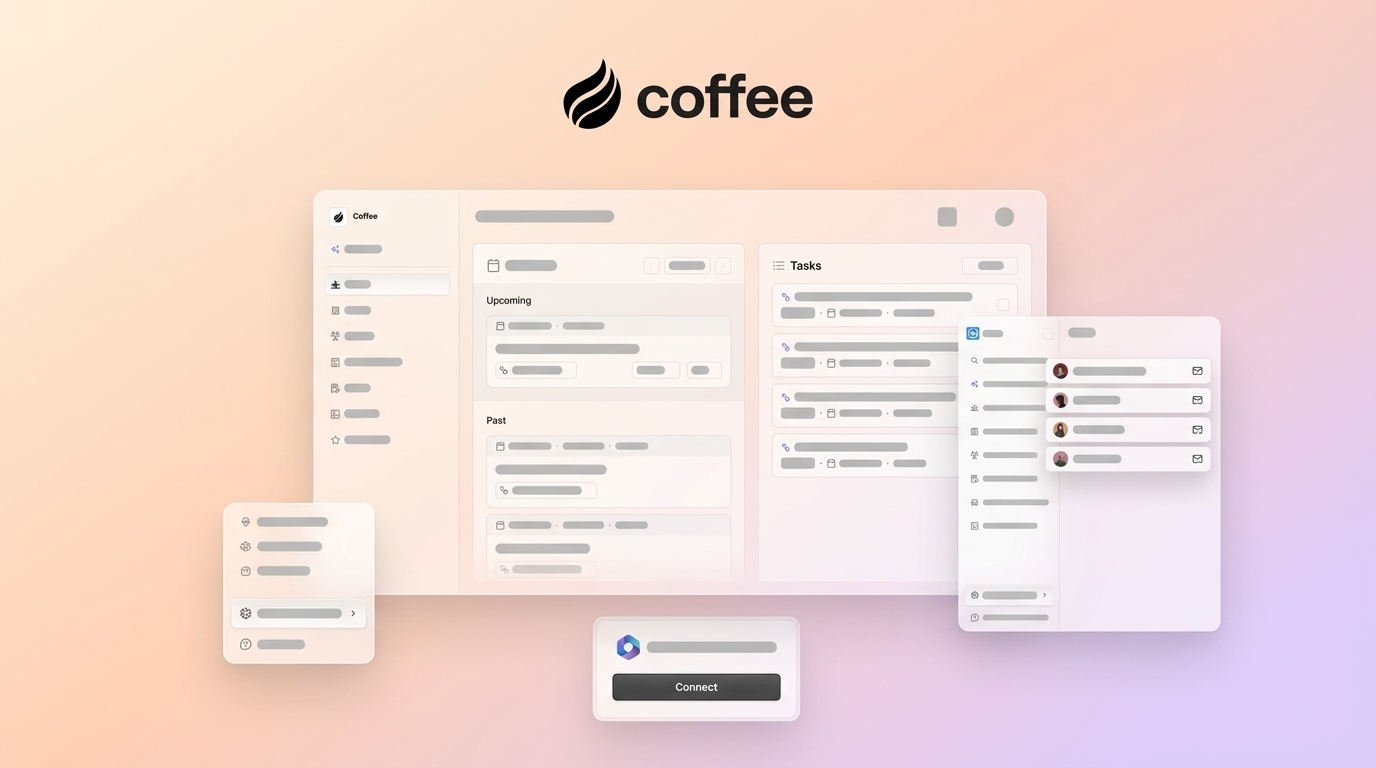
- Coffee stands out as the top Bigin alternative, with full AI automation for data entry, contact creation, and meeting summaries from emails and calendars.
- Pipedrive excels at visual pipeline management but still depends on manual input, unlike Coffee’s autonomous agents.
- HubSpot delivers a strong free tier with marketing tools, yet its complexity can overwhelm small teams that want something lighter.
- Bigin offers budget pricing at $7-18 per user per year but lacks advanced automation, so it works more as a baseline option than a leader.
- Switch to Coffee today for an AI-powered CRM that removes manual work and scales with your small business team.

How Small Teams Should Compare Bigin Alternatives
Small teams get the most value from CRMs that boost productivity and are easy to adopt. Visual pipeline management helps everyone track deal progression at a glance. Automation for data entry, contact creation, and activity logging determines whether your CRM speeds up work or slows it down.
Setup complexity and total cost of ownership matter for lean teams with limited time. Feature overload overwhelms new users when too many options are presented at once, so simple implementation supports better adoption. Mobile collaboration and integrations with Google Workspace or Microsoft 365 keep your CRM aligned with existing workflows.
Data quality and user adoption drive long-term success. Legacy systems that rely on manual data entry create information silos and inconsistent customer experiences. AI-powered alternatives can automatically capture and enrich customer data from emails, calendars, and call transcripts, which keeps records accurate without extra effort.
CRM-by-CRM Breakdown for Small Teams
1. Coffee: AI Agent-Powered CRM for Hands-Off Data Entry
Coffee delivers next-generation CRM technology by acting as an autonomous AI agent instead of a passive database. The platform targets small teams moving away from spreadsheets or manual CRMs. Coffee automates data entry and then surfaces intelligent insights that support daily decisions.
Key Strengths:
- Automatic contact and company creation from Google Workspace or Microsoft 365 emails and calendars
- AI-powered meeting summaries, briefings, and follow-up email drafts
- Pipeline Compare feature that visualizes week-over-week deal progression without spreadsheets
- Built-in data warehouse that preserves interaction history and context
- Natural language list building for targeted prospecting

Limitations:
- Newer platform with an integration ecosystem that continues to grow
- Works best with Google Workspace or Microsoft 365 connected
Ideal For: Tech-savvy small businesses that want full automation of CRM maintenance, teams tired of manual data entry, and organizations that value AI-powered sales intelligence.
2026 Pricing: Seat-based pricing with unlimited AI agent labor included. Get started with Coffee and see why teams switch from manual CRMs to automated intelligence.

2. Pipedrive: Visual Pipeline Management for Deal-Driven Teams
Pipedrive focuses on visual sales pipeline management with drag-and-drop deal tracking. Pipedrive centers its product on visual pipelines for sales teams and starts at $14 per user per month, which keeps it accessible for small businesses that prioritize deal visualization.
Key Strengths:
- Intuitive visual pipeline interface
- Sales-focused feature set that supports deal tracking
- Established integration marketplace
Limitations:
- Starter-tier plans lack email syncing
- Data entry remains largely manual
- Over 400 native integrations available, with Zapier for additional custom workflows
3. HubSpot Free and Starter: Marketing-CRM Hybrid for Growing Teams
HubSpot CRM includes a unified database, email integration with Gmail and Outlook, drag-and-drop pipeline management, and marketing automation with a free tier. The Starter plan typically ranges from $15 to $20 per user each month.
Key Strengths:
- Generous free tier with core CRM features
- Strong marketing automation that connects with the CRM
- Extensive educational resources and training content
Limitations:
- Feature complexity can overwhelm small or non-technical teams
- Free version offers limited customization
- Pricing increases quickly as you add advanced features
4. Less Annoying CRM (LACRM): Simple CRM for Basic Needs
LACRM focuses on straightforward functionality without feature bloat. The product targets small businesses that want basic contact management and pipeline tracking without a steep learning curve.
Key Strengths:
- Simple, clean interface that feels approachable
- Flat-rate pricing model
- Fast setup that keeps onboarding light
Limitations:
- Limited automation features
- Basic reporting capabilities
- Integrations available through Zapier, MailChimp, Google Workspace, and similar tools
5. Freshsales: CRM with Built-In Communication Tools
Freshsales CRM includes built-in phone and email plus AI-based lead scoring for automatic interaction logging. Teams can handle communication directly inside the CRM interface.
Key Strengths:
- Integrated phone and email functionality
- AI-based lead scoring
- Comprehensive contact management
Limitations:
- Interface can feel complex for smaller teams
- Customization available through fields, pipelines, and API, which adds setup work
- Higher learning curve compared with lighter tools
6. Capsule: Contact-Centric CRM for Relationship Tracking
Capsule centers on contact relationship management with built-in task tracking and opportunity management for small teams. The product suits teams that care most about clean contact records and follow-up tasks.
Key Strengths:
- Strong contact management features
- Task integration that supports daily workflows
- Clean user interface
Limitations:
- Basic pipeline visualization through Kanban boards
- Limited automation features
- Reporting handled through multiple dashboards
7. Bigin by Zoho CRM: Budget-Friendly Baseline Option
Bigin by Zoho CRM lists an Express plan at $7.00 per user per year and a Premier plan at $12.00 per user per year, which makes it one of the most affordable choices for small businesses.
Key Strengths:
- Very low pricing for core CRM features
- Mobile-first design
- Basic pipeline management
Limitations:
- Data entry supported by limited automation features
- Automation focused on lead assignment and multichannel syncs
- Basic integration options compared with larger platforms
Side-by-Side Comparison and Tradeoffs
| CRM | Starting Price 2026 | Pipeline Viz | AI Automation | Mobile Quality | Best For Small Teams |
|---|---|---|---|---|---|
| Coffee | Seat-based | AI-powered | Full automation | Excellent | ★★★★★ |
| Pipedrive | $14/user/mo | Excellent | Limited | Good | ★★★★☆ |
| HubSpot | Free/$15-20 | Good | Basic | Good | ★★★☆☆ |
| Bigin | $7-18/user/yr | Basic | Minimal | Good | ★★☆☆☆ |
Bigin vs Pipedrive for Budget and Visualization
Bigin offers much lower pricing but requires more manual work from your team. Pipedrive delivers stronger visual pipeline management at a higher monthly cost. Both tools fall short on comprehensive automation for data entry and customer interaction logging.
HubSpot vs Bigin for Small Teams
HubSpot’s free tier delivers more features than Bigin’s paid plans, yet the added complexity can overwhelm small teams. Bigin’s simpler experience trades away scalability and deeper automation. Teams that expect to grow often lean toward HubSpot, while cost-sensitive teams may start with Bigin.
Free Alternatives to Bigin
HubSpot Free stands out as the most comprehensive free alternative to Bigin. Coffee’s AI automation usually delivers stronger long-term value, even though it uses seat-based pricing instead of a free tier.
How to Choose the Right CRM for Your Small Business
Coffee fits automation-first teams that have outgrown Notion or spreadsheets and want AI to handle CRM maintenance. Pipedrive suits teams that care most about visual pipeline management and can accept manual data entry. LACRM works well for businesses that want simple contact management without extra complexity.
Total cost of ownership includes more than subscription fees. Setup time, training needs, and productivity impact all affect the real cost. Coffee consolidates multiple tools and reduces manual work, which often creates better ROI even with higher upfront pricing. Book a Coffee demo to see how automation supports your specific workflow.
Implementation Tips, Migration, and Common Pitfalls
Coffee supports simple setup through Google Workspace or Microsoft 365 integration and automatically imports contacts and calendar data. Bigin 2025-2026 updates add AI-driven call transcripts and improved mobile app quality, along with multichannel automation for email, calls, and WhatsApp.

Common pitfalls include choosing tools based only on low price, overbuying complex features that confuse small teams, and underestimating adoption challenges. Coffee’s AI co-pilot approach reduces many adoption barriers by handling data entry automatically. This keeps CRM usage consistent without forcing major behavior changes.
FAQ: Bigin, Coffee, and Other CRM Alternatives
What is the difference between Bigin and Zoho CRM for small teams?
Bigin is Zoho’s simplified CRM for small businesses, with basic pipeline management and a mobile-first interface. Zoho CRM offers more advanced features, automation, and customization at higher complexity and cost. Small teams usually prefer Bigin’s simplicity unless they need advanced workflow automation.
What are the best free Bigin alternatives?
HubSpot Free provides the most comprehensive free alternative, with contact management, email integration, and basic pipeline features. Free plans across vendors usually lack automation and advanced capabilities that growing teams need. Coffee’s AI automation often delivers better long-term value, even though it requires a paid plan.
Which Pipedrive alternatives work best for small businesses?
Coffee offers stronger automation than Pipedrive’s manual approach, while HubSpot adds deep marketing integration. Less Annoying CRM supports teams that want a simpler experience than Pipedrive’s broader feature set. The right choice depends on whether you prioritize automation, marketing, or simplicity.
How does Coffee replace Bigin’s manual data entry?
Coffee’s AI agent automatically creates contacts and companies from email signatures and calendar invitations. It logs meeting summaries and follow-ups and enriches records with job titles and company information. This level of automation goes beyond Bigin’s capabilities and keeps your CRM updated with far less manual effort.

Should small teams choose HubSpot or Bigin?
HubSpot Free delivers more features than Bigin’s paid plans but can feel complex for small teams. Bigin offers a simpler interface and lower cost but limited scalability. Teams that plan for growth often choose HubSpot, while teams that want immediate simplicity may prefer Bigin or Coffee’s automated approach.
Conclusion: Why Coffee Leads Bigin Alternatives in 2026
Coffee leads 2026 CRM alternatives with its AI agent approach that automates data entry, enrichment, and insight generation. Bigin delivers affordability and Pipedrive focuses on visual pipelines, yet both still rely on manual work. Coffee removes the manual tasks that often cause CRM adoption failures in small teams. Get started with Coffee today and experience automated CRM intelligence that grows with your business.