Written by: Doug Camplejohn, CEO & Co-Founder, Coffee | Last updated: January 7, 2026
Key Takeaways
- Manual data entry and fragmented tools limit the value sales teams get from Salesforce and reduce the time spent selling.
- Automated data capture and enrichment improve Salesforce data quality, which supports accurate forecasting and better pipeline visibility.
- An AI agent that joins meetings, logs activity, and structures notes reduces admin work and improves sales rep adoption of CRM workflows.
- Consolidating enrichment, recording, and forecasting into a single AI layer lowers tech stack complexity and cost for small and mid-market teams.
- Coffee adds an AI agent on top of Salesforce to automate routine work and improve data quality; teams can explore pricing and options at Coffee’s pricing page.
The Salesforce Challenge: Burden of Manual Data and Fragmented Workflows
Many sales leaders see Salesforce adoption drop when teams must log every activity by hand. A large share of sales reps spend significant time on non-selling work such as data entry and admin tasks, which reduces their focus on conversations and deals.
Sales teams also navigate fragmented workflows. They often move between Salesforce for records, ZoomInfo for enrichment, SalesLoft for outreach, and separate call recording tools. This constant switching adds cost and friction, and it pulls attention away from relationship building.
Sales organizations that want to reduce manual work and context switching need tools that actively support the team instead of relying on constant human upkeep.
Meeting Modern Demands: Key Evaluation Criteria for Today’s Sales Teams
Sales leaders benefit from clear criteria when evaluating CRM add-ons or alternatives. The most effective tools support long-term scalability and reduce manual effort.
Data Automation and Quality
Reliable CRM strategies start with consistent, accurate data capture. Automated creation and enrichment of contacts, accounts, and activities reduces missing fields, duplicate records, and adoption issues.
Sales Team Efficiency and Time Allocation
Sales reps need to spend most of their time on discovery, demos, and follow-up. Tools that remove repetitive logging and research tasks become strong differentiators, especially in lean teams.
Intelligent Insights and Actionable Intelligence
Modern sales teams rely on systems that surface the next best action, highlight risk, and provide clear pipeline health. High-quality input data is essential for useful dashboards, forecasts, and deal reviews.
Integration Capabilities and Workflow Streamlining
Integrated tools reduce context switching and learning curves. A solution that centralizes enrichment, meeting intelligence, and forecasting into a single workflow improves both productivity and data consistency.
Coffee vs. Salesforce: A Head-to-Head Comparison for Sales Efficiency
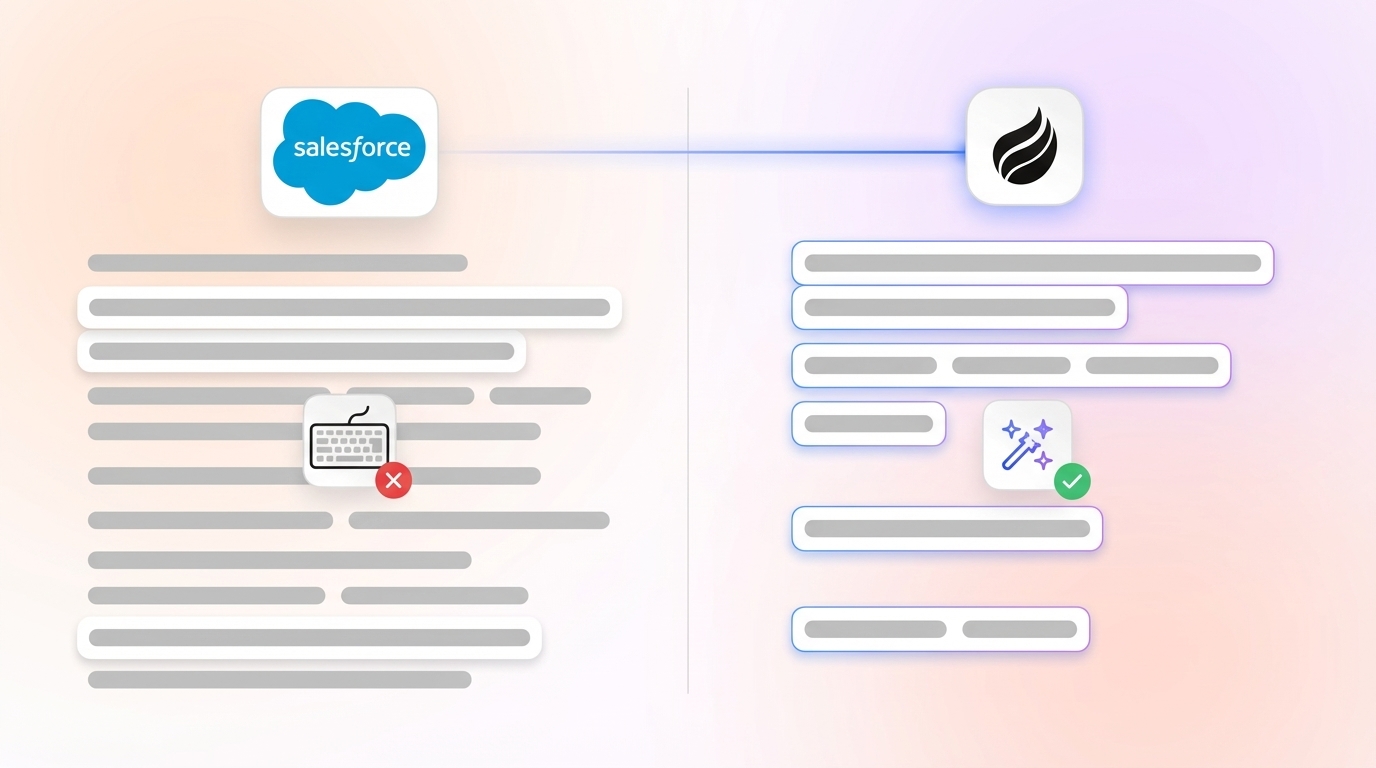
Salesforce functions as a powerful but largely passive CRM. Coffee adds an active AI agent that handles data capture and analysis on top of Salesforce. The table below outlines how each approach affects daily sales work.
|
Feature Area |
Salesforce (Passive CRM) |
Coffee (Active AI Agent) |
Impact on Sales Team |
|
Data Entry Approach |
Manual input required from sales reps |
Automated capture from emails, calendars, and meetings |
Helps save an estimated 8–12 hours per rep weekly |
|
Data Quality Assurance |
Dependent on human consistency |
AI-driven data completion and enrichment |
Reduces the “garbage in, garbage out” pattern |
|
User Experience |
Often viewed as an admin system to update |
Works as an active co-pilot that handles routine tasks |
Supports higher CRM usage and better adoption |
|
Integration Complexity |
Frequently paired with several point solutions |
Combines enrichment, recording, and pipeline insights |
Cuts down on tool switching and context loss |
This comparison shows how a passive CRM can gain value from an active intelligence layer. Coffee’s AI agent automates workflows and improves data quality while leaving the core Salesforce instance in place.
Teams that want Salesforce to feel less like a chore and more like a useful work hub benefit from adding an AI companion rather than replacing the CRM.
Coffee: The AI Agent Designed to Enhance Your Salesforce
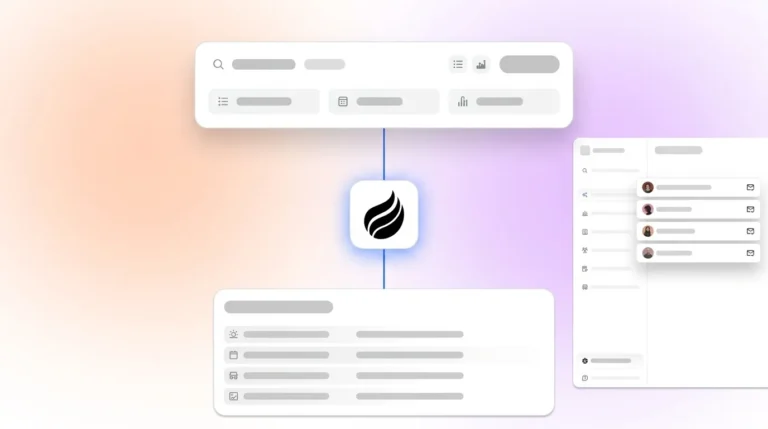
Coffee acts as an intelligent companion layer for Salesforce. It keeps Salesforce as the system of record while handling repetitive work and maintaining cleaner data in the background.
Automated Data Entry and Enrichment
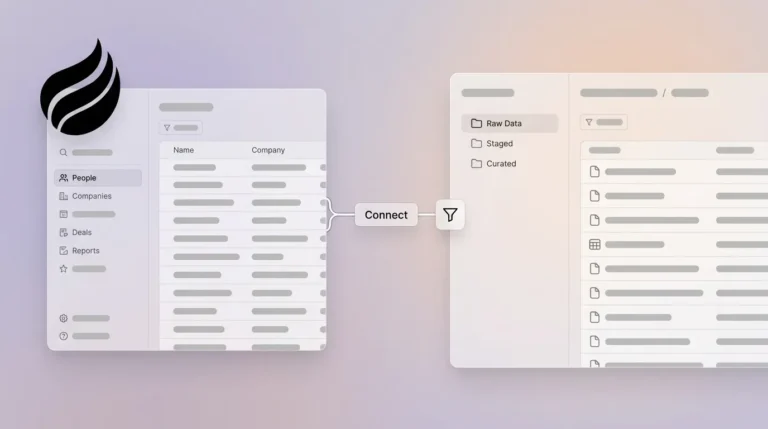
After connecting to Google Workspace or Microsoft 365, Coffee’s AI agent automatically creates and updates contacts and companies based on email and calendar activity. It enriches records with details such as job titles, company size, funding information, and LinkedIn profiles, which reduces the need for separate enrichment tools.

AI-Powered Meeting Intelligence
Coffee joins Zoom, Microsoft Teams, and Google Meet calls, then produces transcripts, concise summaries, and clear next steps. It organizes notes using frameworks such as BANT, MEDDIC, or SPICED so that qualification data flows into Salesforce in a consistent format without extra work from the rep.

Pipeline Intelligence and Strategic Insights
Coffee’s Pipeline Compare view highlights week-over-week changes in deal size, stage, and close dates. Sales and RevOps leaders can see which deals progressed, stalled, or shrank without exporting data into spreadsheets or buying separate forecasting add-ons.
Technology Stack Consolidation
Coffee combines CRM enhancement, data enrichment, call recording, and pipeline intelligence. This consolidation helps small and mid-market teams cut licenses, simplify onboarding, and maintain a single, consistent flow of information into Salesforce.
Real-World Scenarios: Where Coffee Strengthens Salesforce
Coffee delivers the most value in teams that rely on Salesforce but struggle with adoption, data quality, or tool sprawl.
Teams Battling Data Entry Fatigue
Sales reps who spend more time logging calls and emails than talking to customers benefit from Coffee’s automated activity tracking. The shift from manual logging to automatic capture frees several hours each week for prospecting, meetings, and follow-up.
RevOps Leaders Focused on Data Integrity
Revenue operations leaders who need trustworthy data for forecasting see value in Coffee’s structured inputs and enrichment. Standardized fields, consistent qualification notes, and complete activity histories make pipeline reviews more objective and less anecdotal.
Small to Mid-Market Companies Maximizing Salesforce Investment
Organizations that cannot justify a full CRM replacement, but want Salesforce to work harder for them, use Coffee as an AI-first layer on top of the existing stack. Reps interact with Salesforce less often while leadership still benefits from accurate, up-to-date records and reports.

Teams that fit these profiles often see faster Salesforce adoption, better pipeline visibility, and fewer disconnected tools once Coffee is in place.
Conclusion: Moving From Passive CRM to an Active AI Layer
The choice is not strictly between Salesforce and Coffee. Salesforce remains a strong system of record, while Coffee adds an AI agent that automates routine tasks, improves data quality, and surfaces clearer insights.
By addressing manual data entry, fragmented tools, and inconsistent records, Coffee helps sales reps focus on conversations and deals instead of admin work. Leaders gain more reliable dashboards and forecasts without overhauling their CRM.
Teams that add an AI layer on top of Salesforce in 2026 position themselves for more efficient sales operations in a competitive environment. To explore how this approach can support your team, visit Coffee’s pricing page and review the options that fit your Salesforce setup.
Frequently Asked Questions
How does Coffee integrate with existing Salesforce instances?
Coffee connects to Salesforce through secure authentication and works as an intelligent layer on top of your current setup. It syncs contacts, companies, and activities, enriches data, and writes insights back to existing records without forcing a full process redesign.
Does Coffee replace Salesforce or work alongside it?
Coffee does not need to replace Salesforce. For most teams, it acts as a companion that turns Salesforce from a passive database into a more active system that supports daily work. Coffee also offers a standalone, AI-first CRM option for organizations that want a lighter-weight alternative.
How does Coffee handle data security with its AI agent?
Coffee uses enterprise-grade controls, including SOC 2 Type 2 and GDPR compliance. Customer data is not used to train public AI models, which helps maintain privacy and control over sales information.
How does Coffee impact Salesforce adoption?
Coffee reduces many of the manual tasks that limit Salesforce adoption. Automated data entry, enrichment, and activity logging make Salesforce feel less like extra work and more like a helpful record of what has already happened.
How long does it take to implement Coffee as a Salesforce companion?
Coffee is designed for quick deployment. Teams typically connect Google Workspace or Microsoft 365, complete Salesforce authentication, and begin automated capture and enrichment in a short time frame, without lengthy customization projects.