
Executive Summary
- Manual CRM administration consumes selling time, reduces data quality, and weakens forecast accuracy across sales teams.
- AI CRM agents capture, enrich, and log data directly from email, calendars, and meetings so records stay accurate without extra effort.
- Automated meeting preparation, note capture, and follow-up help reps run better conversations while spending less time on administrative tasks.
- Accurate, complete data enables clear pipeline visibility, simpler reviews, and targeted prospect lists built with natural language commands.
- Coffee provides an AI CRM agent that can run as a standalone CRM or as a companion to Salesforce or HubSpot, with security and privacy controls for sales data.
The Hidden Costs of Manual CRM Administration in Sales
CRM administrative work affects sales performance and revenue, not just convenience. Market data shared by Coffee shows that 71% of sales reps say they spend too much time on data entry, leaving only 35% of their time for selling. This time split means many sales professionals spend more time serving their CRM than serving their customers.
This administrative burden affects the entire sales organization. Poor data quality appears when busy sales reps skip updates or add incomplete information. Incomplete deal data then leads to inaccurate forecasts, missed revenue targets, and weak strategic decisions. Sales team frustration grows as professionals feel like data entry clerks instead of revenue generators.
Shadow CRMs create further risk. Many sales reps keep their own spreadsheets, Notion databases, or personal tools because the official CRM feels slow or complex. These side systems create data silos, block accurate reporting, and undermine the value of a centralized customer relationship management system.
An AI CRM agent addresses this gap by taking over routine maintenance. Every hour that moves from manual updates to automated capture becomes an hour for building relationships, qualifying prospects, or closing deals.
Step 1: Automate Data Entry and Enrichment with Your CRM Agent
Effective CRM automation starts with a good data in mindset. When you connect an AI CRM agent to your primary communication tools, such as Google Workspace or Microsoft 365, the system can capture accurate and complete data with little or no manual entry.
Auto-Populate Contacts and Companies for Effortless CRM Management
A capable CRM agent scans emails and calendar interactions to identify new contacts and companies, then creates detailed records without extra clicks from the sales rep. This process reduces the risk that valuable prospects fall through the cracks.
With real-time synchronization to your communication platforms, the agent ensures that every meaningful interaction creates or updates CRM records. New email threads, calendar invitations, and meeting participants receive timely evaluation and processing so your contact database grows alongside daily activity.

Achieve High Data Quality Through Automated Enrichment
Data enrichment turns basic contact details into useful business context. A CRM agent can use licensed data partners to add job titles, company information, funding details, and LinkedIn profiles. This enrichment runs in the background, so sales reps avoid manual research and extra data tools.
Ongoing quality checks inside the agent validate and refresh enriched data. Sales reps then approach prospects with current, relevant information that supports more targeted outreach.
Ensure Up-to-Date Records with Intelligent Activity Logging
Accurate activity logging supports effective pipeline management. A CRM agent tracks and logs interactions, from email exchanges to calendar meetings, so deal stages stay current without constant manual updates.
Implementation note: Coffee’s agent connects structured CRM fields with unstructured content from emails and call transcripts to create a unified view of each customer without extra work from the team.
Step 2: Streamline Meeting Workflow with AI-Powered Assistance
Meeting management is a high-impact area for CRM automation. When you configure your CRM agent to support meeting preparation and post-meeting follow-up, you improve both the quality and efficiency of customer interactions.
Prepare for Meetings with Automated Briefings
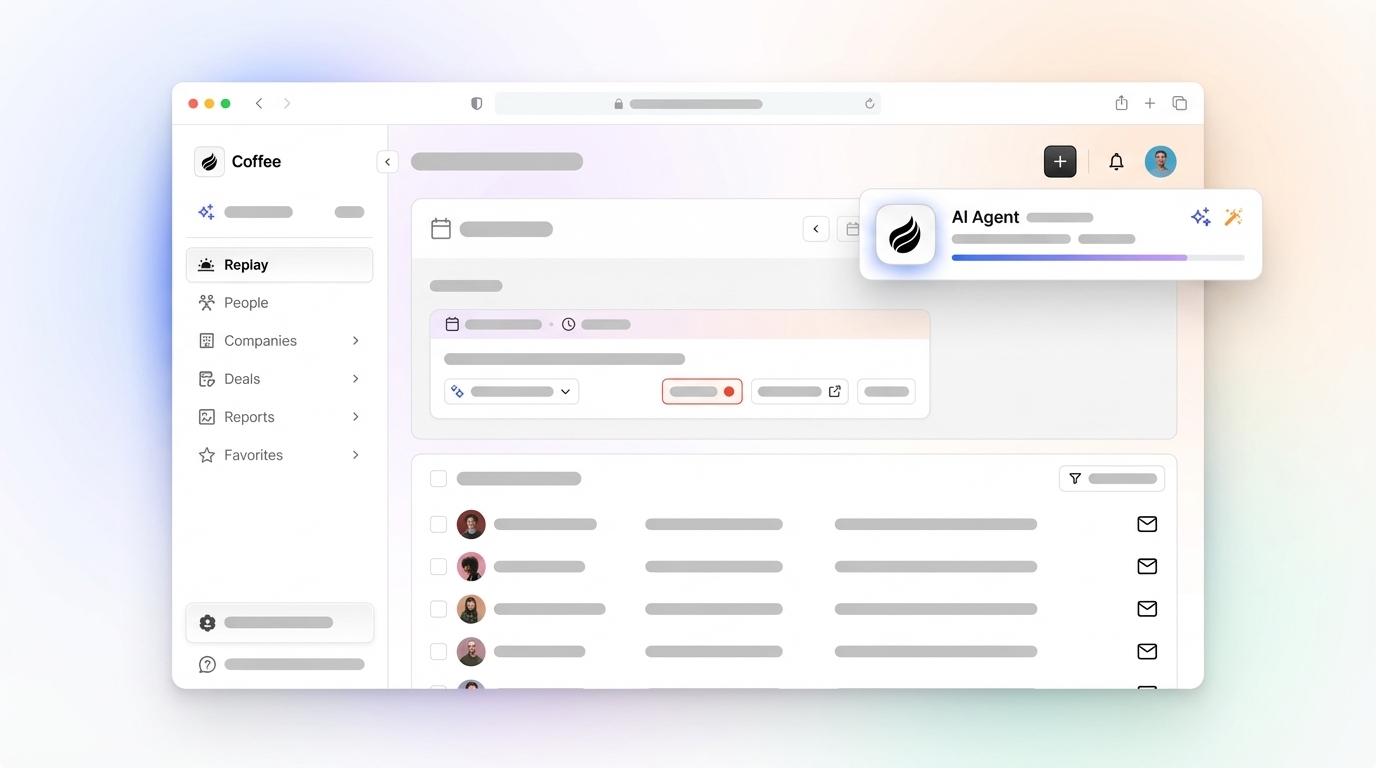
Strong pre-meeting preparation often determines the outcome of a sales conversation. A CRM agent can provide briefings on meeting attendees, their roles, and recent interaction history on a centralized Today page so sales reps join calls with clear context.

Capture Every Detail with AI Meeting Bots & Transcription
Complete conversation capture allows sales reps to focus on the discussion instead of on note-taking. A CRM agent joins video calls on platforms such as Zoom, Microsoft Teams, and Google Meet to record and transcribe key points so details are not lost.

Automate Post-Meeting Actions: Summaries & Follow-ups
Efficient post-meeting administration turns conversations into progress. A CRM agent generates concise summaries of discussions and next steps, then attaches them to the right CRM records to preserve institutional knowledge.
Automated follow-up support further reduces administrative work. The agent can draft follow-up emails for review inside your email client so sales reps maintain a personal tone while spending less time on manual writing.

Integrate Sales Methodologies for Consistent Qualification
Consistent qualification frameworks such as BANT, MEDDIC, or SPICED help teams evaluate deals in a structured way. A CRM agent can organize meeting notes and deal records to align with your chosen methodology so the right data enters the system every time.
Setup note: Confirm that your CRM agent has the required permissions for calendars and meeting platforms during onboarding. This access supports reliable automation and prevents gaps in data capture or meeting support.
Step 3: Gain Actionable Pipeline Intelligence Without Manual Reporting
Once your CRM agent captures complete data, pipeline visibility improves. With current information in place, the system can surface insights without manual spreadsheet work or extra reporting cycles.
Simplify Pipeline Reviews with Automated Comparison & Insights
Traditional pipeline reviews often stall because the underlying data is incomplete. A CRM agent can support more focused discussions by providing week-over-week pipeline comparisons through tools such as a Pipeline Compare view, highlighting deal movement, stalled opportunities, and new additions.
Build Targeted Prospect Lists with Natural Language Commands
List building becomes faster when sales reps can use natural language. With a List Builder feature, a CRM agent can accept commands such as Find VPs of Sales in North America at companies with 10 million dollars or more in funding that use Salesforce, then generate precise prospect lists based on integrated enrichment data.
Request access to Coffee’s platform to see how this workflow reduces manual list building and supports targeted outreach.

Coffee: An AI CRM Agent for Reduced Admin Workload
Coffee provides CRM automation in two formats. Teams can adopt it as an AI-first standalone CRM for small to mid-sized companies or use it as a companion app for existing Salesforce and HubSpot environments. In both cases, Coffee’s agent focuses on reducing manual CRM administration through intelligent automation.
Key Features of the Coffee CRM Agent:
- Eliminate manual data input. Coffee connects to Google Workspace or Microsoft 365 to create and enrich contacts, companies, and activities so records stay complete with minimal human input.
- Use an intelligent meeting assistant. Coffee provides pre-meeting briefings, records and transcribes calls, and generates post-meeting summaries with action items so sales reps can focus on the conversation.
- Gain accurate pipeline insights. Automated pipeline comparisons give real-time views of deal progression, supported by comprehensive underlying data.
- Consolidate your sales tools. Coffee covers functions that often require several separate tools, which can lower software cost and improve data consistency.
Coffee maintains SOC 2 Type 2 and GDPR compliance to protect sales data. Customer data does not train public models, and security controls focus on keeping data private.
See how Coffee works in your environment. Request a Coffee demo today.
AI CRM Agents vs. Traditional CRM: A Productivity Comparison
|
Feature |
Coffee AI Agent |
Traditional CRM (Manual Entry) |
|
Data Entry Effort |
Automated, minimal human input |
High, manual, time-consuming |
|
Data Quality |
High, consistent, enriched |
Variable, prone to human error |
|
Selling Time vs. Admin |
Maximized selling time |
Limited selling time, high admin |
|
Meeting Management |
Automated prep, summaries, notes |
Manual prep, note-taking, follow-ups |
|
Pipeline Visibility |
Real-time insights |
Often delayed, manual reporting |
|
Tool Consolidation |
Single platform for multiple tasks |
Fragmented, requires multiple tools |
Implementation Strategy: Maximizing Your CRM Agent’s Impact
Successful CRM agent implementation works best with a clear rollout plan. Start with high-impact areas such as data entry automation and meeting management to show early results.
- Change management. Explain expected time savings and data quality improvements to address concerns and encourage adoption.
- Training. Show sales reps how to use the agent as a productivity tool while keeping control over customer communication and decisions.
- Integration planning. Audit existing systems, define how the agent will connect, and set rules for how data flows between tools.
- Measurement. Track metrics such as administrative time saved, CRM data completeness, and forecast accuracy to show ROI and guide adjustments.
Security and Compliance Considerations
Enterprise-grade security is essential for AI agents that access sensitive data. Coffee maintains SOC 2 Type 2 compliance with comprehensive security controls. GDPR compliance supports proper data handling with consent management.
Data privacy is a priority because customer data is not used to train public models. Encryption protects data in transit and at rest.
Conclusion: AI CRM Agents Are Reducing Admin Workload
AI-powered CRM agents offer a practical response to administrative burden in sales. Coffee supports this approach by providing a standalone CRM option for growing companies and a companion application for Salesforce and HubSpot users. Its ability to centralize common sales workflows while maintaining security makes it a strong fit for teams that want to automate routine tasks.
Teams that adopt AI CRM agents report more time for selling and clearer pipeline visibility. Request a Coffee demo today to reduce admin workload and give your sales team better support.