
This article explains how AI-first CRM automation with a mobile companion app can improve sales productivity and data quality.
- Identify why traditional CRMs create administrative burden, low adoption, and incomplete data.
- Explain how AI-first automation and mobile workflows reduce manual data entry and context switching.
- Show how Coffee’s mobile companion app enhances existing Salesforce and HubSpot deployments.
- Outline practical benefits, including time savings, better forecasting, and lower tech-stack complexity.
- Answer common questions about compatibility, data accuracy, and implementation.
The Problem: Why Traditional CRM Fails Sales Teams
Traditional CRM design often misaligns with how sales teams work. Many systems still prioritize management reporting instead of day-to-day sales enablement.
Reduce Manual Data Entry to Improve CRM Adoption
Manual data entry remains one of the largest productivity drains for sales teams. After every customer call or meeting, representatives are expected to log notes, update opportunity fields, and maintain contact records.
This workload creates a cycle of low adoption and declining data quality. When CRM updates feel like administrative tasks that do not clearly support closing deals, sales reps focus on direct revenue activities instead. Over time, incomplete records, outdated information, and weak pipeline visibility erode the value of the CRM for both sales and leadership.
Unify Fragmented Platforms to Streamline Processes
Many sales organizations rely on a wide mix of tools to manage customer relationships. A typical tech stack may include a core CRM, separate systems for data enrichment, outreach automation, and conversation intelligence, along with additional reporting tools.
This fragmentation creates three main challenges:
- Context switching reduces productivity as reps move between apps, copy information, and attempt to keep data consistent.
- Data silos limit customer insight when interaction history and account context are spread across multiple systems.
- Platform sprawl increases cost and complexity, which can be especially difficult for small and mid-market teams with limited technical support.
Improve User Experience to Capture More Opportunities
User experience is another weak point in many traditional CRMs. Sales teams need fast access to account context and simple ways to capture updates in real time.
When interfaces are slow, cluttered, or desktop-only, reps delay updates or skip them entirely. That behavior leads to incomplete or stale information, which then reduces trust in the system and further lowers adoption. Over time, the CRM shifts from a shared source of truth to an unreliable database that misses key customer signals.
Request access to see how Coffee’s mobile companion app addresses these traditional CRM limitations.
The Solution: AI-First CRM Automation with a Mobile Companion App
AI-first CRM automation redefines how sales teams interact with customer data by focusing on automation, context, and usability. This approach targets the main causes of CRM underperformance: manual entry, delayed insights, and clunky workflows.
Instead of relying on representatives to type detailed updates after each interaction, AI systems can capture and structure data from email, calendar activity, and meeting recordings. This automation saves time and improves accuracy by reducing the chance of human error or omission.
A mobile companion app delivers this intelligence in interfaces designed for on-the-go use. Reps can review key details, capture notes, and update deals in a few taps. Together, automation and mobile access change CRM from a data entry obligation into a practical sales support tool.
How Coffee’s AI-First Mobile Companion App Works with Salesforce & HubSpot
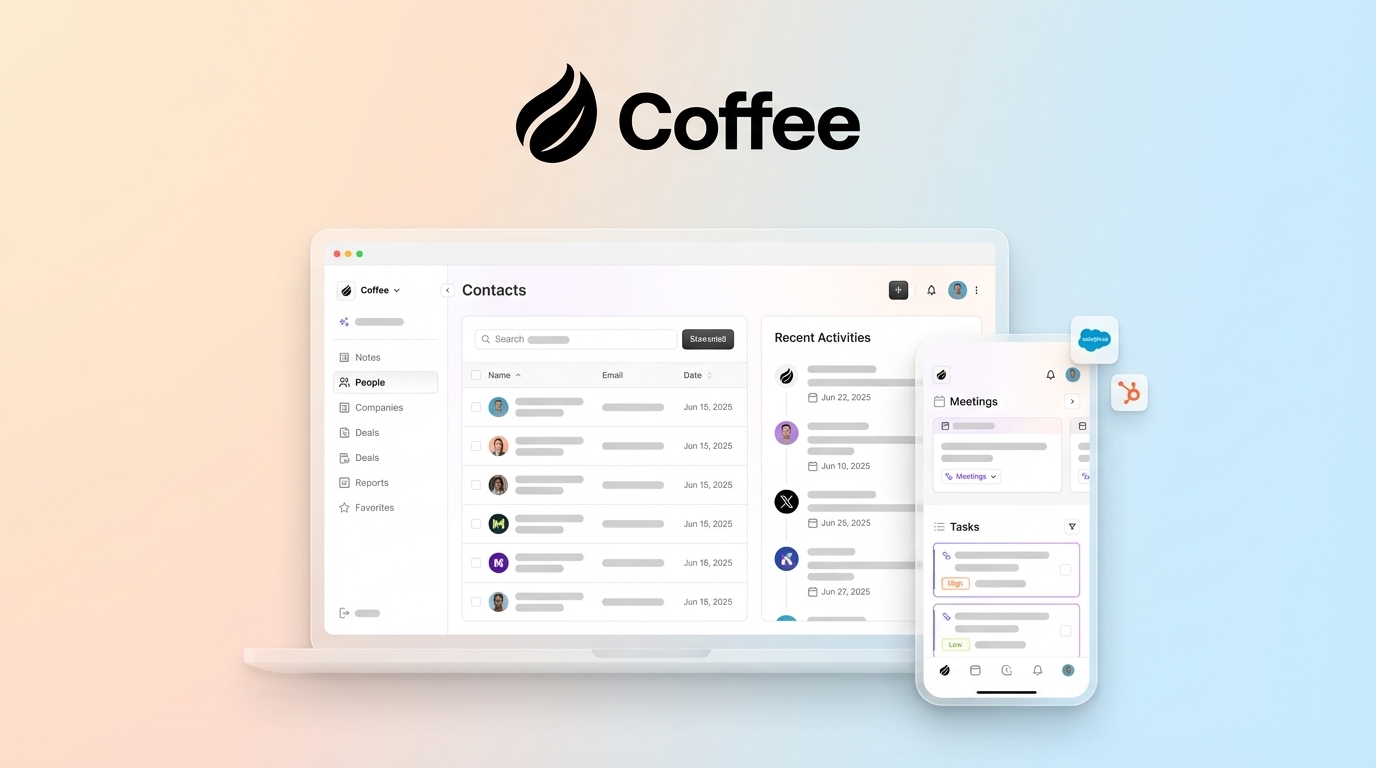
Coffee’s Companion App applies AI-first mobile CRM automation to existing Salesforce and HubSpot instances. Teams keep their current systems of record while adding automation that improves how information is captured, enriched, and used.
Coffee layers AI capabilities over Salesforce and HubSpot through direct integrations. The app reads and writes to existing objects, enriches records with additional context, and supports new workflows without forcing a migration or replacement project.
This approach addresses common pain points for heads of sales and revenue operations leaders:
- AI-powered automatic data entry and enrichment: Coffee scans emails and calendar invites to create and update contacts, company profiles, and activity logs. This reduces manual entry while keeping CRM data current. Licensed data partners provide enrichment such as job titles and company information, which strengthens targeting and reporting.
- AI-powered meeting management: Coffee supports the full meeting lifecycle. Before calls, the app provides briefings with attendee profiles, company details, and recent interactions. During meetings, an AI bot can join video calls to record and transcribe conversations. Afterward, the system produces summaries, identifies action items, and drafts follow-up emails for review.
- Real-time pipeline intelligence with a “Compare” feature: Coffee includes a built-in data warehouse that powers pipeline analysis. The Compare view allows users to examine pipeline changes over any time period with a single click, highlighting new opportunities, moved stages, closed deals, and stalled prospects. This improves pipeline reviews and forecasting discussions.
- Streamlined interaction for mobile and field sales teams: The mobile companion app presents focused views of accounts, opportunities, and tasks. Reps can capture notes, log activities, and update deal stages quickly, which helps keep CRM data accurate even when they are traveling or working between meetings.
Key Benefits of AI-Driven CRM Automation for Sales Teams
Integrating AI automation with a mobile companion app addresses core productivity challenges and changes how sales teams engage with customer data.
Reduce Manual Data Entry and Boost Productivity
AI automation takes on the repetitive data entry tasks that consume sales capacity. By capturing information from email, calendars, and meetings, Coffee reduces the time reps spend updating fields and logging activities.
Coffee estimates that this automation can save each representative 8–12 hours per week. That time can shift toward prospecting, customer conversations, and deal strategy rather than administrative work.
Gain Real-Time Insights for Proactive Engagement
AI-generated insights help sales teams prepare more effectively and stay ahead of customer needs. Before a meeting, Coffee briefings highlight who will attend, what matters to their organization, and recent interactions. Afterward, the system flags follow-ups and action items so next steps are clear.
This structure reduces delays between interactions, supports consistent outreach, and helps prevent deals from stalling due to missed communication.
Improve Data Quality and Drive CRM Adoption
Automated capture improves data quality by logging interactions as they occur. Email threads, calendar events, and meeting notes are written into the CRM with minimal manual effort.
As records become more complete and reliable, CRM value increases for both sales and leadership. Reps see more accurate timelines and context, while managers benefit from better forecasting and reporting. This positive feedback loop encourages higher adoption across the team.
Consolidate Your Sales Tech Stack and Reduce Costs
Coffee combines capabilities that often require separate tools. Data enrichment, pipeline analysis, meeting transcription, and activity logging are handled within one platform.
This consolidation reduces the number of vendor contracts, integrations, and data syncs that operations teams must manage. Fewer systems can lower direct software spend and decrease the risk of inconsistent or duplicated data.
Coffee’s AI-First Mobile Companion App vs. Traditional CRM: A Comparison
The contrast between AI-first mobile companion apps and traditional CRM systems becomes clear when you compare common workflows side by side.
|
Feature |
Traditional CRM |
Coffee’s Mobile Companion App |
|
Data Entry |
Manual, time-consuming |
Automatic, AI-driven |
|
Insights |
Limited, reactive |
Proactive, AI-generated |
|
Data Quality |
Often incomplete or outdated |
High, near real-time |
|
Sales Focus |
Heavy administrative burden |
Emphasis on customer engagement |
|
Integration |
Multiple tools that may be fragmented |
Integrated with Salesforce and HubSpot |
Frequently Asked Questions (FAQ)
How does an AI-first mobile companion app improve sales productivity?
An AI-first mobile companion app improves sales productivity by reducing manual administrative work. Coffee captures customer data from emails, calendars, and meeting recordings, then updates CRM records with minimal manual input. This shift allows sales reps to focus on customer engagement and deal progression, with an estimated time savings of 8–12 hours per week.
Can an AI-driven mobile app reduce manual data entry in my CRM?
AI-driven mobile apps like Coffee can significantly reduce manual data entry by automatically capturing and processing customer interaction data. The system connects to email platforms such as Google Workspace and Microsoft 365, scans communications, and updates CRM records in near real time, including enrichment and activity logging.
How does Coffee ensure data captured is accurate and relevant?
Coffee uses AI models that analyze context and validate information against licensed data providers to support data accuracy and relevance. The system is designed to focus on substantive business correspondence and exclude noise, which helps maintain reliable CRM data while limiting irrelevant records.
Is a mobile companion app compatible with existing Salesforce or HubSpot installations?
Coffee’s mobile companion app integrates with existing Salesforce and HubSpot instances through authentication-based connections. It syncs data bidirectionally and allows teams to control which insights are written back to the primary CRM. The platform is built to maintain SOC 2 Type 2 and GDPR compliance standards.
Conclusion: Make Your CRM an Asset with AI-Powered Automation
Sales organizations often struggle with the manual work and fragmented tools required to keep traditional CRM systems up to date. When platforms depend on intensive data entry and rely on multiple disconnected applications, they can slow teams down instead of supporting revenue growth.
Coffee’s mobile companion app adds AI-powered automation to existing Salesforce and HubSpot deployments. By reducing manual entry, simplifying meeting workflows, and improving data quality, the app helps sales organizations gain more value from their CRM and make better decisions based on current, reliable information.