
Last updated: January 26, 2026
Key Takeaways
- 71% of sales reps waste time on manual data entry. AI tools like Coffee automate this work and save 8-12 hours per week per rep.
- Leading Salesforce alternatives focus on AI automation, customer support integration, clear pricing, fast setup, and Salesforce compatibility.
- Coffee ranks as the #1 option with an autonomous AI agent for data entry, meeting orchestration, and interaction logging in a 5-minute setup.
- Other tools like HubSpot, Zoho, Creatio, and Freshworks add value but fall short of Coffee’s fully autonomous AI agent automation.
- Small businesses that switch to Coffee see 25% higher sales productivity. Get started with Coffee for hands-free CRM today.
What Small Teams Need From a Modern Salesforce Alternative
The strongest Salesforce alternatives for small businesses excel in a few specific areas. These areas directly affect daily sales productivity and adoption.
- AI Data Automation: Automated data entry can save sales reps 8-12 hours per week by removing manual contact creation, activity logging, and record updates.
- Customer Support Integration: Automatic logging of support interactions, consistent follow-ups, and a single view of every customer conversation.
- Transparent Pricing: Simple seat-based plans that avoid confusing tiers and unpredictable cost jumps.
- Rapid Setup: Deployment in days instead of months, with visible productivity gains right away.
- User Adoption: Interfaces that feel intuitive so reps actually use the system without constant reminders.
- Integration Ecosystem: Native connections to Google Workspace, Microsoft 365, and Zapier that support real workflow automation.
- Scalability: Room to grow without hitting architectural limits or needing a full rebuild.
- Security Compliance: SOC2 Type 2 certification that protects customer data at an enterprise level.
AI-powered CRM systems deliver a 25% increase in sales productivity and 30% reduction in customer acquisition costs, so automation now acts as the main differentiator. These criteria address the core reasons small businesses move away from Salesforce: high costs, complexity, and heavy manual maintenance. Discover Coffee’s automation edge and see how AI agents reshape CRM efficiency.
Top Modern Salesforce Alternatives Ranked
1. Coffee: AI-First CRM Alternative for Small Teams
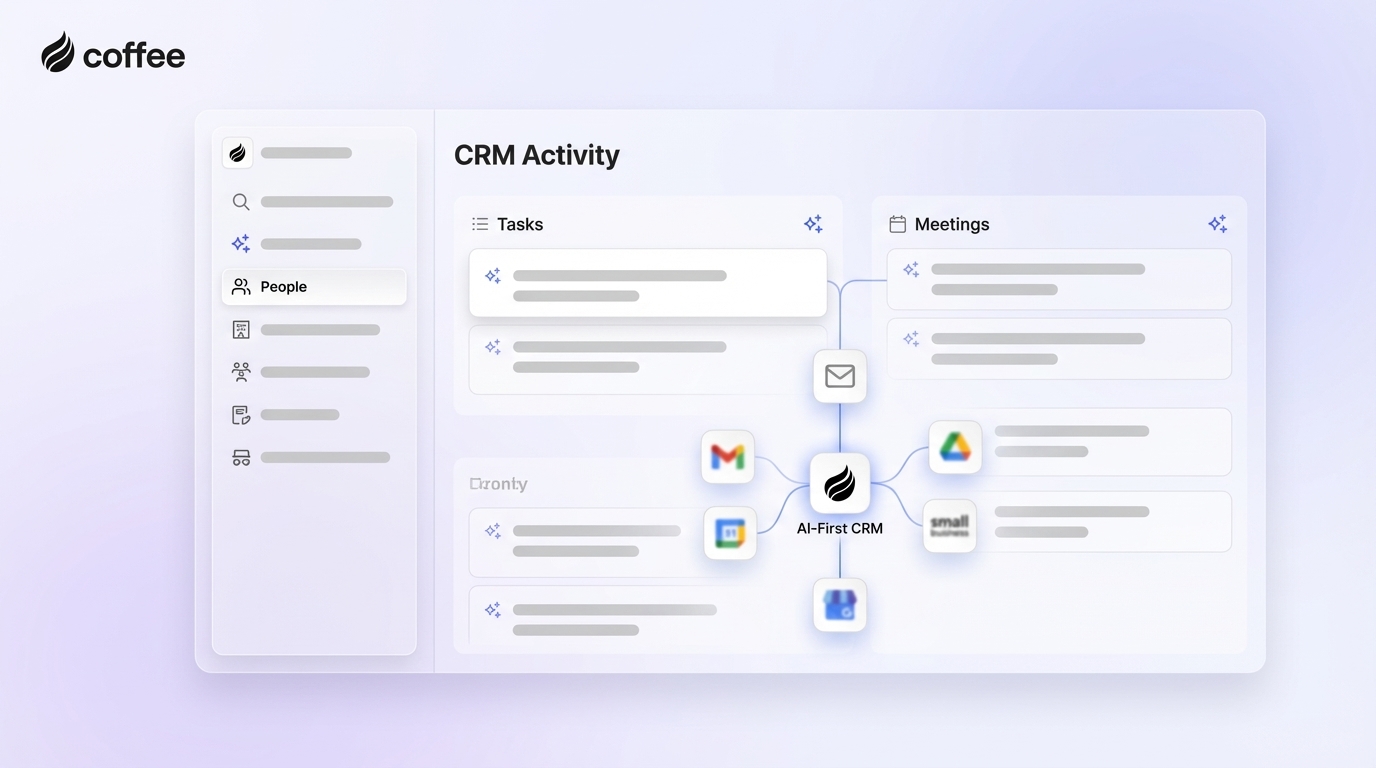
Overview: Coffee works as an autonomous AI agent that can serve as a standalone CRM for small businesses or as a companion app that upgrades existing Salesforce and HubSpot setups. Coffee does more than store data. It actively manages data entry, meeting orchestration, and interaction logging.
Key Strengths:
- Automatic interaction and email logging that keeps every touchpoint on record.
- AI-powered meeting management with briefings, real-time summaries, and automated follow-ups.
- Complete data entry automation that saves 8-12 hours each week for every rep.
- Pipeline intelligence with clear week-over-week change views.
- Unique Salesforce companion mode that supports gradual migration.
- SOC2 Type 2 compliance and Zapier integration for secure, connected workflows.
Limitations: The product roadmap still expands toward deeper native integrations beyond current Zapier connectivity.
Best For: Small businesses with 1-20 employees that want fast data quality improvements and automation without complex projects.

Pricing & Setup: Coffee uses simple seat-based pricing. Teams connect Google Workspace in about 5 minutes and start seeing productivity gains immediately.
Sales Fit: The AI agent orchestrates meetings, logs every interaction automatically, and maintains a complete communication history. Get started with Coffee for hands-free CRM management.

2. HubSpot CRM for Marketing-Led Teams
Overview: HubSpot offers a combined marketing, sales, and service platform with CRM at the center. Many small businesses choose it for the free tier and tight marketing integration.
Key Strengths:
- Free CRM tier that includes basic automation features.
- Built-in marketing and customer service tools in one system.
- Large third-party app marketplace.
- Robust reporting and analytics options.
Limitations: Reps still perform significant manual data entry. The platform lacks a true AI agent, and pricing rises quickly as teams add advanced features.
Best For: Small businesses that value marketing integration more than deep automation.
3. Zoho CRM for Existing Zoho Users
Overview: Zoho CRM ranks among the top CRM solutions in 2026 and connects tightly with the broader Zoho business suite.
Key Strengths:
- AI assistant Zia for predictive analytics and automation suggestions.
- Competitive pricing that works well for small businesses.
- Native integration with other Zoho products.
- Customizable workflows and rule-based automation.
Limitations: AI agent capabilities remain limited compared to Coffee. Complex automations still need manual setup and tuning.
Best For: Small businesses already invested in the Zoho ecosystem. Get started with Coffee for stronger AI automation.
4. Creatio for Low-Code Customization
Overview: Creatio appears as a Visionary in Gartner’s 2025 Sales Force Automation Platforms Report and focuses on low-code customization with AI features.
Key Strengths:
- Low-code platform that supports custom workflow design.
- AI-powered predictive analytics for sales and operations.
- Strong process automation capabilities.
- Industry-specific solutions for targeted use cases.
Limitations: Teams should expect configuration time. Autonomous agent functionality remains limited compared to Coffee.
Best For: Small businesses with technical resources that want highly tailored workflows.
5. Freshworks CRM for Communication-Heavy Teams
Overview: Freshworks ranks among leading CRM solutions and focuses on customer experience with integrated communication tools.
Key Strengths:
- Built-in phone, email, and chat capabilities.
- AI-powered lead scoring and insights.
- User-friendly interface that supports quick onboarding.
- Competitive pricing for small teams.
Limitations: AI agent automation remains less comprehensive than Coffee. Complex scenarios may still require manual data entry.
Best For: Small businesses that prioritize communication channels over advanced automation depth.
Side-by-Side Comparison of Coffee and Other CRMs
|
Feature |
Coffee |
HubSpot |
Zoho CRM |
Creatio |
|
Automation Depth |
AI agent-led, full automation |
Basic workflows, manual-heavy |
Rule-based automation |
Low-code automation |
|
Pricing Model |
Simple seat-based |
Tiered, escalates quickly |
Competitive tiers |
Custom pricing |
|
Interaction Logging |
Automatic logging and follow-ups |
Manual entry required |
Advanced logging features |
Customizable workflows |
|
Salesforce Compatibility |
Unique companion mode |
Integrates with Salesforce |
Integrates with Salesforce |
Integrates with Salesforce |
|
Setup Time |
5 minutes |
Days to weeks |
Days to weeks |
Weeks to months |
Coffee leads small businesses in AI automation depth and interaction logging. Forrester’s 2026 predictions highlight AI agents transforming enterprise software, which positions Coffee at the front of this shift while legacy systems struggle to keep pace. Compare Coffee hands-free automation with traditional manual workflows.
Why Coffee Stands Out for Small Business CRM
Coffee fixes core problems in traditional CRM by using an autonomous AI agent architecture. Competing tools still depend on manual data entry and complex setup projects. Coffee’s agent automatically captures interactions, logs support communications, and orchestrates meeting workflows.

The dual-model approach gives teams flexibility. Businesses can run Coffee as a standalone CRM or as a Salesforce companion that supports gradual change instead of a hard cutover.
Organizations that deploy AI-powered CRM see 21-30% revenue increases through better data quality and automated processes. Coffee’s SOC2 Type 2 compliance and Zapier integration provide enterprise-grade security and broad workflow connectivity. Get started with Coffee to experience autonomous CRM management.
How to Implement Coffee and Avoid Common Pitfalls
Coffee Implementation Steps:
- Connect Google Workspace or Microsoft 365, which usually takes about 5 minutes.
- Allow the AI agent to begin populating contacts and companies from existing email and calendar data.
- Authenticate your Salesforce instance if you plan to use companion mode.
- Set meeting preferences and define workflow automation settings.

Common Pitfalls to Avoid:
- Skipping data migration planning when moving from an existing CRM.
- Underestimating user training needs for traditional CRM alternatives.
- Ignoring the need for clear automation rules and approval processes.
Coffee’s agent-led model removes most implementation complexity by handling data discovery and suggesting intelligent workflows. Start Coffee trial to see seamless CRM automation in action.
FAQ
What is the best Salesforce alternative for automated data entry?
Coffee’s AI agent delivers the most complete automated data entry experience. It creates contacts and companies from email and calendar data and logs every interaction without manual work. Traditional CRMs rely on human data entry. Coffee’s agent keeps data consistent and accurate while saving 8-12 hours per week for each sales rep.
Can AI effectively handle customer support logging in CRM systems?
AI agents like Coffee can fully automate customer support logging. The system captures email interactions, meeting notes, and follow-up activities. It maintains a complete communication history and generates summaries and action items automatically, so no support interaction slips through while reps focus on relationships.
How does Coffee compare to Salesforce for small business needs?
Coffee outperforms Salesforce for small businesses through autonomous automation, clear pricing, and fast implementation. Salesforce often requires heavy manual maintenance and complex configuration. Coffee’s AI agent manages data entry, meeting orchestration, and support logging automatically. Companion mode also supports a gradual Salesforce migration without workflow disruption.
Why are small businesses leaving Salesforce in 2026?
Small businesses leave Salesforce because of high costs, complexity, and constant manual maintenance. The platform’s 25-year legacy architecture struggles with modern AI integration. Teams end up serving the software instead of serving customers. Economic pressure and AI alternatives with stronger automation at lower cost speed up this shift.
Which CRM offers the best meeting automation features?
Coffee leads meeting automation with AI-powered briefings, real-time transcription, automatic summaries, and follow-up email drafts. The agent joins calls across Zoom, Teams, and Meet. It then feeds meeting intelligence into customer support workflows and pipeline management.

Conclusion: Coffee as Your AI Co-Pilot for CRM
Coffee turns CRM from a manual chore into an intelligent co-pilot that handles data entry, customer support logging, and meeting orchestration automatically. Traditional alternatives still demand manual upkeep and complex setup. Coffee’s AI agent delivers fast productivity gains through autonomous workflow management.
Start free Coffee trial today and get started with Coffee to experience the next generation of AI-powered customer relationship management.