Written by: Doug Camplejohn, CEO & Co-Founder, Coffee | Last updated: January 6, 2026
Key takeaways
- Manual data entry limits the accuracy, adoption, and strategic value of Salesforce reports and dashboards.
- AI agents that capture and enrich activity data automatically create cleaner pipelines and more reliable forecasts.
- Data quality, clear ownership, and integration planning determine how quickly an organization can benefit from AI-powered reporting.
- Coffee’s Companion App automates data capture, enrichment, and meeting insights to support more consistent Salesforce reporting.
- Teams can cut manual CRM work and improve Salesforce insights by deploying Coffee. Get started with Coffee.
The Limits of Traditional Salesforce Reporting & Dashboards
The Strategic Imperative: Why Manual Data Entry Fails Businesses
Manual data entry creates the main bottleneck in traditional Salesforce reporting and weakens strategic decisions. Sales reps spend large portions of their week updating records, and market data shared by Coffee shows that 71% of reps feel they spend too much time on this work, with only 35% of their time going to selling.
Poor data quality increases forecasting errors, hides opportunities, wastes sales capacity, and discourages CRM use. When sales teams treat data entry as a burden, the foundation of the reporting infrastructure becomes unstable.
The “Junk In, Junk Out” Trap: A Cycle of Misinformation
Even highly customizable Salesforce dashboards lose value when they rest on incomplete or inaccurate data. Manual updates often produce inconsistent formats, missing activities, and outdated records, which makes analytics unreliable. Leadership then bases decisions on flawed insights, and confidence in Salesforce reports continues to decline.
Fragmented Tool Sprawl & Low User Adoption
Sales teams often rely on several disconnected tools for enrichment and engagement, which creates data silos and prevents unified reporting. This fragmentation forces manual exports and imports, encourages shadow CRMs such as spreadsheets, and keeps official dashboards out of sync with day-to-day activity.
The Evolution of Reporting: From Static to Agentic AI within Salesforce
Understanding Agentic AI and Its Impact on Data Quality
AI now enables a shift from passive software to active agents that perform work on behalf of users. Coffee’s Companion App focuses on the long-standing “garbage in, garbage out” problem by automating data capture and improving Salesforce data quality for reporting and dashboards.
Get started with Coffee to see how AI agents automate reporting workflows and improve visibility for your team.
Strategic Considerations for Implementing AI-Enhanced Salesforce Reporting & Dashboards
Data Quality as the Foundation for AI at Scale
High-quality data forms the base for AI at scale. Teams that automate data collection and standardization gain more reliable insights from AI-powered reporting. Without that foundation, advanced analytics will continue to reflect existing data issues.
Build vs. Buy: Integrating AI Solutions with Salesforce
Organizations must decide whether to rely on native Salesforce AI capabilities or add specialized third-party tools. A purpose-built solution, such as Coffee’s Companion App, supplies focused agent capabilities while honoring current Salesforce investments and addressing data quality problems directly at the source.
Democratizing Data & Ensuring Organizational Enablement
Successful AI implementation makes insights available across roles, not only in operations or leadership teams. Positioning AI as support for human work, where agents handle data preparation, and people focus on interpretation and action, increases adoption and trust in Salesforce data.
Coffee’s Companion App: The AI-First Approach to Salesforce Reporting
Solving the Data Entry Challenge with Intelligent Agents
Coffee’s Companion App targets the root problem in Salesforce reporting, manual data entry. The Coffee agent runs on top of the existing Salesforce instance and captures activities automatically, so sales reps can keep working in email and calendar without changing their behavior.
The agent handles data entry, enrichment, and activity logging end to end, which produces a clean, consistent dataset for Salesforce reports and dashboards.

Key Features for Enhanced Reporting & Dashboards
- Automatic data entry and enrichment: Coffee’s agent creates contacts and companies from email and calendar interactions, enriches records with details such as job titles and LinkedIn profiles, and logs activities without manual input. This process reduces data gaps and inconsistencies that limit traditional reporting.
- AI-powered meeting management: The agent generates summaries, extracts action items, and structures notes using frameworks such as BANT and MEDDIC. This qualitative information flows into Salesforce and supports deeper reporting on deal health and next steps.
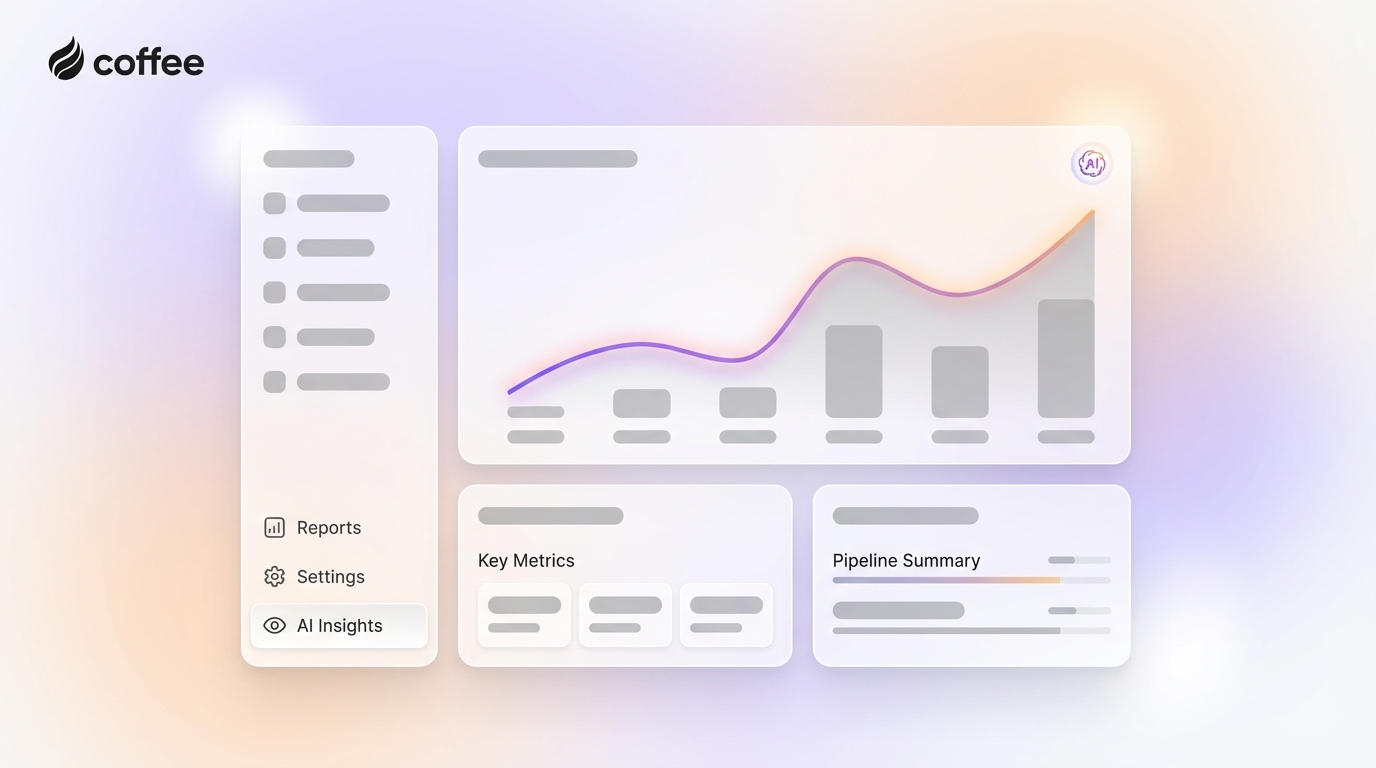
- Pipeline intelligence and compare feature: With historical data stored in a built-in data warehouse, Coffee enables views such as Pipeline Compare. This feature shows week-over-week changes, highlights progressed deals, and flags stalled opportunities, so pipeline reviews become focused working sessions instead of manual status checks.

Get started with Coffee to improve Salesforce reporting quality and support more accurate decisions.
Assessing Your Readiness for AI-Powered Reporting in Salesforce
Key Stakeholders for Successful Adoption
AI-powered reporting works best when technical and business stakeholders align around shared goals. Heads of Sales champion the outcomes, RevOps teams coordinate implementation and process design, and CRM administrators manage integration and configuration. Clear ownership for data quality, adoption, and training keeps the rollout on track.
Current State Analysis & Reporting Maturity Model
Organizations gain clarity by assessing their current position across data quality, user adoption, reporting sophistication, and integration complexity. This assessment helps prioritize improvements, define milestones, and move from manual, spreadsheet-driven reporting toward agent-supported, insight-driven dashboards.
Conclusion: Maximize Salesforce ROI with Strategic, AI-Powered Reporting
Manual data entry for reporting creates a competitive disadvantage. Organizations that adopt an AI-first approach with tools like Coffee’s Companion App replace incomplete information with accurate, timely data and gain more value from existing Salesforce investments.
The move from manual to agent-supported insights changes how teams use Salesforce data for advantage. By implementing Coffee’s AI-powered approach, your team can make faster, better-informed decisions based on a clear view of pipeline health and activity.
Get started with Coffee to reduce manual CRM work and improve Salesforce reporting.
|
Feature / Characteristic |
Traditional Salesforce Reporting |
AI-Powered Salesforce Reporting (Coffee’s Companion App) |
|
Data Quality |
Often poor, reliant on manual entry |
High, automated data entry and enrichment by AI agent |
|
Data Entry Method |
Manual, time-consuming |
Automated, agent-driven from communications |
|
Insight Depth |
Basic, reactive, static |
Dynamic, proactive, strategic, historical view (Pipeline Compare) |
|
Time on Data Prep |
A significant portion of the analyst’s time |
Minimal, AI agent handles prep and frees time for analysis |
|
Decision-Making Speed |
Slower, based on potentially incomplete data |
Faster, based on real-time, comprehensive insights |
Frequently Asked Questions (FAQ) About AI-Powered Salesforce Reporting
How does Coffee’s Companion App ensure better data quality for my Salesforce reports than traditional methods?
Coffee’s agent automates data entry and enrichment by connecting to email and calendar, so every interaction appears on the correct record in Salesforce. This automation reduces human error, closes data gaps, and produces cleaner datasets for reports and dashboards.
Can AI-driven reporting transform our pipeline reviews and forecasting?
With high-quality data input from Coffee’s agent, features like Pipeline Compare visualize week-over-week changes, highlight progressed, stalled, or new opportunities, and support more accurate forecasting with less manual preparation.

Is our Salesforce data secure with an AI Companion App like Coffee’s?
Coffee maintains enterprise-grade security with SOC 2 Type 2 and GDPR compliance. Data collected by the agent does not train public models, so your information remains private and secure.
How does Coffee’s Companion App move us beyond just “customizable” reports to strategic reporting?
Salesforce offers extensive customization, but strategic reporting depends on reliable, consistent data. Coffee’s agent improves data quality and powers capabilities such as Pipeline Intelligence, which helps Salesforce operate as a practical business intelligence layer for revenue teams.
What benefits can we expect from implementing AI-powered reporting with Coffee’s Companion App?
Coffee’s agent typically saves sales representatives 8 to 12 hours each week on manual data entry while improving forecasting accuracy and pipeline visibility. The combination of time savings and higher-quality data supports stronger planning and more confident decision-making.