
Key Takeaways
- Manual data entry and incomplete records limit the effectiveness of HubSpot’s native workflows and weaken pipeline visibility.
- HubSpot workflows work well for predictable, rule-based processes, but complex data capture and enrichment usually require extra tools or technical resources.
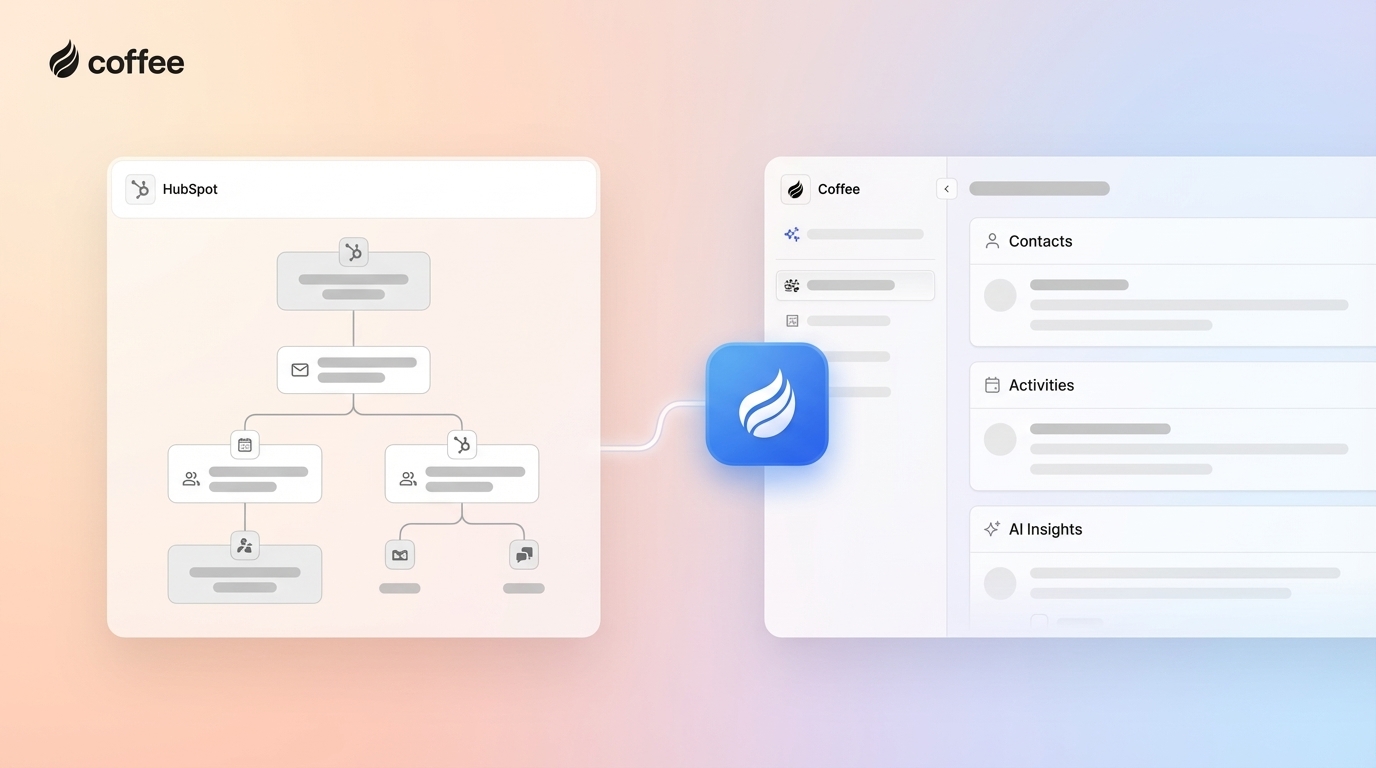
- Coffee’s Companion App adds an AI agent that automates data capture, enrichment, meeting documentation, and pipeline tracking inside HubSpot.
- Teams that adopt agent-driven automation typically improve CRM adoption, data quality, and forecasting accuracy while reducing administrative work for reps.
- Coffee helps HubSpot users unlock agent-driven automation with fast setup and minimal maintenance. Get started with Coffee to extend your HubSpot automation in 2026.
The Limits of Customizable Workflows in HubSpot: Why Native Is Not Enough
Manual data entry slows most sales teams and adds friction across the sales process. Reps spend time logging calls, updating fields, and creating records instead of selling, which often leads to low CRM adoption and inconsistent data.
HubSpot workflows automate actions such as lead scoring and status updates, yet they still depend on accurate data that someone has to enter first. Any gaps create bottlenecks in your sales process and reduce confidence in pipeline forecasts.
Manual processes and basic automation rarely keep up with complex data needs. Incomplete or inconsistent records lead to unreliable forecasts, missed follow-ups, and managers who spend more time checking data quality than coaching the team.
Teams that want to remove manual data entry as a bottleneck can add an automation layer on top of HubSpot. Get started with Coffee to pair HubSpot with an AI agent that handles CRM admin work.
HubSpot’s Native Customizable Workflows: A Foundational Automation Tool
HubSpot workflows provide basic CRM automation for routine, rule-based tasks. They work best when the required data already exists in your CRM, and the process follows clear if-then logic.
Core Capabilities of HubSpot Workflows
HubSpot workflows support several standard automation actions that help structure simple processes:
- Delay steps to space out actions over time
- If/then branches to route contacts down different paths
- Communications such as internal notifications and marketing emails
- CRM property updates on contacts, companies, or deals
- Marketing list management based on behavior or attributes
- Connected app actions that trigger activity in integrated tools
Typical use cases include updating properties when forms are submitted, assigning leads to sales reps by territory, and sending follow-up emails when contacts reach specific lifecycle stages. These workflows serve teams with straightforward, predictable processes and reliable underlying data.
Expanding Automation with Programmable Workflows
HubSpot also offers programmable automation using JavaScript or Python. This option enables more advanced tasks such as ERP integrations, custom enrichment, or complex lead routing logic.
These programmable workflows require engineering support and ongoing maintenance. Many sales and marketing teams lack direct access to this level of technical expertise, so ambitious automation projects often stall or remain fragile when processes change.
Coffee’s Companion App: The AI Agent for Intelligent HubSpot Automation
Coffee’s Companion App adds an AI agent that operates inside your HubSpot environment. The agent automates data capture, enrichment, meeting documentation, and pipeline analysis so reps can focus on selling instead of manual CRM updates.
Agent-Driven Data Capture and Enrichment
The Coffee Agent scans connected email and calendar accounts to create and update contacts and companies. Every interaction links to the right records, which closes the gaps that usually appear when reps must log activities by hand.
Built-in enrichment adds details such as job titles, funding information, and LinkedIn profiles from licensed data partners. The agent continues to update these details over time, which keeps your records current without separate enrichment tools or frequent manual cleanup.
AI-Powered Meeting Management
Coffee’s AI Meeting Bot joins calls to record, transcribe, and summarize conversations, then syncs structured notes back to HubSpot. Meeting details become searchable CRM data instead of scattered notes or missing context.
After each call, the agent can produce summaries, highlight action items, and draft follow-up emails for the rep to review and send. This workflow turns unstructured meeting conversations into consistent, trackable action inside HubSpot.

Intelligent Pipeline Accuracy and Insights
The Pipeline Compare feature tracks week-over-week changes in your sales pipeline and shows which deals progressed, stalled, or entered the funnel. Because the Coffee Agent logs activities automatically, these views rely on timely, accurate data.
Consistent activity capture supports better forecasts and cleaner pipeline reviews. Leaders can focus on coaching strategy instead of investigating missing calls, emails, or meeting notes.

Improving Rep Experience and Operational Efficiency
Coffee turns HubSpot into a practical co-pilot for sales reps. Automated data entry and meeting documentation typically save reps 8 to 12 hours per week that would otherwise go to administrative work.
The Coffee platform consolidates functions that often require separate tools, including enrichment, call recording, and pipeline analysis. This consolidation simplifies the tech stack and can reduce overall tooling costs.

Teams that want HubSpot to feel helpful instead of burdensome can extend it with Coffee. Get started with Coffee to give reps an AI assistant that keeps CRM data current.
Head-to-Head: HubSpot Workflows vs. Coffee’s Companion App
This comparison shows how HubSpot’s rule-based workflows differ from Coffee’s agent-driven automation for common sales operations needs.
|
Feature/Capability |
HubSpot Native Workflows |
Coffee’s Companion App |
|
Data Entry and Capture |
Triggers based on existing CRM data and form submissions |
Agent-driven capture from email, calendar, and transcripts with automatic contact and company creation |
|
Data Enrichment |
Often depends on separate enrichment tools or custom integrations |
Built-in enrichment for company and contact details through licensed data partners |
|
Pipeline Accuracy |
Forecasts depend on how consistently reps log activities |
Agent logs activities and surfaces pipeline changes for more reliable forecasts |
|
Meeting Management |
Basic scheduling and reminder workflows |
AI Meeting Bot records, transcribes, summarizes calls, and drafts follow-up emails |
Real-World Scenarios: Choosing the Right HubSpot Automation Partner
When HubSpot’s Native Workflows Are Enough
HubSpot workflows serve teams that run simple sales cycles and do not struggle with manual data entry. A small marketing-led team focused on email campaigns, basic lead scoring, and standard lifecycle updates can often rely on HubSpot alone.
Organizations with limited enrichment needs and enough administrative support to keep records accurate can manage with existing workflow features and occasional manual cleanup.
When Coffee’s Companion App Is the Strategic Upgrade
Coffee fits teams that feel ongoing pain from low CRM adoption, missing activity data, or poor pipeline visibility. Leaders who see inconsistent logging of emails, calls, or meetings in HubSpot usually benefit from an agent that handles this work automatically.
Sales teams that want to stay on HubSpot but operate with increasing volume and complexity can use Coffee as an automated workforce that improves data accuracy and frees reps from repetitive tasks.
Beyond Features: Total Value of Ownership with Coffee’s Agent-Driven Approach
Long-term value depends on ease of setup, adoption, and data quality, not only on feature lists.
- Implementation and integration: Coffee connects to your existing HubSpot instance through simple authentication and typically needs minimal technical setup.
- Training and adoption: Coffee reduces the number of steps reps must take in HubSpot, which lowers training time and encourages consistent CRM use.
- Maintenance and data quality: The agent continuously enriches and updates records, which reduces the need for manual data hygiene projects.
- Scalability and cost consolidation: As your team grows, Coffee scales with additional automated tasks and can replace point solutions for enrichment, recording, and analysis.
Guided Decision Framework: Your Path to Smarter HubSpot Automation
Teams that only need basic lifecycle automation and email journeys can continue with native HubSpot workflows. Teams that want hands-free data capture, stronger pipeline accuracy, and detailed meeting records usually need an AI agent alongside those workflows.
The core decision is whether your reps should keep serving the CRM through manual updates or whether an AI agent should handle most of that administrative work. Get started with Coffee to upgrade HubSpot with agent-driven automation in 2026.
Frequently Asked Questions
How does Coffee ensure data security with my HubSpot instance?
Coffee follows enterprise-grade security standards, including SOC 2 Type 2 and GDPR compliance. Customer data remains private and is not used to train public models. The agent operates through secure authentication with HubSpot, so data handling aligns with strict security requirements.
How does Coffee improve HubSpot CRM adoption among sales reps?
Coffee removes much of the administrative work that usually drives resistance to CRM tools. Automated data entry, interaction logging, and meeting documentation save reps several hours per week, which makes HubSpot feel like a support tool instead of an obligation.
What kind of businesses benefit most from Coffee’s Companion App for HubSpot?
Small to mid-market companies that rely on HubSpot and run active sales motions benefit most. These organizations often have growing teams, limited operations staff, and recurring issues with incomplete data or missed follow-ups.
How quickly can Coffee integrate with an existing HubSpot setup?
Coffee connects to HubSpot through a short authentication flow. After setup, the agent begins scanning connected email and calendar systems and starts creating, enriching, and linking records so teams can see value quickly without complex implementation work.
Conclusion: Unlock the Full Potential of HubSpot with Coffee’s AI Agent
HubSpot’s native workflows handle structured, rule-based automation but still depend on manual data entry and ongoing discipline from reps. That structure helps with basic processes but often falls short for teams that need accurate, real-time context on every account and opportunity.
Coffee’s Companion App adds an AI agent that automates capture, enrichment, and analysis across emails, calendars, and meetings. Cleaner inputs lead to more reliable forecasts and give sales teams more time to focus on conversations that move deals forward.
Teams that want HubSpot to support selling instead of data entry can add Coffee as an automation layer. Get started with Coffee’s Companion App to extend your HubSpot automation with an AI agent in 2026.