Written by: Doug Camplejohn, CEO & Co-Founder, Coffee
The CRM market is undergoing a significant transformation, driven by the evolving needs of sales teams and the rapid advancement of technology. For decades, platforms like Salesforce have dominated the landscape, offering extensive customization options that allow businesses to tailor systems to their unique processes. However, this flexibility often comes with steep learning curves, high costs, and persistent maintenance challenges that can frustrate sales reps and drain resources. At the same time, a new wave of AI-first CRMs is emerging, prioritizing intuitive design and intelligent automation to simplify customization while delivering actionable value. This shift is reshaping how sales leaders and RevOps professionals approach technology, pushing them to weigh the practicality of modern tools against the entrenched, yet cumbersome, traditional systems. Navigating this choice is crucial, as the right CRM can streamline operations and boost productivity, while the wrong one risks becoming an obstacle to growth.
Why Customization Matters for Sales Success
Customization remains a critical factor in CRM effectiveness. Sales teams operate with diverse strategies, from BANT qualification to MEDDIC frameworks, and their tools must align with these methods to support efficiency. A well-customized CRM helps map out customer journeys, organize data specific to market needs, and streamline workflows that match a team’s daily rhythm.
Yet, traditional systems often turn customization into a burden. Many sales leaders encounter platforms that demand heavy technical input, create fragmented data sets, and require constant upkeep. These issues slow down adaptation to market shifts and frustrate sales reps who spend more time navigating interfaces than closing deals. The goal is clear: find a system that bends to your needs without breaking under complexity.
Explore how a modern take on customization can simplify your sales process. Request access to Coffee and see a different approach to CRM flexibility.
How to Evaluate CRM Customization Options
Choosing a CRM with effective customization requires a focus on practical benchmarks. These criteria help separate platforms that offer real adaptability from those that bog down teams with unnecessary hurdles.
User-Friendly Setup: Can your team adjust fields and workflows without needing a developer? Modern platforms often feature no-code tools that let RevOps staff handle changes directly, while older systems may rely on coding or external help, delaying progress.
Adaptability to Change: As sales strategies shift, your CRM should keep pace. Look for systems that allow quick updates to processes and reporting without requiring major overhauls, ensuring your team stays nimble.
Data Handling Capacity: Sales today involves both structured data, like contact details, and unstructured inputs, like email threads. Platforms that manage both types effectively provide deeper insights through integrated analysis.
AI-Enhanced Features: Beyond basic automation, AI can simplify repetitive tasks and offer tailored recommendations, cutting down on manual setup while boosting efficiency.
Long-Term Cost Impact: Factor in ongoing expenses like maintenance, training, and updates. Customization should add value without creating a cycle of hidden costs or technical issues over time.
Salesforce Customization: Strengths and Limitations
Salesforce has built a reputation as a leading CRM, largely due to its wide-ranging customization options. With tools like Apex code, custom objects, and a vast app marketplace, it allows businesses to mold the platform to intricate needs. Large enterprises with dedicated IT teams often find this level of control useful for complex operations.
However, this depth comes with notable drawbacks. Customization frequently demands technical skills, pushing companies to hire consultants or maintain in-house developers for even moderate changes. Over time, tailored setups can become hard to manage, especially when platform updates disrupt custom code. Additionally, its core database structure struggles to process unstructured data in real time, limiting AI potential. For sales reps, the resulting systems can feel clunky, reducing adoption and shifting focus away from selling.
AI-First CRMs: A Smarter Approach to Customization
AI-first CRMs mark a departure from traditional models by embedding intelligence into customization. These platforms adapt to user patterns and business demands, reducing the need for manual configuration while maintaining flexibility.
- Automated Workflows: AI streamlines tasks like logging activities or summarizing meetings, adjusting processes based on real usage data rather than preset rules.
- Accessible Tools: Non-technical users, such as sales managers, can tweak settings through intuitive dashboards, cutting reliance on IT support.
- Comprehensive Data Support: Built to handle diverse data types, these systems enable richer analysis by connecting emails, calls, and structured records seamlessly.
- Automatic Updates: Many AI platforms enrich data in the background, keeping records current without extra configuration work.
See how AI-driven customization can improve your sales operations. Request access to Coffee and test features crafted for today’s sales challenges.
Comparing Customization: Salesforce vs. AI-First CRMs Like Coffee
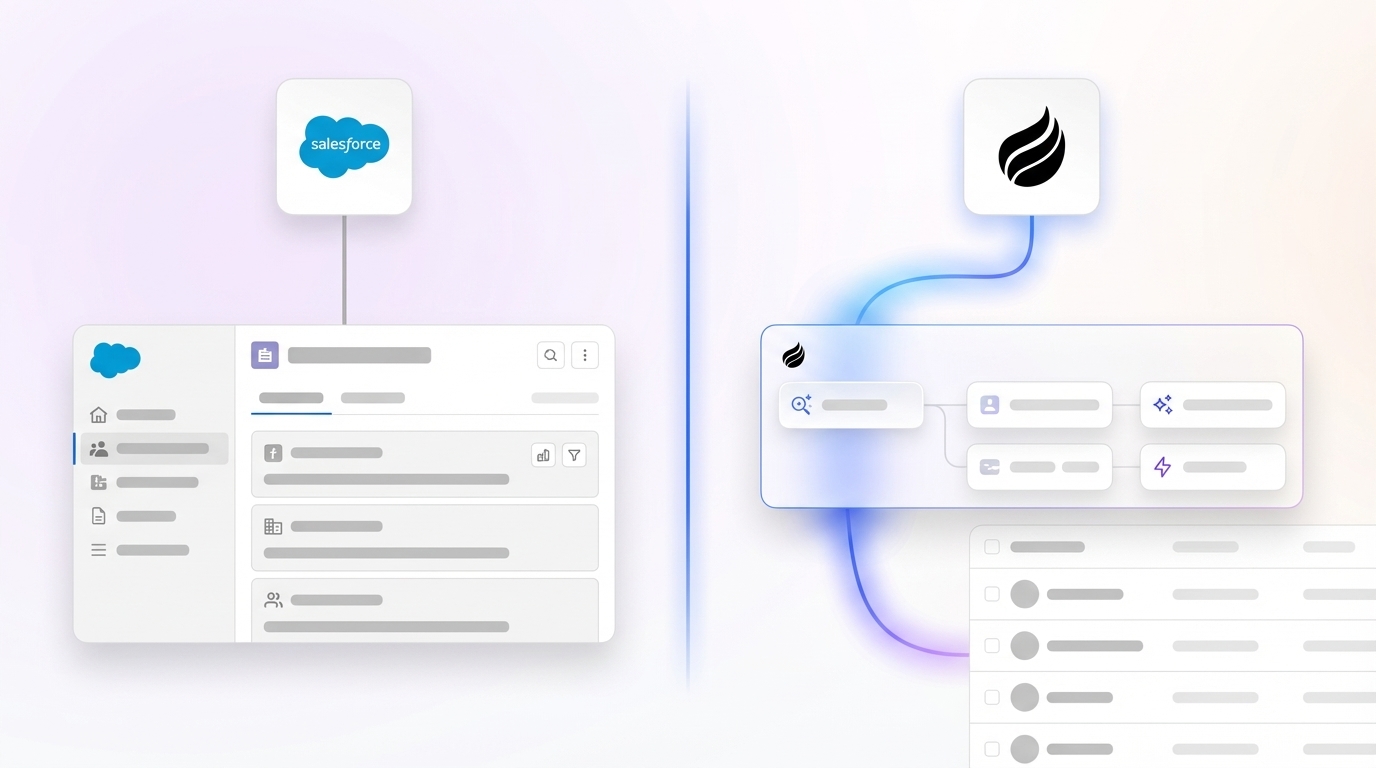
The contrast between traditional and AI-first CRMs becomes clear when looking at core customization elements. This comparison highlights how each handles key aspects of adaptability.
| Feature | Salesforce (Traditional) | AI-First CRMs (Coffee) |
|---|---|---|
| Setup Ease | Needs coding for complex changes, basic edits via clicks | User-friendly tools allow business staff to make updates directly |
| Data Flexibility | Struggles with unstructured data, limited real-time analysis | Supports all data types for comprehensive, immediate insights |
| Process Automation | Relies on manually defined rules for each case | AI handles tasks like data entry dynamically |
| User Interface | Can be inconsistent, needs work to personalize | Focuses on simplicity tailored to sales needs |
As a leading example of AI-first innovation, Coffee offers customization that prioritizes efficiency and ease. Whether used as a standalone CRM or a companion to existing systems, it integrates intelligent automation to support sales workflows. For instance, if your team uses the MEDDIC approach, Coffee automatically organizes meeting notes and reports to match this framework, saving time and ensuring consistency without manual setup.

Total Cost Benefits of AI-Driven Customization
Evaluating CRM customization goes beyond upfront expenses. The long-term value hinges on how much a system saves in effort and resources while supporting growth.
- Lower Maintenance Needs: AI platforms often automate upkeep tasks, reducing the need for constant admin oversight compared to traditional setups.
- Quick Strategy Shifts: Adapting to new sales tactics is faster with tools that don’t require lengthy redevelopment, giving teams an edge.
- Better Rep Engagement: Systems that are easy to use encourage consistent adoption, leading to more accurate data and stronger insights.
- Future-Ready Design: Modern architectures integrate new AI advancements more smoothly, avoiding the obsolescence risks of older systems.
Want to cut the overhead of complex CRM setups while gaining smart features? Request access to Coffee and learn how it balances cost and performance for sales teams.
Common Questions About AI CRM Customization
Does Coffee Work with Existing Salesforce Setups?
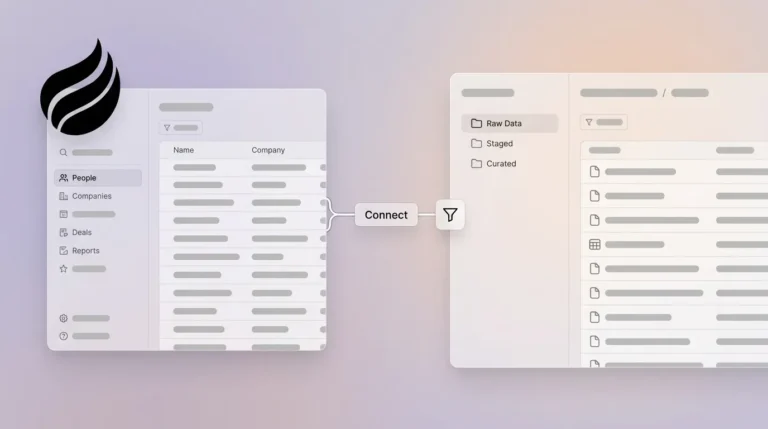
Coffee’s Companion App connects directly with your current Salesforce environment. It adds a layer of AI automation and insights while preserving your workflows, letting you decide how data integrates back into your main system.
How Does Coffee’s AI Compare to Salesforce Personalization?
Salesforce personalization often requires significant effort and ongoing tweaks to maintain. Coffee, on the other hand, uses AI to automate data handling and deliver insights like meeting summaries naturally, incorporating varied data types more effectively than many traditional setups.
Is Coffee Customizable by Non-Technical Staff?
Yes, Coffee is designed for sales and RevOps leaders to manage directly. Its straightforward interface contrasts with older CRMs that often need specialized skills for adjustments, ensuring quicker implementation of changes.
Does Customization Affect Coffee’s Performance?
No, Coffee’s structure supports scalability. Its data warehouse design maintains performance even with custom features, handling historical and real-time data without slowing down operations.
How Soon Can Coffee Deliver Results?
Once linked to tools like Google Workspace or Microsoft 365, Coffee starts enriching data and generating insights within hours. Features like methodology alignment activate immediately, unlike traditional CRMs that may take weeks to configure.
Moving Forward with Smarter CRM Customization
Sales teams today face a pivotal decision in how they customize their CRM. Traditional platforms, while robust, often lead to systems that are hard to sustain and underused by reps. AI-first solutions address these challenges by combining adaptability with simplicity, setting a new standard for what customization can achieve.
Coffee stands out within this trend, providing both standalone and complementary options that bring intelligent automation to any sales environment. It reflects a broader movement toward tools that prioritize user needs and efficiency over technical complexity. By adopting such platforms, organizations can respond faster to market demands, improve rep productivity, and leverage data for smarter decisions.
Take the next step toward a more effective CRM experience. Request access to Coffee and see firsthand how AI-driven customization can redefine your sales process.