Written by: Doug Camplejohn, CEO & Co-Founder, Coffee | Last updated: September 15, 2026
Key Takeaways
- Documenting the MEDDPICC Paper Process improves forecast accuracy, prevents late close-date changes, and keeps CRM records deal-review-ready.
- Map every gate from verbal yes to signed contract, assign named owners, reverse-engineer timelines, and tag each entry as confirmed fact or seller assumption.
- Use a 15-field CRM schema covering contacts, paper type, approval thresholds, document sequence, target and actual dates, blockers, evidence tags, and next actions.
- Common pitfalls such as late security reviews, customer-paper mismatches, and unknown procurement thresholds cause most enterprise deal slips.
- Coffee’s AI agent auto-populates and maintains Paper Process fields from email and calendar data so your CRM stays current without manual entry; see Coffee in action.
What The Paper Process Covers In MEDDPICC
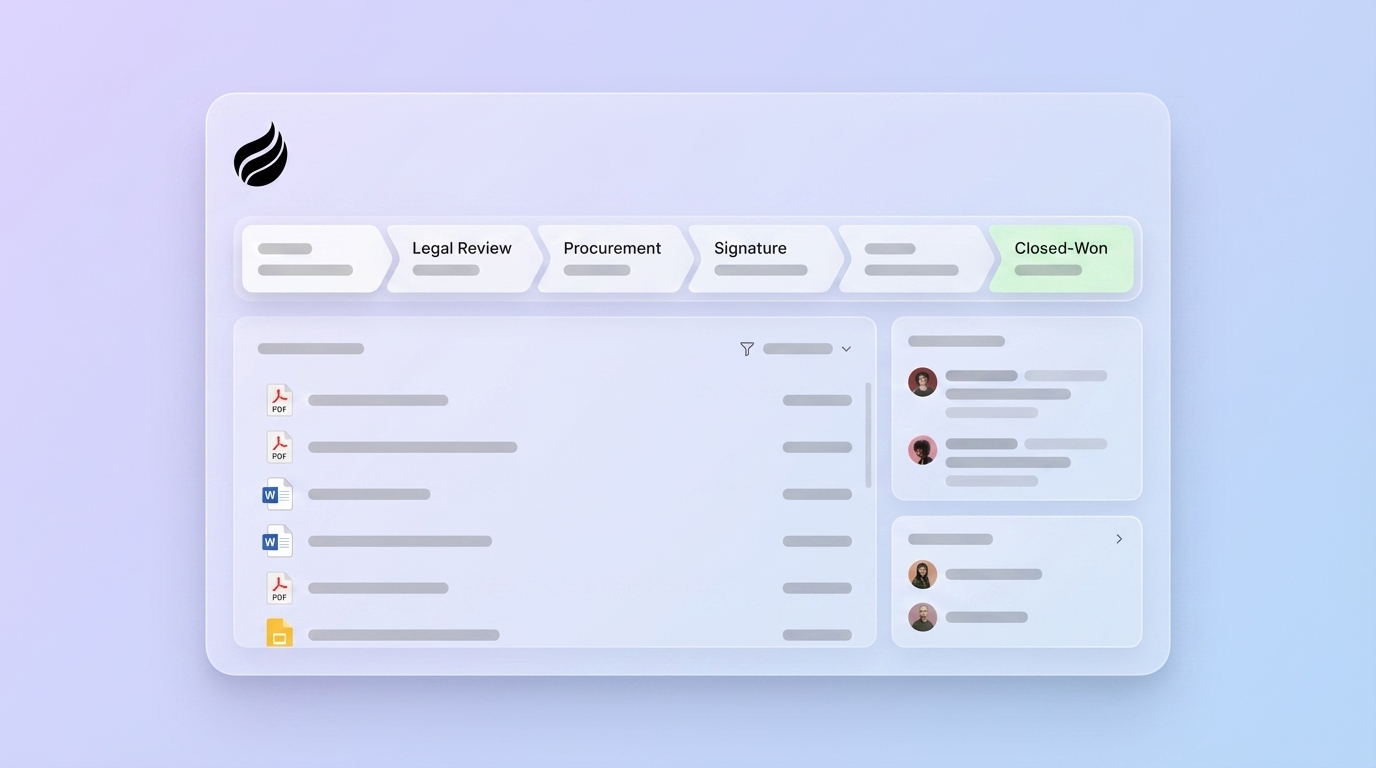
The Paper Process is the path from a verbal decision to a signed contract and collected payment. It covers every document, approval gate, and signature the buyer must complete before the deal is legally executed. MEDDICC Ltd’s official definition describes it as “the series of steps that follow the Decision Process in how you will go from Decision to signature,” covering security review, legal redlines, privacy assessment, procurement, vendor onboarding, and countersignature.
Enterprise Paper Processes typically include NDA, MSA, DPA, SOW, PO, W-9, insurance certificate, security questionnaire, and vendor onboarding forms. Enterprise procurement can add up to 20 weeks of delay between verbal commitment and signed contract, broken down as security review (2–6 weeks), legal redlines (2–8 weeks), and procurement approval (2–6 weeks).
One distinction matters for deal reviews. MEDDIC treats paper as a single letter with no named sub-components. MEDDPICC elevates it to a named, inspectable pillar with its own owner, sequence, and evidence standard. For a full side-by-side breakdown of the two frameworks, see Coffee’s MEDDIC vs. MEDDPICC comparison. For a definition of every MEDDPICC component, see What Does MEDDPICC Stand For?
How To Document The MEDDPICC Paper Process
Knowing what the Paper Process covers is only half the job. The harder part is capturing it in a form a manager can inspect. The following seven-step sequence produces a CRM record that is deal-review-ready at every stage of the Paper Process.
- Map Every Milestone From Verbal Yes To Signed Contract And Cash. List every gate in order: NDA, MSA redlines, DPA, security questionnaire, SOW, vendor onboarding forms (W-9, insurance certificate), PO issuance, and countersignature. Each category has a queue and an owner. For each gate, name the owner, because a gate without a named owner is an unqualified step that rests on assumption.
- Assign A Named Owner To Each Gate On Both Sides. A vague status such as “Legal is reviewing” does not qualify the gate. A qualified gate names the attorney, the GRC analyst, and the procurement lead by name, title, and expected response time.
- Reverse-Engineer Timelines From The Target Close Date. If the enterprise paper process runs sequentially, it takes 68–137 days. Running the same gates in parallel from week one reduces it to 28–30 days. Count backward from the go-live date and check whether the math still works based on the buyer’s real review windows.
- Centralize All Fields In The CRM. A Paper Process that lives in a rep’s notebook or a shared Google Doc remains invisible to the forecast. Every gate, owner, date, and blocker belongs in a named CRM field that managers can inspect without asking the rep to reconstruct it from memory.
- Co-Create A Mutual Action Plan With A Confirmed Go-Live Date. A mutual close plan is a shared roadmap built by seller and buyer together, starting from the customer’s target start date and working backward to set clear dates for every stage of the deal. A plan the buyer has not confirmed remains a seller assumption rather than a mutual commitment.
- Tag Every Entry As Confirmed Fact Or Seller Assumption. A field is confirmed when the customer has stated it in writing or on a recorded call. It is assumed when the rep has inferred it from context or past experience. Every assumption introduces forecast risk until the buyer confirms it.
- Set The Next Action With A Date And Owner. The next action must be buyer-owned or jointly owned to move the Paper Process forward. Name the action, the owner, and the date it happens so the record shows a clear path to the next gate.
The Paper Process CRM Field Schema
This schema gives you a copy-paste-ready structure for Salesforce or HubSpot. Each field has a clear purpose tied to forecast accuracy.
- Commercial Owner. The buyer-side contact who owns the commercial relationship and pricing negotiation. Without this name, commercial stalls lack an escalation path.
- Customer Legal Contact. The named attorney or legal ops person reviewing your paper. Without a name, legal review remains a black box with no escalation path.
- Customer Security Contact. The named InfoSec or GRC analyst running the review. In enterprise deals above $200K ACV, the CISO often has informal veto power over vendor selection even when not formally part of the buying committee.
- Procurement Contact. The named buyer-side procurement lead managing vendor onboarding. Procurement operates on its own quarterly cadence and must engage before the verbal yes to avoid late surprises.
- Executive Signatory. The person who actually signs the contract and the dollar threshold for their authority. Approval authority matrices define signing authority by dollar thresholds: department manager up to $10K, director $10K–$100K, VP $100K–$500K, SVP $500K–$1M, and C-suite or board for $1M+.
- Paper Type. Customer paper or vendor paper. Customer paper means the buyer’s legal team controls the redline process, which averages 16–48 business days of legal review compared to 3–6 days on standard vendor paper.
- Approval Threshold. The dollar amount that triggers CFO, board, or committee approval. Without this threshold, the rep cannot predict whether the deal requires an additional approval gate.
- Document Sequence. The ordered list of gates from NDA through countersignature. The sequence clarifies which gates can run in parallel and which depend on earlier steps.
- Target Date Per Gate. The planned date for each gate, reverse-engineered from the go-live date. This field captures the realistic plan rather than a hope.
- Actual Date Per Gate. The actual completion date for each gate. When actual dates diverge from target dates, the close date must move or the rep must define a recovery plan.
- Known Blockers. Each named obstacle with an owner and resolution date. A blocker without an owner represents an unresolved risk rather than a plan.
- Evidence Tag. The label that marks each field as confirmed or assumed. This tag forces the rep to separate what they know from what they believe.
- Next Action. The single next step that moves the deal forward. Limiting this field to one action keeps the plan focused.
- Next Action Owner. The person who owns that next step. Buyer-owned actions provide stronger forecast signals than seller-owned actions.
- Next Action Date. The date the next action happens. A dated next step turns intent into a concrete commitment.
MEDDPICC Paper Process Example: Weak Vs. Strong Entry
The difference between a forecast and a guess often comes down to how a single CRM field is filled in. The table below shows the same Paper Process fields written two ways: a weak entry that would pass a cursory review, and a strong entry that would survive a CRO deal review.
| Field | Weak Entry | Strong Entry |
|---|---|---|
| Legal Contact | Legal team | Sarah Okonkwo, Senior Counsel, Legal Ops |
| Paper Type | Their contract | Customer MSA — buyer’s paper, full redline process |
| Sequence Position | In review | Step 3 of 6 — MSA redlines; DPA and PO remain |
| Target Date | End of month | October 3 — reverse-engineered from November 1 go-live |
| Risk Flag | (blank) | AMBER — security review not yet scheduled; InfoSec contact unconfirmed |
| Evidence Tag | (blank) | Confirmed — MSA receipt acknowledged via email dated September 10 |
| Next Action | Follow up with legal | Schedule InfoSec kickoff call with buyer’s GRC team |
| Next Action Owner | AE | Champion (Marcus Webb) to introduce AE to InfoSec lead |
| Next Action Date | Soon | September 19 |
The weak entry would pass a cursory pipeline review. The strong entry would survive a deal review with the CRO, a forecast call with finance, and a handoff to a new AE if the rep left the company tomorrow.
Fact Vs. Assumption Tagging
Every Paper Process field in the CRM should carry one of two evidence tags: confirmed or assumed. A field is confirmed when the customer has stated the information in writing or on a recorded call; it is assumed when the rep has inferred it from context or past experience.
Assumptions create forecast slippage because they hide risk. A rep who assumes the customer’s legal team will accept vendor paper has not qualified the Paper Type field. They have filled it with a belief. When the customer’s legal team insists on their own MSA six weeks later, the close date moves, the forecast changes, and the deal that sat in commit shifts into best case.
Tagging drives a behavioral change. The rep cannot mark a field as confirmed until they have evidence. That discipline converts the CRM from a record of what the rep believes into a record of what the buyer has said. Economic Buyer and Paper Process carry a veto in MEDDPICC deal reviews: either pillar scoring below a confirmed evidence level late in the cycle should push the close date out, whatever the other six pillars say.
Consider a concrete example. A rep assumed the customer’s legal team would accept vendor paper because the deal was under $100K and the champion said legal was “pretty straightforward.” The customer’s procurement policy required customer paper for all SaaS contracts above $25K. The deal spent six additional weeks in legal redlines. That single assumption cost a quarter.
Common Pitfalls That Stall Enterprise Deals
Four Paper Process failures account for most deals that push into the next quarter after a verbal yes. These failures often trace back to weak tagging and incomplete schema fields.
Security Review Starting After PO Issuance. A risk-led vendor onboarding process runs security, privacy, and compliance checks before the contract is executed, rather than after. Many enterprise buyers do not start the security review until procurement has issued a PO, so the security queue begins only after legal finishes. This sequential process adds weeks the seller never planned for.
Customer Paper Vs. Vendor Paper Mismatches. As the Paper Type field notes, customer paper averages 16 business days of legal review and can stretch to 48. A rep who does not know which paper type applies cannot forecast that duration with any confidence.
Vendor Onboarding Requirements The Rep Missed. A complete vendor onboarding checklist includes W-9 or W-8 tax forms, a certificate of insurance naming the buyer as additional insured, a SOC 2 Type II report within the last 12 months, a signed DPA, and a current sub-processor list. Each missing document restarts part of the onboarding queue and stretches the timeline.
Unknown Procurement Sign-Off Thresholds. A deal the champion describes as “straightforward” may cross a dollar threshold that routes it to a CFO, a budget committee, or a quarterly board meeting. Deals above $250,000 — and any deal touching core infrastructure — often require board or executive committee sign-off, with timelines set by quarterly board meeting schedules, so missing a board meeting by one week can slip the deal a full quarter.
How Coffee’s Agent Auto-Populates Paper Process Fields
Each of these pitfalls shares a common root: the Paper Process record goes stale between pipeline reviews, and the rep has no reliable way to keep it current. Coffee’s AI agent, available as a standalone CRM or as a companion app on top of Salesforce and HubSpot, reads email and calendar data to auto-populate Paper Process fields, tag evidence, and flag when a gate date slips. The agent removes the manual entry loop that causes Paper Process fields to age out.
When a customer email confirms that the MSA has been sent to their legal team, Coffee’s agent automatically updates the Paper Type field to customer MSA, sets the Target Date for the legal review gate based on the timeline discussed in the thread, and tags the Evidence field as confirmed with the email date. The CRM record reflects the deal state within minutes of the email arriving, with no manual entry or post-call update session required.
The agent also monitors gate dates against the calendar. When a target date passes without a confirmed completion event, Coffee flags the gate as slipped and surfaces it in the pipeline view so the manager sees the risk before the forecast call. Every field update carries an audit trail showing which email or calendar event produced the change. The same evidence-tagging discipline the rep would apply manually now runs automatically at scale.
Coffee is SOC 2 Type 2 and GDPR compliant. Customer data is not used to train public models. For teams already running Salesforce or HubSpot, Coffee connects to HubSpot via a simple sign-in and automatically enriches HubSpot Contacts and Companies with data like job titles and firmographics, pushing new Contacts and Companies created in Coffee AI back to HubSpot without replacing the existing CRM.
See Coffee auto-populate your Paper Process fields from live email and calendar data.
FAQ
What Is The Difference Between MEDDIC And MEDDPICC Paper Process?
MEDDIC is a six-pillar qualification framework that includes Metrics, Economic Buyer, Decision Criteria, Decision Process, Identify Pain, and Champion. It does not include a dedicated Paper Process component. MEDDPICC adds two pillars, Paper Process and Competition, to the original framework. The Paper Process pillar most often moves a deal into the next quarter because it covers the administrative route from a verbal decision to a signed contract, a stretch that MEDDIC treats as part of the Decision Process rather than as a separately inspectable component.
What Is A MEDDPICC Paper Process Template?
A MEDDPICC Paper Process template is a standardized set of CRM fields and milestone definitions that a rep completes for every enterprise deal to document the path from verbal yes to signed contract. A complete template includes the 15 fields described in the CRM field schema above: commercial owner, legal contact, security contact, procurement contact, executive signatory, paper type, approval threshold, document sequence, target and actual dates per gate, known blockers, evidence tags, and next action fields. The template functions as a living CRM record that updates as each gate is completed or slips.
Who Owns Procurement In MEDDPICC?
Procurement ownership in MEDDPICC sits with the named buyer-side procurement lead, a specific person rather than a department. The rep’s job is to discover that person’s name, their role in the vendor onboarding process, and the specific requirements they enforce, such as competitive quote requirements, vendor registration portals, and insurance certificate thresholds. The champion typically facilitates the introduction, but the rep must own the relationship with procurement directly.
How Long Does The Paper Process Take In Enterprise Deals?
The duration depends on whether the gates run sequentially or in parallel and on which paper type governs the deal. As noted earlier, running these gates sequentially takes 68 to 137 days, while running them in parallel compresses the timeline to 28 to 30 days. Median B2B contract legal review takes 14 to 28 business days from first submission to final execution, though first-pass review of a standard MSA is often faster. Security reviews add 2 to 8 weeks depending on the buyer’s internal process and the completeness of the vendor’s documentation package. The strongest compression lever available to the seller is starting Paper Process discovery before the verbal yes.
Conclusion
Documenting the MEDDPICC Paper Process for enterprise deals strengthens forecast accuracy. The CRM record becomes the artifact that determines whether a deal survives a manager review, a quarter-end call, or a handoff to a new rep.
The seven-step documentation sequence, the 15-field CRM schema, the fact-versus-assumption tagging discipline, and the completeness checklist in this guide give any enterprise AE, sales manager, or RevOps lead a practical framework for Paper Process records that hold up under inspection. The remaining variable is whether those records stay current between pipeline reviews, and Coffee’s AI agent solves that problem automatically from email and calendar data.
Explore how Coffee keeps your MEDDPICC Paper Process fields deal-review-ready, automatically.