Written by: Doug Camplejohn, CEO & Co-Founder, Coffee | Last updated: July 19, 2026
Key Takeaways for 2026 Sales Teams
- Enterprise CRMs fit complex, multi-stakeholder sales motions with long cycles. SMB CRMs focus on quick setup and simplicity for smaller teams.
- Meaningful differences show up in sales cycle length, stakeholder count, data entry effort, meeting orchestration, and total cost of ownership.
- Coffee Agent automates data capture, meeting orchestration, pipeline intelligence, and visitor identification so sales reps avoid repetitive admin work.
- Teams using Coffee save 8–12 hours per week on admin tasks while staying SOC 2 Type 2 and GDPR compliant without heavy customization.
- Choose Coffee to accelerate your sales pipeline and keep data accurate at scale. See Coffee pricing and plans today.
Side-by-Side Comparison: Enterprise CRM vs SMB CRM vs Coffee Agent
The table below shows how Coffee Agent combines enterprise-grade depth with SMB-level speed by automating the manual work that slows both approaches.
| Criterion | Enterprise CRM | SMB CRM | Coffee Agent |
|---|---|---|---|
| Sales cycle length | 90–180+ days | 14–30 days | Accelerates any segment via automated follow-up and pipeline intelligence |
| Stakeholders | 11–13 stakeholders | 1–3 stakeholders (3–5 for some ACV) | Meeting orchestration maps all stakeholders automatically |
| Automatic data entry | Manual, relies on rep discipline | Manual, relies on rep discipline | Fully automated from email, calendar, and call transcripts |
| Meeting orchestration | Add-on tools required | Limited or absent | Built-in briefings, summaries, and follow-up drafts |
| Pipeline intelligence | Requires BI add-ons or CSV exports | Basic dashboards | Automated week-over-week pipeline compare, no spreadsheets |
| Visitor identification | Separate tool required | Not available | Built-in pixel, surfaces named individuals and suggested leads |
| Customization | Extensive, requires developers | Template-based | Agent-configured, no legacy overhead |
| Security and compliance | SOC 2, GDPR, and advanced standards | Encryption, 2FA, GDPR, CCPA, HIPAA, SOC 2, ISO 27001 | SOC 2 Type 2, GDPR, standalone and companion deployments |
| Integration depth | Custom APIs, ERP, HRIS, iPaaS | Pre-built connectors for key apps | Google Workspace, Microsoft 365, Salesforce, HubSpot sync |
| Reporting and forecasting | Powerful but dependent on data quality | Basic, limited accuracy | Good data in, good data out, agent-ensured accuracy |
| User adoption | Low, complex UX, long training | Moderate, simpler UX | High, agent handles the busywork reps resent |
| Implementation time | 6–12 months | 4+ weeks | Hours for standalone, simple auth for companion |
| Total cost of ownership | High for large teams | $5,000–$15,000 year one for 10-person teams | Seat-based, unlimited agent labor included |
Deploy Coffee as a standalone CRM or companion layer on your existing Salesforce or HubSpot instance.
Sales Cycle Length and Complexity
2026 B2B SaaS benchmarks show overall median sales cycles of about 84 days, with SMB deals under about $10K–15K ACV typically closing in 14–30 days and enterprise deals above $50K–100K ACV taking 90–180+ days. B2B SaaS sales cycles have lengthened 22% since 2022, including for enterprise deals over $100K ACV.
Strategic deals above $500K ACV now routinely take 9–12+ month cycles (270–365+ days) as the baseline. Win rates drop from 47% to 21% on B2B deals that extend past 50 days, so deal velocity directly affects revenue rather than serving as a vanity metric.
Coffee’s agent-led approach compresses cycle length by automating follow-up task creation within minutes of each call. It removes the lag between conversation and CRM action that stalls deals at every segment. Cycle length tells only part of the story, though, because deal complexity also depends on how many stakeholders take part in each decision.

Number of Stakeholders and Buying Committees
The typical enterprise B2B buying decision now includes 11–13 internal stakeholders, and 78% of enterprise software purchases are preceded by some form of proof of concept or pilot program. Enterprise B2B deals typically involve 6 to 10 stakeholders, and deals with five or more stakeholder threads close 6 times more often than single-threaded deals (30% vs 5%).
SMB deals usually involve far fewer people. Benchmarks show 1–3 stakeholders for most SMB deals, with a 3–5 range for $5–25K ACV deals, and these motions use simpler purchasing processes and contract negotiation.
Multi-threading deals by engaging multiple stakeholders raises win rates by 130% on opportunities above $50K ACV. Coffee’s meeting orchestration automatically maps attendees, roles, and past context before every call, and its pipeline intelligence flags single-threaded deals before they stall.

Data Capture and Maintenance Effort
B2B sales reps spend an average of 11.5 hours per week on CRM input. Sales teams spend roughly 70% of their time on non-selling activities such as admin, data entry, and internal meetings.
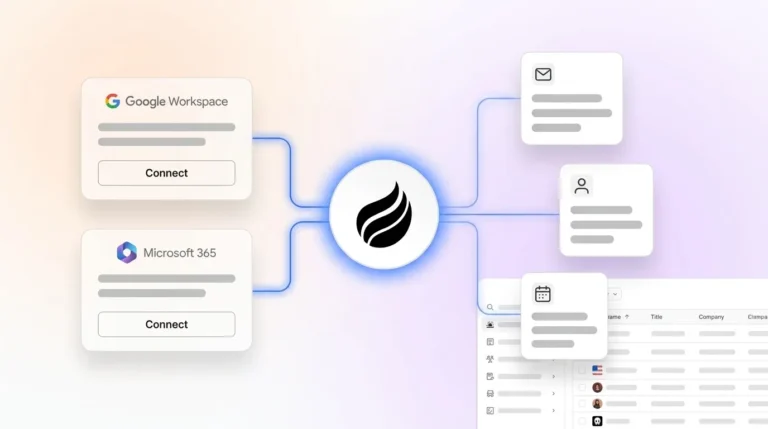
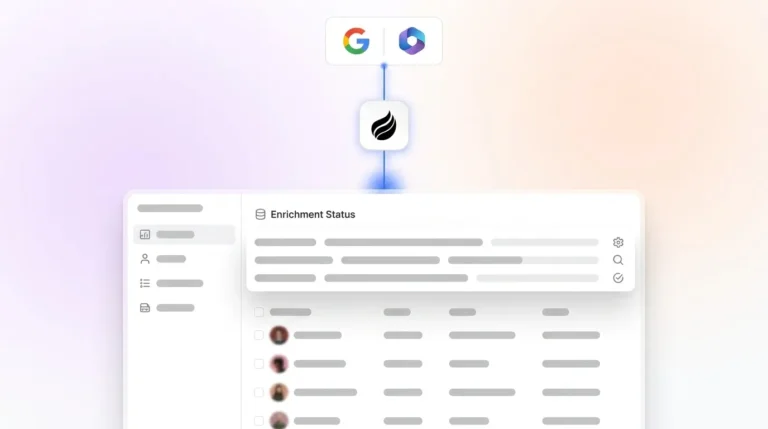
Coffee’s agent removes this burden. After connecting to Google Workspace or Microsoft 365, it auto-creates contacts, logs activity, enriches records with job titles and LinkedIn profiles, and generates post-call summaries, saving reps the hours mentioned earlier without a single manual entry.

Reclaim those 8–12 hours per week and redirect them from data entry back to selling.
Customization vs Speed Trade-offs
Enterprise CRMs enable extensive customization through custom code and APIs, but require the multi-month implementation timelines shown in the comparison above, involving project managers, developers, data migration, and user acceptance testing. SMB CRMs typically launch in the 4+ week range even with template-based customization.
Small businesses often use only a portion of the features in enterprise CRM platforms. Unused features create visual clutter, increase training time, and reduce adoption as salespeople stop logging calls when workflows feel too complex.
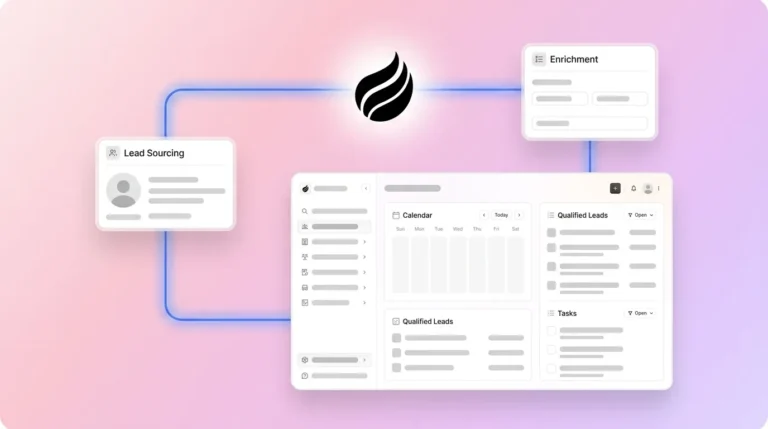
Coffee delivers both depth and speed. Its agent configures itself from your existing email and calendar data, supports BANT, MEDDIC, and SPICED qualification frameworks, and requires no developer involvement. Teams can run Coffee as a standalone CRM or layer it onto Salesforce or HubSpot.
Security and Compliance Requirements for Modern Sales Teams
Enterprise CRMs offer advanced security features including field-level encryption, IP whitelisting, audit logs, and role-based access down to individual records, and they support various compliance standards. SMB CRMs typically provide encryption, two-factor authentication, GDPR and CCPA compliance, plus additional features such as HIPAA, SOC 2, ISO 27001, and audit logs.
Coffee is SOC 2 Type 2 and GDPR compliant across both its standalone and companion deployment models. Customer data is never used to train public models, so 10–100 person security-conscious teams gain strong protection without the overhead of an enterprise compliance program.
Integration Depth and Stack Consolidation
Enterprise SaaS solutions usually require multiple integrations to fit into existing technology stacks, while SMB solutions need several key integrations such as productivity suites and accounting software. Enterprise CRMs require custom API development, testing, and ongoing maintenance to connect with ERP systems like SAP or Oracle, whereas SMB CRMs rely on pre-built connectors that work immediately.
Coffee connects natively to Google Workspace and Microsoft 365 for automatic data capture, and syncs bidirectionally with Salesforce and HubSpot for teams on the companion model. Additional integrations are available via Zapier, with deeper native connectors on the roadmap. This consolidates the fragmented stack of CRM, enrichment, recording, and forecasting into a single agent. That consolidation matters most for forecasting, where data quality determines whether your pipeline numbers reflect reality or wishful thinking.
Reporting and Forecasting Accuracy From Real Data
Sales managers consistently report that poor CRM data quality hurts their forecast accuracy. A 12-rep SaaS sales team at a 65-person B2B software company improved pipeline data accuracy from 58% to 91% after deploying AI automation that synced deal stages in real time from call transcripts, and VP of Sales forecast variance improved from 28% to 8%.
The bad-data-in, bad-data-out cycle defines the main failure mode of both enterprise and SMB CRMs. Coffee’s Pipeline Compare feature visualizes week-over-week changes automatically, highlighting progressed deals, stalled opportunities, and new additions without manual CSV exports or BI add-ons. Because the agent ensures data quality at the point of capture, the output stays reliable.
User Adoption and Rep Experience
SMBs have low CRM adoption rates compared to large companies, with CRM project failure rates ranging from 20% to 70%, while 91% of companies use CRM systems, but more than half of implementations fail to meet their objectives with 6–12 month implementation timelines for large enterprises.
Many salespeople who use AI-powered CRM report that AI tools have made their team more productive and are more likely to use their CRM. Coffee’s agent-as-copilot model inverts the adoption problem. Reps engage with the system because it does work for them instead of demanding extra effort.
Total Cost of Ownership for 10–100 Person Teams
A 10-person team on an affordable SMB CRM typically spends $5,000–$15,000 in year one, with five-year totals of $50,000–$85,000, compared to significantly higher costs for a 500-person enterprise CRM deployment. For a 15-person company, enterprise CRM total annual costs can reach tens of thousands once licensing, add-ons, and admin support enter the picture.
Coffee uses simple seat-based pricing. The agent’s labor for data entry, enrichment, meeting orchestration, pipeline intelligence, and visitor identification is included at no additional metered cost. Teams avoid LLM usage fees, separate enrichment tool subscriptions, and dedicated admin headcount.
Scenario-Based Guidance: When Each Coffee Model Fits
Two deployment paths cover the full range of 10–100 person sales teams:
- Early-stage teams (1–20 employees): The Coffee Standalone CRM replaces spreadsheets and manual CRMs like HubSpot or Pipedrive. The agent manages the system of record from day one with no configuration overhead.
- Mid-market teams on Salesforce or HubSpot (20–100 employees): The Coffee Companion App layers the agent on top of the existing instance. It handles data capture, enrichment, and meeting orchestration, writing clean data back to the primary CRM without disrupting existing workflows, quotas, or forecasting structures.
Deploy Coffee in either model without a rip-and-replace project.
Long-Term Considerations: Change Management, Data Hygiene, and Scalability
Excessive customization of enterprise CRM systems leads to increased fragility, higher maintenance costs, and greater challenges during upgrades. Low user adoption accounts for roughly 38% of CRM implementation failures according to Vantage Point research, and the root cause usually stays the same: the system demands more from reps than it delivers.
Teams that over-buy on enterprise CRM inherit a maintenance burden that grows with headcount. Teams that under-buy on SMB CRM hit data governance and forecasting ceilings as they scale. Both paths risk incomplete automation, where the system captures some data, some of the time, from some reps.
Objective Risks of Enterprise, SMB, and AI-Only Approaches
Each CRM category carries documented risks that sales leaders should weigh before committing:
- Enterprise CRM: A typical Salesforce implementation for 50 or more reps involves significant consulting fees and extended timelines to productivity. Hidden admin costs, integration maintenance, and low adoption compound over time.
- SMB CRM: Data governance gaps, limited forecasting accuracy, and the absence of field-level security create compliance exposure as teams grow and deal sizes increase.
- AI-layer add-ons: 70–85% of AI projects fail to achieve their original goal, with the most common cause being poor CRM data quality such as duplicate records and outdated fields. Bolting AI onto a bad data foundation does not fix the underlying problem.
Decision Framework and Checklist for Choosing Coffee
Use the following criteria in sequence so your CRM choice matches how your team actually sells:
- Team size: Start with headcount to choose your deployment path. Teams with 1–20 employees and a nascent sales function should use Coffee Standalone. Teams with 20–100 employees already on Salesforce or HubSpot should use Coffee Companion.
- Sales cycle: After you know the deployment model, look at cycle length. Sub-30-day SMB cycles need speed and automation, while 30–90-day mid-market cycles need stakeholder mapping and pipeline intelligence. Coffee’s agent model supports both motions.
- Stakeholder count: Next, factor in buying committees. If deals regularly involve three or more decision-makers, meeting orchestration and automatic contact enrichment move from nice-to-have to non-negotiable.
- Data governance: Then confirm compliance. SOC 2 Type 2 and GDPR compliance are required for most U.S. B2B sales teams handling customer PII, so verify your CRM’s posture before signing.
- Integration stack: After compliance, check your core tools. If your team runs on Google Workspace or Microsoft 365 and uses Salesforce or HubSpot as the system of record, Coffee’s companion model activates with a simple authentication.
- Admin capacity: Finally, consider internal support. If your team lacks a dedicated CRM admin, any platform that requires one is the wrong platform.
- Data quality today: Close by assessing your current pipeline accuracy. If your data is unreliable, no forecasting tool will fix it, because the real fix is automating data capture at the source.
Frequently Asked Questions
How long does CRM implementation typically take for SMB versus enterprise teams?
SMB CRMs typically launch in 4 weeks or more. Setup usually involves a CSV import, basic pipeline configuration, and onboarding. Enterprise CRM implementations run 6–12 months and require project managers, developers, data migration from legacy systems, custom integration work, and user acceptance testing before go-live. Coffee’s standalone CRM activates within hours of connecting Google Workspace or Microsoft 365. The companion app for Salesforce or HubSpot uses a simple authentication and begins capturing data immediately.
What is the migration effort when moving from spreadsheets or legacy CRMs?
Moving from spreadsheets to a modern CRM usually involves a one-time CSV import of contacts and companies, followed by manual pipeline reconstruction. The larger ongoing cost is behavioral, because reps accustomed to spreadsheets resist structured data entry in traditional CRMs. Coffee removes this friction by automating data capture from email and calendar from day one, so the system populates itself rather than depending on rep discipline. For teams migrating from Salesforce or HubSpot, the Coffee companion model requires no migration at all, since the agent layers on top of the existing instance and begins enriching it immediately.
How do enterprise and SMB CRMs differ on security and compliance in 2026?
Enterprise CRMs provide advanced security features including field-level encryption, IP whitelisting, audit logs, and role-based access controls, and support for standards including SOC 2, ISO, and GDPR. As covered earlier, SMB CRMs offer a robust set of security features including encryption, 2FA, and compliance with GDPR, CCPA, HIPAA, SOC 2, and ISO 27001, though they lack the field-level controls and IP whitelisting found in enterprise platforms. For most 10–100 person U.S. sales teams, the critical requirements are SOC 2 Type 2 and GDPR compliance. Coffee meets both standards across its standalone and companion deployment models, and customer data is never used to train public AI models.
Which CRM approach delivers the highest data quality for sales forecasting?
Data quality depends on how data enters the system, not which system stores it. Both enterprise and SMB CRMs rely on manual rep entry, which produces inaccurate, incomplete, and decaying records. The only reliable path to forecast accuracy is automating data capture at the source from emails, calendar events, and call transcripts so the system reflects reality without depending on rep behavior. Coffee’s agent captures and structures this data automatically, so pipeline intelligence and forecasting outputs rest on ground-truth data rather than what reps remembered to log.
Conclusion: A CRM Strategy That Scales With Your Sales Motion
Enterprise CRMs deliver depth, governance, and integration breadth at the cost of speed, adoption, and maintenance overhead. SMB CRMs deliver fast setup and low friction at the cost of scalability, data governance, and forecasting accuracy. For 10–100 person U.S. sales teams, neither trade-off works long term.
Coffee’s agent-led approach resolves the trade-off directly. By automating data entry, meeting orchestration, pipeline intelligence, and visitor identification, the Coffee Agent delivers enterprise-grade data accuracy without legacy configuration overhead. Teams can use Coffee as the system of record for early-stage sales or as a companion layer for mid-market teams already committed to Salesforce or HubSpot.