
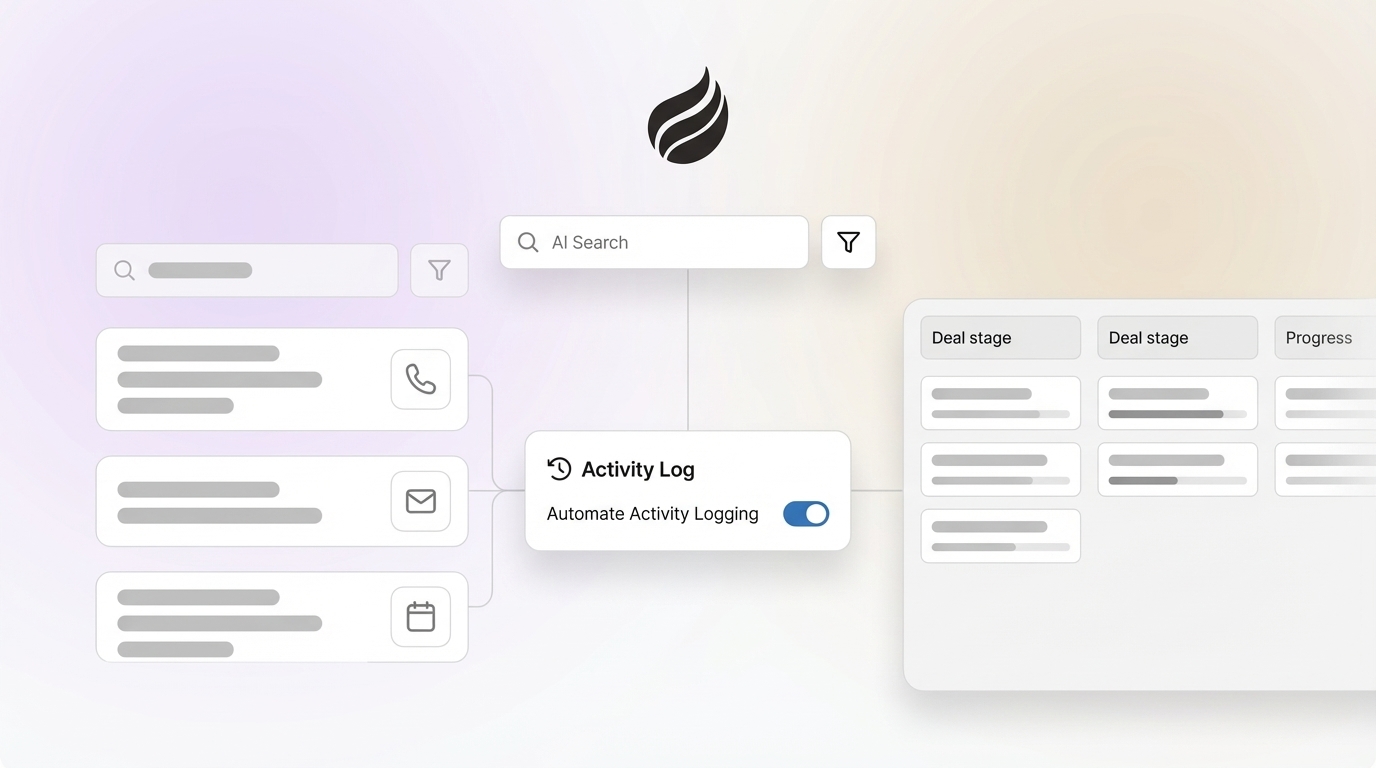
Manual logging consumes a large share of a sales professional’s day. Reps often spend time updating deal stages, writing call summaries, copying email details into CRM fields, and maintaining contact records instead of engaging with prospects and customers.
This manual burden reduces selling time and creates data gaps. Incomplete or delayed updates can cause missed follow-ups, poorly informed conversations, and unreliable forecasts. When CRM updates feel like a chore, adoption drops and teams resort to shadow systems such as spreadsheets and personal note apps, which fragment customer data and limit visibility.
Request access to see how Coffee reduces manual activity logging for sales teams.
Use AI Agents To Automate Sales Data Entry
AI agents now offer a scalable way to automate sales data management and activity logging. Instead of relying on manual input after every customer interaction, AI-powered systems can capture, process, and structure sales activities in near real time.
Automated data entry connects directly to tools sales professionals already use, including email, calendars, and video conferencing platforms. AI agents monitor these channels, extract key details, and populate CRM records without extra steps for the rep. This approach supports consistent, complete data capture across the team.
How Coffee’s AI-First CRM Reduces Manual Sales Activity Logging
Coffee is an AI-first Customer Relationship Management (CRM) platform built to automate routine tasks and unify data. Its architecture focuses on integrated data capture, task automation, and AI-driven insights so sales professionals can prioritize selling activities over administrative work.
Coffee’s automated activity logging capabilities include:
- Auto-create Contacts and Companies: Coffee automatically adds contacts and companies based on email and calendar interactions so potential prospects do not slip through the cracks.
- Automatic Activity Logging: The system captures last activity and next activity from email and calendar data, keeping deal records current without manual updates.
- AI Meeting Bot and Automated Summaries: Coffee records, transcribes, and summarizes meetings, then identifies action items and updates the CRM with structured notes.
- Data Enrichment: Coffee enriches records with details such as job titles, company information, and funding data, giving reps a fuller prospect view without separate enrichment tools.
- Pipeline Intelligence: A Pipeline Compare feature tracks changes over time so teams can run pipeline reviews without exporting data or building custom spreadsheets.
Request access to see Coffee’s automated activity logging in action.
How AI-Powered Automated Data Entry Enhances Your Sales Process
Reclaim Time for High-Impact Selling
Reducing manual activity logging gives sales reps more time for high-impact work. With automation handling routine CRM updates, sales professionals can focus on researching accounts, crafting personalized outreach, running discovery calls, and advancing deals without tracking every interaction by hand.
Ensure Data Accuracy and Completeness
Automated capture improves data quality compared with manual entry. Coffee pulls information directly from emails, calendars, and meeting transcripts to build accurate, detailed records of customer interactions. Data enrichment fills in gaps and keeps information current, which supports better targeting and more relevant conversations.
Gain Pipeline Visibility and Forecasting Insights
Consistent, automated logging makes pipeline views more reliable. Coffee’s Pipeline Compare feature offers instant week-over-week comparisons that highlight new deals, stage changes, and risk areas in the funnel. Sales leaders can review real-time data instead of relying on one-off exports or manual reports, which supports more confident forecasting and planning.
Streamline Workflows and Consolidate Your Sales Tech Stack
Consolidated tooling reduces complexity for sales teams. Coffee combines CRM, automated activity capture, data enrichment, and pipeline intelligence in a single platform, which can reduce the number of point solutions teams maintain. This consolidation lowers administrative overhead and gives reps one system to work from instead of switching between multiple tools.
Comparison: Why Coffee’s AI-First CRM Improves Activity Logging Over Traditional CRMs
|
Feature |
Traditional CRM |
Coffee’s AI-First CRM |
|
Activity Logging Method |
Often relies on manual input by reps |
Automatic capture from emails, calendars, and meeting transcripts |
|
Data Accuracy |
Can be affected by inconsistent manual updates |
Improved accuracy from real-time data sources |
|
Time Commitment |
May require notable time for admin tasks |
Minimal to no manual logging needed |
|
Pipeline Visibility |
Dependent on consistent updates for accuracy |
Real-time visibility with historical comparison for added context |
Coffee’s AI-first design uses automation as the primary method of data capture so the CRM supports reps instead of adding to their workload. Its core capabilities focus on ease of use, reliable data, and efficient workflows to address common limitations of traditional CRMs.
Request access to experience Coffee’s AI-first approach to sales activity logging.
Frequently Asked Questions (FAQ)
How much time can sales reps save by automating sales activity logging?
Sales reps using Coffee can typically save an estimated 8 to 12 hours per week by automating activity logging. This time can shift toward prospecting, follow-up, and deal advancement, which increases overall sales capacity.
Will automated activity logging integrate with my existing CRM like Salesforce or HubSpot?
Coffee offers a Companion App that integrates with Salesforce and HubSpot to extend existing setups with AI-powered automation. The app syncs data in the background and lets users choose which insights and enriched fields to write back to their primary CRM.
How does Coffee ensure data quality when automating activity logging?
Coffee improves data quality by capturing information directly from email, calendar, and meeting platforms. AI agents process and structure this data into the CRM, which reduces manual entry errors and helps ensure that key interactions and fields are consistently recorded.
Will I lose control over what gets logged if it is automated?
Coffee keeps users in control of their data. Reps can review and edit logged activities and AI-generated content such as meeting summaries. This balances automation with the ability to adjust details and maintain accuracy when needed.
What happens to the data Coffee captures from my sales activities?
Coffee follows established security and privacy standards, including SOC 2 Type 2 and GDPR compliance. Captured data is used to deliver automation and insights for your organization and is not used to train AI models for other customers or shared externally.
Conclusion: Reduce Manual Logging and Increase Time Spent Selling
Manual sales activity logging creates a consistent drag on sales productivity. Coffee offers an AI-first CRM that automates data entry, strengthens data accuracy, and provides real-time pipeline visibility so sales teams can spend more time selling.
By adopting Coffee, sales organizations can save time, improve data quality, and offer a CRM experience that is easier for reps to keep up to date. This shift supports more effective execution compared with teams that still rely on manual processes.
Ready to reduce manual logging and increase selling time? Request access to Coffee today and see how AI-powered automation can improve your sales process.