
Key takeaways
- Salesforce integration in 2026 works best when it improves data quality and sales productivity, not just system connectivity.
- Native AppExchange tools, iPaaS platforms, and custom APIs each solve different integration needs but still leave most manual data entry to sales teams.
- An AI-first approach to Salesforce can reduce administrative work, increase CRM adoption, and improve forecast accuracy by keeping data clean and current.
- Coffee’s AI Companion App acts as an autonomous agent that automates “data in,” meeting prep, and follow-up, which helps sales teams reclaim hours each week.
- Teams that want Salesforce data automation without heavy engineering effort can get started with Coffee and see pricing and plan options.
Focus your Salesforce integration on data quality, not just connectivity
Many Salesforce teams invest heavily in licenses and configuration, yet still struggle with incomplete, inconsistent, or outdated data. Connectivity alone does not fix this problem. The main issue is the constant manual effort required to keep Salesforce accurate.
Sales representatives spend most of their week on administrative work instead of selling. Market data shared by Coffee shows that 71 percent of their time goes to data entry and internal tasks, leaving only 35 percent for revenue-generating work. That imbalance leads to rushed and inconsistent inputs, unreliable reports, and low CRM adoption, which often pushes teams into using spreadsheets as shadow CRMs.
Use clear criteria to choose a Salesforce integration approach
The right integration strategy should address data quality, sales efficiency, and long-term scalability. These criteria help compare options objectively.
- Data quality and automation: The solution should reduce or remove manual data entry, enrich records, and keep Salesforce current and consistent.
- Impact on sales productivity: The best options give reps more time to sell by handling logging, enrichment, and follow-up behind the scenes.
- Ease of implementation and maintenance: Integration should be simple to roll out, require limited engineering support, and be easy to maintain.
- Scalability and API usage: The approach should scale with your business while managing Salesforce API limits and avoiding sync delays or failures.
Compare Salesforce integration options for modern teams
Native AppExchange solutions for targeted functionality
AppExchange apps deliver prebuilt features that plug directly into Salesforce. These tools work well for specific use cases inside the Salesforce ecosystem.
- Strengths: Native apps usually provide solid compatibility, familiar Salesforce-style interfaces, and focused feature extensions without heavy setup.
- Limitations: Most do not automate “data in” end-to-end, can become costly when you layer multiple tools, and rarely solve systemic data quality problems.
- Best fit: Teams that need niche features, such as quoting or document generation, while treating data automation as a secondary goal.
iPaaS platforms for broad connectivity
Integration Platform as a Service (iPaaS) tools, such as MuleSoft or Dell Boomi, coordinate data flows across many systems in the tech stack.
- Strengths: These platforms support complex workflows, connect many apps, and centralize API orchestration across the organization.
- Limitations: Licensing and implementation can be expensive, setup requires specialized expertise, and they usually move data rather than improve it.
- Best fit: Organizations that must integrate many systems, such as ERP, billing, and data warehouses, and already have strong technical resources.
Custom APIs and development for unique requirements
Some companies build custom integrations on Salesforce REST, SOAP, or Bulk APIs. This path delivers maximum control but also maximum responsibility.
- Strengths: Custom work can match unique processes, support tailored data models, and enforce precise business rules.
- Limitations: Projects are costly to build and maintain, require ongoing engineering support, and can easily hit Salesforce API limits without careful design.
- Best fit: Companies with very specific needs, large budgets, and a dedicated engineering or RevOps team to own long-term upkeep.
Coffee’s AI Companion App for autonomous “data in” automation
Coffee’s AI Companion App sits on top of Salesforce and works as an always-on assistant. The agent captures, enriches, and organizes data so reps do not need to manage it manually.
- Strengths: The agent creates and enriches contacts, logs meetings and emails, prepares meeting briefs, sends follow-up drafts, and surfaces pipeline insights, all while reducing the need for multiple point tools.
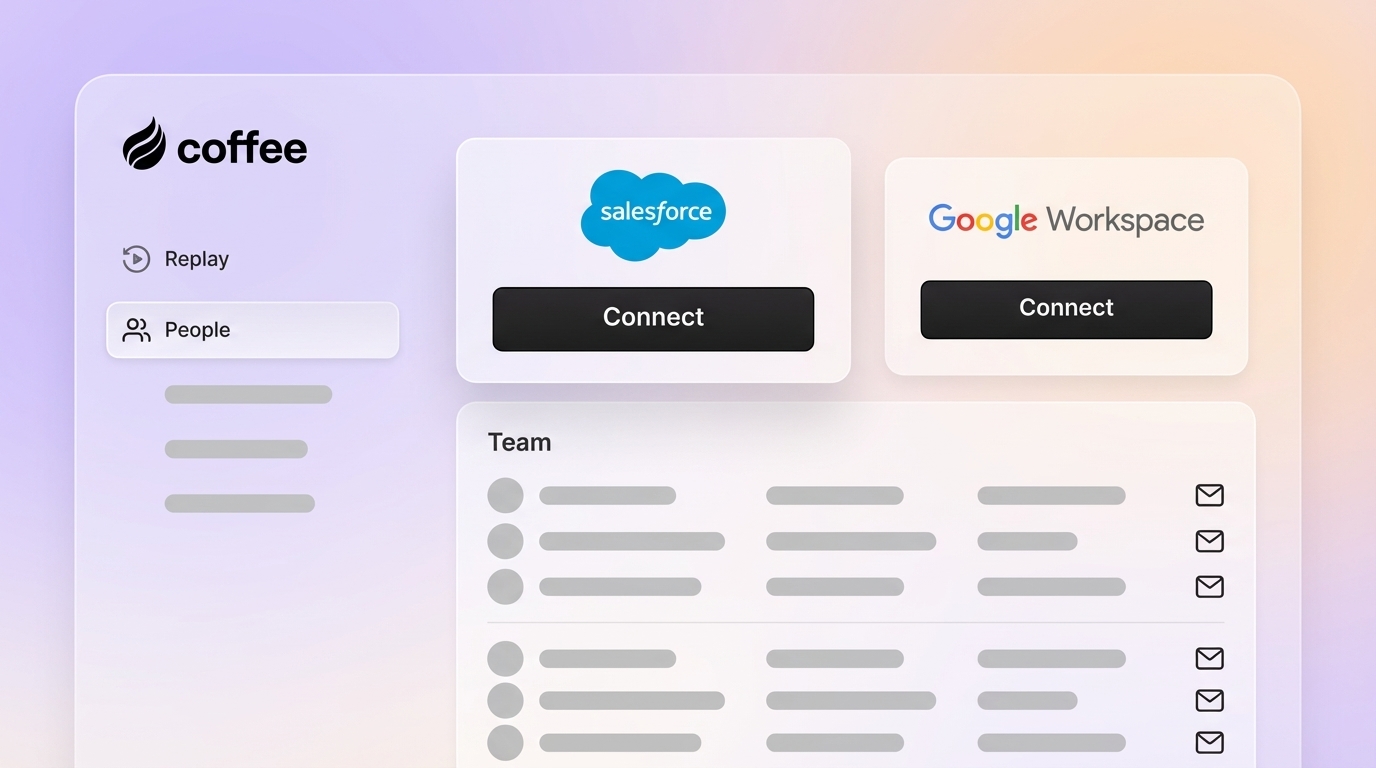
- Limitations: Full functionality requires a connection to Google Workspace or Microsoft 365 so the agent can read calendars and communication activity.
- Best fit: Small and mid-market companies committed to Salesforce that face low adoption and poor data quality, and want an intelligent layer to manage data input with minimal configuration.

Feature comparison across Salesforce integration options
|
Feature or criteria |
Native AppExchange |
iPaaS platforms |
Coffee AI Companion |
|
Primary focus |
Feature extension |
System connectivity |
AI data quality and automation |
|
Data entry automation |
Limited |
Indirect |
Comprehensive and autonomous |
|
Implementation complexity |
Moderate |
High |
Simple setup |
|
Sales productivity impact |
Varies by app |
Indirect |
Approximately 8 to 12 hours per rep each week saved |
Use Coffee to turn Salesforce into a sales co-pilot
Coffee’s AI Companion App helps teams move from basic integration to true automation. Instead of only syncing systems, the agent tackles the root causes of CRM frustration, such as manual entry, missing fields, and inconsistent activity logging.
By handling data capture and enrichment, Coffee keeps Salesforce reliable without asking reps to spend evenings cleaning up records. Salesforce becomes a daily assistant that supports deals rather than an administrative burden.
Teams see this in several practical ways:
- Revenue operations leaders gain cleaner funnel data, which supports more accurate forecasts and clearer visibility into risk and coverage.
- Sales managers watch reps recover 8 to 12 hours each week that previously went to logging calls, updating opportunities, and writing follow-ups.
- Organizations using Google Workspace or Microsoft 365 benefit from automatic contact creation, activity logging, and meeting intelligence that keeps Salesforce adoption high.

Teams that want to improve Salesforce data quality and sales productivity without a major IT project can review plan details and get started with Coffee in a few minutes.
Conclusion: Make your Salesforce investment pay off with AI automation
Salesforce integration decisions in 2026 matter more than ever as AI becomes part of everyday sales workflows. Native apps, iPaaS tools, and custom development each play an important role in connectivity, yet they often leave the hardest part of CRM management, high-quality “data in,” to the sales team.
Coffee offers an AI-driven layer that automates this work. By taking ownership of data capture, enrichment, and meeting-related tasks, Coffee helps organizations get the reliable “good data out” they need for accurate forecasting and better performance.
Teams ready to modernize Salesforce with an AI agent can review pricing and deployment options and see Coffee in action.

Frequently asked questions about Salesforce AI integration
How does Coffee’s Companion App handle data security and compliance with Salesforce?
Coffee is SOC 2 Type 2 and GDPR compliant. The platform protects sensitive CRM data, does not use it to train public models, and syncs information securely so that small and mid-market businesses can meet enterprise-level expectations.
Will Coffee’s AI Companion App replace existing Salesforce functionality?
Coffee adds an automation layer on top of your current Salesforce setup. The agent improves the accuracy and completeness of the data that enters Salesforce so your existing workflows, reports, and automations become more reliable rather than replaced.
How does Coffee address Salesforce API limits?
Coffee optimizes how and when it updates Salesforce. The agent batches and sequences updates in a way that reduces the chance of hitting API limits or creating delays that can affect less efficient integration methods.
Is Coffee’s data quality comparable to dedicated enrichment tools?
Coffee’s agent enriches records with details such as job titles, company funding information, and LinkedIn profiles directly in your CRM. This approach provides strong enrichment coverage while often allowing teams to reduce the number of separate enrichment tools they maintain.
What makes Coffee different from other Salesforce automation tools?
Coffee operates as an autonomous agent that takes ownership of data entry, enrichment, meeting preparation, and follow-up tasks. Many tools rely on manual triggers and constant oversight, while Coffee acts more like a digital team member that works continuously in the background.