
In today’s competitive sales landscape, businesses face increasing pressure to maximize efficiency and close deals faster. With customer expectations evolving and data becoming the backbone of decision-making, Customer Relationship Management (CRM) systems like Salesforce have become indispensable. However, many sales teams struggle with the manual workload these platforms often demand, from relentless data entry to fragmented workflows across multiple tools. This inefficiency can limit a team’s ability to focus on what matters most: building relationships and driving revenue. As AI continues to reshape industries, it offers a practical solution to streamline CRM processes, reduce administrative burdens, and provide actionable insights directly within existing systems. This guide explores how integrating AI with Salesforce can address these challenges, with a focus on tools like Coffee AI CRM Companion App as part of a broader trend toward intelligent sales automation. You’ll find detailed steps, benefits, and strategies to enhance your Salesforce experience, backed by research and real-world outcomes.
Why Integrate AI with Salesforce for Sales Success?
Sales teams often spend more time managing data in Salesforce than engaging with clients. Studies show that sales reps dedicate only about 35% of their time to actual selling, with the rest consumed by administrative tasks like data entry as highlighted in Salesforce’s own insights. Integrating AI tools into Salesforce can significantly cut down on this productivity drain by automating repetitive tasks and providing real-time data enrichment.
Without proper automation, sales reps frequently switch between tools for data insights, call logs, or pipeline updates. This creates fragmented workflows, increases the risk of errors, and pulls focus away from closing deals. AI integration offers a unified approach, syncing data seamlessly and allowing teams to prioritize customer interactions over manual updates.
Beyond data entry, maintaining accurate activity logs after every call or meeting adds another layer of effort. An AI-enhanced Salesforce setup captures these interactions automatically, ensuring data stays current without extra input. This shift turns Salesforce from a static database into a dynamic tool that supports sales reps in real time.
Coffee AI CRM Companion App stands out as a powerful example of this trend. Designed specifically to complement Salesforce, it automates workflows, enriches data, and delivers pipeline visibility, helping teams refocus on selling. If you’re looking to optimize your Salesforce environment, request access to Coffee AI and explore how it streamlines sales processes.
How AI Solves Salesforce Challenges Compared to Other Solutions
AI tools address core Salesforce pain points, but they vary in scope, cost, and integration depth. For instance, standalone data enrichment platforms like ZoomInfo provide detailed contact information but often require separate subscriptions and manual data imports. In contrast, built-in Salesforce AppExchange solutions might offer tighter integration but can lack advanced AI features like predictive analytics or meeting transcription.
Custom in-house automation scripts are another option, giving full control over workflows. However, they demand significant development resources and ongoing maintenance, which may not be feasible for smaller teams. AI platforms, including Coffee AI, strike a balance by offering out-of-the-box functionality with customization potential, minimizing setup time while delivering value through automation and insights.
The trade-off with AI tools often lies in data privacy versus functionality. Robust platforms implement strict security measures, but teams must weigh this against the benefits of automated enrichment. Coffee AI, for example, prioritizes data security with compliance certifications while providing a comprehensive set of features. Compared to competitors like Gong, which focuses heavily on conversation intelligence, or Clari, which emphasizes forecasting, Coffee offers a broader enhancement to Salesforce, covering data entry, meeting management, and pipeline analysis in one package.
Steps to Prepare for Salesforce and Coffee AI Integration
Getting started with integrating Coffee AI into Salesforce requires a few key preparations to ensure everything runs smoothly. Here’s what you need to have in place:
- An active Salesforce account with administrator access to authorize and configure the connection.
- A registered Coffee AI CRM Companion App account tailored for Salesforce compatibility.
- A working knowledge of Salesforce data structures, such as objects and fields, to fine-tune the syncing process.
- A reliable internet connection to support real-time data synchronization.
- Access to Google Workspace or Microsoft 365 for email and calendar data integration.
These prerequisites allow the integration to align with your existing Salesforce setup without needing major overhauls or data migrations.
Your Benefit: Turning Salesforce into an AI-Driven Sales Engine
Pairing Coffee AI with Salesforce directly tackles the time sink of manual CRM tasks. Sales reps often lose hours updating records or logging activities, time that could be spent on client conversations. Coffee automates these processes, capturing data from emails and meetings, while also enriching records with details like job titles or company funding status. This means less grunt work and more focus on deal-making.
Moreover, this integration improves data quality within Salesforce. Incomplete or outdated records can undermine trust in the CRM, leading to missed opportunities. With AI handling updates and preventing duplicates, your team works with reliable information, boosting adoption rates and overall effectiveness.
How to Integrate Coffee AI CRM with Salesforce: A Step-by-Step Process
Setting up Coffee AI with Salesforce is a straightforward process that minimizes disruption to your current workflows. Follow these steps to get started.
Step 1: Link Your Coffee Account to Salesforce
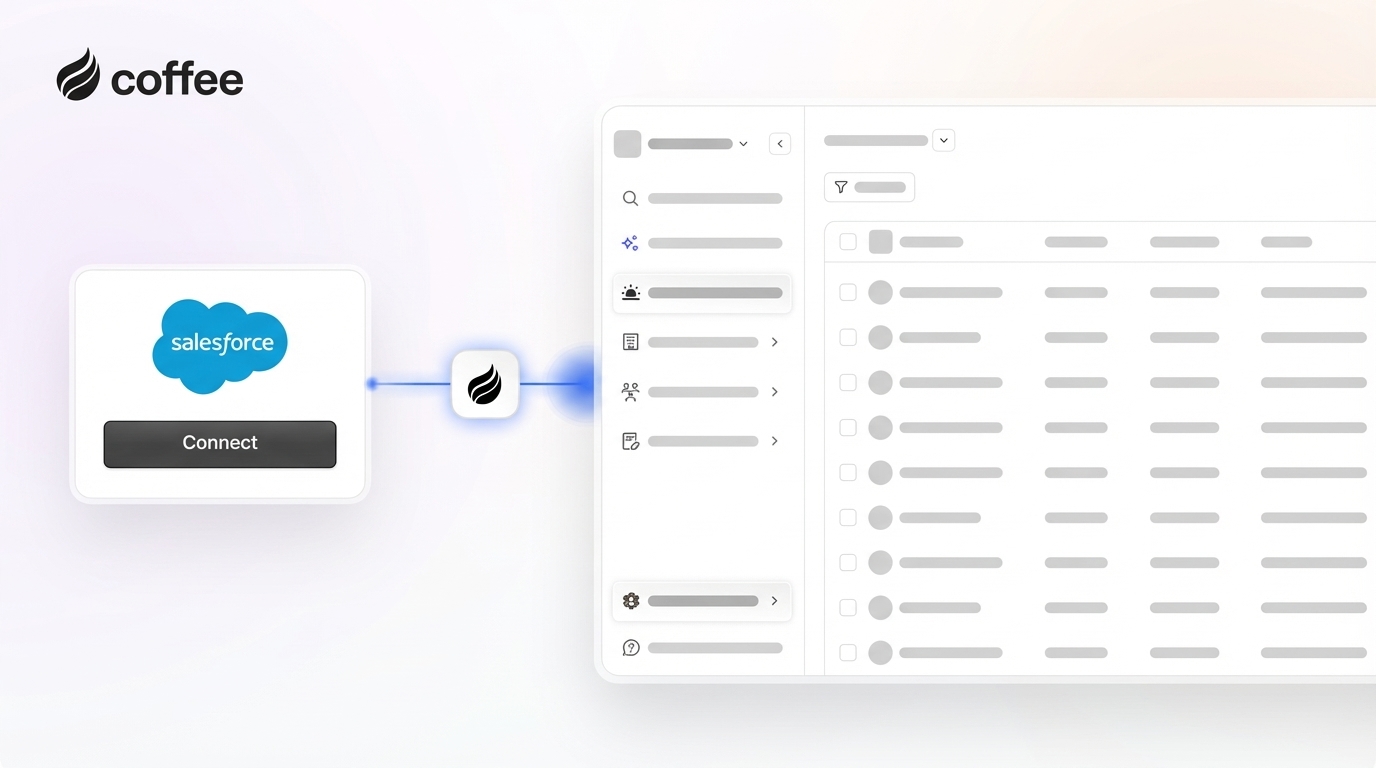
Log into your Coffee AI Companion App account and head to the integrations section. Select the option to connect with Salesforce, which initiates a secure authentication process. You’ll be prompted to approve permissions for Coffee to access key Salesforce data like Accounts, Contacts, and Opportunities. Once approved, an initial sync occurs, taking about 5 to 15 minutes based on your data size. A confirmation will appear on the Coffee dashboard, showing your Salesforce records alongside newly enriched data.
Step 2: Customize Data Sync Settings
After connecting, decide which Salesforce data to sync with Coffee. In the integration panel, choose specific objects like Contacts or Opportunities and map fields to ensure data aligns correctly. You can opt for real-time updates or schedule syncs to manage system load. Set up notifications to keep your team informed of new data entries, either directly or through tools like Slack.
Step 3: Enable Coffee AI Features in Salesforce
With the connection active, Coffee’s AI capabilities enhance your workflow in several ways. It automatically pulls data from connected email and calendar accounts to create and update contacts or companies in Salesforce. It also logs activities like emails or meetings, keeping your records current without manual effort. The AI identifies existing records to avoid duplicates, maintaining a clean database.
For meetings, Coffee provides end-to-end support. Before a call, its ‘Today’ page offers a briefing with attendee and company details. During virtual meetings on platforms like Zoom or Teams, Coffee’s bot can record and transcribe discussions. Afterward, it summarizes key points, identifies next steps, and even drafts follow-up emails using frameworks like MEDDIC or BANT for consistency.
Coffee’s pipeline intelligence adds another layer of value with its ‘Compare’ feature. This tool shows week-over-week changes in your deals, highlighting progress, new opportunities, or stalled accounts. This simplifies pipeline reviews and keeps your team aligned. Ready to see these features in action? Request access to Coffee AI and enhance your Salesforce pipeline management.

Step 4: Build Custom Workflows with Coffee Data
Coffee’s enriched data enables tailored Salesforce reports and automations. Use it to track engagement metrics or set up rules that trigger tasks when deals stall. You can also update opportunity fields based on meeting outcomes, ensuring your CRM reflects the latest information without manual updates.
Troubleshooting Tips for Salesforce and Coffee AI Integration
Sync issues can arise from network hiccups or configuration changes. Check Coffee’s dashboard for error alerts or sync logs. If needed, trigger a manual sync to resolve delays. For recurring problems, adjust sync frequency or consult Coffee’s support for help with field mapping.
Permission errors often stem from insufficient access rights in Salesforce. Verify that the integrating user has API access and privileges for required data. In complex setups, consider a dedicated integration user account to avoid conflicts.
To prevent data overload from enrichment, customize which fields Coffee updates in Salesforce. Focus on priority data points and refine duplicate prevention settings to keep your CRM manageable.
Measuring the Results of Coffee AI in Your Salesforce System
Integrating Coffee AI yields clear, measurable gains for sales teams. Reps save hours on tasks like contact creation or activity logging, redirecting that effort to client outreach. Data accuracy in Salesforce also improves, as automated capture reduces human error. Some teams even lower costs by consolidating multiple tools into Coffee’s unified platform.
On a qualitative level, this integration boosts team morale by making Salesforce a supportive tool rather than a chore. Managers gain better visibility into performance, while operations leaders benefit from cleaner data for strategic planning. To see these outcomes for yourself, request access to Coffee AI and measure its impact on your sales process.
Advanced Tips to Maximize Your AI-Enhanced Salesforce
Use Coffee’s List Builder to create targeted lead lists with simple queries, such as finding specific roles in companies of a certain size. This feature pulls real-time data for precise outbound campaigns. Additionally, integrate Coffee with other tools via Zapier to automate marketing or project management tasks. Regularly review usage data and gather team feedback to refine settings and stay updated on new Coffee features for continuous improvement.
Key Questions About Salesforce and Coffee AI Integration
Coffee prevents duplicate records in Salesforce by using AI to match data points like emails or company names, updating existing entries instead of creating new ones. Data security is maintained through SOC 2 Type 2 and GDPR compliance, with encrypted transmission and a policy against using company data for AI training. Coffee enhances rather than replaces Salesforce, adding AI automation without altering your setup. If disconnected, enriched data stays in Salesforce, and reconnection is possible without issues. Compared to other enrichment tools, Coffee embeds data directly into workflows for greater convenience.
Conclusion: Elevate Your Salesforce with Coffee AI Integration
Integrating Salesforce with Coffee AI CRM Companion App moves your sales operations from manual effort to automated efficiency. By addressing pain points like repetitive data entry and scattered insights, Coffee frees up time for your team to focus on closing deals. This integration works within your familiar Salesforce setup, ensuring a smooth transition to AI-driven productivity. Interested in transforming your sales process? Request access to Coffee AI and start experiencing improved results today.