
Executive summary:
- Sales teams often lose significant selling time to manual CRM data entry and fragmented tools.
- Proactive CRM companion apps apply AI to automate data capture and unify information in Salesforce or HubSpot.
- Coffee adds automation, unified data, and proactive workflows on top of existing CRMs without requiring a full migration.
- Sales and RevOps leaders gain better data quality, stronger CRM adoption, and clearer pipeline visibility.
- This guide covers the key challenges with traditional CRM use, the benefits of a proactive companion app, implementation considerations, ROI, security, and common questions.
Sales teams that rely on Salesforce or HubSpot often face heavy administrative workloads and fragmented tools, which reduce time for building relationships and closing deals. A proactive CRM companion app adds automation and intelligence on top of these systems, so teams can focus more on selling and less on manual updates.
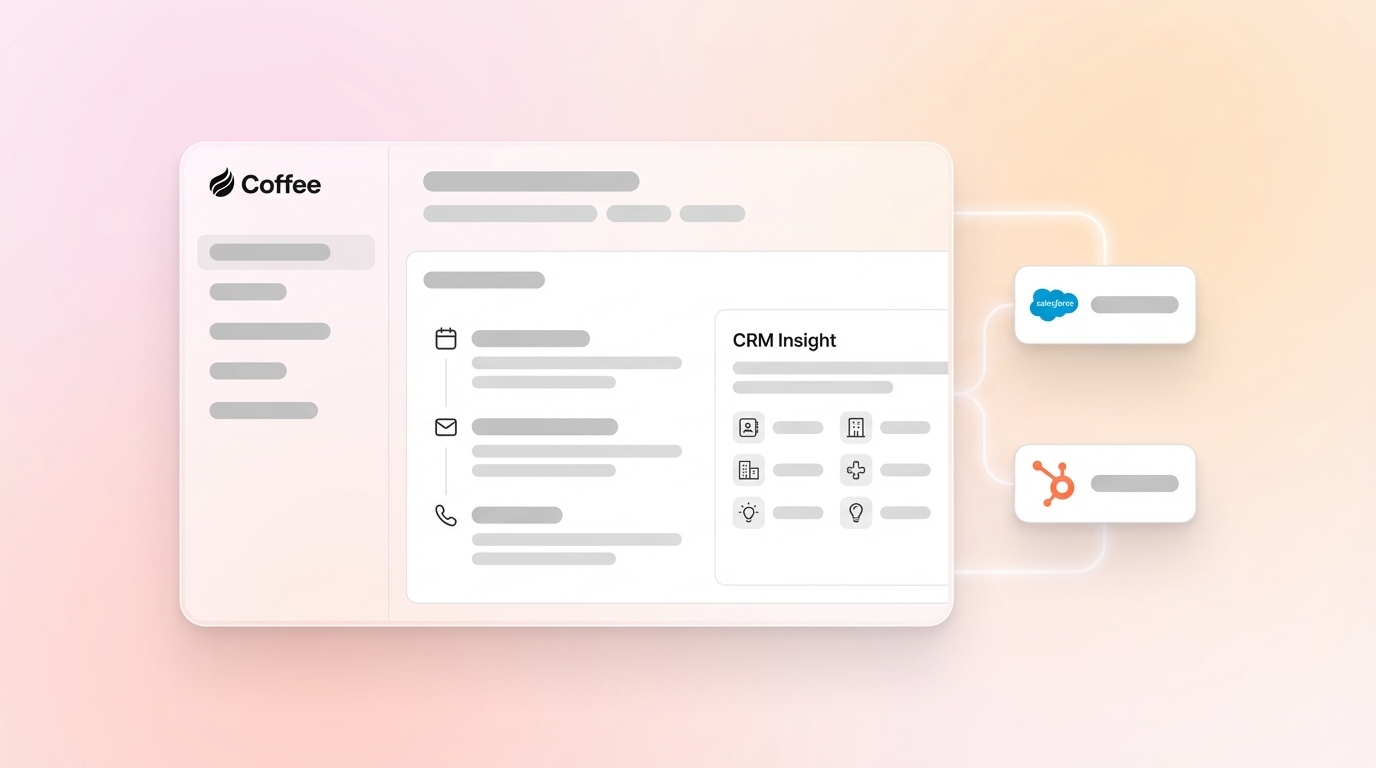
A proactive CRM companion app such as Coffee connects to your existing CRM and uses AI to automate data capture, unify scattered information, and trigger helpful workflows. The CRM remains the system of record, while the companion app handles the heavy lifting in the background.
This guide explains how a proactive CRM companion app can improve sales operations, address common productivity issues, and turn the CRM into a tool that sales reps find practical and valuable.
Why Many CRM Setups Limit Sales Productivity
Many CRM implementations struggle to deliver the productivity and streamlined processes that sales teams expect. Common issues include manual data entry, disconnected tools, and inconsistent adoption.
The Manual Data Entry Grind Steals Selling Time
Manual data entry is one of the biggest drains on sales productivity. After each customer call or meeting, reps are expected to log notes, update opportunity fields, and copy over relevant emails. This work takes significant time away from prospecting and conversations with buyers.
Industry data indicates that 71% of sales reps feel they spend too much time on data entry, with only about 35% of their work hours dedicated to active selling. This means a large portion of the workday goes to administrative tasks instead of revenue-generating activities.
This burden also affects data quality. When reps are rushed or overloaded, they may skip detailed logging or postpone updates, which leads to incomplete records that limit future sales efforts and pipeline analysis.
How Multiple Tools and Poor Integration Slow Sales
Many sales organizations use a mix of tools alongside their primary CRM. A typical setup might include a CRM for core data management, plus separate platforms for data enrichment, outreach, and call recording. Each tool adds value on its own, but switching between them creates friction if they are not tightly integrated.
Customer information may end up scattered across email, spreadsheets, point solutions, and the CRM. Without streamlined integrations, reps must search across multiple systems to piece together a complete view of a prospect or customer. This can lead to lost context, slower execution, and manual workarounds that add even more overhead.
Low CRM Adoption Leads to Inaccurate Insights
Low CRM adoption often creates a cycle that is hard to break. When systems feel complex, slow, or time-consuming, reps are less likely to use them consistently. Over time, this behavior results in incomplete or outdated data.
As data quality declines, the CRM becomes less useful for forecasting, coaching, and strategic decisions. Some reps may switch to personal spreadsheets or separate tools, while the official CRM is used only for minimal compliance. This reduces the value of the CRM for both sales teams and leadership.
How a Proactive CRM Companion App Like Coffee Improves Salesforce and HubSpot
Coffee takes an AI-first, companion approach to CRM that enhances existing Salesforce or HubSpot instances rather than replacing them. After a simple authentication process, Coffee connects to the CRM, email, and calendar, then starts to capture, enrich, and organize sales data automatically.
Coffee focuses on four core benefit areas:
- AI-driven automation, which removes most manual data entry by capturing and logging activities from emails, calendars, and calls.
- Data unification, which consolidates information from multiple sources into a single view that is accessible within the existing CRM.
- Intelligent workflows, which support meeting preparation, follow ups, and pipeline analysis with AI-powered tools.
- Improved adoption, which encourages reps to use the system because it reduces effort and supports daily selling activities.
To see these benefits in your own environment, request access to Coffee.
Key Proactive CRM Companion App Benefits for Sales and RevOps Leaders
Coffee delivers specific, measurable benefits for sales organizations that use Salesforce or HubSpot as their primary CRM.
Reclaim Up to 12 Hours Per Rep Per Week with Automated Data Entry
Coffee uses AI to automate data entry by scanning emails, calendars, and call transcripts to create and enrich contacts, companies, and activity logs. This automation reduces manual work and can save an estimated 8 to 12 hours per rep each week.
Reps can then reallocate this time to prospecting, qualification, and closing deals. Leaders gain more consistent activity data, without asking reps to spend extra time on administrative updates.
Automation also supports better data quality. By pulling details directly from source communications such as emails and meeting transcripts, Coffee produces more complete and accurate records than manually entered notes. This improves the quality of the CRM as a reference for both front line reps and management.
Consolidate Your Tech Stack to Reduce Costs and Complexity
Coffee brings together capabilities that are often handled by separate tools, including data enrichment, call recording, and pipeline intelligence. With these functions in one companion platform, teams can often reduce the number of point solutions they maintain.
This consolidation can lower subscription costs and simplify vendor management. It also means reps spend less time switching between applications and more time working from a single, consistent view within their CRM. As a result, workflows become simpler, and teams have an easier time accessing the information they need to make informed decisions.
Boost CRM Adoption and Support Your Sales Team
Coffee is designed to act as a sales co pilot rather than a reporting burden. Features such as AI generated meeting briefs and automated follow up emails provide direct value to reps in their day to day work. When the system saves time and helps move deals forward, reps are more likely to use it consistently.
Higher adoption leads to richer, more reliable data in the CRM. As data quality improves, insights for coaching, territory planning, and forecasting also improve. This creates a positive cycle where the CRM and companion app become central tools for the entire team.
Gain Clear Pipeline Intelligence and Forecasting Confidence
Coffee includes a built in data warehouse that powers pipeline intelligence. The Pipeline Compare feature lets sales leaders see week over week changes with a single click. Leaders can quickly identify progressed deals, new opportunities, stalled deals, and closed wins.
This approach reduces the need for manual CSV exports or separate reporting tools. Pipeline analysis happens directly within the platform, which supports faster and more confident forecasting.
Proactive CRM Companion App vs Traditional Workarounds for Salesforce and HubSpot
The table below compares Coffee to common approaches that rely on manual processes and multiple disconnected tools.
|
Feature |
With Coffee (Proactive Companion App) |
Traditional CRM and Manual Workarounds |
|
Data entry |
AI automated in near real time from communications |
Manual, time consuming, and often done after the fact |
|
Data enrichment |
Built in, automatic, and contextual |
Often requires separate tools and manual integration |
|
Meeting workflow |
AI generated briefings, summaries, and follow ups |
Manual note taking and self drafted emails |
|
Pipeline insights |
One click comparisons and historical snapshots |
Usually handled with manual exports to spreadsheets or extra reporting tools |
Coffee delivers automation and integration within the existing CRM workflow, while traditional setups often depend on manual effort and a collection of point solutions.
To reduce manual workarounds in your sales process, request access to Coffee.
How Coffee Integrates with Your Existing CRM
Coffee integrates with Salesforce or HubSpot through a straightforward and secure authentication process that syncs data into the platform. After setup, Coffee begins capturing information from email accounts, such as Google Workspace or Microsoft 365, as well as calendar events.
The app automatically creates and enriches records with details like job titles, company information, and recent activities. Reps can keep working in the CRM interface they already know, while Coffee runs in the background to keep data up to date.
Over time, teams can choose to enable write back features that push Coffee’s enriched insights into the primary CRM. This approach lets organizations maintain control and adjust the integration to match their data governance and workflow standards.
ROI Analysis: Quantifying Proactive CRM Companion App Benefits
Coffee creates value by combining time savings, cost reduction, and improved data quality.
Time savings and productivity gains come from reducing manual tasks. When reps save 8 to 12 hours per week on updates and logging, they can focus that time on discovery calls, demos, and negotiations. This additional selling capacity can increase pipeline coverage and revenue potential without adding headcount.
Tool consolidation savings arise when point solutions for data enrichment, call recording, or reporting are replaced or reduced. Fewer tools mean lower subscription costs and less time spent on procurement, renewals, and vendor management.
Improved data quality supports better decisions across the revenue organization. Automatic data capture and enrichment provide more reliable information for lead scoring, qualification, territory planning, and pipeline visibility.
Stronger adoption also contributes to ROI. A user friendly experience encourages consistent CRM use, which simplifies onboarding for new hires and supports more effective coaching and performance management for existing team members.
Security and Compliance Considerations
Coffee is built with security and compliance as core requirements. The platform meets SOC 2 Type II and GDPR standards. Data is encrypted during transmission, and customer data is not used to train AI models or for any purpose beyond delivering contracted services.
The integration begins with read only access, which limits risk during initial rollout. Any write back operations to the primary CRM require explicit permission and configuration, giving organizations control over how and when data is updated.
Frequently Asked Questions (FAQ) about Proactive CRM Companion Apps
How does a proactive CRM companion app integrate with my existing Salesforce or HubSpot?
Coffee connects to Salesforce or HubSpot through a simple OAuth authentication flow and then syncs data with the CRM. Administrators and users can control which enriched insights are written back to the primary system, so the integration aligns with internal processes and policies.
Will a companion app add more complexity to the sales tech stack?
Coffee is designed to reduce complexity, not add to it. By consolidating functions such as data enrichment and pipeline intelligence in one platform, Coffee can replace multiple point solutions. This simplifies vendor relationships and reduces the likelihood of fragmented data.
How can a companion app improve CRM data quality if reps are not consistently using the main CRM?
Coffee captures data directly from emails, calendars, and calls, then syncs that information with the CRM. This process keeps records accurate and up to date, even when reps are not manually entering every detail. Over time, this helps break the pattern of incomplete data and low CRM trust.
What happens to existing CRM customizations and workflows?
Coffee works alongside existing CRM customizations and workflows. It does not replace them. Instead, it enriches the underlying data and automates routine tasks, which can make current processes more effective without requiring a major redesign.
How quickly can teams see results after implementation?
Teams usually notice reduced manual data entry within the first week of using Coffee. As more data is captured and organized, pipeline visibility and reporting typically improve within 2 to 3 weeks. Most organizations see a full impact on workflows and adoption within 30 to 60 days, depending on team size and complexity.
Conclusion: Give Salesforce or HubSpot an AI Assist
Manual data entry, scattered tools, and inconsistent CRM use can slow sales teams and limit visibility. A proactive CRM companion app like Coffee addresses these challenges by adding AI driven automation and insights on top of existing Salesforce or HubSpot systems.
Reps can save 8 to 12 hours per week on administrative tasks, while data quality improves through automated capture and enrichment. Leaders gain clearer pipeline intelligence and more reliable forecasting, supported by higher CRM adoption.
For sales and RevOps leaders who want to improve efficiency without a disruptive system change, Coffee offers a focused way to elevate the value of the CRM already in place. To explore how this approach could work for your team, request access to Coffee.