
Key takeaways
- Many CRM projects fail because of low user adoption, unclear strategy, and manual data entry that overwhelms sales teams.
- Clear business goals, user-focused design, and automated data capture improve both CRM data quality and day-to-day productivity.
- Ongoing change management, focused training, and visible executive sponsorship keep CRM usage consistent over time.
- Consolidated, automation-first tools and intelligent agents create reliable pipeline visibility without adding admin work.
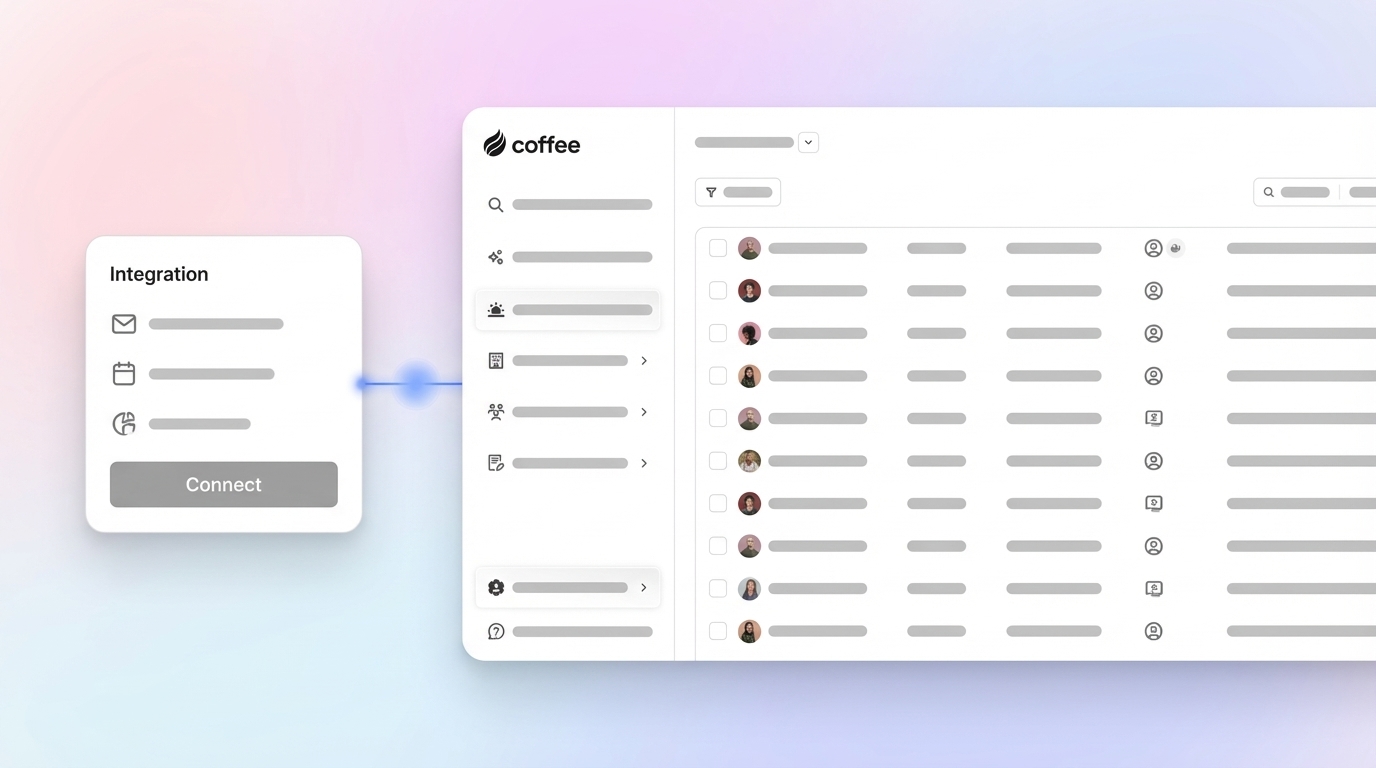
- Coffee’s AI CRM agent automates data entry, meeting workflows, and pipeline tracking so sales teams can spend more time selling. Get started to see Coffee in action.
Why Many Sales Team CRM Implementations Falter
CRM failure rates often range from 30-70%, and poor user adoption sits at the center of many of these outcomes. User adoption issues contribute to roughly half of failed CRM initiatives, even after organizations spend several times the software cost on setup and training.
Weak strategy, unclear processes, and limited executive support often create a CRM that feels like extra work. Reps then default to email, spreadsheets, and notes, which leads to missing data, inconsistent reporting, and low trust in the system.
Legacy CRMs that depend on manual entry deepen the problem. Data gaps and errors quickly translate into unreliable forecasts, and once teams lose confidence, usage drops even further. Automation-first CRM implementations reduce this manual burden and rebuild trust by keeping data accurate and complete in the background.
7 CRM implementation best practices for sales teams
1. Define a clear, user-centered CRM strategy
Effective CRM implementation starts with clear business outcomes, not with feature lists. Projects without a defined strategy and success metrics often stall, because teams do not know how the system should help them sell.
Set specific goals, such as shorter sales cycles, better win rates, or improved expansion revenue. Involve frontline sellers early through interviews and workflow reviews so the CRM reflects how they actually work. This approach guides configuration decisions and creates a system designed around the sales process instead of around generic software modules.
2. Automate data entry to protect data quality
Manual CRM updates drain time and degrade data. Coffee has found that sales reps frequently spend most of their week on administrative tasks instead of customer conversations, which leaves little time for careful data entry.
Automation that captures emails, meetings, and contact details directly from tools like Google Workspace or Microsoft 365 removes most of this load. Coffee’s AI CRM agent automatically creates and enriches contacts, companies, and activities from everyday communication, so records stay current without extra clicks.

Get started to see how automated capture improves adoption and data quality.
3. Support adoption through integration with daily workflows
User adoption rises when the CRM fits naturally into tools that sales teams already use. When reps must switch between multiple apps just to log notes or update stages, they often postpone updates or skip them entirely.
Choose CRM tools that layer into email, calendars, and existing systems of record such as Salesforce or HubSpot. The Coffee Companion App adds an AI layer that manages data capture in the background, so Salesforce or HubSpot stays accurate without requiring constant manual updates.
4. Plan for continuous training and change management
CRM success depends on ongoing support, not a single launch event. Many employees struggle to retain or stay engaged with one-time training, so usage often drops after the initial rollout.
Offer short, role-based sessions, quick reference guides, and just-in-time help directly inside the tools. Connect each feature to a clear benefit for reps, such as saving time on follow-ups or providing stronger deal visibility. Automation-first tools like Coffee reduce the volume of training needed because core data tasks run automatically.
5. Use intelligent agents for pipeline management and insights
Accurate pipeline data supports better coaching, forecasting, and resource planning. Manual updates often produce stale information and last-minute spreadsheet work for managers.
Coffee’s agent automatically tracks pipeline changes across time and includes a Pipeline Compare view that highlights new, progressed, and stalled deals week over week. Pipeline reviews then shift from status collection to targeted conversations about risk, momentum, and next steps.
6. Consolidate the sales tech stack where possible
Too many disconnected tools create duplicate data, higher costs, and confusion over which system shows the truth. Separate products for enrichment, meeting recording, and forecasting also add maintenance overhead for operations teams.
Coffee combines CRM capabilities, enrichment, meeting recording, and pipeline intelligence into a single AI-powered agent. This consolidation improves data consistency, simplifies administration, and helps sellers work from one environment instead of several.

7. Secure active executive sponsorship
Visible support from leadership signals that CRM accuracy and usage matter. Lack of executive commitment often weakens adoption, because teams treat CRM usage as optional.
Executives can reinforce expectations by using CRM reports in reviews, asking pipeline questions based on data in the system, and allocating budget for ongoing optimization. This alignment encourages managers and reps to treat the CRM as the central source for customer and revenue information.
How Coffee’s AI agent supports successful CRM implementation
Coffee shifts CRM from static software into an active agent that manages core revenue tasks in the background. Instead of relying on manual updates, Coffee unifies data, automates workflows, and prepares context for every interaction.
- Automatic data entry and enrichment that captures interactions and updates records without extra steps for reps
- AI-powered meeting support, including briefings, call joining, recording, transcription, summaries, and follow-up drafts
- Pipeline intelligence with historical comparisons that keep forecasts accurate and easy to review
- Consolidated functionality that reduces the need for separate tools for enrichment, recording, and pipeline analysis
- User-focused design that positions the agent as a digital assistant for sales teams rather than another form to fill out

Get started to explore how Coffee can support your next CRM rollout.
Traditional CRM vs. Coffee’s agent-based approach
|
Feature |
Traditional CRM implementation |
Coffee agent-based CRM implementation |
|
Data entry |
Manual, error-prone, and time-consuming for sales reps |
Automated by the agent with real-time capture and updates |
|
User adoption |
Often low because the CRM feels like extra administrative work |
Higher usage because the CRM handles routine tasks for the rep |
|
Data quality |
Inconsistent and incomplete, which weakens reporting |
Accurate and comprehensive, based on unified interaction data |
|
Pipeline insights |
Manual reports that can be delayed or incomplete |
Automated, current views with week-over-week comparisons |
Conclusion: Turn CRM into a selling asset for your team
Stronger CRM outcomes in 2026 depend on automation, a clear strategy, and tools that fit how sales teams work. The seven practices in this guide focus on better data, simpler workflows, and consistent usage rather than on feature checklists alone.
Coffee’s AI CRM agent helps teams apply these ideas by automating data capture, meeting workflows, and pipeline visibility from a single platform. The result is a CRM that supports selling activity instead of competing with it for time.
Get started with Coffee to explore an automation-first approach to CRM implementation.
Frequently Asked Questions: CRM Implementation
What are the main reasons sales team CRM implementations fail?
Many implementations fail because of limited planning, low user adoption, weak data quality, and a lack of executive support. When systems focus on configuration rather than on supporting day-to-day selling, reps often bypass the CRM, which then erodes data quality and trust.
How can sales leaders improve CRM user adoption?
Leaders can improve adoption by involving reps in selection, tying features to clear benefits, and embedding the CRM in existing workflows. Continuous, focused training and automation that removes repetitive tasks also help. Agent-based tools like Coffee increase adoption by automating data entry so the CRM works in the background.
How does data quality affect CRM success?
Data quality influences forecasting accuracy, account planning, and targeting. Incomplete or outdated data leads to poor decisions and causes teams to question CRM reports. Automation that captures activity directly from communication tools helps keep records current and reduces this risk.
Can an AI agent handle complex CRM data entry reliably?
Modern AI agents can collect and structure both structured fields, such as contact details, and unstructured content, such as emails and call transcripts. Coffee combines these data types into unified views of people, companies, and deals, which reduces the need for manual consolidation or oversight.
Are agent-based CRMs secure for business use?
Security depends on the vendor’s controls and certifications. Coffee maintains SOC 2 Type 2 and GDPR compliance and does not use customer data to train public models. These measures support the secure handling of sensitive sales and customer information.