Written by: Doug Camplejohn, CEO & Co-Founder, Coffee | Last updated: June 25, 2026
What You Will Get From This CRM Adoption Framework
- Legacy CRMs fail because they force reps to handle manual data entry, which creates shadow systems and unreliable pipeline data.
- This 8-step framework starts by diagnosing data-entry friction and involving reps in platform selection before configuration begins.
- Visible leadership buy-in, role-specific training, and incentives tied to accurate usage drive consistent CRM engagement.
- Agent-driven automation removes the root cause of low adoption by capturing emails, calendars, and transcripts without rep effort.
- Eliminate manual data entry from your next CRM rollout with Coffee.
The Problem: Daily Friction in Legacy CRMs
Sales reps resist CRMs because the system consumes time without returning clear value. Sales reps often spend several hours per week entering data into a CRM, and 71% of reps report losing selling time to that grind, leaving only 35% of their working hours for actual selling. The predictable result is shadow CRMs: deals tracked in spreadsheets, notes buried in Notion, and context living in a rep’s inbox rather than the system of record.
Pipeline reviews turn into interrogation sessions because managers cannot trust what the CRM shows. Gartner has historically reported CRM failure rates of 50% or higher, typically due to poor executive decision-making or low user adoption. Applying sales team CRM implementation best practices for adoption requires addressing this data-entry burden first. Every other tactic builds on that foundation.
8-Step CRM Adoption Best Practices Checklist
1. Diagnose the data-entry burden before configuring anything. Audit how many fields reps must fill manually and how many hours per week that work consumes. This baseline shows the real cost of your current system. Next, map every tool reps currently toggle between, such as outreach platforms, enrichment tools, and call recorders, because each context switch creates a potential data loss point. The common pitfall is skipping this audit and jumping straight to configuration, which embeds the same friction into the new setup. In 2026, AI activity-logging agents can replace this entire manual layer by scanning emails and calendars from day one.
2. Involve the sales team in platform selection. Gathering rep input on features and matching the platform to specific organizational needs increases the likelihood of adoption. Run a two-week pilot with two or three reps before committing so they can validate workflows in real conditions. The common pitfall is selecting a CRM based on executive preference or vendor demos without rep validation. Modern agent-driven systems let reps evaluate the tool by connecting their inbox, and the agent populates the CRM automatically so the pilot produces real data quickly.
3. Secure visible leadership buy-in on day one. Executives and managers actively using the CRM, demonstrating its value, and highlighting success stories are pivotal to encouraging team participation. The Head of Sales should run the first pipeline review inside the new system, not in a spreadsheet export. The common pitfall is leaders mandating adoption while continuing to request CSV exports for their own reviews, which signals that the CRM is optional.
4. Deliver role-specific training, not a generic walkthrough. Comprehensive training programs, including workshops, webinars, interactive simulations, and documentation, paired with ongoing reinforcement, drive consistent usage. Build separate tracks for AEs, SDRs, and managers so each group sees how the CRM supports their daily work. The common pitfall is a single all-hands demo that covers every feature equally. AI-assisted onboarding in 2026 can surface contextual tips inside the CRM based on each rep’s actual workflow.
5. Customize dashboards and fields to each role. Personalizing dashboards, reports, and data fields aligned to specific roles creates an intuitive experience that drives adoption. An SDR’s home view should show sequences and open tasks, while an AE’s should show deal stage and next activity. The common pitfall is deploying a default configuration that forces every role through the same interface. Agent-driven systems auto-populate the fields that matter most, so reps see value immediately instead of staring at empty records.
6. Tie incentives and recognition to CRM usage, not just quota. Tying rewards to CRM usage, such as earning recognition for correct usage and referring colleagues, drives adoption and engagement. Incorporating CRM usage metrics into performance evaluations motivates users to engage more consistently. The common pitfall is using CRM activity data purely as a punitive audit tool, which breeds resentment. Frame accurate CRM data as the evidence that earns reps credit for pipeline they have built.
7. Assign CRM champions and establish continuous support. Establishing user groups, forums, or designated CRM champions alongside regular monitoring of usage metrics allows teams to iterate on training and configuration. Champions handle peer questions faster than IT tickets and surface configuration gaps early. The common pitfall is treating launch as the finish line. In 2026, AI-generated usage reports flag reps whose activity logging has dropped before the problem compounds.
8. Measure data quality, not just login frequency. Track contact completeness rates, activity log coverage, and forecast accuracy week over week. Login counts are a vanity metric, because a rep can log in daily and still enter nothing useful. The common pitfall is reporting adoption as a percentage of seats that opened the app. Agent-driven systems produce a measurable data-quality baseline from day one because the agent, not the rep, is responsible for populating records.
See how Coffee’s agent handles data entry automatically from day one.
Why Data-Entry Automation Is Now the Root Fix for Adoption
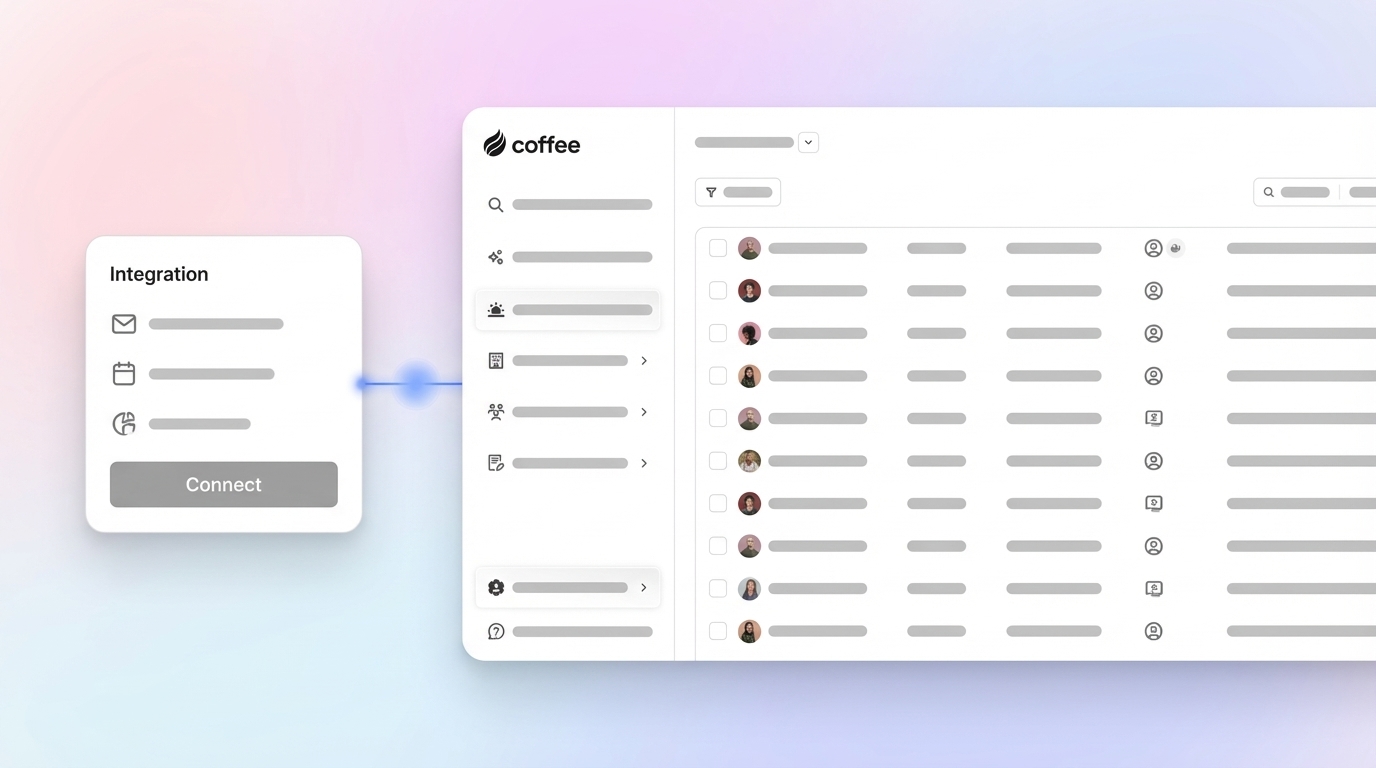
The eight steps above form a complete adoption framework, and they all share a common dependency: reducing the data-entry burden that causes resistance in the first place. Every step in the checklist becomes easier when the agent handles data entry. Rather than requiring reps to manually create contacts and log activities, Coffee connects to Google Workspace or Microsoft 365 and performs these tasks automatically from day one, which removes the friction described earlier.
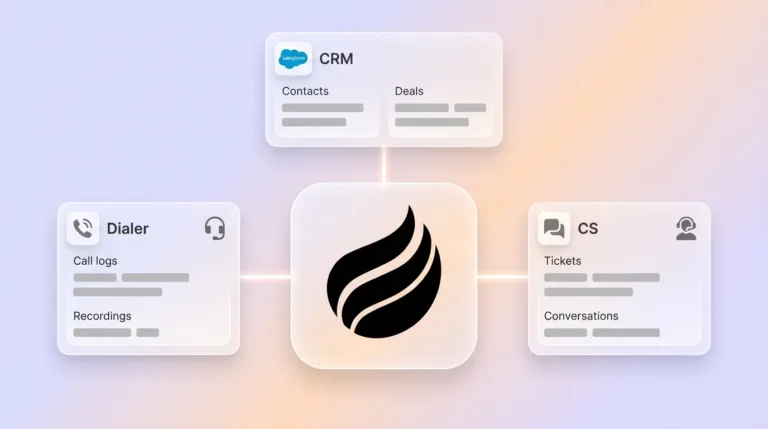
Coffee auto-creates contacts, logs activities, and enriches records with job titles, funding data, and LinkedIn profiles. Call transcripts are ingested and structured against BANT, MEDDIC, or SPICED frameworks so qualification data enters the system without rep effort. Because Coffee stores history in a built-in data warehouse, field updates do not overwrite prior context. Legacy relational databases often overwrite prior values, which causes historical deal intelligence to disappear permanently. The result is a CRM that reps trust because it reflects reality, not because a manager reminded them to update it.

Using CRM Metrics for Coaching and Compensation Instead of Punishment
Punitive tracking, such as flagging reps who missed a log entry, reinforces the perception that the CRM exists to monitor rather than assist. A more effective model ties CRM data quality to coaching conversations and compensation credit. When an agent automatically logs every email, call, and meeting, the data becomes a factual record of rep activity rather than a self-reported estimate.

Managers can use pipeline compare views to identify stalled deals and coach on strategy, not to interrogate whether a rep remembered to update a stage. Salesforce CRM adoption strategies that incorporate gamification and leaderboards, publicly acknowledging top users and running continual usage checks, work best when the underlying data is agent-generated and therefore trustworthy.
90-Day Rollout Timeline with Weekly Milestones
Days 1–14 (Foundation). Connect Coffee to email and calendar so the agent can begin auto-populating contacts and logging activities. Conduct role-specific training tracks that show each group how their workflows appear in the new system. Leadership runs the first pipeline review inside the system to signal that this is now the single source of truth.
Days 15–30 (Configuration). Customize dashboards by role so SDRs, AEs, and managers each see their key views on login. Deploy the AI meeting bot for all customer calls. Establish CRM champions and begin tracking data-quality metrics, not just logins.
Days 31–60 (Reinforcement). Introduce an incentive and recognition program tied to data accuracy. Run weekly pipeline compare reviews using Coffee’s pipeline intelligence to replace spreadsheet exports. Champions surface configuration gaps, and the team iterates on field requirements.
Days 61–90 (Refinement). Review forecast accuracy against pipeline data and adjust coaching cadence based on agent-generated activity reports. For teams running Coffee as a Companion App on Salesforce or HubSpot, validate that enriched data writes back cleanly to the system of record. Driving CRM user adoption at this stage means proving that the CRM produces better outcomes, such as shorter prep time and more accurate forecasts, not just compliance.
Passive Legacy CRMs vs. Agent-Driven Systems
| Capability | Passive Legacy CRM | Agent-Driven System (Coffee) |
|---|---|---|
| Data Entry | Manual, rep-dependent, often requires significant weekly effort from each rep | Automated, agent captures emails, calendars, and transcripts continuously |
| Unstructured Data Handling | Not supported, call transcripts and email text require separate point solutions | Native ingestion, transcripts structured against BANT, MEDDIC, or SPICED automatically |
| Historical Context | Lost on field update, relational database overwrites prior values | Preserved in built-in data warehouse, week-over-week pipeline compare available at any time |
Frequently Asked Questions About Coffee and CRM Adoption
How long does it take to implement Coffee and see adoption results?
Most teams see the agent populating contacts and logging activities shortly after connecting Google Workspace or Microsoft 365. Because reps are not responsible for data entry, adoption friction drops from day one. A full 90-day rollout, including training, incentive alignment, and pipeline review migration, is the recommended timeline for sustainable behavior change across the team.
Can Coffee work alongside an existing Salesforce or HubSpot instance?
Yes. Coffee’s Companion App model deploys the agent as an intelligent layer on top of an existing Salesforce or HubSpot installation. A simple authentication allows the agent to sync data, enrich records, and write insights back to the primary CRM. Teams retain their existing system of record, quotas, forecasting configurations, and required fields while eliminating the manual data-entry burden that causes low adoption.
Is Coffee secure enough for a sales team handling sensitive deal data?
Coffee is SOC 2 Type 2 and GDPR compliant. Customer data is not used to train public AI models. For teams in heavily regulated industries such as healthcare or finance that require multi-year security reviews, Coffee recommends evaluating whether the compliance requirements align with the current certification scope before proceeding.
What data sources does the Coffee Agent pull from?
The agent ingests structured data from emails and calendars via Google Workspace or Microsoft 365, unstructured data from call transcripts recorded through the AI meeting bot on Zoom, Teams, and Google Meet, and enrichment data including job titles, funding rounds, and LinkedIn profiles via licensed data partners. All sources are unified into a single record with full historical context stored in Coffee’s built-in data warehouse.

What measurable outcomes should a sales leader expect after 90 days?
Teams consistently report reps recovering 8–12 hours per week previously lost to manual data entry. Pipeline review preparation time drops because the agent’s compare feature replaces manual CSV exports. Forecast accuracy improves because activity data is agent-generated rather than self-reported. Data completeness rates, such as contact fields populated, activities logged, and next steps recorded, serve as the leading indicators to track in the first 30 days before downstream forecast metrics become meaningful.
Connect Coffee to your workspace and let the agent take over the busywork.